
SlaveMR [Finished] - Version: 2.0
Developer:
SlaveMR
Consider supporting the dev if you like the game and want them to do what they love. Click on dev's link for more info.
Release Date: 8 Fabruary, 2026
Game Size: 243.0 MB
Censorship: Uncensored
Game Engine: Unity
Current Game Version: 2.0 (Finished)
Total Views: 6,250
Post your problem in our Discord server for faster response. Click here to join.
Game Informations
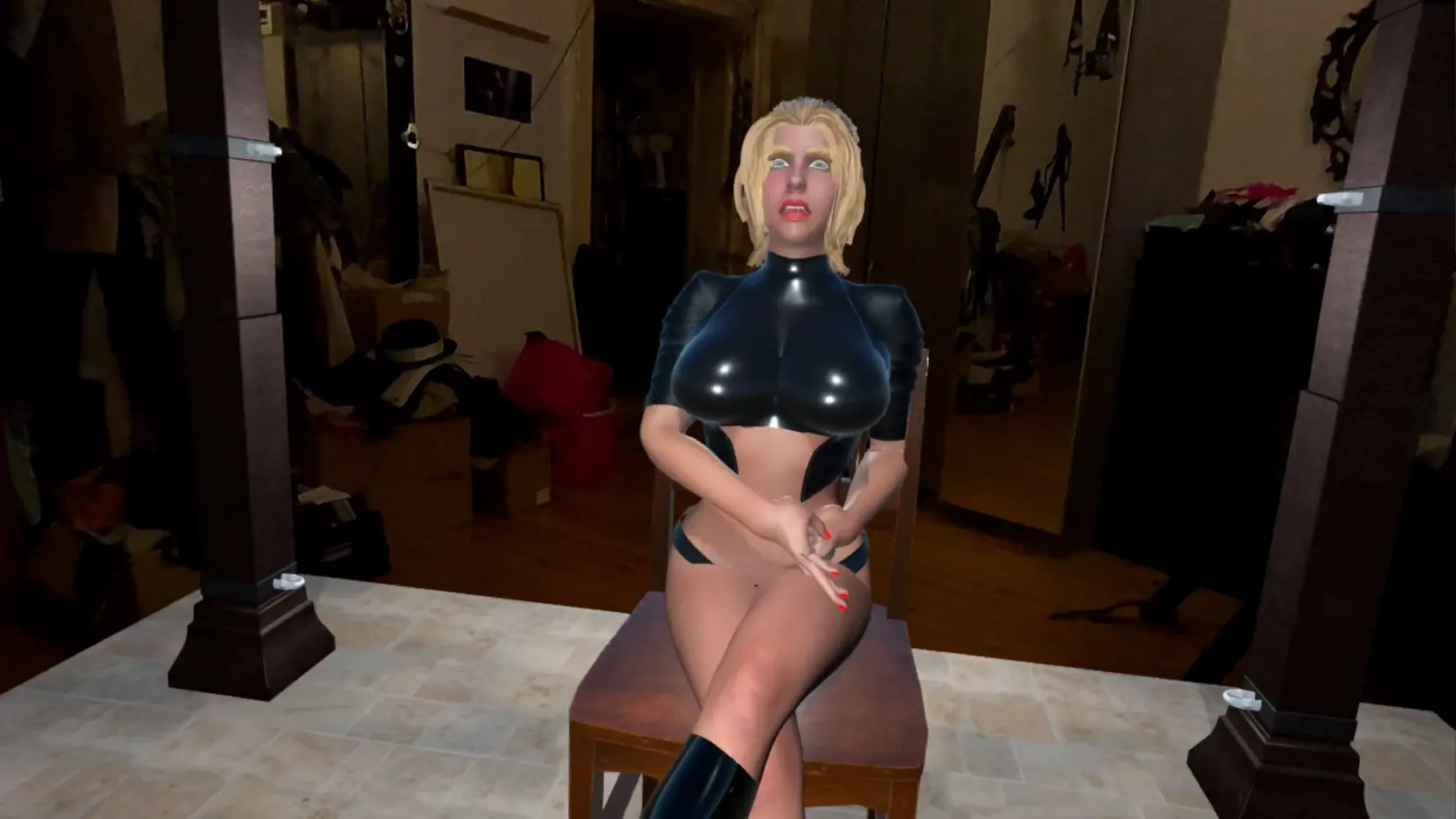
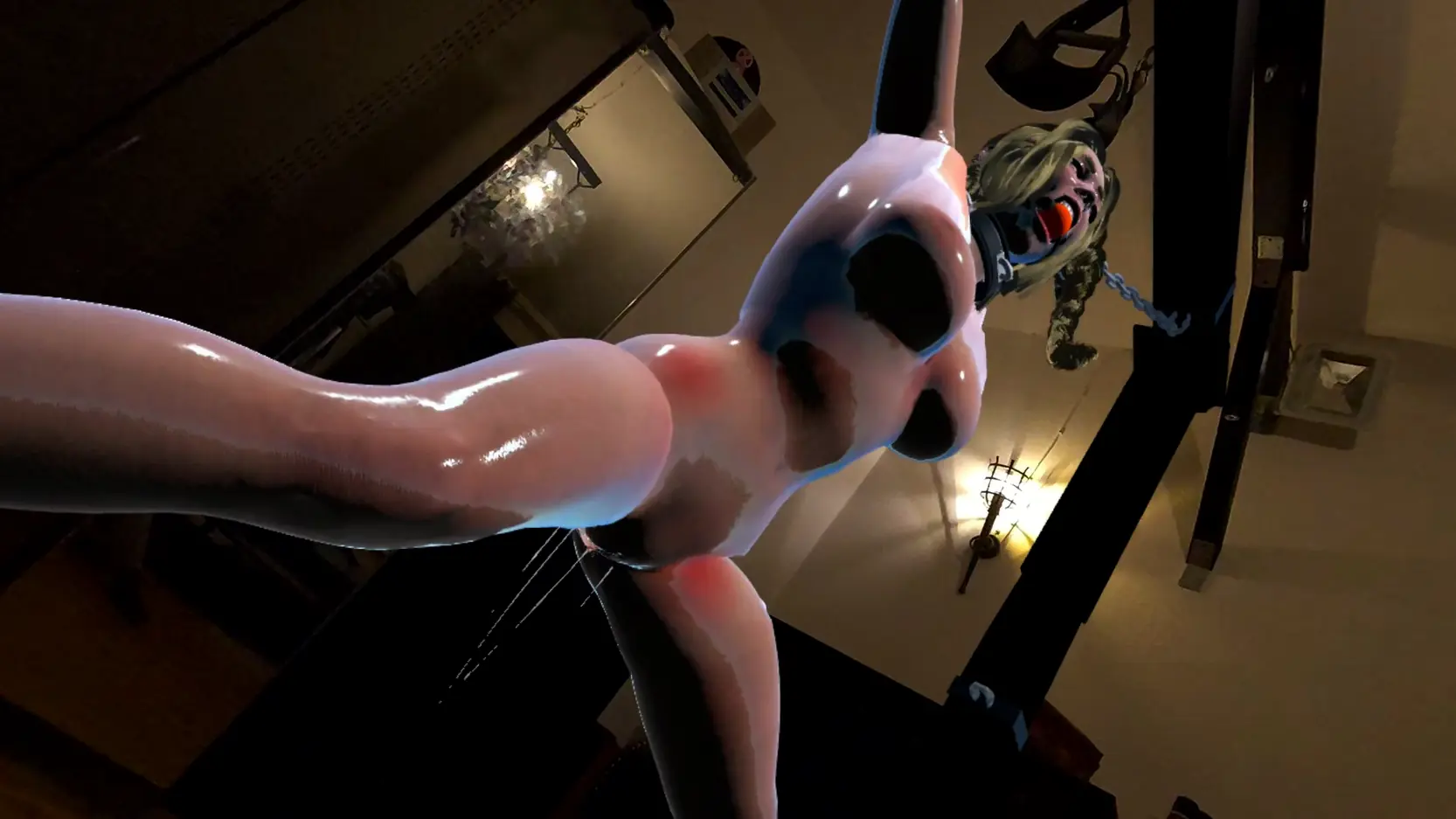
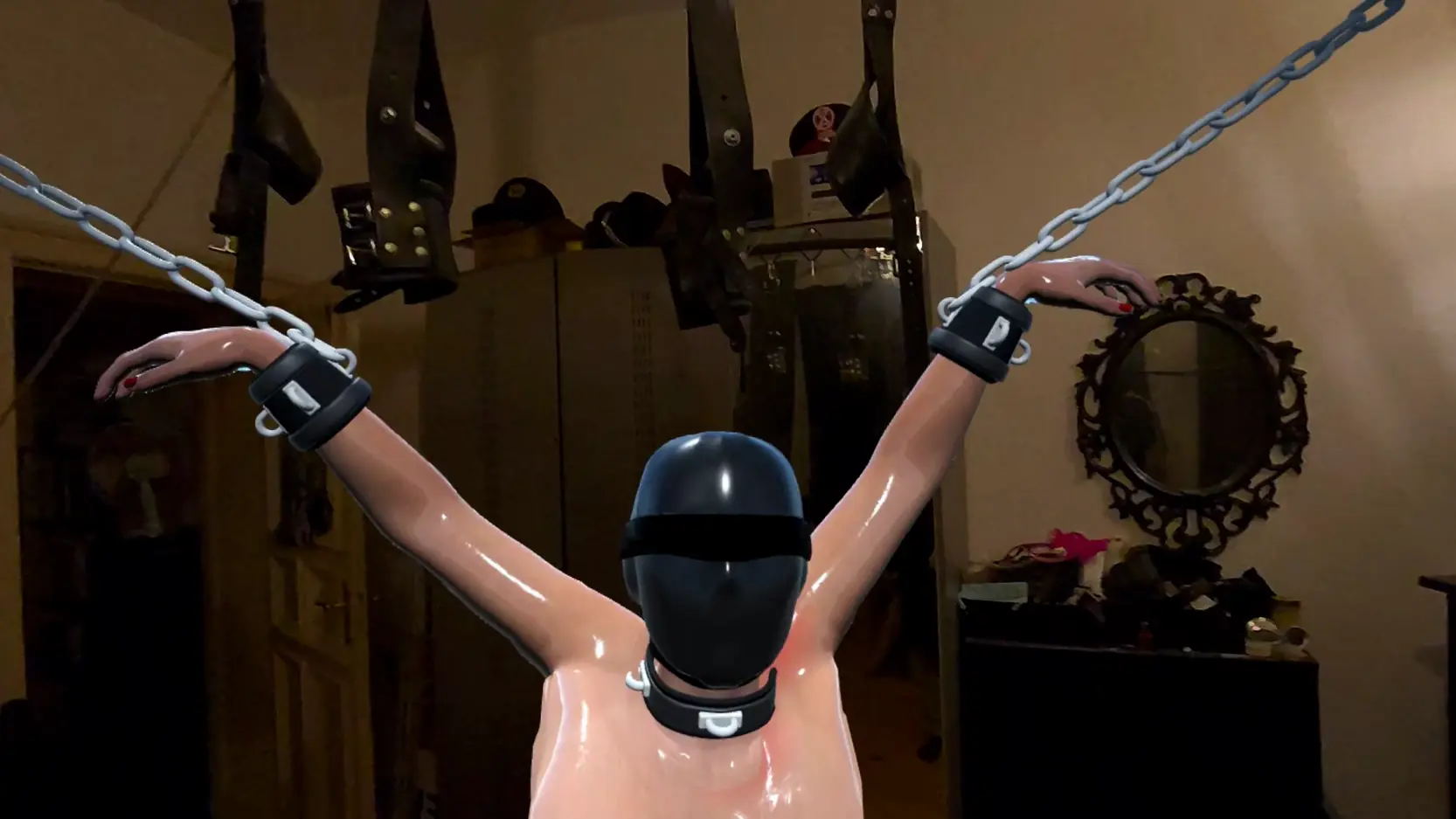
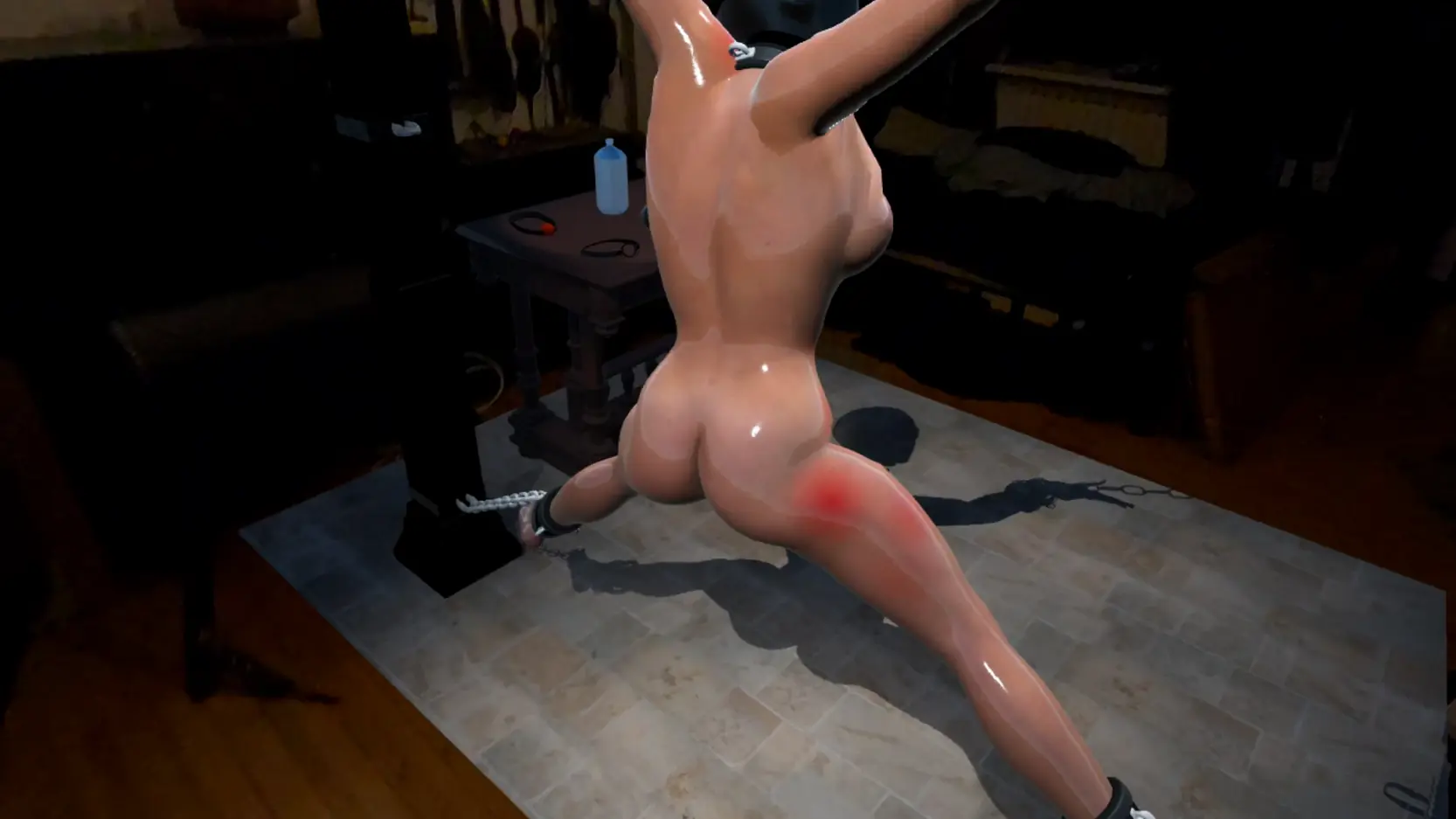
SlaveMR isn’t just another BDSM VR game. It is one of the world’s first erotic simulations to fully support Mixed Reality (Passthrough) technology for Meta Quest or windows. Don’t just enter a virtual world—bring the model directly into your own bedroom, living room, or dungeon. Also it features lifelike Facial Animations, next-Gen Physics, High-Fidelity Visuals and gives you total control about the scene.
How to install?
- FOR QUEST STANDALONE (Wireless / No PC)
- Method 1: Direct Download (No PC required)
1. Install and open the free browser "Wolvic" inside your headset, don't use the default Meta Quest Browser, it would not let you install! Download the .apk file
2. OR: Transfer the downloaded .apk from your PC to your Quest's "Download" folder via USB cable.
3. Install and open the file manager Mobile VR Station.
4. Navigate to: Android fixes -> Show all Options -> See missing downloads -> Open Files All
5. Click on the downloaded .apk file and select "Install".
Video on how to install the APK on your Quest: YouTube - Method 2: SideQuest Note: A PC is required for this method
1. Download the free .apk file to your PC directly from this page.
2. Connect your Quest to your PC via USB.
3. Open SideQuest (Advanced Installer) or Meta Quest Developer Hub.
4. Drag and drop the .apk file into the app to install it. - HOW TO PLAY:
Put on your headset.
Go to your App Library.
Click the search bar/filter and switch from "All" to "Unknown Sources".
Launch [Game Name]. - ️ FOR WINDOWS PC (High Quality VR)
Prerequisites:
You need the Meta Quest Link App installed on your PC, don't use Steam
Your headset must be connected via Link Cable, AirLink, or Virtual Desktop.
Maybe it will work also with other headsets with openXR passthrough
Step 1: Installation
Download the free .zip file
Important: Right-click the file and select "Extract All...". Do not run the game directly from the ZIP file!
Open the extracted folder.
Step 2: Launching & Modes
1. Standard VR Mode: simply double-click the .exe file
2. Mixed Reality / Passthrough Mode:To see your real room instead of the cellar, follow these steps:
Right-click the .exe file and select "Create Shortcut".
Right-click the newly created shortcut and select "Properties".
Locate the "Target" field. Go to the very end of the text line.
Add a space and then type -mr
Example: "...SlaveMR.exe" -mr
Click Apply and OK.
Launch the game using this shortcut.
Press P at any time to toggle between the Virtual Cellar and Mixed Reality (Passthrough) mode manually.
System Requirements:
- Dual Core Pentium or equivalent Processor.
- Intel HD 2000 or equivalent Graphics.
- 243.0 MB of free disk space (Recommended to have twice as much free disk space than this).
SlaveMR - Finished - Version 2.0 Download Links
Confused about how the downloading works? Here is a handy guide
Android APK Buzzheavier Datanodes Mega Pixeldrain Vikingfile
Report only if Mega link or all links except Mega are unavailable. More details about it
What's New in SlaveMR Version - 2.0?
have completely transformed the project based on your feedback. We are moving away from a linear story to a Pure Physics Sandbox Simulation.
You are the director. You set the scene.
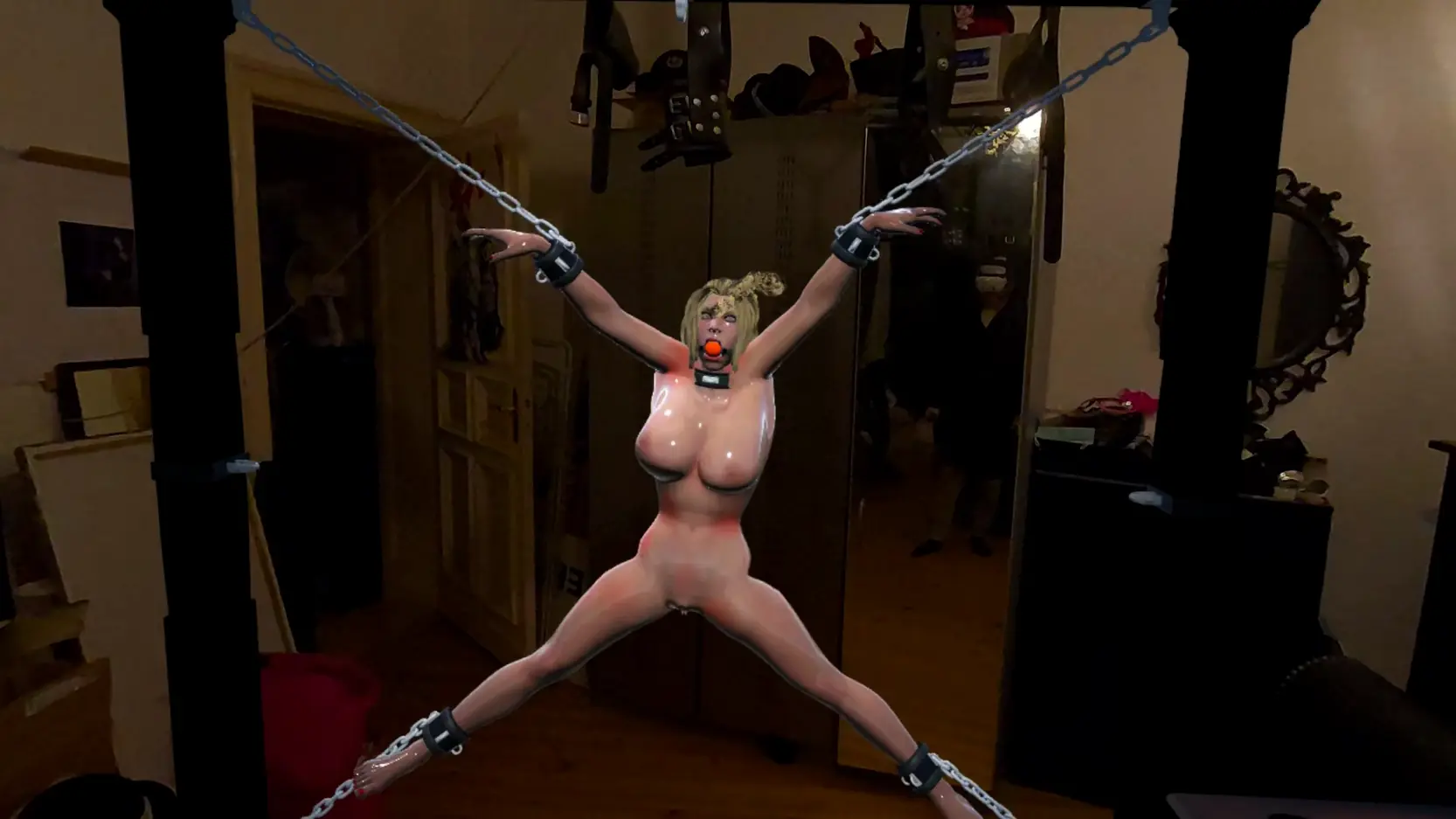
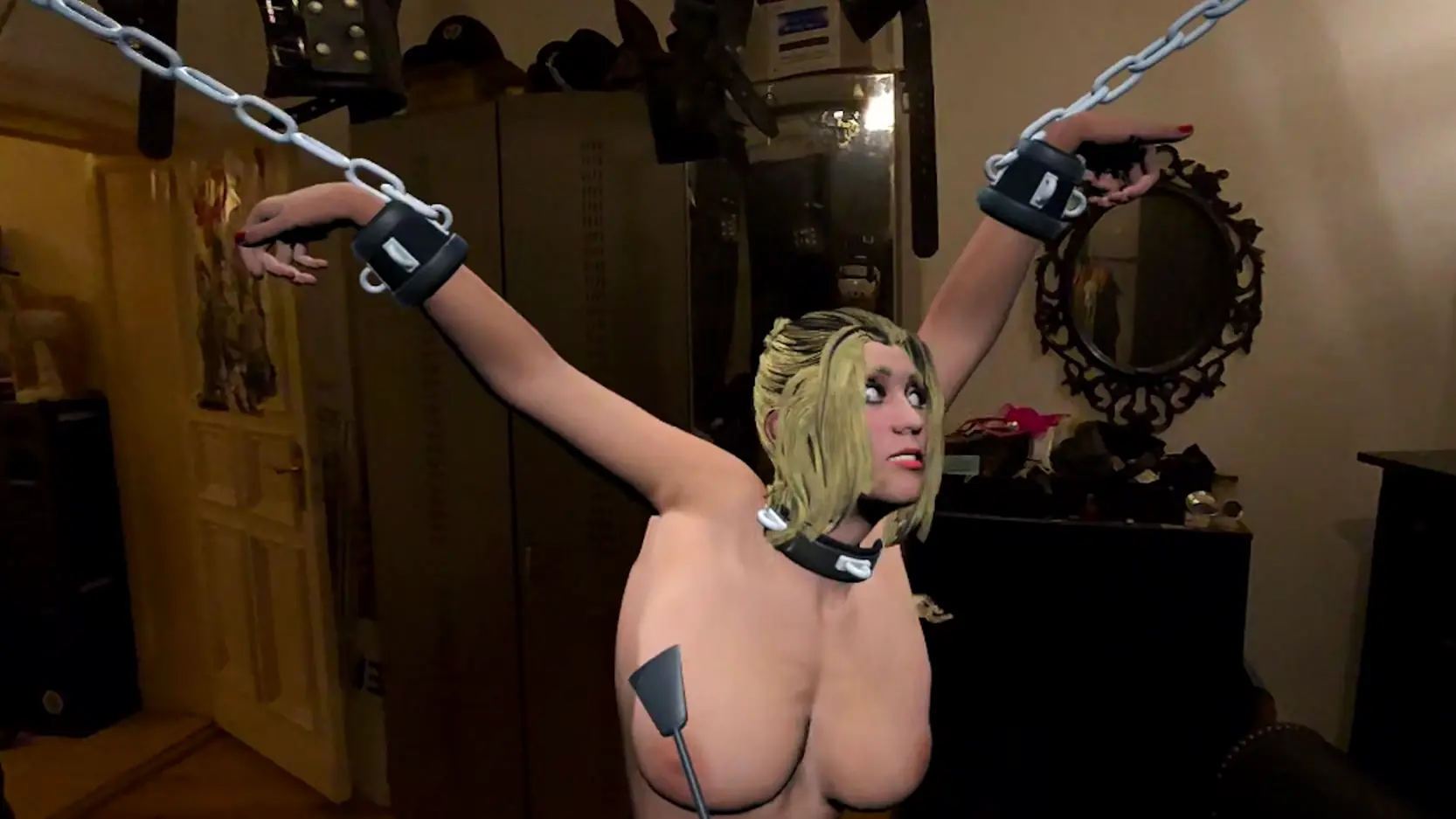
NEW: The Most Flexible Restraint System in computer games? I wanted to create the most realistic and versatile bondage simulation possible.
- 5 Body Cuffs: Wrists, Ankles, Neck.
- 8 Frame Anchors: The frame has anchor points in every corner and the center of every side.
- Total Freedom: You can connect any cuff to any anchor point.
- Adjustable Chain Length: This is the game changer. You can adjust the length of every single chain individually and smoothly.
- The Result: From strict suspension to loose confinement on the floor – with over 30,000 possible setup combinations, you have total control over her position.
NEW: Wardrobe & Color Customization
- 14 Sexy Items: Dress her up (or down).
- RGB Color Picker: I didn’t just add clothes. I added a full color slider. You can change the color of every clothing piece smoothly to match your personal taste. Latex Red? Deep Black? Innocent White? It’s your choice.
- Body Sliders: Customize her physical proportions to your liking.
- Blindfold: Added a usable blindfold to the table.
Important Changes:
- Intro Removed: To focus on the sandbox experience, the intro sequence is gone. You spawn directly in the dungeon or your sleeping room in mixed reality mode.
- Visual Upgrade: The character model has been replaced with a higher fidelity version.
Porn Games of interest:






- Do not post same comment twice, your pending comment will be moderated, approved and replied by a stuff soon.
- Do Not ask for new updates/"when it will release" etc unless it is already released by developers. We do not develop games, use common sense.
- Use English Language only.
- You can click the bell icon before commenting to get mail whenever someone replies your comment. Great way to be notified if you are posting questions, be sure to provide correct email in that case.
- If you want to ask features of games like Bugfixing, save file support, new content ideas etc then please contact the game developer, SlaveMR .
- You can help us by reporting dead links, wrong informations, new available updates etc in the comment section.
If you have a problem, post in these links. Keep Comment section clean
New Update?
Request here
Install Problems?
Post your problems here
Broken Links?
Let us know here
Bugs in game?
Use this forum to report it