
Taffy Tales [Ongoing] - Version: S2 Redux Demo


 (682 votes, average: 3.85 out of 5)
Developer:
UberPie
Consider supporting the dev if you like the game and want them to do what they love. Click on dev's link for more info.
Release Date: 17 January, 2026
Game Size: 770.37 MB
Censorship: Uncensored
Game Engine: Unity
Current Game Version: S2 Redux Demo (Ongoing)
Total Views: 924.1K
Post your problem in our Discord server for faster response. Click here to join.
Game Informations
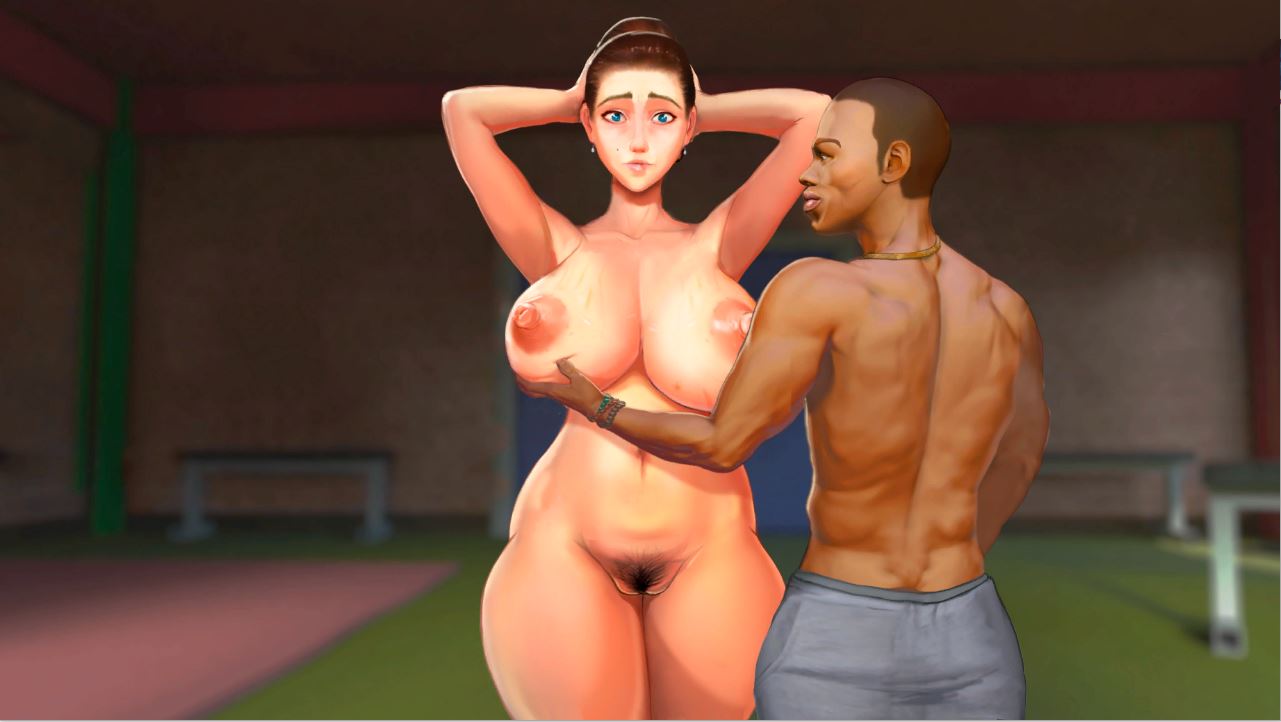
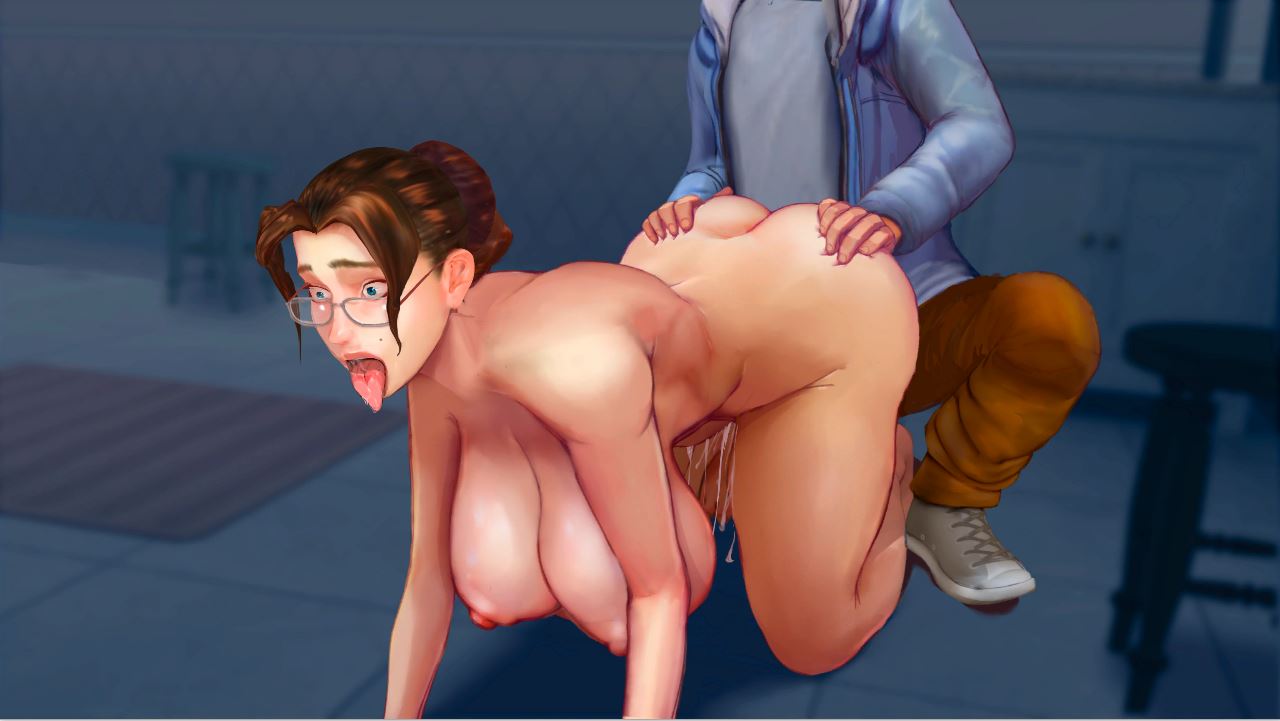
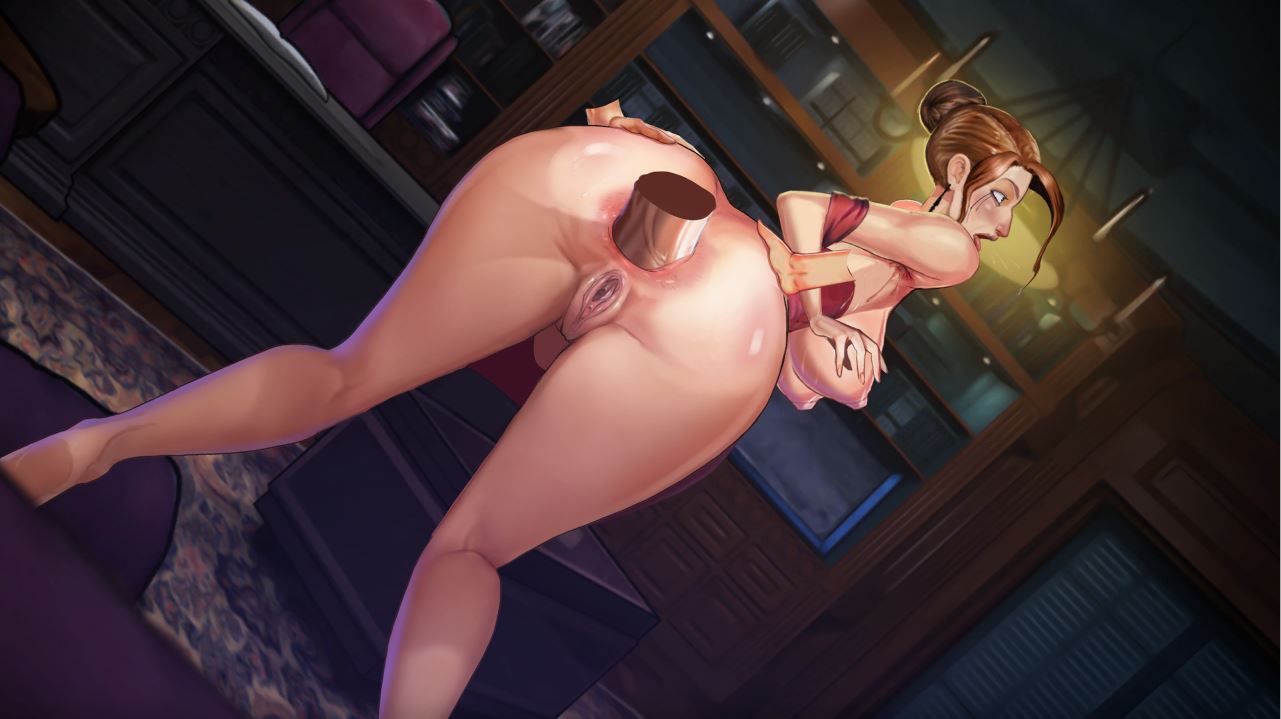
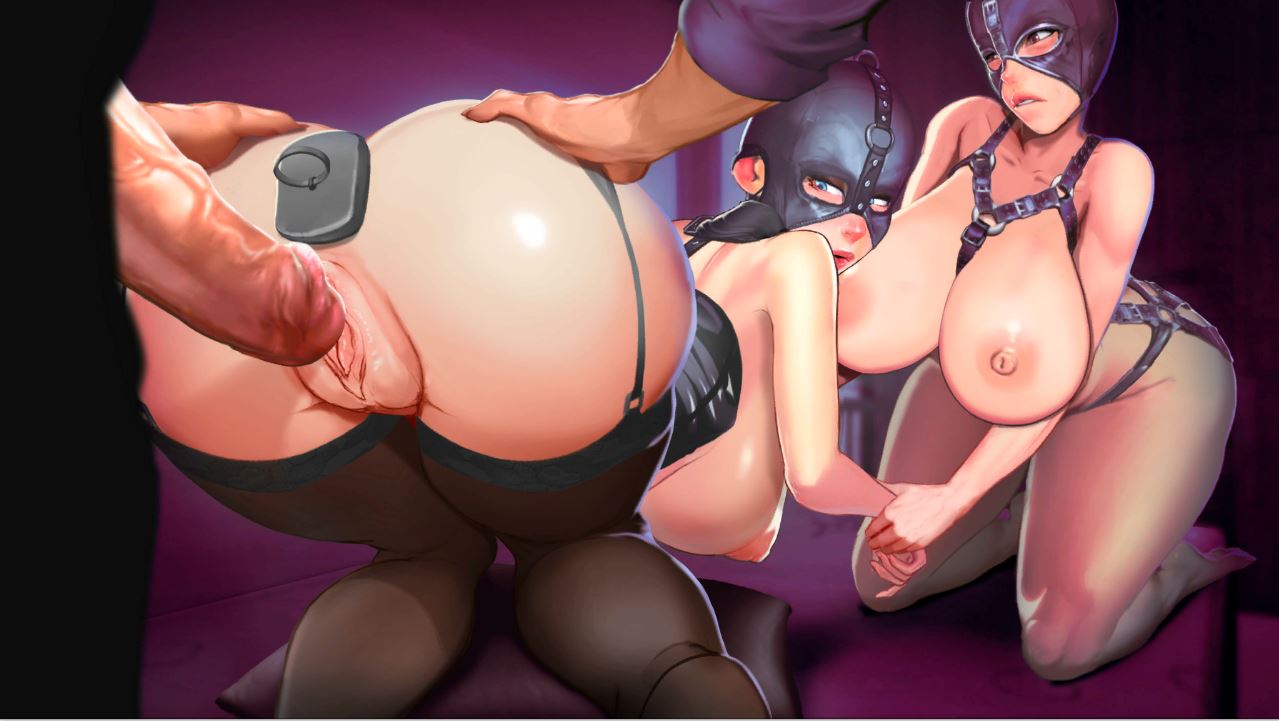
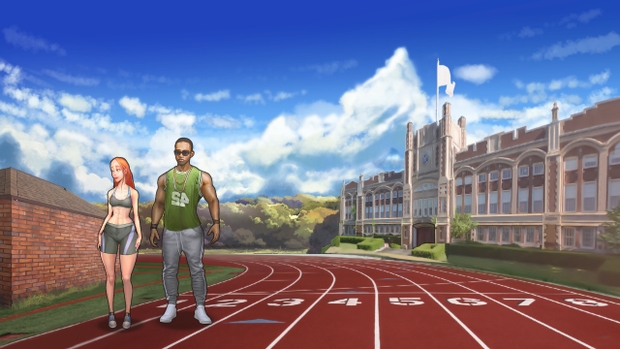
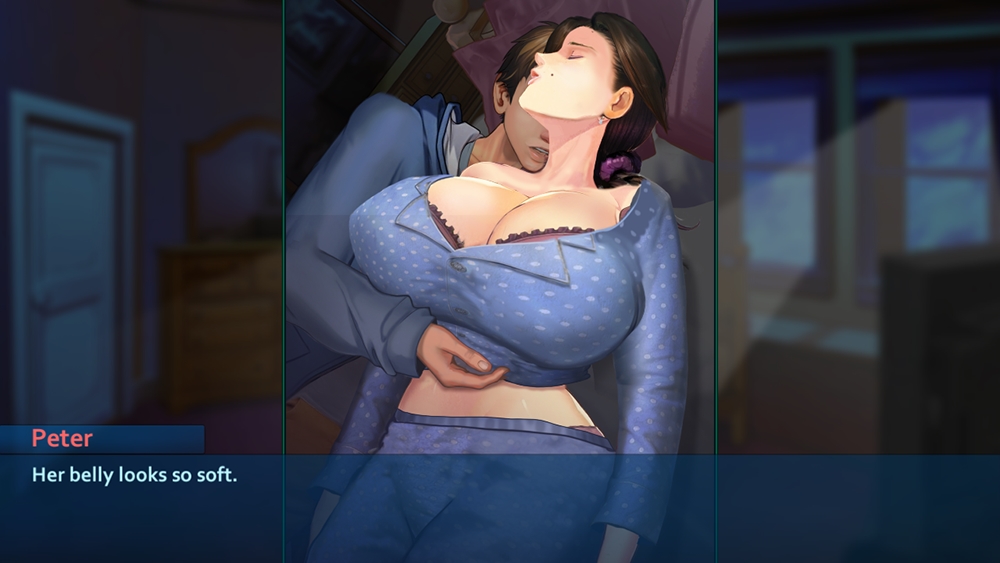
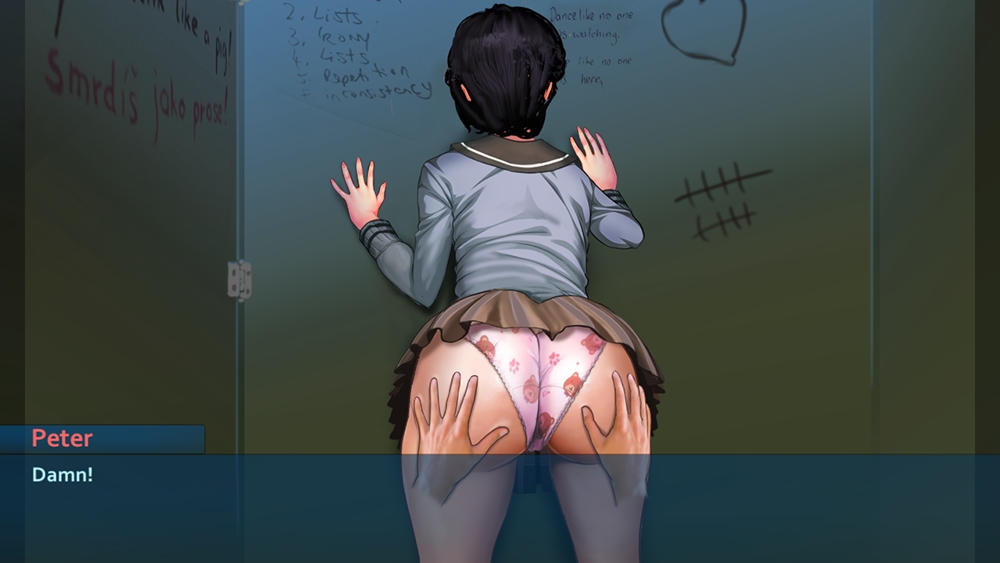
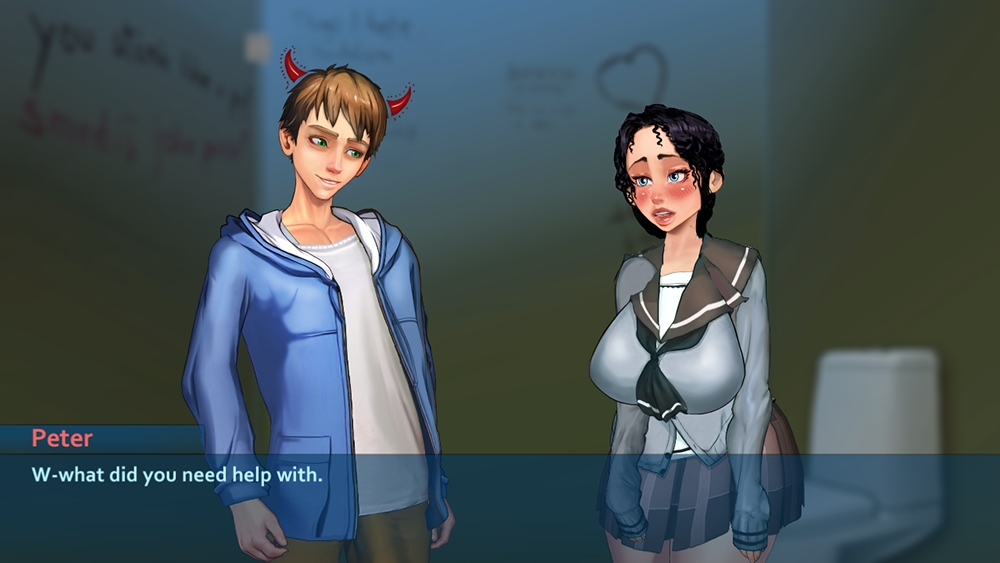
In “Taffy Tales” you will see the story of a regular guy with a split personality and his journey in a small town where almost every common citizen has his uncommon dark side. Dozens of characters with their families and relations, an original story, lots of side quests and a lot of adult art awaits you!
The NTR in Taffy Tales is both completely optional and very easily avoidable.

How to install?
- Extract to desired location.
- Click on "executable_name.exe" to start playing.
- Patch Installation Guide:
Please follow these steps carefully to avoid any issues!
For PC, Mac, and Linux users:
Download the patch file for your corresponding platform from the links above. Do not unzip the file.
Open the game, go to the main menu, and click on the 'Mods' button.
In the window that appears, click the 'Install' button and navigate to the location of the patch file you just downloaded.
After the installation is complete, the name of the patch will appear in your list of mods.
Close the window and continue your game. - For Android users:
Download and install the latest version of the game.
Download the patch for the Android version.
Extract the contents of the downloaded archive to a convenient location (for example, your 'Downloads' folder).
Launch the game, and from the main menu, open the mods menu by tapping the 'Mods' button.
Tap the 'Install' button, and in the window that appears, tap 'Browse'.
You now need to grant the game access to the folder where you extracted the patch files.
Navigate to the folder you unpacked earlier and tap 'Use this folder'.
IMPORTANT: You are selecting the entire folder, not a single file.
Select the mod archive file and tap 'Select'.
The mod is now installed. You can close the mods window.
System Requirements:
- Dual Core Pentium or equivalent Processor.
- Intel HD 2000 or equivalent Graphics.
- 770.37 MB of free disk space (Recommended to have twice as much free disk space than this).
Taffy Tales - Ongoing - Version S2 Redux Demo Download Links
Confused about how the downloading works? Here is a handy guide
Android APK Fileknot (Season 2 - Demo Redux) Transfaze (Season 2 - Demo Redux) Fileknot (Season 1 - v1.1.55 Redux Unpatched) Transfaze (Season 1 - v1.1.55 Redux Unpatched) Fileknot (Patch for Season 1 - v1.1.55 Redux) Transfaze (Patch for Season 1 - v1.1.55 Redux) Fileknot (Season 5 v1.07.3c x64) Transfaze (Season 5 v1.07.3c x64) Fileknot (Season 1-4 v0.89.8c) Transfaze (Season 1-4 v0.89.8c)
Mac OS Fileknot (Season 2 - Demo Redux) Transfaze (Season 2 - Demo Redux) Fileknot (Season 1 - v1.1.55 Redux Unpatched) Transfaze (Season 1 - v1.1.55 Redux Unpatched) Fileknot (Patch for Season 1 - v1.1.55 Redux) Transfaze (Patch for Season 1 - v1.1.55 Redux) Fileknot (Season 5 v1.07.3c) Transfaze (Season 5 v1.07.3c) Fileknot (Season 1-4 v0.89.8c) Transfaze (Season 1-4 v0.89.8c)
Linux Fileknot (Season 2 - Demo Redux) Transfaze (Season 2 - Demo Redux) Fileknot (Season 1 - v1.1.55 Redux Unpatched) Transfaze (Season 1 - v1.1.55 Redux Unpatched) Fileknot (Patch for Season 1 - v1.1.55 Redux) Transfaze (Patch for Season 1 - v1.1.55 Redux) Fileknot (Season 5 v1.07.3c) Transfaze (Season 5 v1.07.3c) Fileknot (Season 1-4 v0.89.8c) Transfaze (Season 1-4 v0.89.8c)
Android APK Buzzheavier (Season 2 - Demo Redux) Datanodes (Season 2 - Demo Redux) Mega (Season 2 - Demo Redux) Pixeldrain (Season 2 - Demo Redux) Vikingfile (Season 2 - Demo Redux) Gofile (Season 1 - v1.1.55 Redux Unpatched) Mega (Season 1 - v1.1.55 Redux Unpatched) Mixdrop (Season 1 - v1.1.55 Redux Unpatched) Pixeldrain (Season 1 - v1.1.55 Redux Unpatched) Workupload (Season 1 - v1.1.55 Redux Unpatched) Gofile (Patch for Season 1 - v1.1.55 Redux) Mega (Patch for Season 1 - v1.1.55 Redux) Mixdrop (Patch for Season 1 - v1.1.55 Redux) Pixeldrain (Patch for Season 1 - v1.1.55 Redux) Workupload (Patch for Season 1 - v1.1.55 Redux) Gofile (Season 5 v1.07.3c x64) Mega (Season 5 v1.07.3c x64) Mixdrop (Season 5 v1.07.3c x64) Pixeldrain (Season 5 v1.07.3c x64) Workupload (Season 5 v1.07.3c x64) Mediafire (Season 1-4 v0.89.8c) Mega (Season 1-4 v0.89.8c) Mixdrop (Season 1-4 v0.89.8c) Pixeldrain (Season 1-4 v0.89.8c) Workupload (Season 1-4 v0.89.8c)
Mac OS Buzzheavier (Season 2 - Demo Redux) Datanodes (Season 2 - Demo Redux) Mega (Season 2 - Demo Redux) Pixeldrain (Season 2 - Demo Redux) Vikingfile (Season 2 - Demo Redux) Gofile (Season 1 - v1.1.55 Redux Unpatched) Mega (Season 1 - v1.1.55 Redux Unpatched) Mixdrop (Season 1 - v1.1.55 Redux Unpatched) Pixeldrain (Season 1 - v1.1.55 Redux Unpatched) Workupload (Season 1 - v1.1.55 Redux Unpatched) Gofile (Patch for Season 1 - v1.1.55 Redux) Mega (Patch for Season 1 - v1.1.55 Redux) Mixdrop (Patch for Season 1 - v1.1.55 Redux) Pixeldrain (Patch for Season 1 - v1.1.55 Redux) Workupload (Patch for Season 1 - v1.1.55 Redux) Gofile (Season 5 v1.07.3c) Mega (Season 5 v1.07.3c) Mixdrop (Season 5 v1.07.3c) Pixeldrain (Season 5 v1.07.3c) Workupload (Season 5 v1.07.3c) Mediafire (Season 1-4 v0.89.8c) Mega (Season 1-4 v0.89.8c) Mixdrop (Season 1-4 v0.89.8c) Pixeldrain (Season 1-4 v0.89.8c) Workupload (Season 1-4 v0.89.8c)
Linux Buzzheavier (Season 2 - Demo Redux) Datanodes (Season 2 - Demo Redux) Mega (Season 2 - Demo Redux) Pixeldrain (Season 2 - Demo Redux) Vikingfile (Season 2 - Demo Redux) Gofile (Season 1 - v1.1.55 Redux Unpatched) Mega (Season 1 - v1.1.55 Redux Unpatched) Mixdrop (Season 1 - v1.1.55 Redux Unpatched) Pixeldrain (Season 1 - v1.1.55 Redux Unpatched) Workupload (Season 1 - v1.1.55 Redux Unpatched) Gofile (Patch for Season 1 - v1.1.55 Redux) Mega (Patch for Season 1 - v1.1.55 Redux) Mixdrop (Patch for Season 1 - v1.1.55 Redux) Pixeldrain (Patch for Season 1 - v1.1.55 Redux) Workupload (Patch for Season 1 - v1.1.55 Redux) Gofile (Season 5 v1.07.3c) Mega (Season 5 v1.07.3c) Mixdrop (Season 5 v1.07.3c) Pixeldrain (Season 5 v1.07.3c) Workupload (Season 5 v1.07.3c) Mediafire (Season 1-4 v0.89.8c) Mega (Season 1-4 v0.89.8c) Mixdrop (Season 1-4 v0.89.8c) Pixeldrain (Season 1-4 v0.89.8c) Workupload (Season 1-4 v0.89.8c)
Report only if Mega link or all links except Mega are unavailable. More details about it
Walkthrough and Guide
Cheat Code:Tiffany's computer password: RedQueen
Season 1 Redux - taffytown
Season 5 (v1.07.3c) Codes:
Save Code: ariona
Cheat Code: theora
Code for Tiffany's box is 06310
Beatrix laptop password: KittenSickSadism
Season 1-4 (0.89.8a) Codes:
save code: ocusar
cheat: dilder
Full Gallery (S1 Redux Version): FILEKNOT - ANONZIP
Full Gallery Installation:
Unzip it on
%userprofile%\AppData\LocalLow\UberPie\Taffy Tales Redux Season 1
Gallery Unlock Season 5 (v1.07.3c): FILEKNOT - ANONZIP
Gallery unlock Season 1-4 (v0.89.8c): FILEKNOT - ANONZIP
Gallery unlock Installation:
Just extract to the TaffyTales game folder and "overwrite".
Save Editor (v0.85.1a): FILEKNOT - ANONZIP
Save Editor Installation:
Save Editor Features:
- Rename your characters
- Unlock your gallery
- Change the in game date and time
- Manage money, stats, days
- Teleport to other locations
- Change your completed and active quests
- Manage the items in your inventory
- Change your choice about the contents allowed
- Change any value of your save
Save Editor locations:
Linux: ~/.config/unity3d/UberPie/TaffyTales/prefs
Mac: ~/Library/Preferences/unity.uberpie.taffytales.plist
Windows: HKEY_CURRENT_USER\SOFTWARE\UberPie\TaffyTales
Android (requires root): /data/data/com.UberPie.TaffyTales/shared_prefs/com.UberPie.TaffyTales.v2.playerprefs.xml
Porn Games of interest:





- Do not post same comment twice, your pending comment will be moderated, approved and replied by a stuff soon.
- Do Not ask for new updates/"when it will release" etc unless it is already released by developers. We do not develop games, use common sense.
- Use English Language only.
- You can click the bell icon before commenting to get mail whenever someone replies your comment. Great way to be notified if you are posting questions, be sure to provide correct email in that case.
- If you want to ask features of games like Bugfixing, save file support, new content ideas etc then please contact the game developer, UberPie .
- You can help us by reporting dead links, wrong informations, new available updates etc in the comment section.
If you have a problem, post in these links. Keep Comment section clean
New Update?
Request here
Install Problems?
Post your problems here
Broken Links?
Let us know here
Bugs in game?
Use this forum to report it