

Star Periphery [Ongoing] - Version: R7.7
Developer:
VoidPilgrim
Consider supporting the dev if you like the game and want them to do what they love. Click on dev's link for more info.
Release Date: 22 September, 2026
Game Size: 2.03 GB
Censorship: Uncensored
Game Engine: Ren'py
Current Game Version: R7.7 (Ongoing)
Total Views: 68.7K
Please co-operate with us by reporting dead links, bugs, wrong info, new games updates and any idea in comment section.
Post your problem in our Discord server for faster response. Click here to join.
Post your problem in our Discord server for faster response. Click here to join.
3DCGAhegaoAnal SexBDSMBig AssBig TitsCreampieDating SimDrugsFemale DominationFuta/transGraphic ViolenceGropingGroup SexHandjobHaremHumiliationInternal ViewInterracialMale ProtagonistMILFMobile GameMonster GirlMultiple EndingsMultiple penetrationOral SexProstitutionRomanceRPGSandboxSci-FiSex ToysSexual HarassmentSissificationSpankingTeasingTentaclesTitfuckTrapVirginVoyeurism
Game Informations
Exclusively futadom/futa on femboy retro sci-fi adventure game focused on atmosphere and immersion.
v0.6.5: The entire game was reworked from the ground up. As such, regrettably, there is no way to make the old saves compatible.






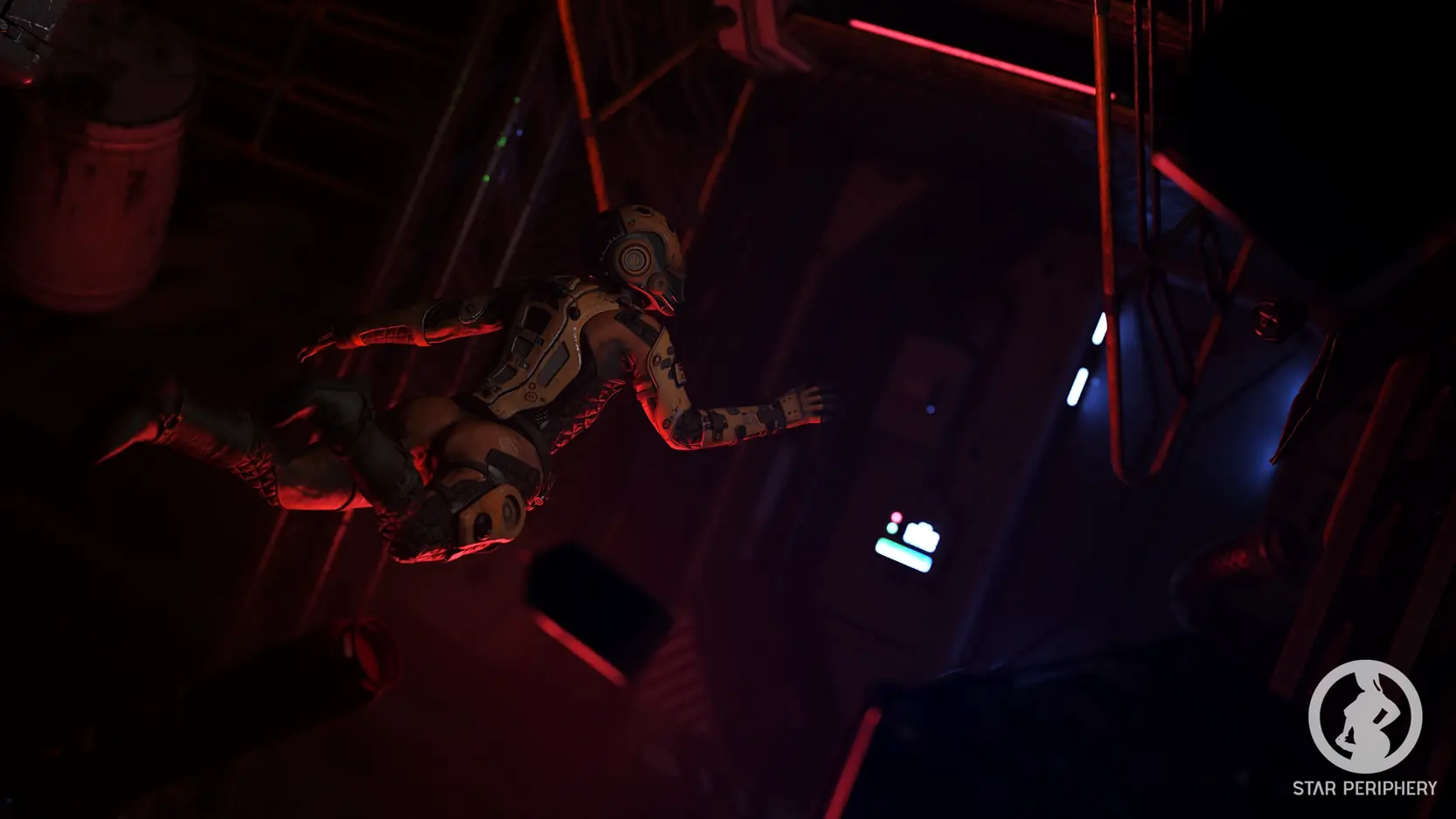

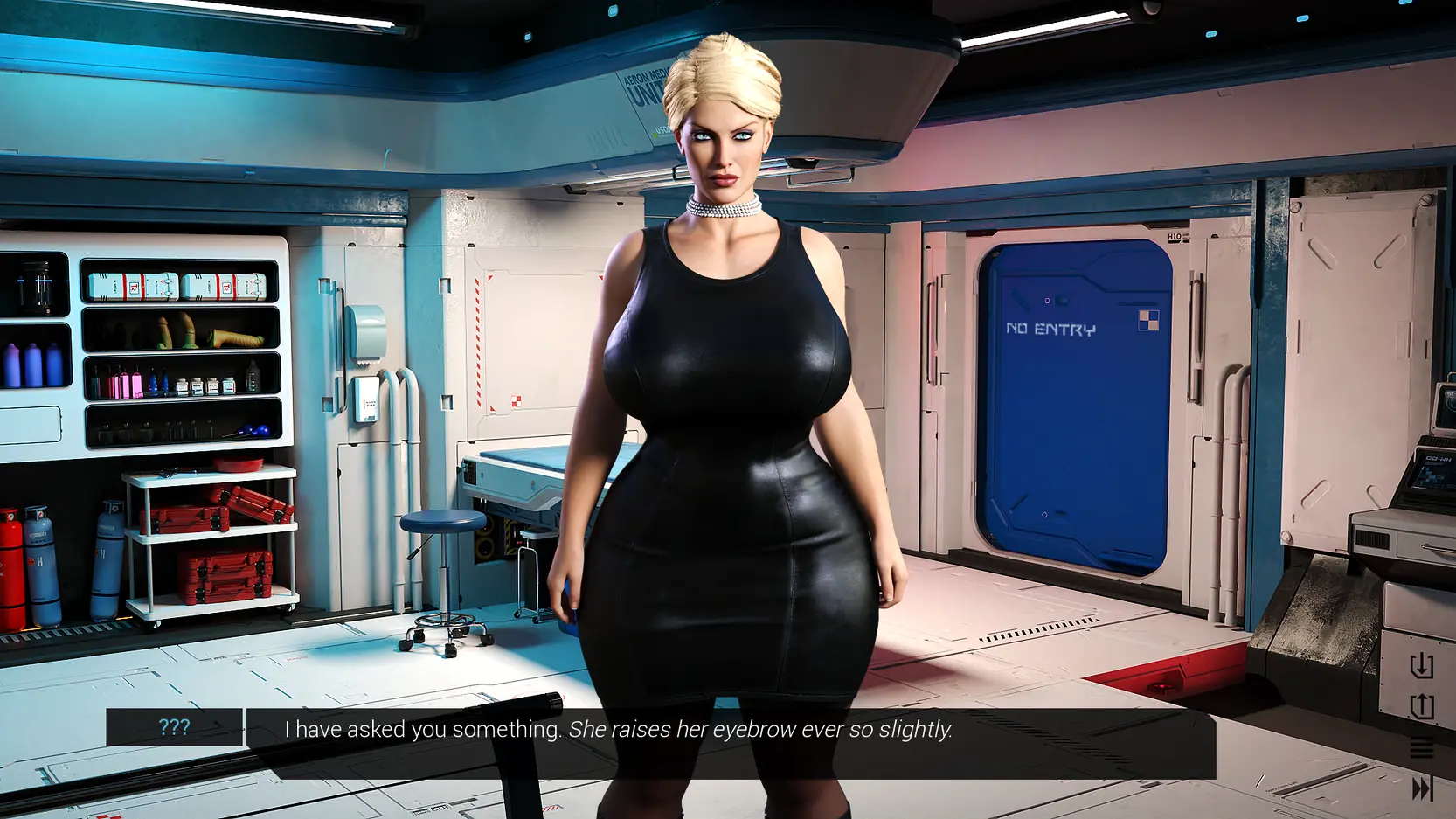
Our site does not work properly with Adblock. The image gallery of Star Periphery above should work without adblock. We keep ads and pop ups minimum so please whitelist us (Learn how).
How to install?
- Extract and run.
System Requirements:
- Dual Core Pentium or equivalent Processor.
- Intel HD 2000 or equivalent Graphics.
- 2.03 GB of free disk space (Recommended to have twice as much free disk space than this).
This game is available to play online for free!
Play OnlineStar Periphery - Ongoing - Version R7.7 Download Links
Confused about how the downloading works? Here is a handy guide
Windows Fileknot Transfaze
Android APK Fileknot Transfaze
Mac OS Fileknot Transfaze
Linux Fileknot Transfaze
Android APK Fileknot Transfaze
Mac OS Fileknot Transfaze
Linux Fileknot Transfaze
Windows Bzzhr Datanodes Mega Pixeldrain Vikingfile
Android APK Bzzhr Datanodes Mega Pixeldrain Vikingfile
Mac OS Bzzhr Datanodes Mega Pixeldrain Vikingfile
Linux Bzzhr Datanodes Mega Pixeldrain Vikingfile
Android APK Bzzhr Datanodes Mega Pixeldrain Vikingfile
Mac OS Bzzhr Datanodes Mega Pixeldrain Vikingfile
Linux Bzzhr Datanodes Mega Pixeldrain Vikingfile
Report Broken Links
Report only if Mega link or all links except Mega are unavailable. More details about it
Report only if Mega link or all links except Mega are unavailable. More details about it
Copyright and Terms: Lewdzone is a crawling site. We post games like Star Periphery from trusted sources like Patreon official release, creator's official site and F95. We only share links of files provided by those sources. We do not include/exclude anything to/from the packages. We do not host those files and those files are hosted in public file sharing server and by the ToS of those servers, it is legal to share any public files. For example, sharing files publicly in mega.co.nz allows us to crawl the files. If you are the creator of Star Periphery then please claim copyright to those file sharing service's official DMCA form. And if you are a visitor and worrying about malwares, do not worry, we do not inject anything. Have fun.
Walkthrough and Guide
Gallery Unlocker: FILEKNOT- MEGA - PIXELDRAINGallery Unlocker Installation:
Unpack the "gallery_unlock.zip" and place the file "gallery_unlock.rpy" in your "Game" folder.
How to import old saves/saves troubleshooting guide:
A do-once, permanent solution to "saves wonky/missing" problem, for Windows:
1) Grab the new build, run it once. Close it. That will create a new folder, like C:\Users\Your_user_name\AppData\Roaming\RenPy\StarPeriphery
2) Find the old saves you want to transfer to the new game version.
They can be in a folder like C:\Users\Your_user_name\AppData\Roaming\RenPy\StarPeriphery-SOMENUMBERS666288
Or, in a /saves folder, inside the main folder of the old build you played before.
3) Move these old saves to the new folder, C:\Users\Your_user_name\AppData\Roaming\RenPy\StarPeriphery <- WITHOUT any numbers suffix
4) Run the new build, see saves appear. If they don't, repeat steps 1-4 till they do.
5) After you have moved your saves, you will never need to do that again. Each new build of SP will store its saves in that same Appdata/StarPeriphery folder.
6) You can delet the Appdata/StarPeriphery-numbersnumbers folder, as it's been unused for 2 releases as of now.
What's New in Star Periphery Version - R7.7?
Hotfix
Porn Games of interest:






Comment Rules:
- Do not post same comment twice, your pending comment will be moderated, approved and replied by a stuff soon.
- Do Not ask for new updates/"when it will release" etc unless it is already released by developers. We do not develop games, use common sense.
- Use English Language only.
- You can click the bell icon before commenting to get mail whenever someone replies your comment. Great way to be notified if you are posting questions, be sure to provide correct email in that case.
- If you want to ask features of games like Bugfixing, save file support, new content ideas etc then please contact the game developer, VoidPilgrim .
- You can help us by reporting dead links, wrong informations, new available updates etc in the comment section.
Subscribe
20 Comments
If you have a problem, post in these links. Keep Comment section clean
New Update?
Request here
Install Problems?
Post your problems here
Broken Links?
Let us know here
Bugs in game?
Use this forum to report it