

LonaRPG [Ongoing] - Version: B.0.10.8.12
Developer:
EccmA417
Consider supporting the dev if you like the game and want them to do what they love. Click on dev's link for more info.
Release Date: 05 August, 2026
Game Size: 670.5 MB
Censorship: Uncensored
Game Engine: RPGM
Current Game Version: B.0.10.8.12 (Ongoing)
Total Views: 397.5K
Please co-operate with us by reporting dead links, bugs, wrong info, new games updates and any idea in comment section.
Post your problem in our Discord server for faster response. Click here to join.
Post your problem in our Discord server for faster response. Click here to join.
2D Game2DCGAdventureAnal SexAnimatedBestialityBukkakeCombatCreampieFantasyFemale ProtagonistGraphic ViolenceGroup SexMonsterMultiple penetrationOral SexPregnancyProstitutionRapeRPGSandboxScatSlaveUrinationVaginal SexVirgin
Game Informations
Cold… Grim… Unforgiving… Deadly… This is the world of LonaRPG.
Play the story of a young woman named Lona, who must survive in this gothic and cruel world.
Explore a grimdark, twisted, and open world where one little mistake can cost Lona her life…
Can you help Lona survive? (And protect her smile?)
***Saves before Beta.0.10.8.0 will not work***
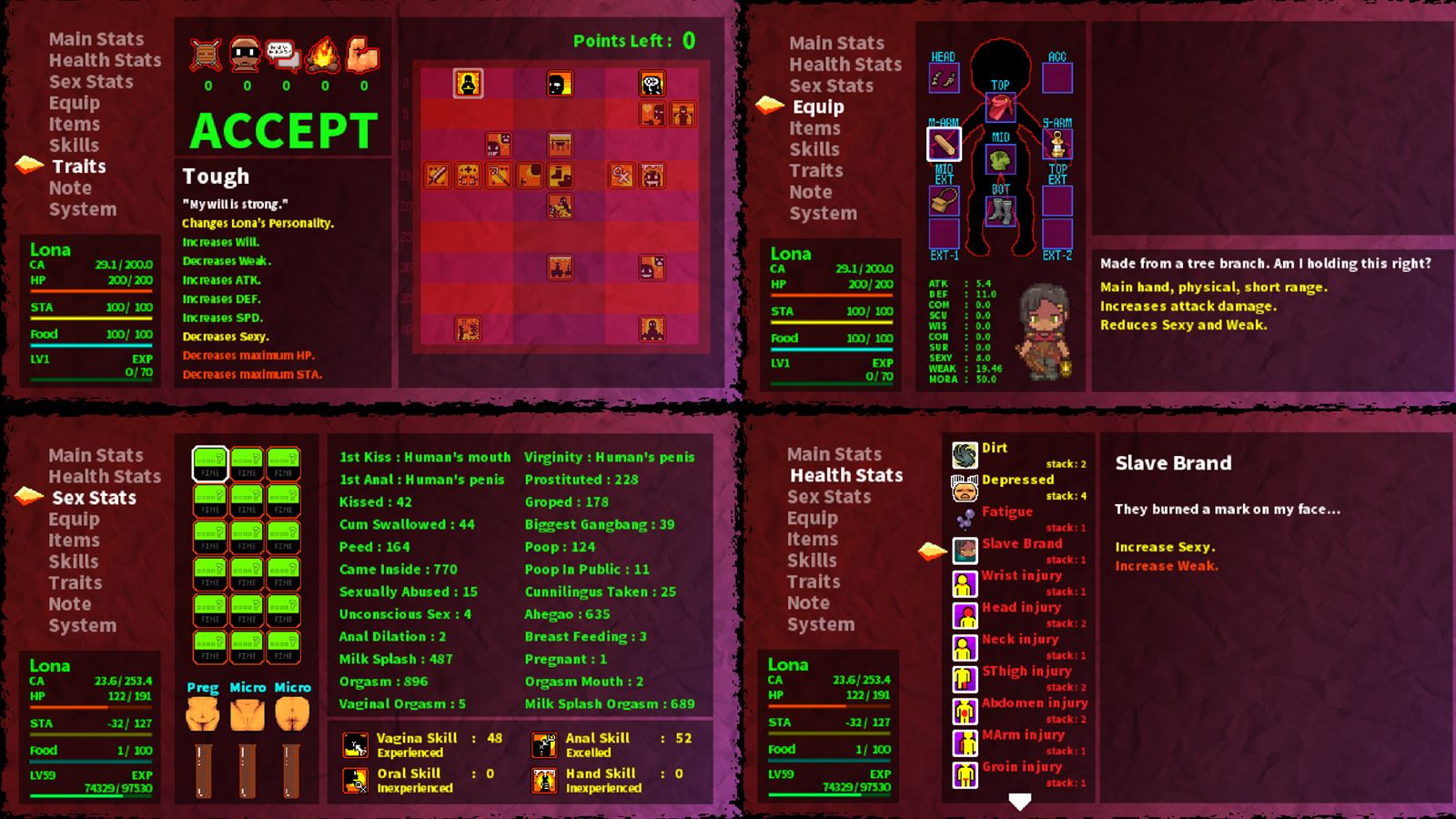
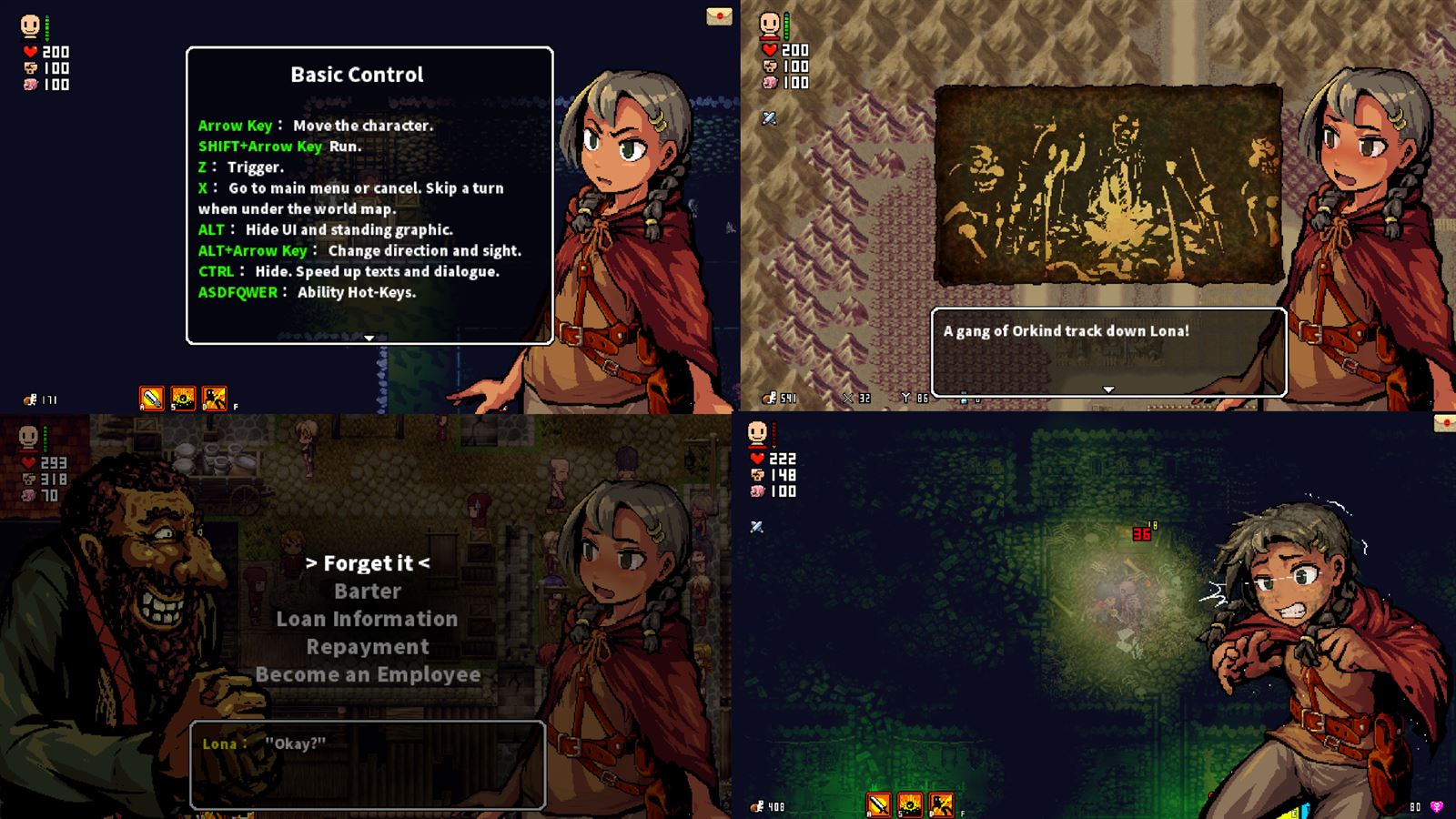
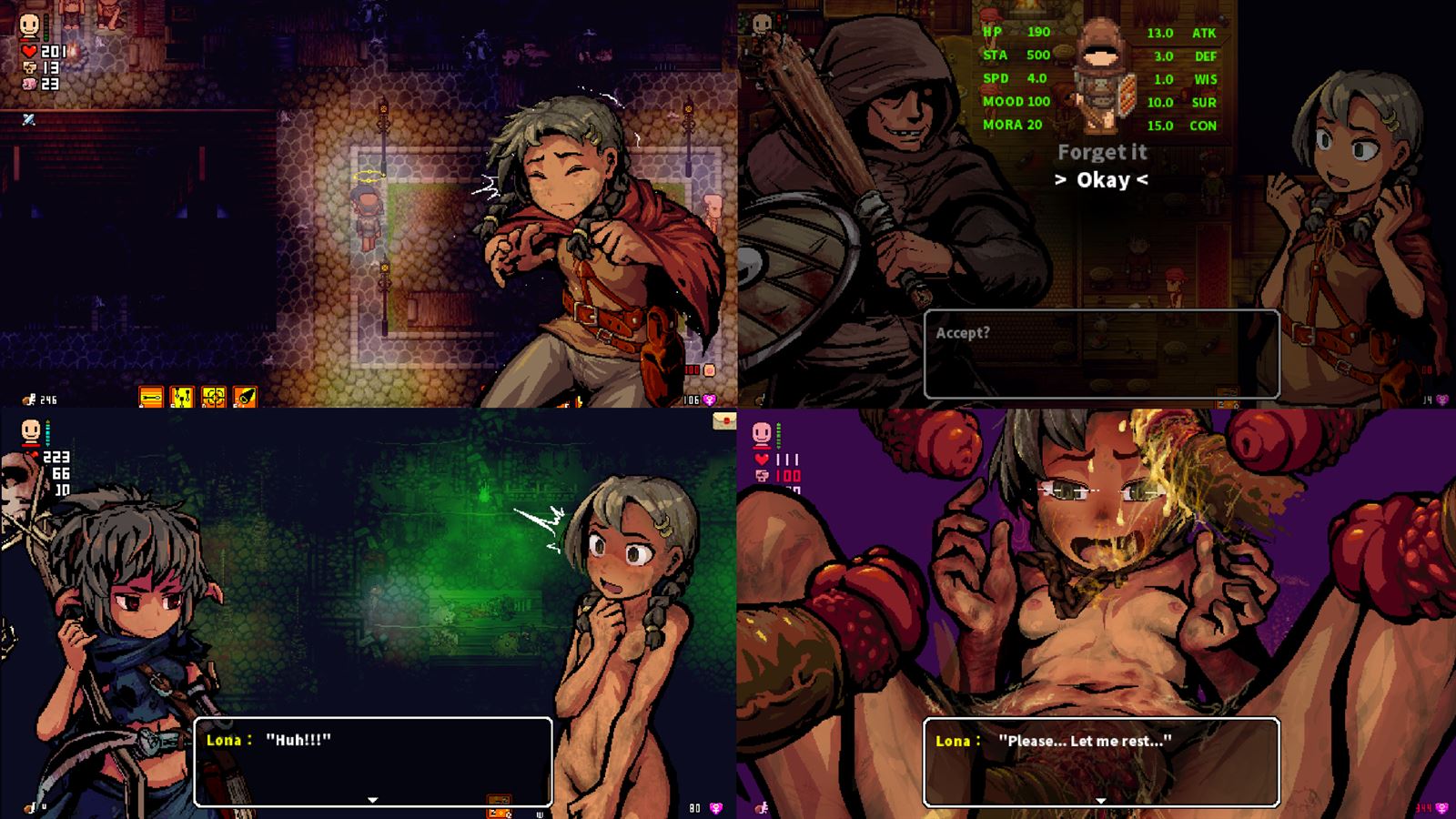

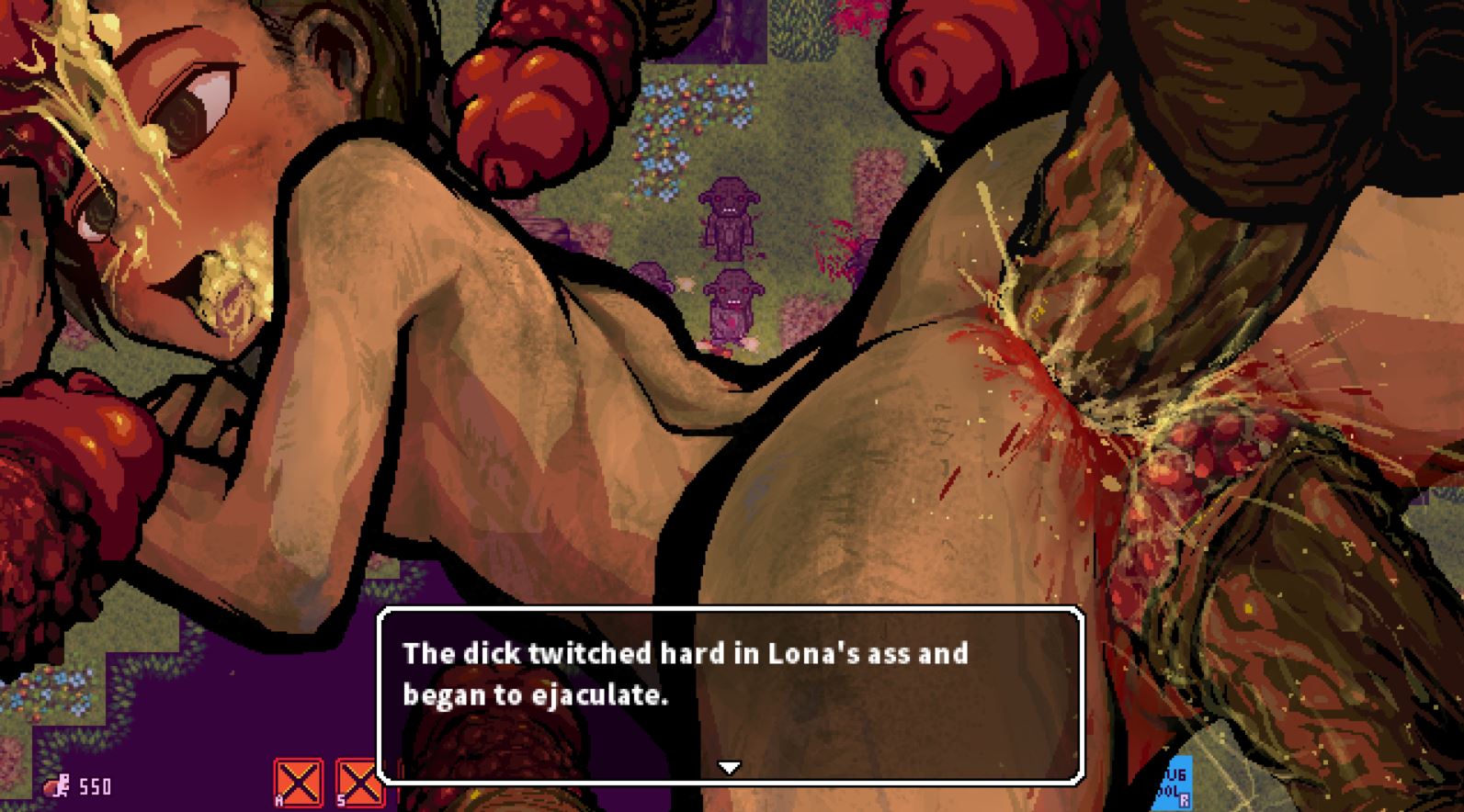
Our site does not work properly with Adblock. The image gallery of LonaRPG above should work without adblock. We keep ads and pop ups minimum so please whitelist us (Learn how).
How to install?
- Extract & Run Game.exe.
- Read readme.txt before you play!!!
System Requirements:
- Dual Core Pentium or equivalent Processor.
- Intel HD 2000 or equivalent Graphics.
- 670.5 MB of free disk space (Recommended to have twice as much free disk space than this).
LonaRPG - Ongoing - Version B.0.10.8.12 Download Links
Confused about how the downloading works? Here is a handy guide
Report Broken Links
Report only if Mega link or all links except Mega are unavailable. More details about it
Report only if Mega link or all links except Mega are unavailable. More details about it
Copyright and Terms: Lewdzone is a crawling site. We post games like LonaRPG from trusted sources like Patreon official release, creator's official site and F95. We only share links of files provided by those sources. We do not include/exclude anything to/from the packages. We do not host those files and those files are hosted in public file sharing server and by the ToS of those servers, it is legal to share any public files. For example, sharing files publicly in mega.co.nz allows us to crawl the files. If you are the creator of LonaRPG then please claim copyright to those file sharing service's official DMCA form. And if you are a visitor and worrying about malwares, do not worry, we do not inject anything. Have fun.
Walkthrough and Guide
WikiGuide: FILEKNOT
All Cheats & other Mods: FILEKNOT - MEDIAFIRE - MEGA
Cheat Framework (0.10.8.05+): FILEKNOT - MEDIAFIRE - MEGA
Cheat Framework (0.10.2-0.10.7): FILEKNOT - MEDIAFIRE - MEGA
Big Booba & Belly: FILEKNOT - MEDIAFIRE - MEGA
Filter Visuals: FILEKNOT - MEDIAFIRE - MEGA
All Cheats & other Mods Installation:
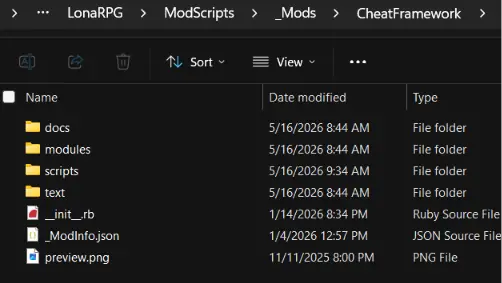
- All mods should go into the LonaRPG\ModScripts\_Mods folder:
- Mods should NOT be compressed (in the .zip file)
- Mods should NOT be nested or put in the root folder - it should look something like this:

- Once in place, open the MODS menu from within LonaRPG (right above EXIT).
- Press action key (Z) to activate mods, left/right to change their order. The one that loads last (bottom) 'wins'
- Once you've made your changes, move to the top and select "Restart to Apply" (or restart manually)
- If you continue to have issues - here is a video resource (not mine).
Alt. Cheat Mods: FILEKNOT
Alt. Cheat Mods Installation:
All mods from the pack, except for God Saint Purge (a.k.a Lona's Retribution), require the Cheat Framework. Do the steps to install it and come back.
To install the mods, just merge & replace the ModScripts folder in the root folder of the game (where Game.exe is located). This can easily be done by dragging the folder from the archive into the game's root folder.
To enable God Saint Purge mod (provided you placed it in the mod folder), you will have to go to the Mods settings, enable and apply it, then restart the game.
Hotkey Defaults:
- Main Menu = F9
- Heal = F8
- Heal Wound = F7
- Money Now = F6
- Infinite Health = F5
- Infinite Stamina = F5
- Infinite Food = F5
- Auto Bandage = F4
- Auto Clean Outside = F4
- Auto Clean Inside = F4
- Auto Cure = F4
- Remove Clothes = F3
- Force Remove Clothes = Shift+F3
- Bank Anywhere = F2
Porn Games of interest:

Comment Rules:
- Do not post same comment twice, your pending comment will be moderated, approved and replied by a stuff soon.
- Do Not ask for new updates/"when it will release" etc unless it is already released by developers. We do not develop games, use common sense.
- Use English Language only.
- You can click the bell icon before commenting to get mail whenever someone replies your comment. Great way to be notified if you are posting questions, be sure to provide correct email in that case.
- If you want to ask features of games like Bugfixing, save file support, new content ideas etc then please contact the game developer, EccmA417 .
- You can help us by reporting dead links, wrong informations, new available updates etc in the comment section.
Subscribe
230 Comments
If you have a problem, post in these links. Keep Comment section clean
New Update?
Request here
Install Problems?
Post your problems here
Broken Links?
Let us know here
Bugs in game?
Use this forum to report it