Developer:
Raigen Consider supporting the dev if you like the game and want them to do what they love. Click on dev's link for more info.
Release Date: 17 October, 2025
Game Size: 2.11 GB
Censorship: Uncensored
Game Engine: Others
Current Game Version: 1.0 Beta (Ongoing)
Total Views: 2,101
Please co-operate with us by reporting dead links, bugs, wrong info, new games updates and any idea in comment section. Post your problem in our Discord server for faster response. Click here to join.
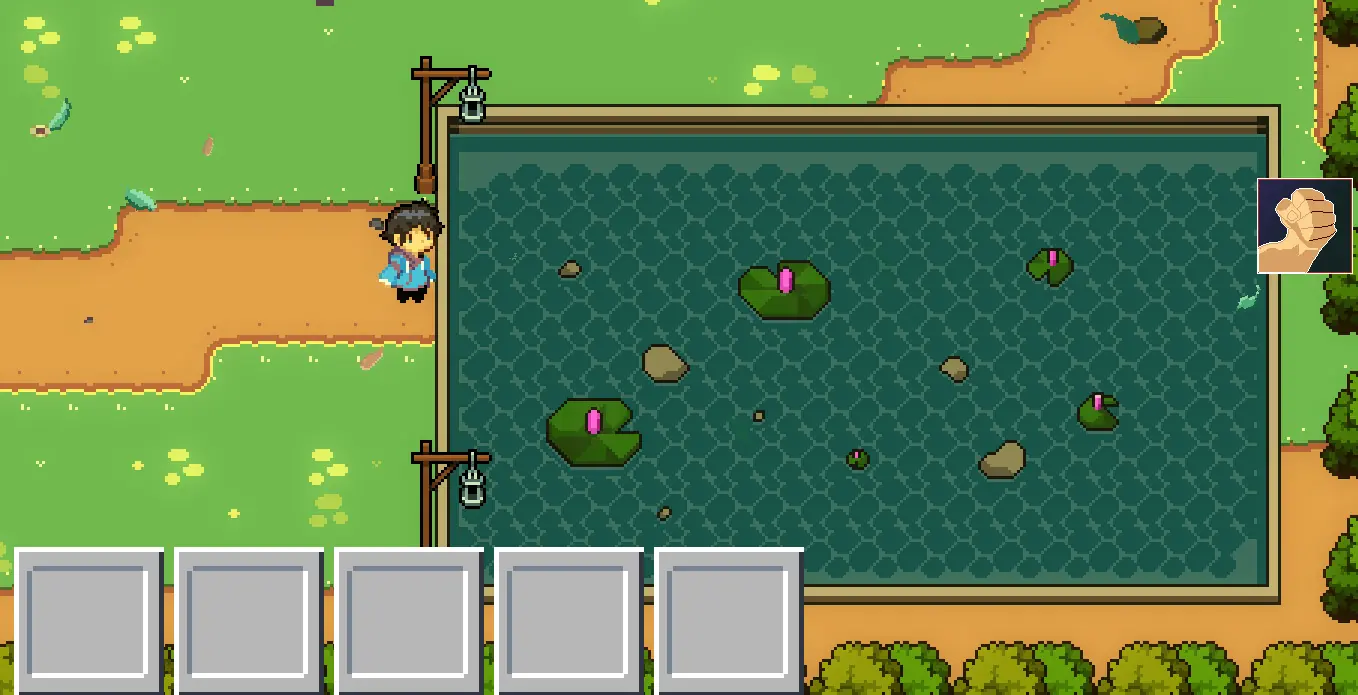
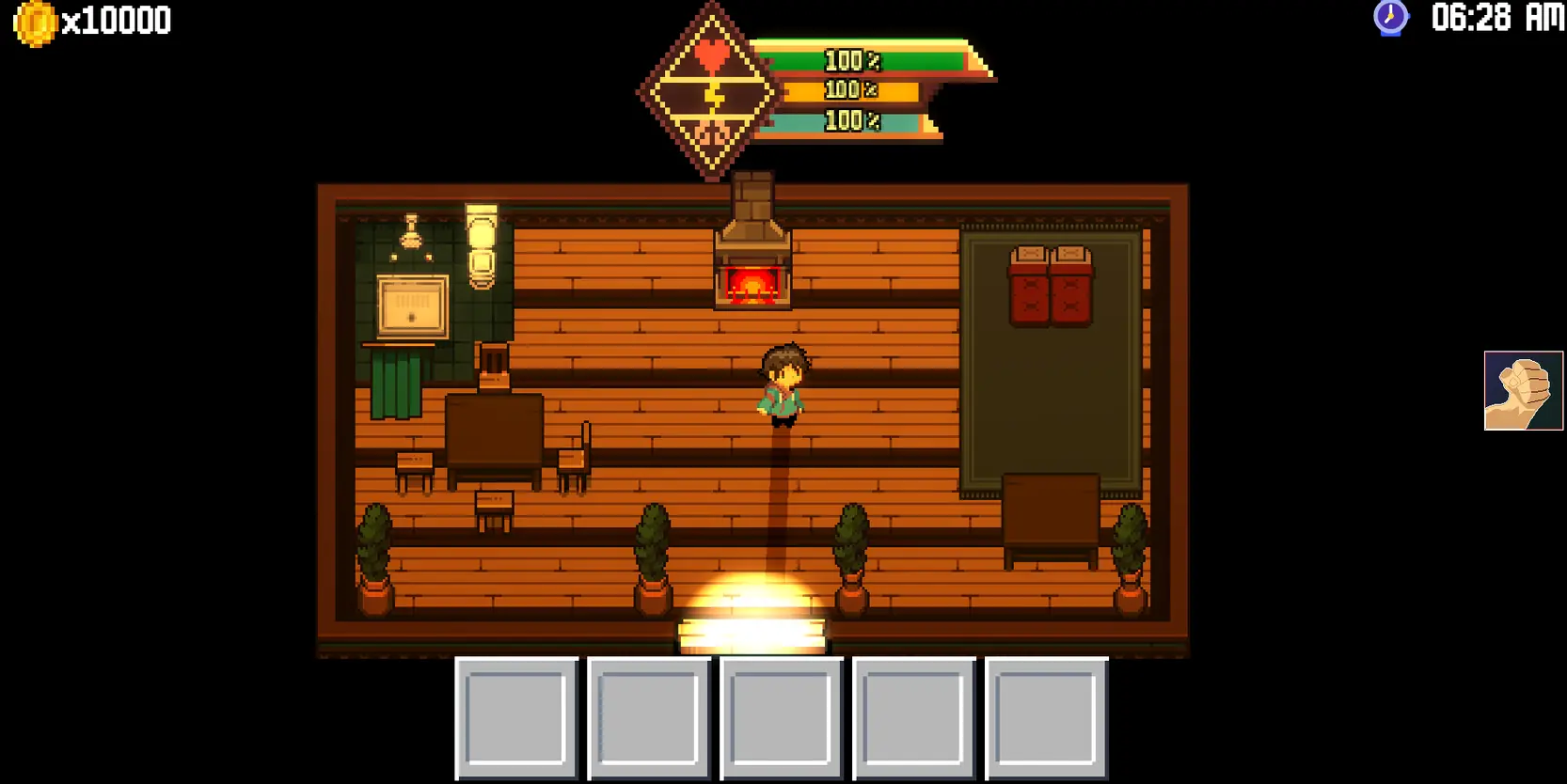
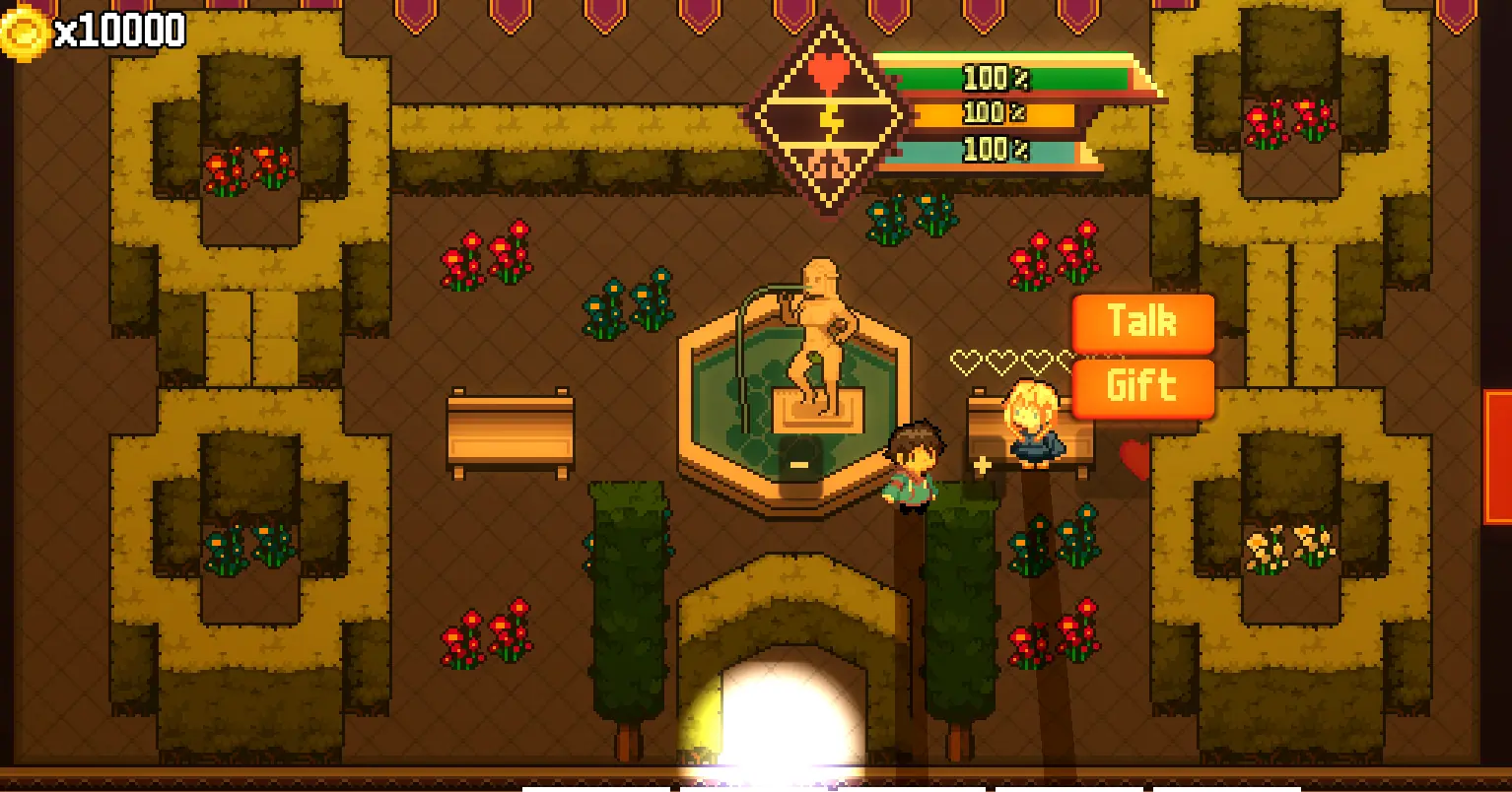
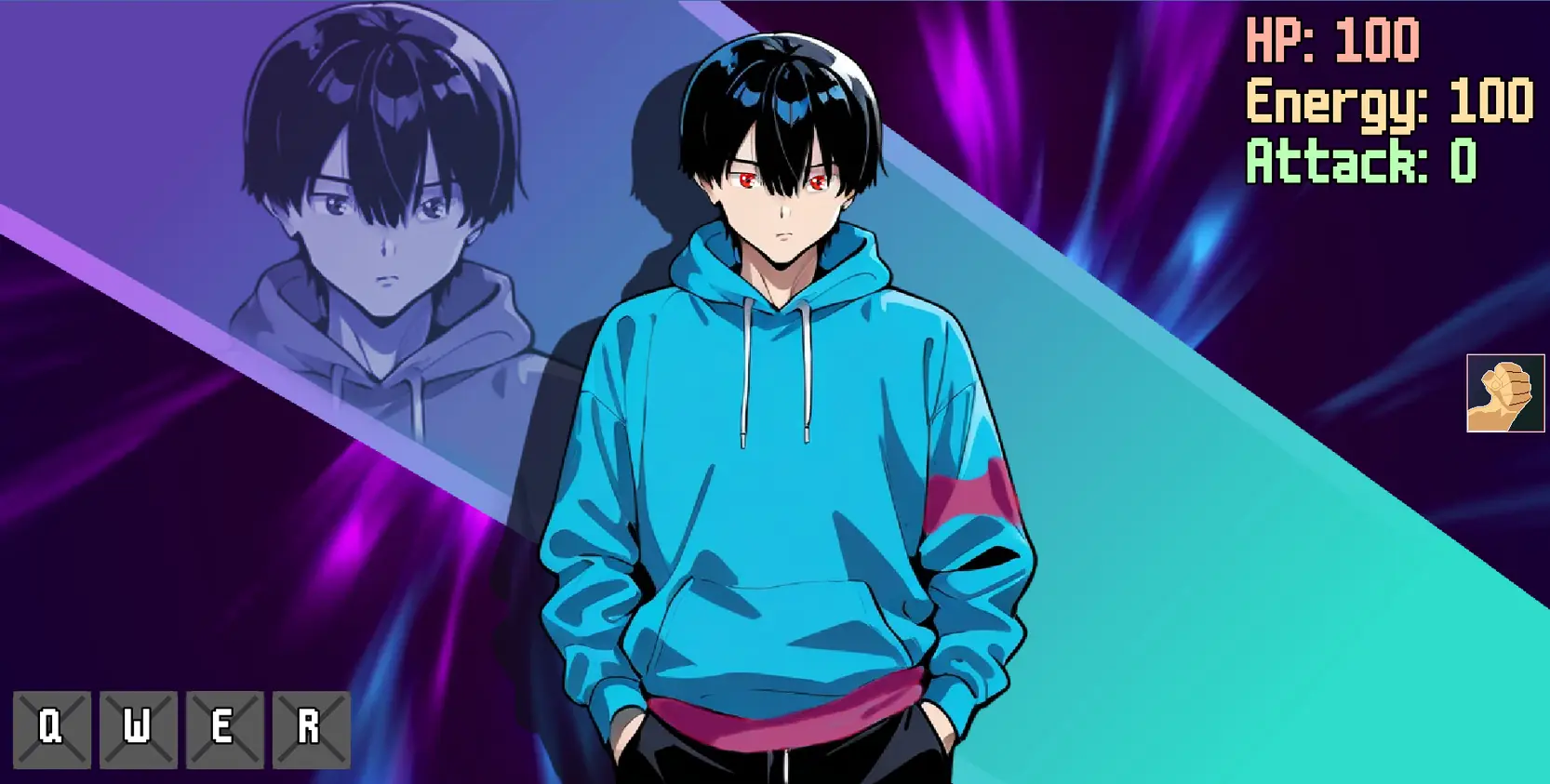
Stardew Mamis is a farming simulation game with a roguelite action and romance theme.
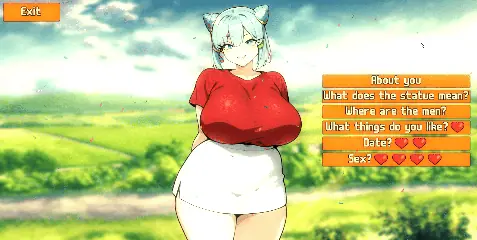
You’re a new kid arriving in Villa Town, where you’ll have to start from scratch: grow crops, raise your animals, fish, collect minerals, cook, upgrade your armor and weapons, make money, defeat monsters, defeat the bosses that appear, and most importantly… win the hearts of five different girls.
Can you accomplish all of this and uncover the mystery surrounding Villa Town?
Our site does not work properly with Adblock. The image gallery of Stardew Mamis above should work without adblock. We keep ads and pop ups minimum so please whitelist us (Learn how).
How to install?
Extract and run.
System Requirements:
Dual Core Pentium or equivalent Processor.
Intel HD 2000 or equivalent Graphics.
2.11 GB of free disk space (Recommended to have twice as much free disk space than this).
Stardew Mamis - Ongoing - Version 1.0 Beta Download Links
Copyright and Terms: Lewdzone is a crawling site. We post games like Stardew Mamis from trusted sources like Patreon official release, creator's official site and F95. We only share links of files provided by those sources. We do not include/exclude anything to/from the packages. We do not host those files and those files are hosted in public file sharing server and by the ToS of those servers, it is legal to share any public files. For example, sharing files publicly in mega.co.nz allows us to crawl the files. If you are the creator of Stardew Mamis then please claim copyright to those file sharing service's official DMCA form. And if you are a visitor and worrying about malwares, do not worry, we do not inject anything. Have fun.
NB: Cheat Engine is available on Windows and MacOS only.
NB: Make sure you have the LATEST or at least a penultimate version of CE when using others' cheat tables to avoid incompatibility issues
What's a Cheat Engine table:
CE cheats are usually distributed as lightweight XML tables and have a .CT extension. You will need Cheat Engine installed on your PC to run CE tables.
NB: Most cheat engine tables are created for Windows (x86-64 architecture), you won't find many tables for MacOS apps and arm64 architecture.
NB: You can see the layout of any table by opening it with any text editor like NotePad++
Where do I put a cheat table / .CT file:
Wherever you deem suitable, usually tables are standalone .CT files and making dependencies for them isn't a good practice. When you run a cheat table, it's loaded into and interpreted by Cheat Engine.
How to use Cheat Engine:
First of all, make sure your Cheat Engine instance is running with administrator rights to make sure it is able to read, write to memory properly. To do that, you can grant administrator rights by clicking RMB on Cheat Engine shortcut (to open its context menu), then go to Properties -> Compatibility (tab) and tick 'Run this program as an administrator'. Likewise, you can go to CE settings (when in the CE GUI, Edit->Settings) you can also find 'Always attempt to launch as admin' option. Or if you need it once, just run CE as an administrator (RMB on the CE shortcut, 'Run as an administrator'
For cases when tables DON'T have an attach script in them: When Cheat Engine is opened and/if a cheat table for a specific game is loaded into it, the first thing that's needed is to attach to the specific game executable.
Attach button is highlighted:
After pressing this button, you will see active processes with their PIDs exposed by Windows. If you struggle to find yours, check other tabs, there are 3 of them: Application, Processes, Windows.
For cases when tables DO have an attach script in them: You'll see a script like *this*, just activate the checkbox. Does it fail to attach? Please read 'Why does the attach script fails when I activate it?' below
Attach script:
Once you are attached, activate other scripts that you need and have fun. Usually scripts are quite simple to use, but if there are instructions, just follow them to make it work. Sometimes certain actions are required for scripts to work properly, .e.g pressing a button to catch a pointer, loading into the game/level world to ensure a character actor is constructed, etc.
Sometimes scripts will fail to be executed. Usually the error will be written in the context menu of a script that's failed (just click RMB on the failed script, the first row will be the error message). Some scripts may print errors/tracebacks into the CE Lua Engine output window: either way, when you report an error, provide the reason WHY it fails.
Error Example: AOB not found
If a script activates, but the intended behavior is not achieved (you'd be lucky if it doesn't crash though), most probably there was a game update that touched offsets (provided the table was based on any, which is probably the case) - a new field added, hence game compiled differently, a different game engine version used, or whatever that caused the shift. That means the table has to be updated - it's obvious if the game was updated recently, but the table was posted long before.
ALSO: go to 'OK, I'm attached to the game correctly, but next scripts fail to run OR crash the game. What's wrong?'
How to play:
Right-click where you want the character to move.
Q,W,E,R: Use skills when available.
1, 2, 3, 4, or 5: Use or equip the hotbar tool.
I: Open inventory.
ESC: Open stats panel.
SPACE: Grab items from the floor.
Left-click next dialog.
P: Pause and configuration
*If you run out of energy, life, or mana, your character will faint. Always try to check your stat bars.
Do not post same comment twice, your pending comment will be moderated, approved and replied by a stuff soon.
Do Not ask for new updates/"when it will release" etc unless it is already released by developers. We do not develop games, use common sense.
Use English Language only.
You can click the bell icon before commenting to get mail whenever someone replies your comment. Great way to be notified if you are posting questions, be sure to provide correct email in that case.
If you want to ask features of games like Bugfixing, save file support, new content ideas etc then please contact the game developer,
Raigen
.
You can help us by reporting dead links, wrong informations, new available updates etc in the comment section.














If you have a problem, post in these links. Keep Comment section clean
New Update?
Request here
Install Problems?
Post your problems here
Broken Links?
Let us know here
Bugs in game?
Use this forum to report it