
Salvor DEEP [Finished] - Version: 1.00.4 Steam


 (19 votes, average: 3.63 out of 5)
Developer:
Delusria
Consider supporting the dev if you like the game and want them to do what they love. Click on dev's link for more info.
Release Date: 14 July, 2025
Game Size: 66.6 MB
Censorship: Uncensored
Game Engine: Unity
Current Game Version: 1.00.4 Steam (Finished)
Total Views: 19.2K
Post your problem in our Discord server for faster response. Click here to join.
Game Informations
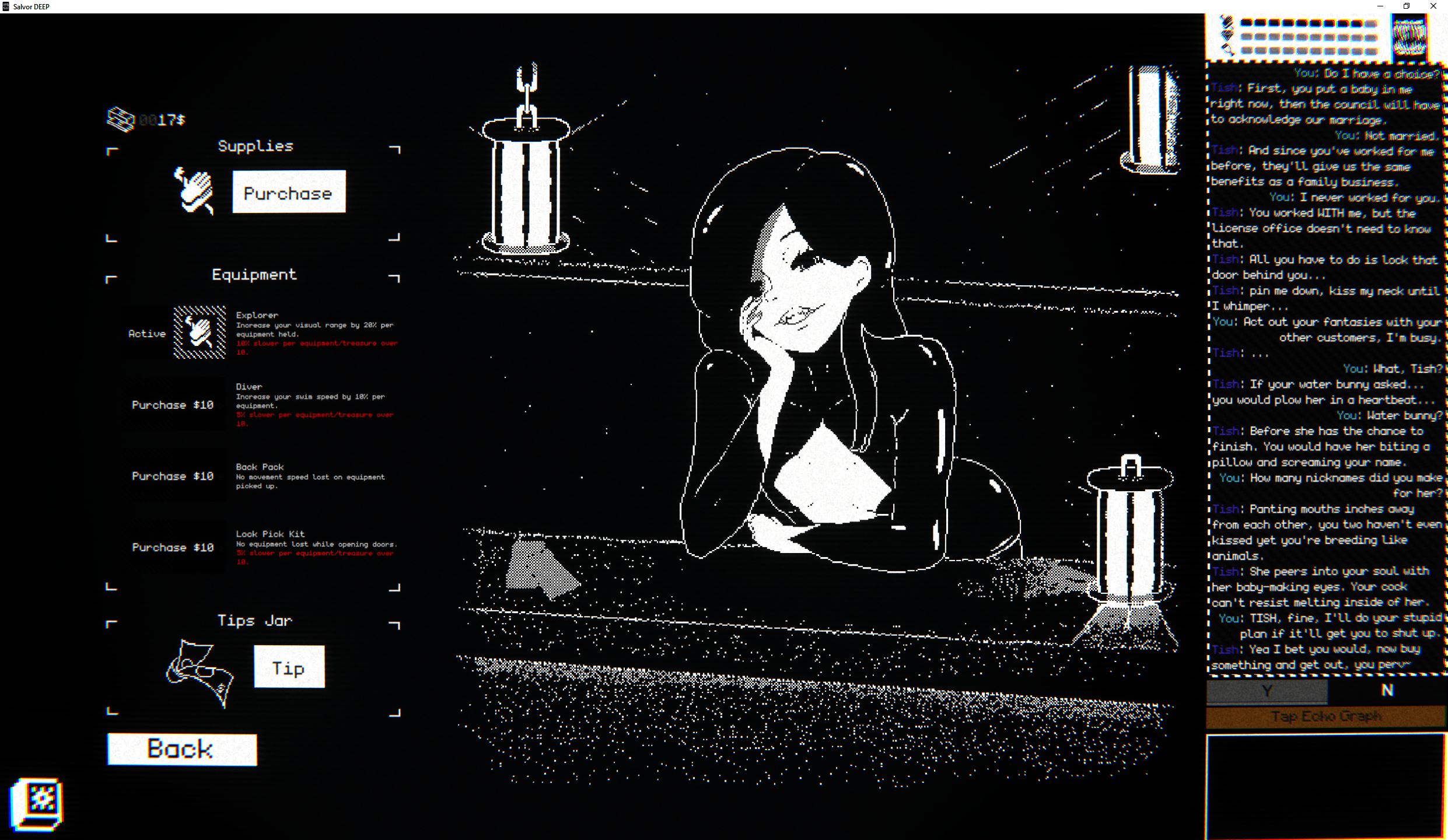
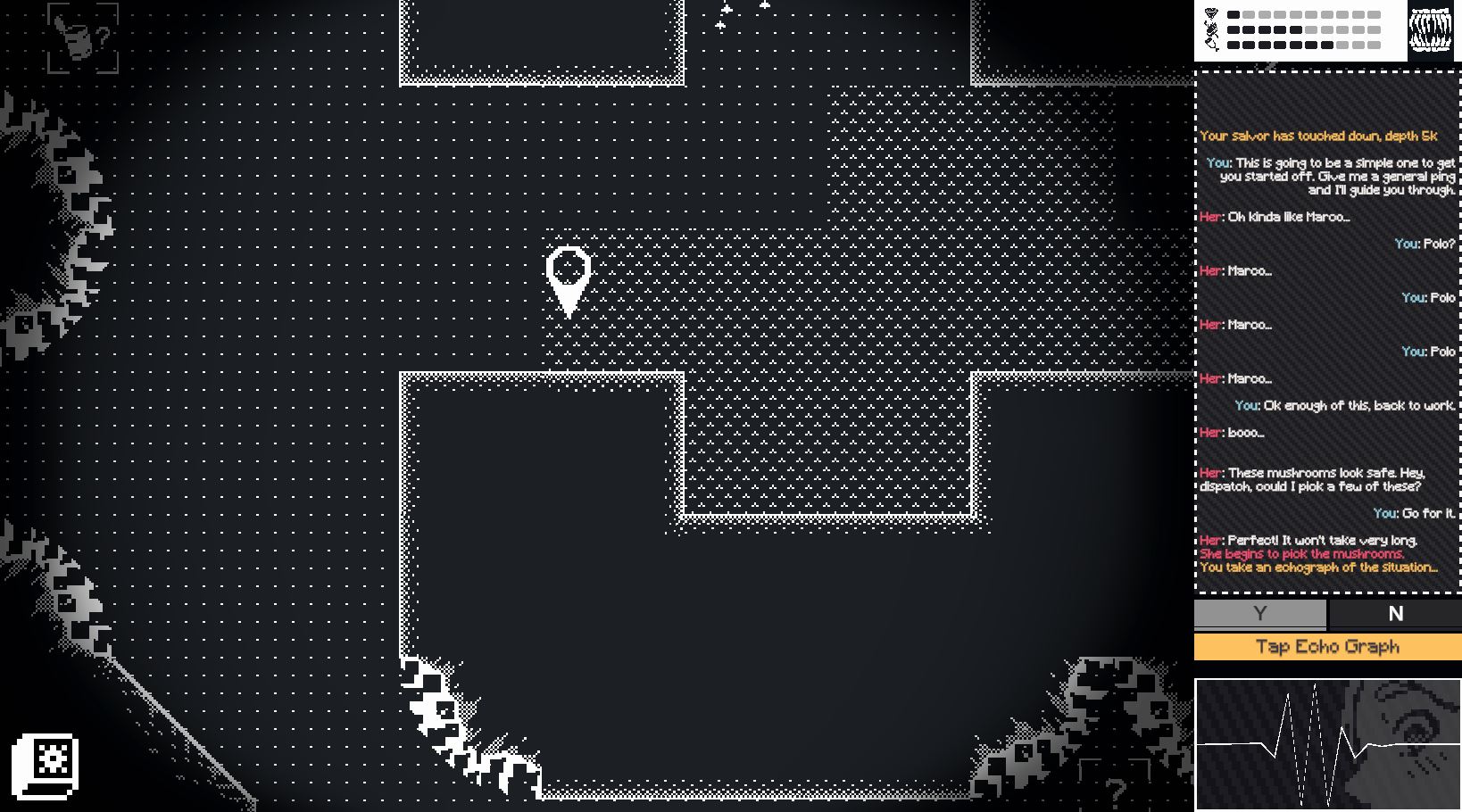
In Salvor DEEP you play as a Salvor dispatcher.
With money dwindling fast you decide to spend the last of your cash on a new diving pod. Now you can only afford a first-time volunteer salvor. She has no experience with these sunken wrecks and is somehow even more broke than you. She will rely on you to guide and teach her about the art of salvaging.
Under-equipped and broke, your job is to protect her (or don’t) from the various pirates, hazards, and creatures that lurk in these ancient wrecks.
How to install?
- Extract and run.
System Requirements:
- Dual Core Pentium or equivalent Processor.
- Intel HD 2000 or equivalent Graphics.
- 66.6 MB of free disk space (Recommended to have twice as much free disk space than this).
Salvor DEEP - Finished - Version 1.00.4 Steam Download Links
Confused about how the downloading works? Here is a handy guide
Mac OS Krakenfiles (Demo v1.11) Mega (Demo v1.11) Mixdrop (Demo v1.11)
Report only if Mega link or all links except Mega are unavailable. More details about it
Walkthrough and Guide
Cheat Table Attachment 1: FILEKNOT - ANONZIPCheat Table Attachment 2: FILEKNOT - ANONZIP
- What's Cheat Engine:
It's a powerful cheating/debugging tool (rather a framework) with a huge variety of utilities to let you modify or 'cheat' any executable at runtime provided you know what you are doing. Cheat Engine and its author Dark Byte has been around for more than 20 years still supporting the development to this day.
- How do I get a copy of Cheat Engine:
There are several ways to download the tool:
- Official Cheat Engine website - a free, compiled executable. While installing, make sure you decline all adware
- Dark Byte's Patreon - $2.5/mo membership to get the latest releases and hotfixes already compiled
- Cheat Engine Github - if you want to compile it or CE github releases
NB: Cheat Engine is available on Windows and MacOS only.
NB: Make sure you have the LATEST or at least a penultimate version of CE when using others' cheat tables to avoid incompatibility issues
- How does Cheat Engine work:
It's basically a debugging tool on steroids. There's a lot to unpack on how it works, but my scripts rely on AOB signatures (be they hardcoded ASM cheats, pointers with offsets, etc) and LUA scripting. The challenge is to create consistent and resilient cheats working between versions, but there's nothing permanent with compilers and optimizations.
AOB signatures work like this: a byte signature is scanned to find the first match in the .text (code) section, then CE gracefully injects a detour jump to the allocated cheat script (or in a code cave) that tweaks the game behavior and then returns to the next instruction after the injection. Sometimes AOB-based cheat scripts modify a function's behavior in-place.
Lua scripts that are running in the CE's lua engine are basically meta-scripts to extend CE's functionality with a neat API.
- Where do I put a cheat table / .CT file:
Wherever you deem suitable, usually tables are standalone .CT files and making dependencies for them isn't a good practice. When you run a cheat table, it's loaded into and interpreted by Cheat Engine.
- How to use Cheat Engine:
First of all, make sure your Cheat Engine instance is running with administrator rights to make sure it is able to read, write to memory and communicate with kernel properly. To do that, you can grant administrator rights by clicking RMB on Cheat Engine shortcut (to open its context menu), then go to Properties -> Compatibility (tab) and tick 'Run this program as an administrator'. Likewise, you can go to CE settings (when in the CE GUI, Edit->Settings) you can also find 'Always attempt to launch as admin' option. Or if you need it once, just run CE as an administrator (RMB on the CE shortcut, 'Run as an administrator'
For cases when tables DON'T have an attach script in them:
When Cheat Engine is opened and/if a cheat table for a specific game is loaded into it, the first thing that's needed is to attach to the specific game executable.
Attach button is highlighted:
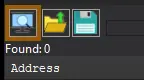
After pressing this button, you will see active processes with their PIDs exposed by Windows. If you struggle to find yours, check other tabs, there are 3 of them: Application, Processes, Windows.
For cases when tables DO have an attach script in them:
You'll see a script like *this*, just activate the checkbox. Does it fail to attach? Please read 'Why does the attach script fails when I activate it?' below
Attach script:

Once you are attached, activate other scripts that you need and have fun. Usually scripts are quite simple to use, but if there are instructions, just follow them to make it work. Sometimes certain actions are required for scripts to work properly, .e.g pressing a button to catch a pointer, loading into the game/level world to ensure a character actor is constructed, etc.
What's New in Salvor DEEP Version - 1.00.4 Steam?
1. Nude mod
A huge thank you to Igasar for modifying, reordering, and preparing the file types of all of the animations for me.
To access these you need to be at the grappled wreck or lower, once you are the animations should all have nude variations to match the naked echo graphs. If it doesn’t show up for you then you may need to go back to the grappled wreck and perform the initial interaction by leaving the pod and starting the conversation where she has a plan that involves taking her clothes off.
2. A couple of you may have already discovered this in the translation files, but I had 4 ‘post-game’ convos with Tish about depths under 130K. Those are now correctly activating once you return from the final level as well as the level where your salvor mentions ‘sparkling mud’. They’re just lore-dumps, though, so don’t get too excited!
3. 23 new fanart images have been added to the fanart gallery. For anyone who hasn’t discovered the code yet, paste this in the name changer in the home area: 134313752155163923288169697822
4. The ‘Unlock Gallery’ option now reveals about 78 pictures and variations rather than just the 49 base pictures. (Code: 7777777221)
5. Spanish has been added!
6. Japanese has been updated!
7. Language flags are now associated with each language in the options menu. This is mostly here to help others find the language selector in the sea of options.
8. A quick tutorial now displays at the beginning of the game’s opening. Huge thank you to my Japanese translator!
9. The small fish trip H-Scene in the feeding cave now properly shows her level 3 chest instead of level 1.
10. Removed the mention of 1000$ to save players from the fate of farming for 1000$ in hopes of finding an extra ending.
11. Fixed a bug causing salvor to practice swimming before the conversation that allows it.
Porn Games of interest:






- Do not post same comment twice, your pending comment will be moderated, approved and replied by a stuff soon.
- Do Not ask for new updates/"when it will release" etc unless it is already released by developers. We do not develop games, use common sense.
- Use English Language only.
- You can click the bell icon before commenting to get mail whenever someone replies your comment. Great way to be notified if you are posting questions, be sure to provide correct email in that case.
- If you want to ask features of games like Bugfixing, save file support, new content ideas etc then please contact the game developer, Delusria .
- You can help us by reporting dead links, wrong informations, new available updates etc in the comment section.
If you have a problem, post in these links. Keep Comment section clean
New Update?
Request here
Install Problems?
Post your problems here
Broken Links?
Let us know here
Bugs in game?
Use this forum to report it