

My Pretty Toy [Ongoing] - Version: 0.7.30.1
Developer:
Nanney Teasford
Consider supporting the dev if you like the game and want them to do what they love. Click on dev's link for more info.
Release Date: 2nd September, 2026
Game Size: 6.03 GB
Censorship: Uncensored
Game Engine: Unreal Engine
Current Game Version: 0.7.30.1 (Ongoing)
Total Views: 41.6K
Post your problem in our Discord server for faster response. Click here to join.
Game Informations
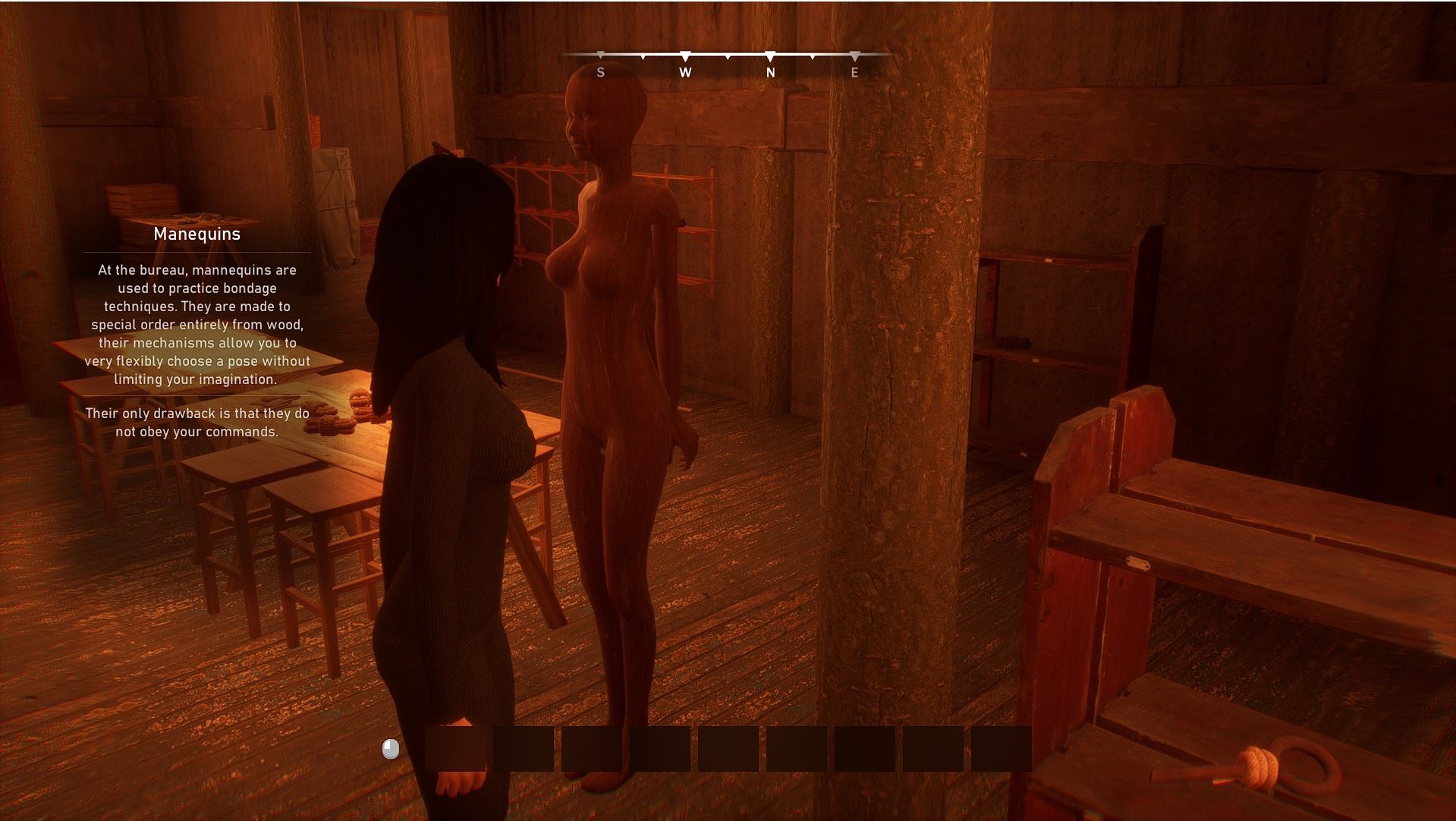
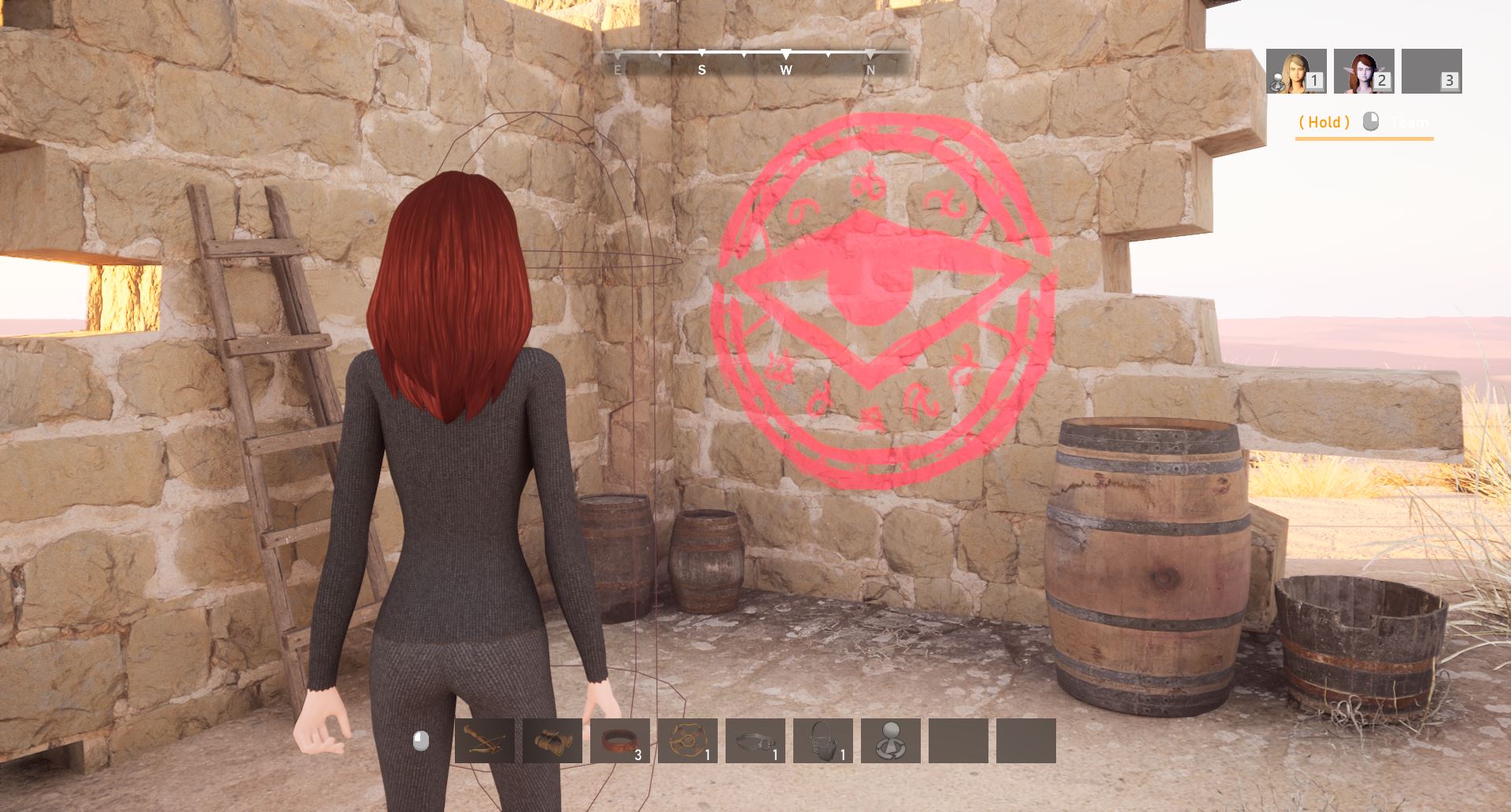
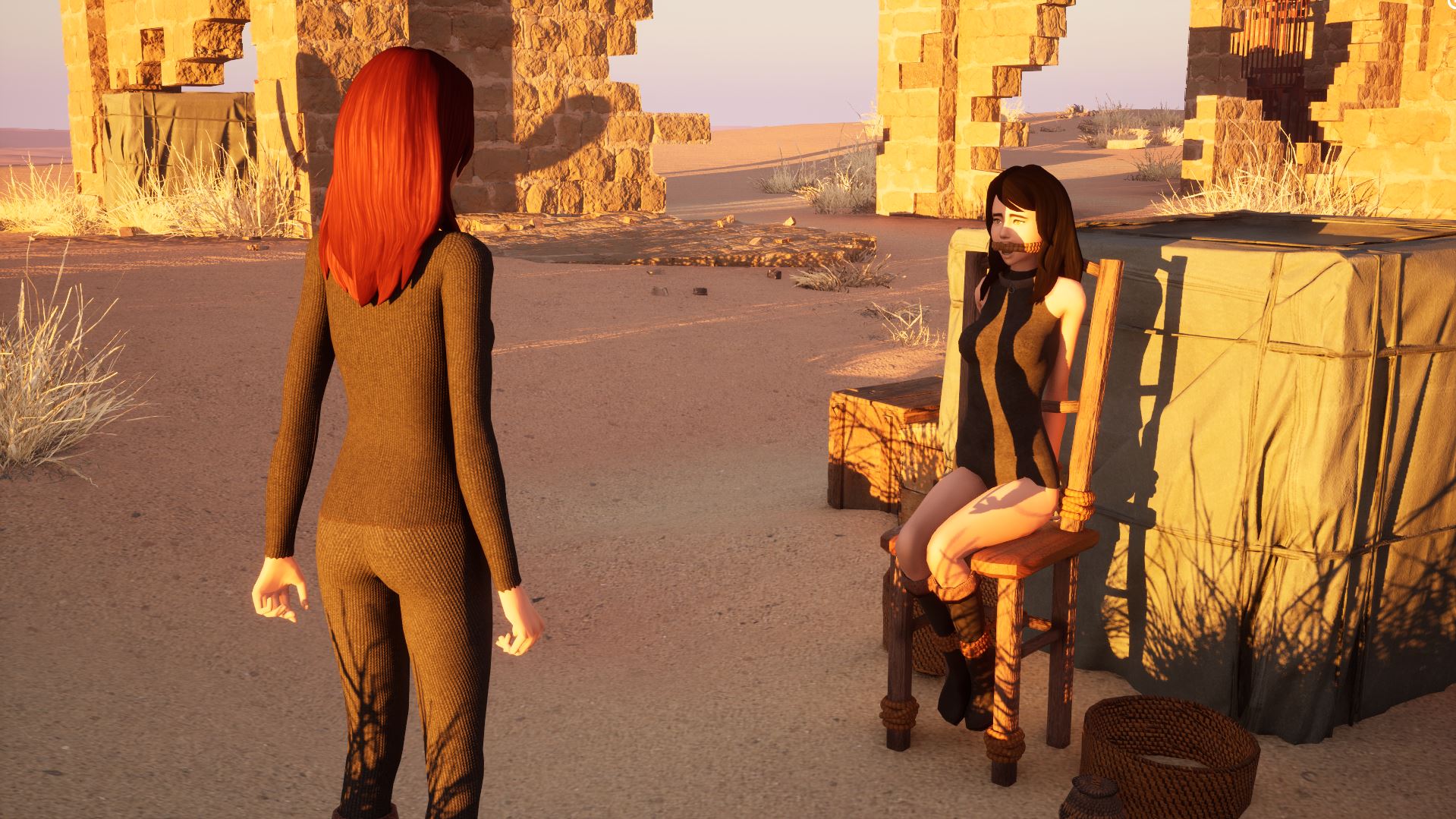
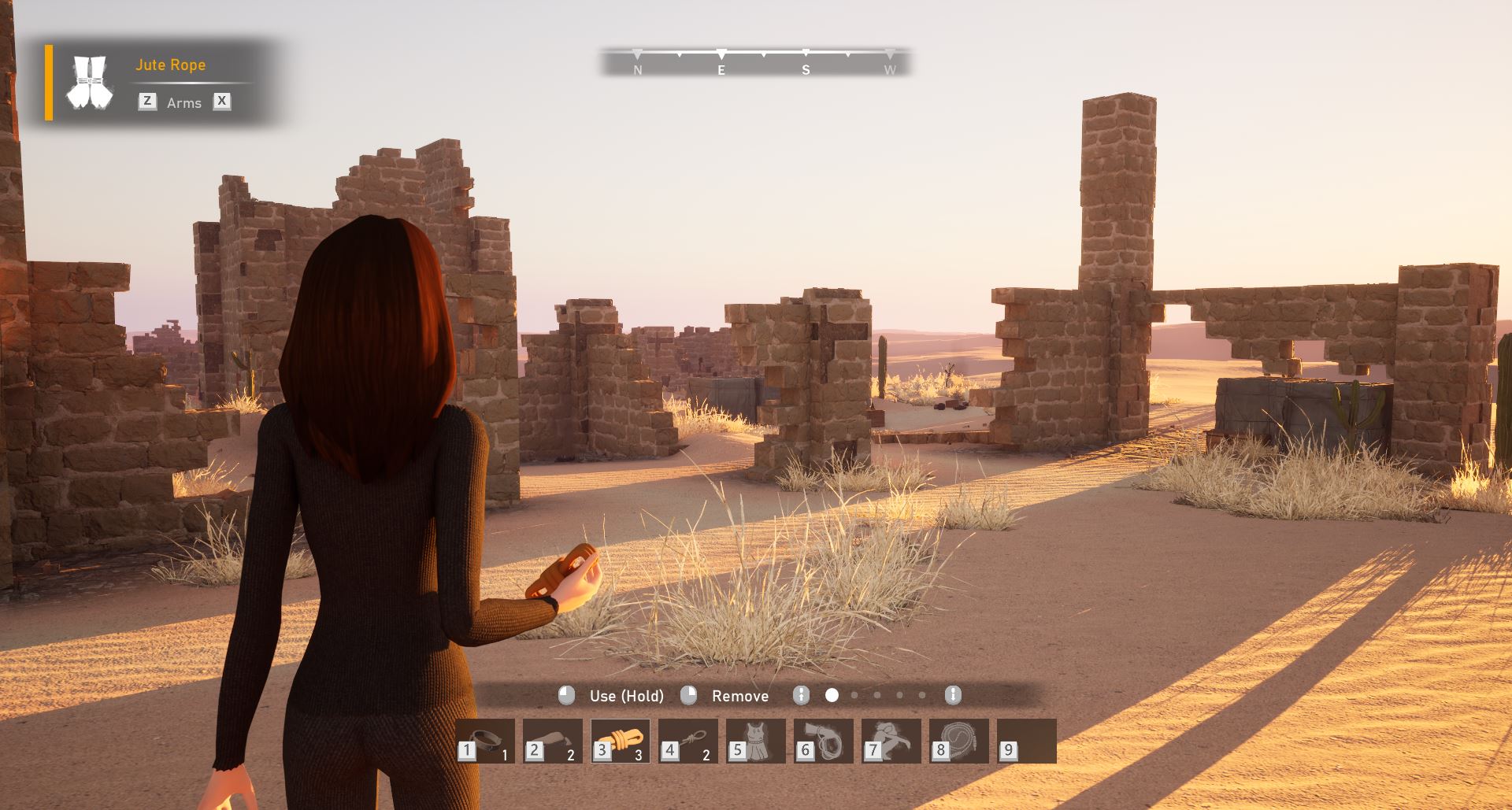
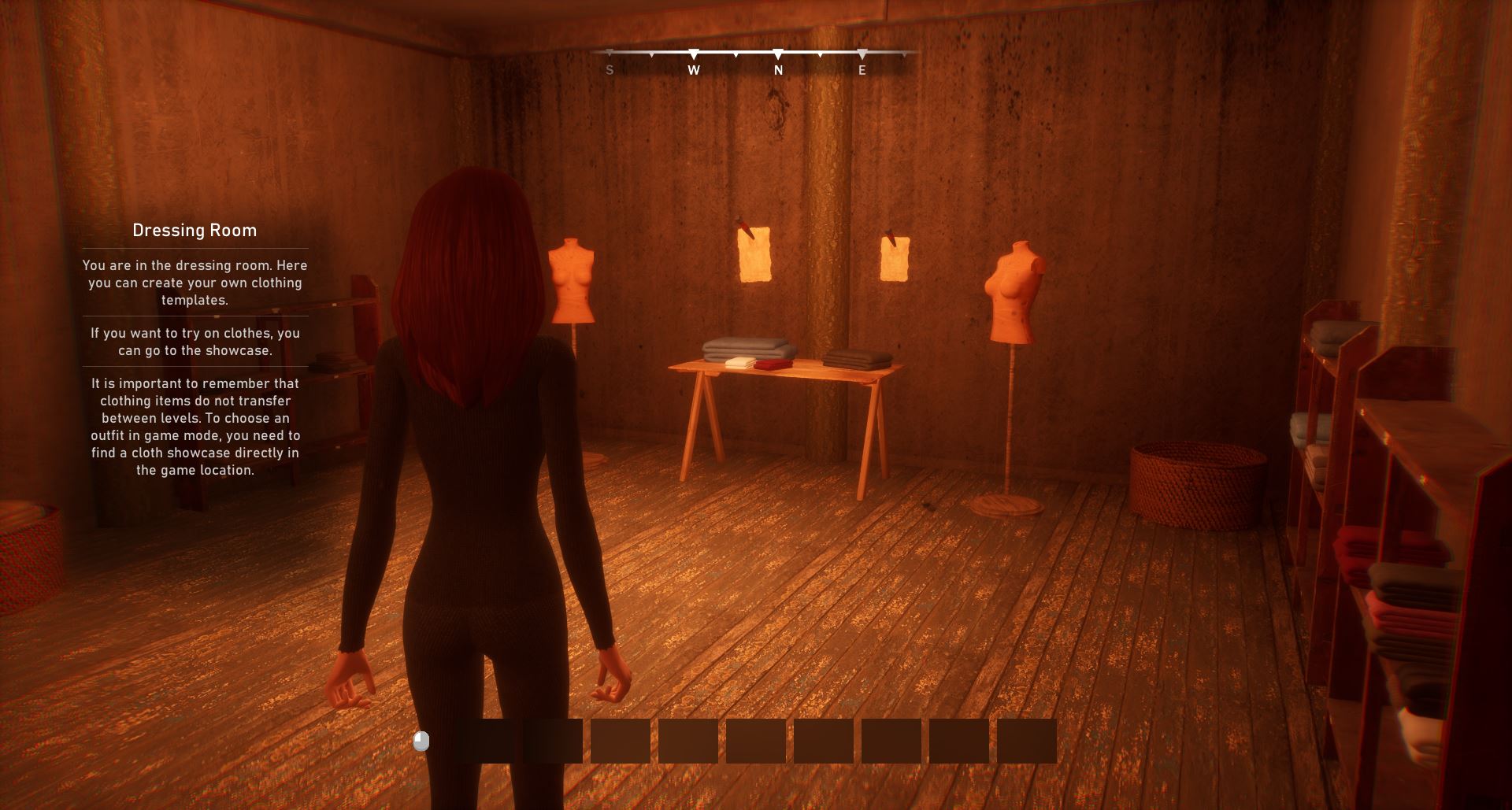
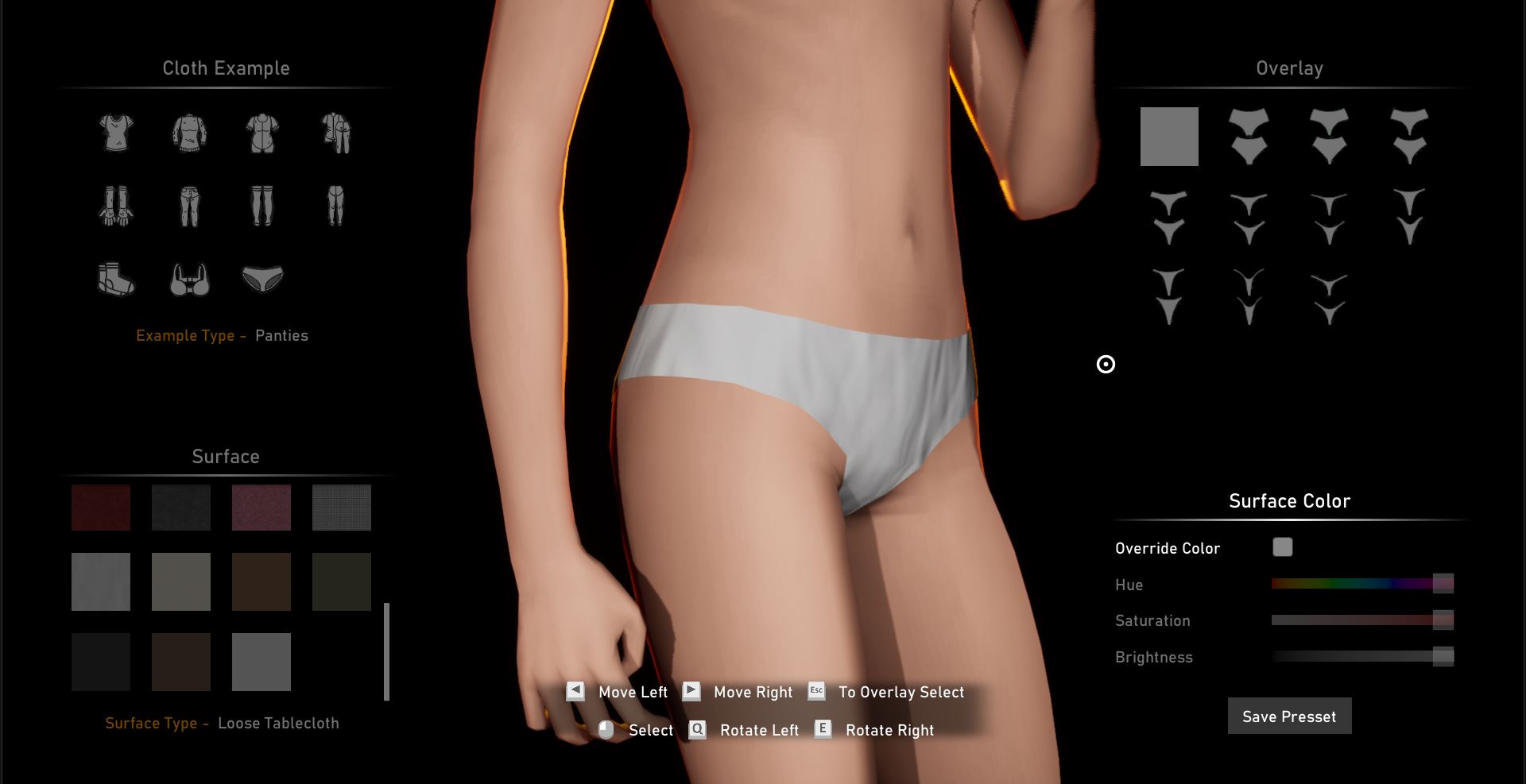
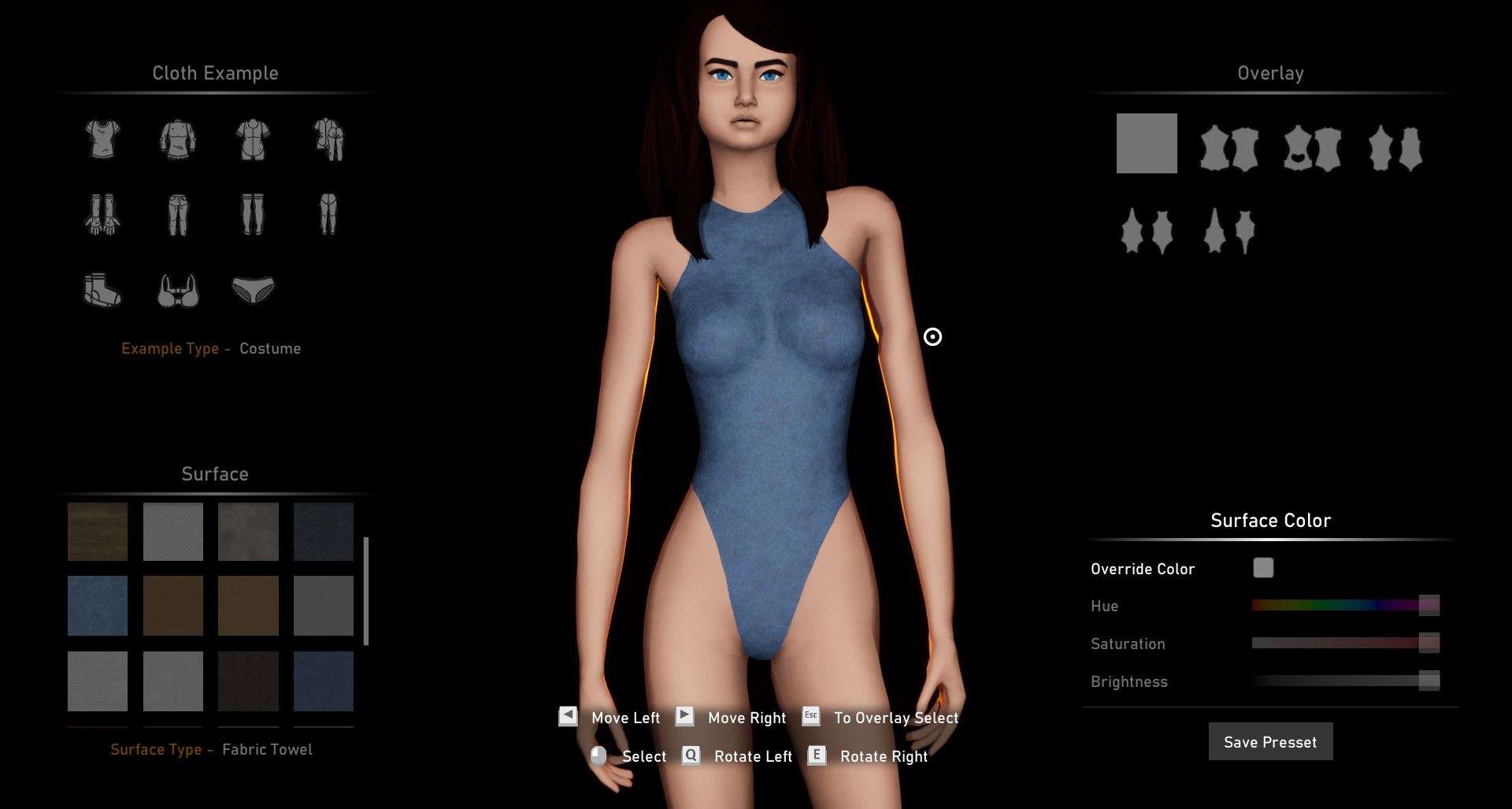
This is a stealth game set in an open fantasy world. The basis of the gameplay is bondage and an extensive system of interaction with everything around. You can capture naughty girls and punish them, or you can take the role of a captive yourself, who knows what they will do to you.
How to install?
- Extract and run.
System Requirements:
- Dual Core Pentium or equivalent Processor.
- Intel HD 2000 or equivalent Graphics.
- 6.03 GB of free disk space (Recommended to have twice as much free disk space than this).
My Pretty Toy - Ongoing - Version 0.7.30.1 Download Links
Confused about how the downloading works? Here is a handy guide
Report only if Mega link or all links except Mega are unavailable. More details about it
Walkthrough and Guide
RoadmapWhat's New in My Pretty Toy Version - 0.7.30.1?
AI Prodigy :
- We’ve added component libraries, modules, and services from “AI Prodigy” to improve the current state of the game’s AI, as well as to allow for its seamless expansion.
AI Responsibility :
Areas of responsibility have been added for enemy NPCs. They now adhere to a strict execution hierarchy within scenario components. Naturally, they will use these as routine tasks when they don’t have other tasks. Here’s the hierarchy tree:
- Area of responsibility
- Included routes
- Included smart zones
- Included smart objects
Smart zones are responsible for storing interactive actors in the scene, and NPCs will use them when they need to identify an unoccupied interactive object that can be manipulated.
- NPCs can work with scene storage (searching chests, examining wine barrels, etc.). These side activities will become available if the route occupation in their zone of responsibility fails. I should also point out right away that for now, this is just visual distraction. What they do doesn’t serve much purpose, other than distracting them a bit so you have a chance to attack them.
- If there are multiple smart zones within their zone of responsibility, the NPC will first try to find an unoccupied object in the closest smart zone. If that fails, they will search other smart zones (within their zone of responsibility, of course). This is because the NPC should not leave their zone and should only perform available tasks within it.
- The search for smart objects (objects that can be interacted with) is carried out exclusively within the area of responsibility.
Routes :
- When occupying a route, NPCs will always select the closest route point, not the last used point or the first point in the array, as was previously the case.
- Route polarity can now change dynamically. This means that when occupying a route, an NPC sets a random direction for that route (this is hardly noticeable if the route is in “Ping-Pong” mode, but is very noticeable on circular routes).
- At game start, NPCs automatically occupy free routes within their area of responsibility.
Detection Progress :
The Detection Progress service, commonly known as the “Suspicion Scale,” has been added. It generally makes life easier if you’re using stealth in a stealth action game, lol.
- The suspicion bar widget will be active when the player enters the field of view of an NPC’s sensors (vision only).
- Suspicion bar widgets outside the screen frame will be displayed at the edges of the screen.
- If the suspicion bar exceeds 50%, a point of interest is triggered, causing the NPC to pause their routine and check the last coordinates of the detected stimulus. It’s a sort of “Hey, what’s that over there?” event.
The suspicion bar fills based on the following factors:
- Distance from the player to the enemy – the closer they are, the faster it fills.
- If the player is crouched, the rate at which it fills will be significantly reduced.
- Movement speed – the higher your speed, the faster you will be detected.
- Eye contact detection – if the player is behind cover, the bar will pause.
- Eye contact detection angle – varies depending on whether the player is in the enemy’s line of sight or is visible in the enemy’s peripheral vision.
Debug override:
- If the player isn’t in stealth mode, eye contact registration will focus on the back socket ( spine_03 ) in the chest area. If so, it will focus on the pelvis socket (this currently works to prevent players from having issues with stealth movement behind cover, as some game states and animations aren’t yet ready for proper implementation).
AI Perception Events :
- The perception of auditory stimuli has been slightly rethought. Now, the sounds the player character makes while running (footsteps) create a point of interest that the NPC is required to check. This is, so to speak, more objective behavior, as the NPC must now first react to the stimulus, turn around, examine the location of the noise, etc.
- The stimulus radius created by footsteps has been reduced to 300 units (from 500).
Attack Threat :
Attack Threat – The behavior node responsible for basic linking has been changed, making enemy behavior more contextual and, perhaps, more systematic. Brief description of the changes:
- The “Observer Point” tool has been added. This is a point assigned to a player when they are left anchored in a specific location. The Observer Point tracks the player’s state (is within the allowed radius/has left the observation point), allowing the enemy to detect additional states and take appropriate action.
Observer Points are created automatically in the following cases:- When a basic behavior is executed.
- When a player is anchored to a wall anchor.
- When a player is caged.
- After an opponent has caught you, they will carry you on their shoulder to the nearest point, where they can observe you or occasionally check on you. Once you arrive, the opponent will push you down onto your butt or knees (depending on which direction the push came from).
- If the player gets up from the ground (stands up), their actions will be considered a “Potential Escape.” If you haven’t yet left the observation point, the opponent will simply approach and push you, discouraging you from even thinking about escaping.
- If the player somehow moves beyond the observation point’s radius, the opponent will take steps to catch up with them and carry them back. If there is another potential observation point near the opponent, they will carry you to the new location.
- A list of solvers has been added when preparing to carry a player to the observation point. This allows the opponent to technically inspect the player’s character for flags and make available decisions.
- Added an emergency solver in case the enemy can’t determine from the circumstances how exactly to tie up the player (well, you know, I sometimes make a lot of mistakes, let this not be one of them).
- Wall Anchors will be used randomly at wanted levels 2-6.
- Captive Places will be used randomly at wanted levels 4-6.
Wanted Status :
- Some changes have been made to the wanted level tracking system, so the initial wanted level is now indexed as 0, meaning no wanted level (0 stars).
- Wanted status increases if a player is caught while posing a critical threat (not in the surveillance location, not properly restrained, or not restrained at all).
- Wanted status can decrease in the following cases:
- A full reset after being imprisoned (as before).
- A full reset if you are captured by a boss.
- A notification is now displayed when your wanted status is updated.
Stealth :
A basic cover system has been added, powered by the recently introduced Staging Director:
- A haystack with a fence around it is available as cover. To be honest, I based the game on Assassin’s Creed, so it essentially works the same way.
- To jump into the hay, approach it and press the interaction key.
- To climb out, use the enter keys. You can jump out of the hay in four directions, and the target direction is the direction of movement relative to the camera rotation.
- Tall grass provides cover. It’s not yet fully polished, but simply crouch in its growth area, and the camera will shift to a wider angle, indicating you’re moving stealthily.
- The animations for moving in Crouch mode have been changed, and the basic stance in Crouch mode has been changed to a lower one (someone asked for it, I don’t remember…)
Maps :
The following changes will affect the “Slaver Camp” and “Wild Forest” scenes.
- Scenes have been adapted to accommodate the player’s new stealth capabilities.
- Enemy routes have been reorganized.
- Enemy positions have been reshuffled.
- Some slave positions have been updated.
AI Behavior Tree :
- Subsystems responsible for determining the importance of NPCs on the screen have been added. Currently, they regulate the operation of Perception Sense components in test mode (the game will suspend NPC sensors when they are far enough away for their operation to be meaningful, thereby removing unnecessary CPU processing).
- Additional switches and emergency behavior nodes have been added to improve system stability.
- Background tasks will be disabled whenever possible (depending on the LOD level).
- The Stimulus Collector component responsible for storing NPC vision and hearing has been rewritten (it’s simpler and more efficient).
- The Behavior Variator AI system suite has been added. This makes the Behavior Tree more performant than its predecessor by reloading the entire behavior tree and selecting a behavior based on an event, instead of checking flags, states, and contexts every tick.
- Behavior libraries and the Behavior Tree system have been updated for optimization.
Bondage :
- Dynamic collar removal priority has been established. If a player or NPC is anchored and uses the “Struggle Head” feature, they will attempt to remove the collar first, with everything else following the normal order.
- More customized bondage patterns have been added. Now, depending on the wanted status, the enemy will use items more specifically, adhering to the set style. This should address the odd visual choices in bondage, which can appear disjointed and unappealing. For example:
- Leather handcuffs and footcuffs + leather gag + leather blindfold.
- Rope binding + cloth gag.
- Handcuffs and footcuffs + steel collar.
- Leather sleepbag + leather gags or headbags.
- Cloth sleepbag + cloth headbag.
- The enemy will now use the Balltie and Hogtie bondage techniques as punishment for attempting to escape from the observation point.
- The opponent will return you to your place and use the Balltie technique if the player character is bound at the hips.
- The opponent will return you to your place and use the Hogtie technique if the above pattern fails.
- The opponent will use the Frogtie technique at a wanted level of 4.
- The opponent can use the Chastity Belt at a wanted level of 1 if they are using metal restraints (they just needed to be inserted somewhere).
- The Punishment Priority component, which determines the punishment type (Captive Place / Wall Anchor), now functions within the player character, preventing the same punishment from being repeated multiple times in a row.
Pose Management :
- Some hostage pose management actions have been restored to the context action panel, namely:
- Stand up from kneeling.
- Stand up from sitting.
- Stand up (for poses that require multiple transitions, such as lying down).
- The “Push” action has been added (currently in the context action panel). With it, you can push the target to kneel or fall to their butt. The direction of the fall will depend on which side you push the target from.
Visual Effects :
- The effective area when using the “Decoy” action now uses the same effect as when using the “Call For Help” function.
Animation :
- In test mode, the “Dead Blending” interpolator is used instead of “Inertialization.” This should completely or at least partially eliminate the negative effects of disconnecting animated interfaces from the main animation blueprint (for example, animations could become strangely distorted after exiting a sprint).
SFX :
- A new footstep sound pack has been added, containing over 1,700 sounds.
- The sounds are divided into three clusters: “Step,” “Run,” and “Sprint” (the sound patterns will naturally vary).
- 75-100 sound variations are used for each surface.
Scarlet Countess :
- The stability of the Bulletproof system for the Scarlet Countess boss has been increased. She is now guaranteed to take no damage when dodging.
- The stability of dodge animation montages has been increased, and the ability to trigger an animation before the current one ends has been added.
- If the player is not bound and is caught by the Countess, an interactive animation will play (though currently without sound).
Plugin :
- The World Marker plugin has been added. It allows you to add and process dynamic markers on objects, characters, and items, as well as draw them both within and outside the screen space.
Used:- Important interactive objects in Spy Hideout.
- Pretty Toys.
- Personal storage.
- Enemy detection markers.
Game Navigation :
- Added the main menu of the game (not to be confused with the game menu, lol).
- The annoying game policy and terms of use agreement window now stores a confirmation flag (you only need to agree once – subsequent times the window will be skipped).
Settings :
- Some sandbox settings affecting player punishment have been moved to a separate “Sub Live” section. And yes, there may also be some locked settings there that will be used in the future, so don’t tell me you can’t enable them lol…
- The “AI Can Use Leash” sandbox setting has been renamed to “AI Can Use Wall Anchors” to avoid confusion.
Optimization :
- The cost of accessing cable components (leads) has been reduced.
- The tick rate for updating the “break” event (when a lead breaks upon reaching maximum stretch) has been increased to once per second, instead of checking every tick.
Save Game :
Warning: Saved game sessions from version 0.7.20.1 and earlier will be incompatible with this version of the game, as game scenes and some NPC modules have undergone significant changes. This means that saves will load successfully, but will obviously cause conflicts with object addressing and transformations.
Additionally :
List of tasks that were present in previous builds but are temporarily absent from this one:
- Enemies are not yet responding to their buddies.
- Enemies are not yet responding to freed slaves.
- Slaves are not yet able to free the player.
- Enemies are not yet responding to the player’s call for help (the assistant still responds to the signal, as it operates using the old behavior).
- Alarm functions are temporarily disabled due to incompatibility.
Bug Fix :
- Fixed a bug with the “Compromise” ability.
- Enemies no longer use bondage patterns that place the player in a cage with Fiddle.
- Using only Frogtie through the Selfbondage menu did not automatically enter Rescue Mode.
- Fixed. Equipping a collar could remove the top half of the Spy’s default outfit in “Field Agent” mode.
- The permission tag for Headbag Fabric was fixed (it was detected as Headbag Leather).
- The permission tag for Sleepbag Fabric was fixed (it was detected as Sleepbag Leather).
- The stability of pursuit and attack has been improved. Enemies no longer bind you simultaneously and do not use interfering behaviors.
- The stability of sleep has been improved. NPCs now properly return to basic logic and delete their keys before entering sleep mode (previously, there were issues with the enemy losing interest in the player, or the player losing control because the enemy entered sleep mode while being tied up).
- A soft lock caused by disabling the AI Can Use Mittens / AI Can Use Headbag / AI Can Use Blindfold permissions has been eliminated (sometimes a player could lose control when tied up and the above permissions were disabled).
- The Scarlet Countess’s minimum kick range has been reduced to 300 units (the kick range could be too great, and the Countess simply couldn’t reach you).
- Scarlet Countess’s health would run out after one bolt hit – fixed.
Porn Games of interest:


- Do not post same comment twice, your pending comment will be moderated, approved and replied by a stuff soon.
- Do Not ask for new updates/"when it will release" etc unless it is already released by developers. We do not develop games, use common sense.
- Use English Language only.
- You can click the bell icon before commenting to get mail whenever someone replies your comment. Great way to be notified if you are posting questions, be sure to provide correct email in that case.
- If you want to ask features of games like Bugfixing, save file support, new content ideas etc then please contact the game developer, Nanney Teasford .
- You can help us by reporting dead links, wrong informations, new available updates etc in the comment section.
If you have a problem, post in these links. Keep Comment section clean
New Update?
Request here
Install Problems?
Post your problems here
Broken Links?
Let us know here
Bugs in game?
Use this forum to report it