

TranceParent [Ongoing] - Version: 0.7.0
Developer:
TranceParentDe
Consider supporting the dev if you like the game and want them to do what they love. Click on dev's link for more info.
Release Date: 24 August, 2025
Game Size: 80.3 MB
Censorship: Uncensored
Game Engine: Unity
Current Game Version: 0.7.0 (Ongoing)
Total Views: 4,392
Post your problem in our Discord server for faster response. Click here to join.
Game Informations
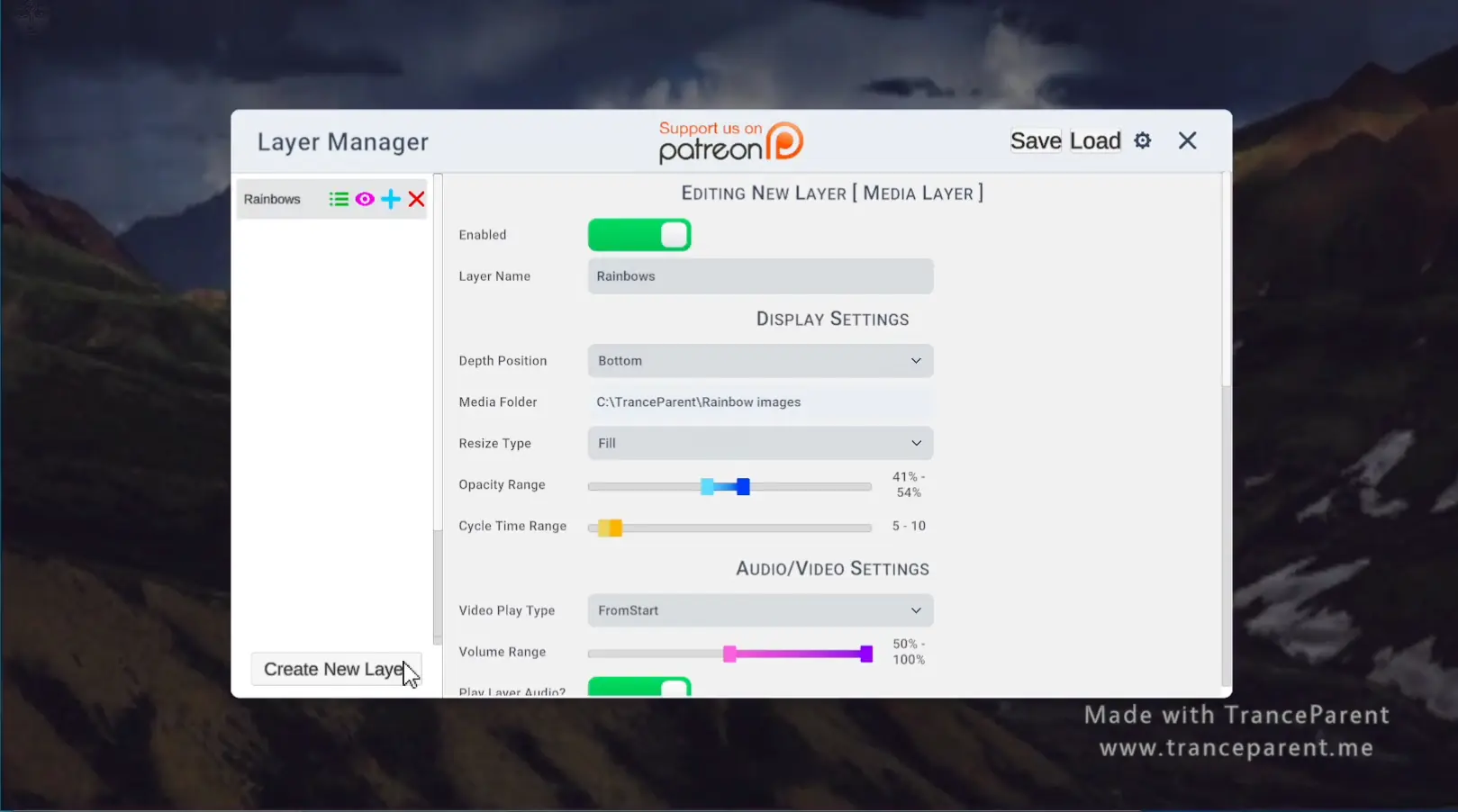
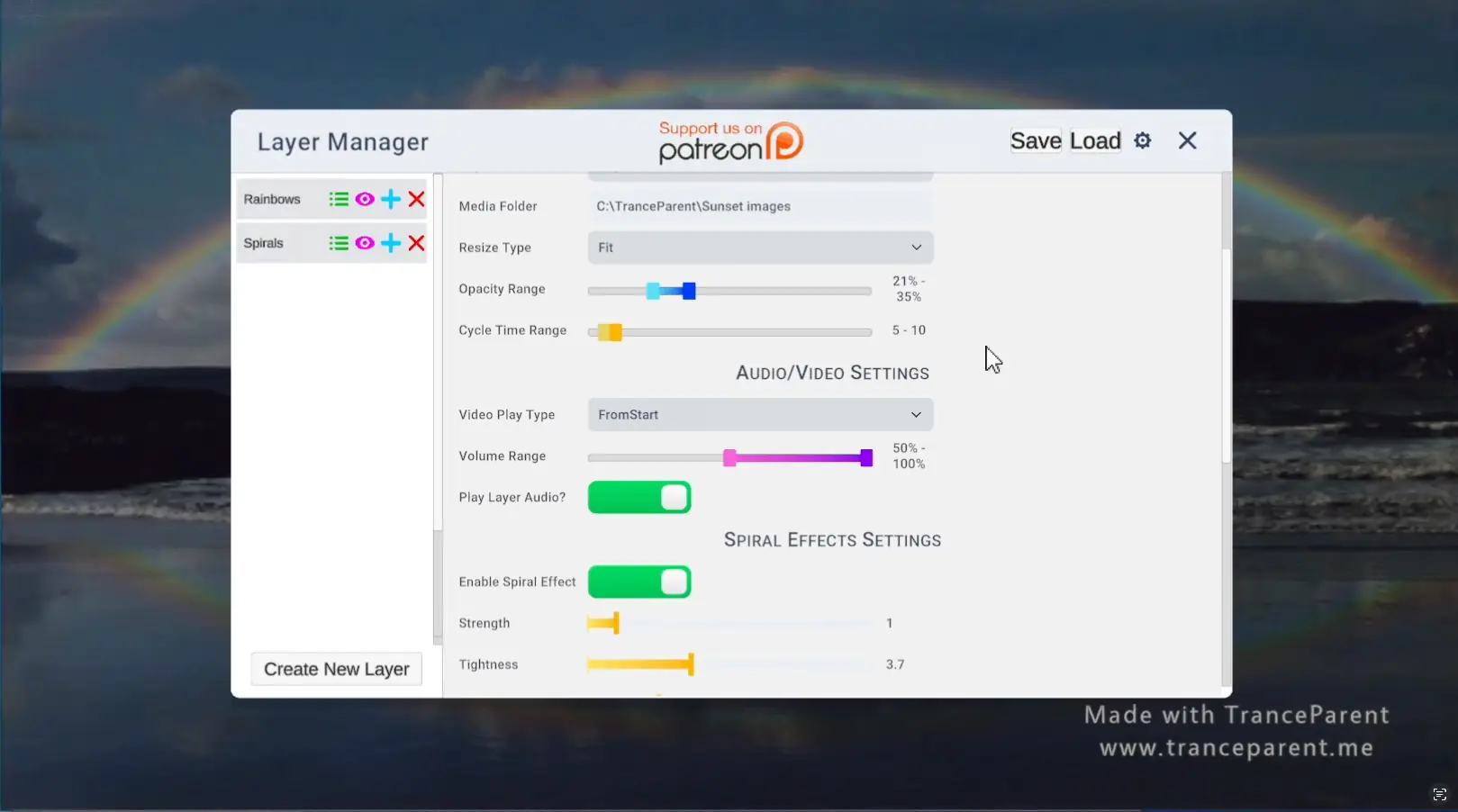
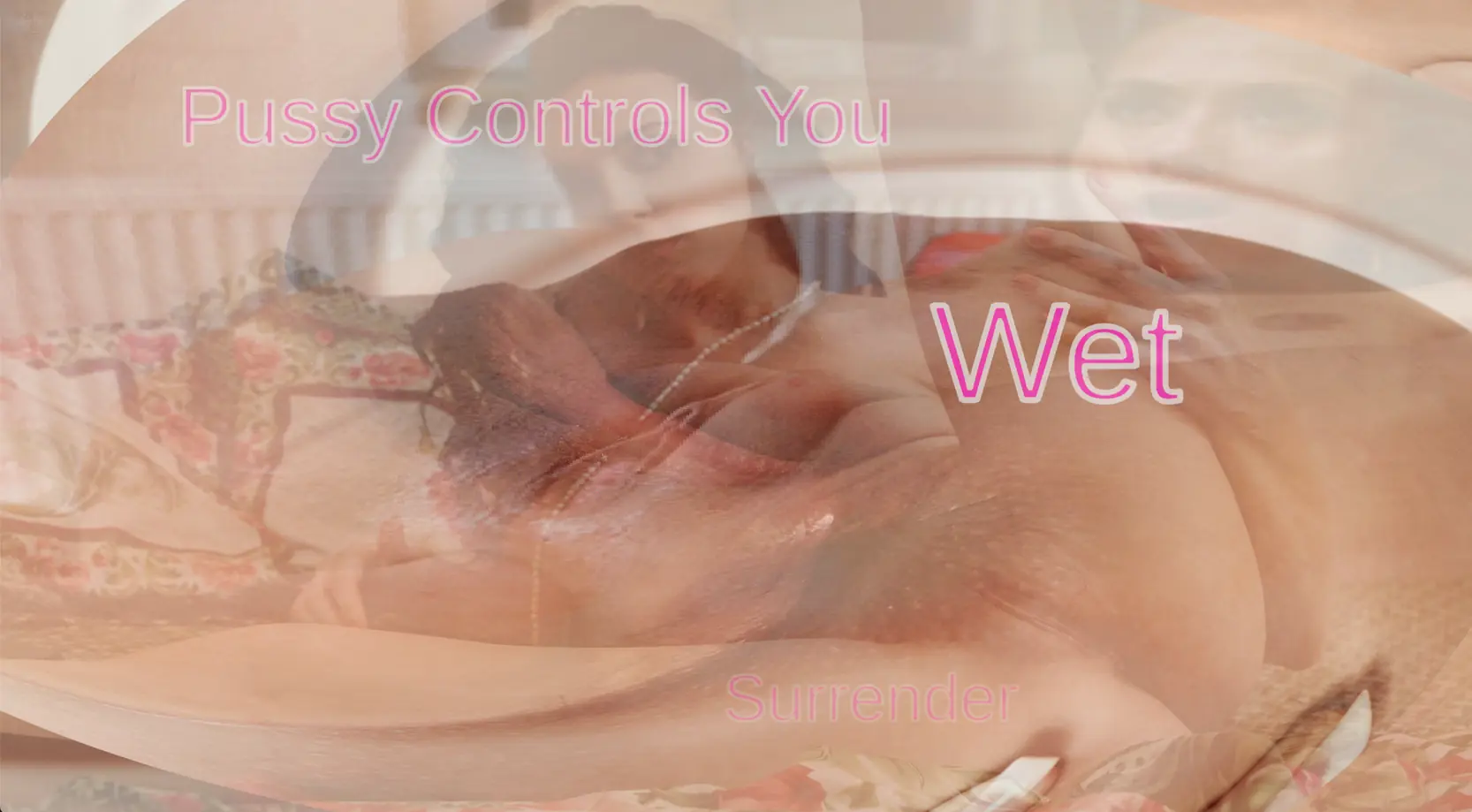
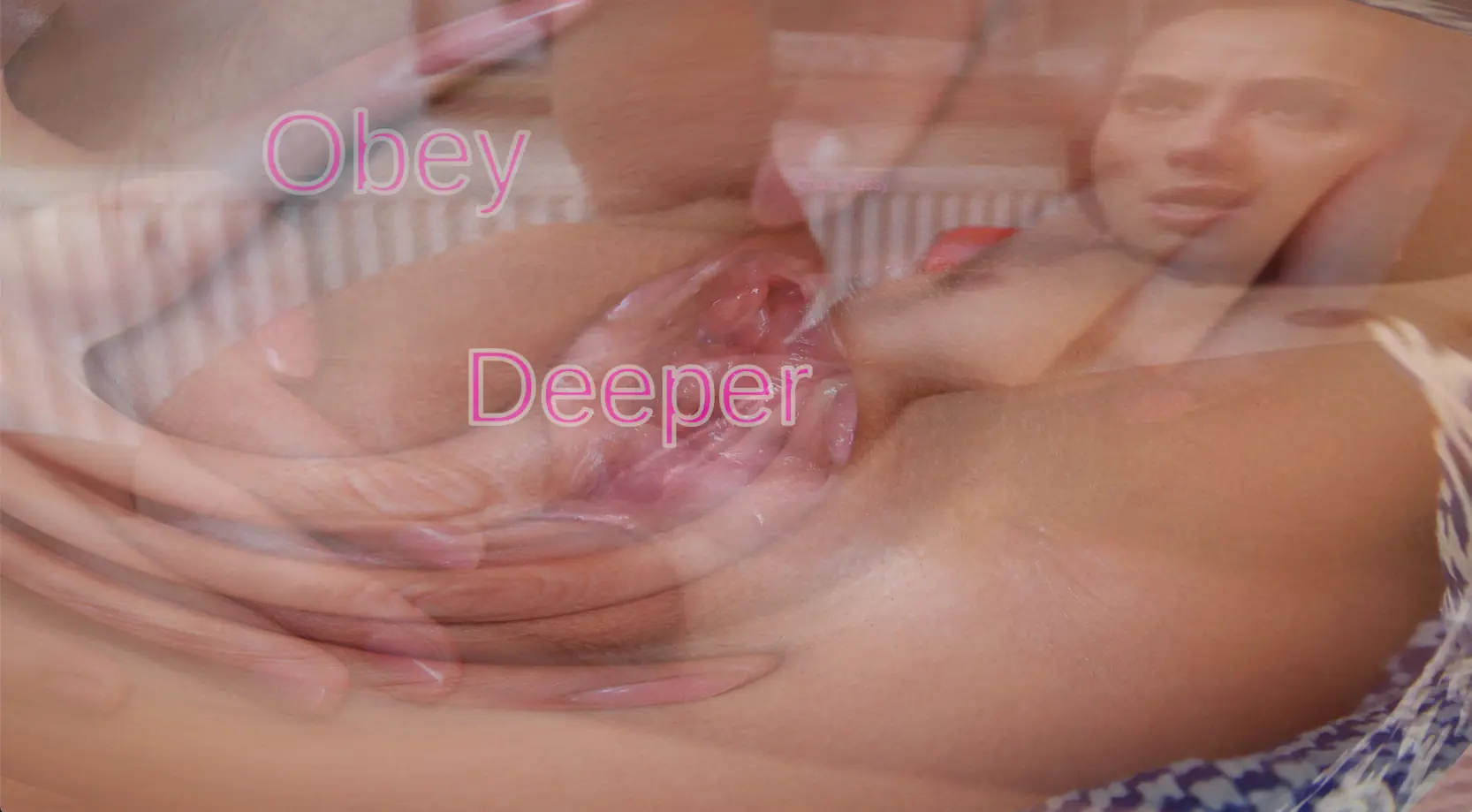
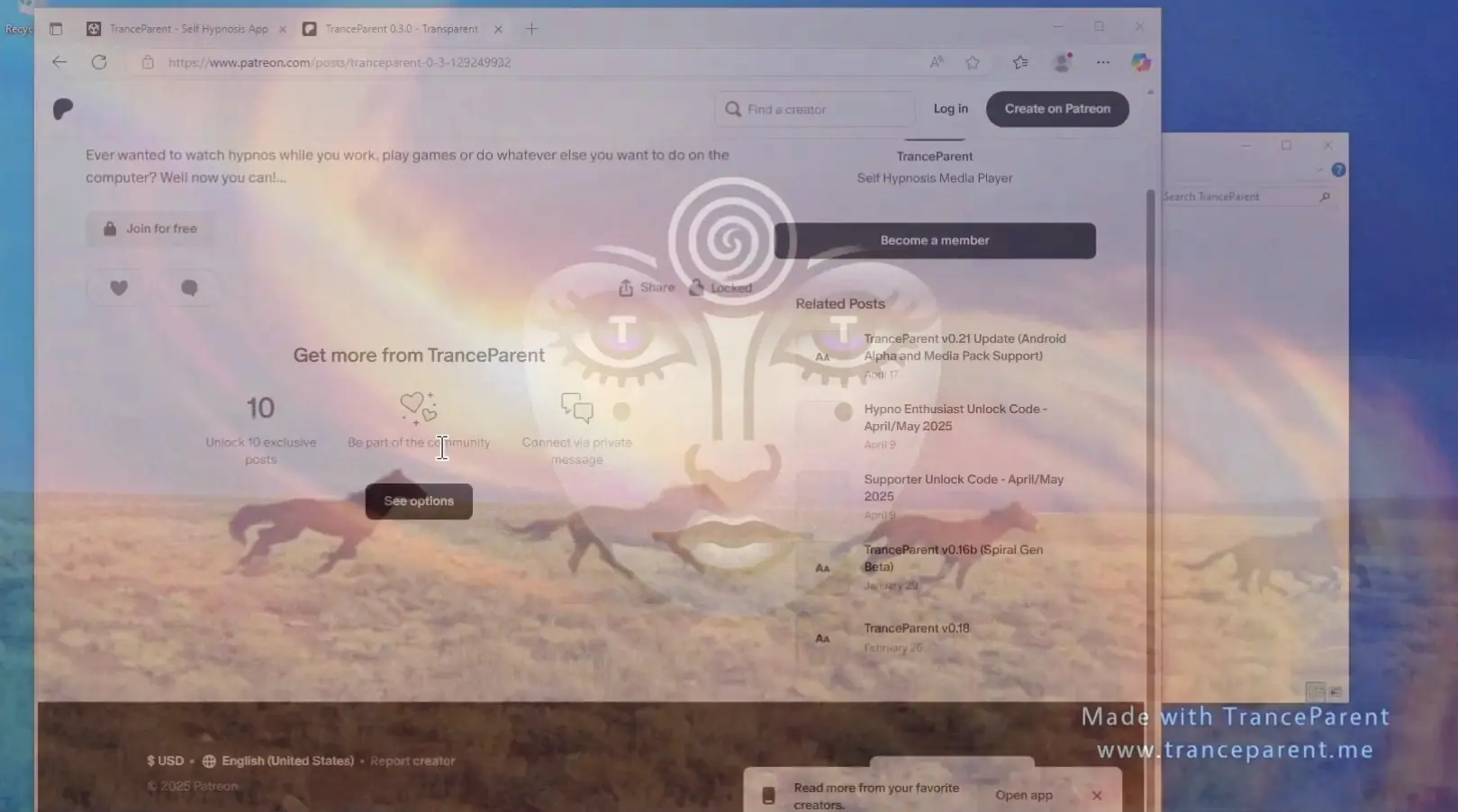
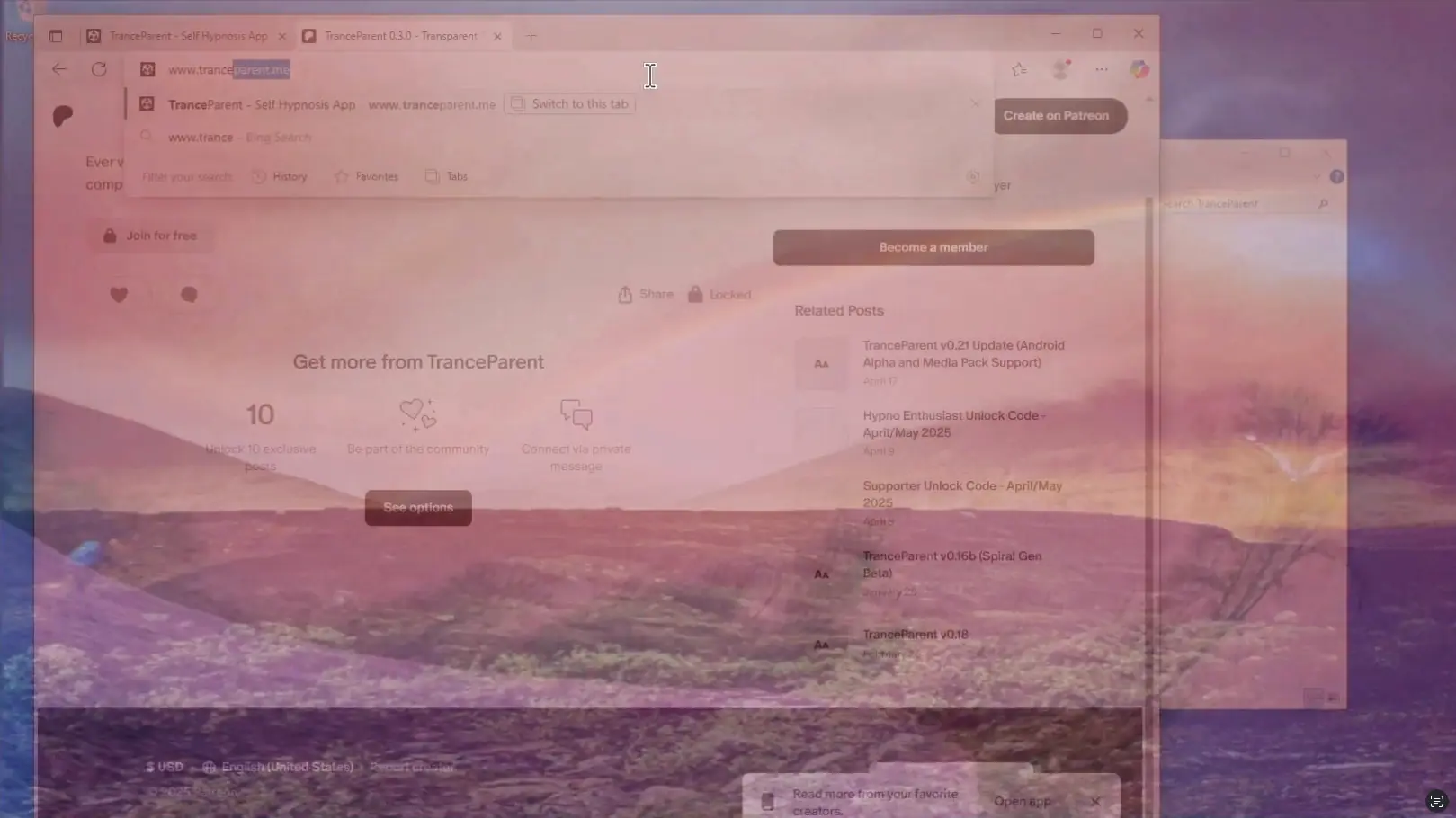
TranceParent is a new way to view your media! You can use it to do self hypnosis, goon your brains out, femdom hypno, make custom PMVs or whatever else you can imagine. It works by letting you load in a folder of images, gifs, videos, mp3s or other media into semi-transparent layers. Then it will randomly cycle through those media files even allowing you to create spirals out of any images. Set up multiple layers with different transparency levels and you can stack up the perfect combination. There are many other features as well!



How to install?
- Extract and run.
- Click the icon in the upper left and create a layer
- Click the Media Folder field to browse to a folder of your media
- Enable the Layer
- Enjoy!
- If you need help figuring out how to create layers or add media, watch the youtube video here: Youtube Tutorial
System Requirements:
- Dual Core Pentium or equivalent Processor.
- Intel HD 2000 or equivalent Graphics.
- 80.3 MB of free disk space (Recommended to have twice as much free disk space than this).
TranceParent - Ongoing - Version 0.7.0 Download Links
Confused about how the downloading works? Here is a handy guide
Android APK Fileknot Transfaze
Mac OS Fileknot Transfaze
Linux Fileknot Transfaze
Android APK Mega Gofile Mixdrop Datanodes Vikingfile
Mac OS Mega Gofile Mixdrop Datanodes Vikingfile
Linux Mega Gofile Mixdrop Datanodes Vikingfile
Report only if Mega link or all links except Mega are unavailable. More details about it
What's New in TranceParent Version - 0.7.0?
So with this build I really wanted to fix a lot of issues with the Media Layer and its lags, delays and bugs, so I completely reworked this layer and optimized it quite a bit. Additionally I fixed several of the annoying bugs that have been pestering me and probably others. Lastly 2 new effects were added, Ripple and Mesmerize.
Oh also a cache button was added, but use it with care, it will load the entire contents of the folder into cache and this can lock up your machine if it contains lots of files or large files. I will figure out a way to make this less problematic in future builds, but I wanted to add in something that made it smoother to play images and videos.
Change Log:
- New Cache toggle added to media layers
- Space now toggles Preview mode rather than requiring you to hold it
- While the Layer Manager is open the other UI buttons are now hidden
- Added a new Ripple Effect for Hypno Enthusiasts
- Added a new Mesmerize Effect for Hypno Enthusiasts
- When loading files in media layers, no longer show a white screen
- Complete re-code of the media layer to clean up and greatly optimize it. It should now allow faster image cycling as well
- Adjusted the cycle time ranges to 0.1 second – 30 seconds
- Changed how cycling effects the effects system to ensure it doesn’t reset each cycle
- The app should now close properly when you click the X or press alt + F4
- Fixed bugs with layers not cycling images or getting frozen
- Fixed bugs with hot keys interrupting typing in Text layers and Text Promps
- Fixed bugs with the up, down, left and right arrow keys not working with loaded save files
- Changed the “Warning” message color for notifications to a yellow color (from white)
- Pressing space no longer interacts with the UI elements as it was causing it to turn off a layer when you want to preview it
Porn Games of interest:




- Do not post same comment twice, your pending comment will be moderated, approved and replied by a stuff soon.
- Do Not ask for new updates/"when it will release" etc unless it is already released by developers. We do not develop games, use common sense.
- Use English Language only.
- You can click the bell icon before commenting to get mail whenever someone replies your comment. Great way to be notified if you are posting questions, be sure to provide correct email in that case.
- If you want to ask features of games like Bugfixing, save file support, new content ideas etc then please contact the game developer, TranceParentDe .
- You can help us by reporting dead links, wrong informations, new available updates etc in the comment section.
If you have a problem, post in these links. Keep Comment section clean
New Update?
Request here
Install Problems?
Post your problems here
Broken Links?
Let us know here
Bugs in game?
Use this forum to report it