
Dildo Coach [Ongoing] - Version: 2.0.1 (Free edition)
Developer:
GusDark
Consider supporting the dev if you like the game and want them to do what they love. Click on dev's link for more info.
Release Date: 15 October, 2026
Game Size: 47.0 MB
Censorship: Uncensored
Game Engine: Unity
Current Game Version: 2.0.1 (Free edition) (Ongoing)
Total Views: 150
Post your problem in our Discord server for faster response. Click here to join.
Game Informations
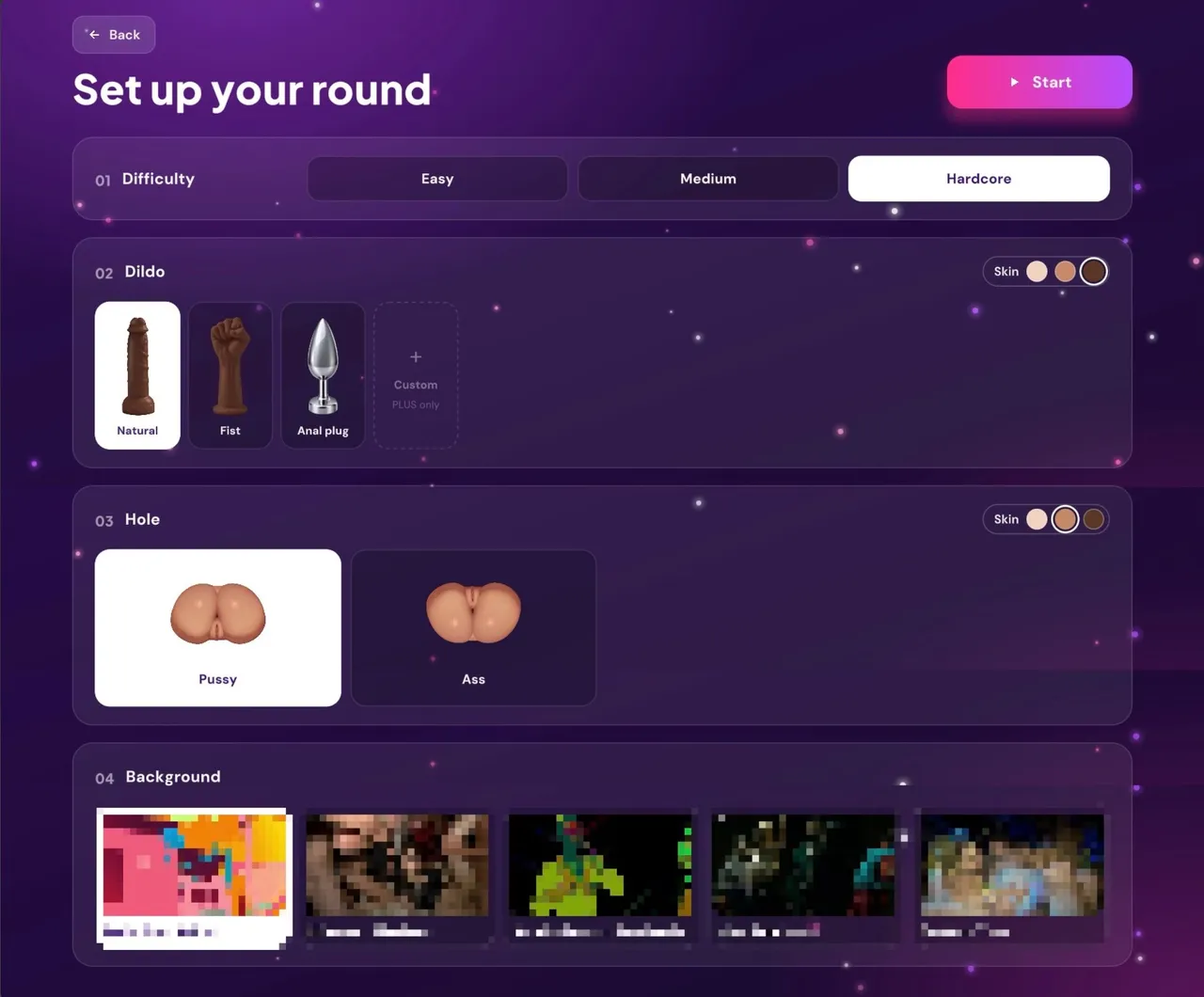
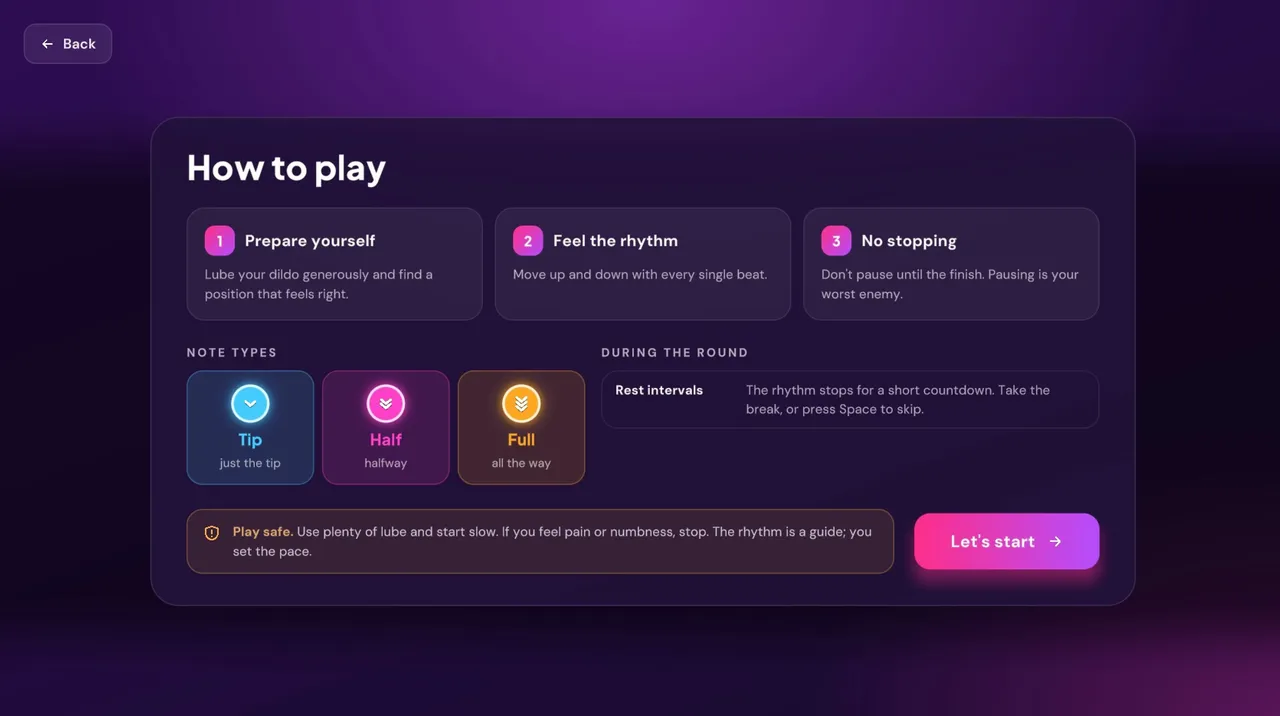
Dildo Coach is an 18+ rhythm trainer for dildo play. There’s no score and nothing to win: you add your own videos, the app listens to their music, finds the beat and builds on-screen guidance from it, then coaches you through the session at your pace.
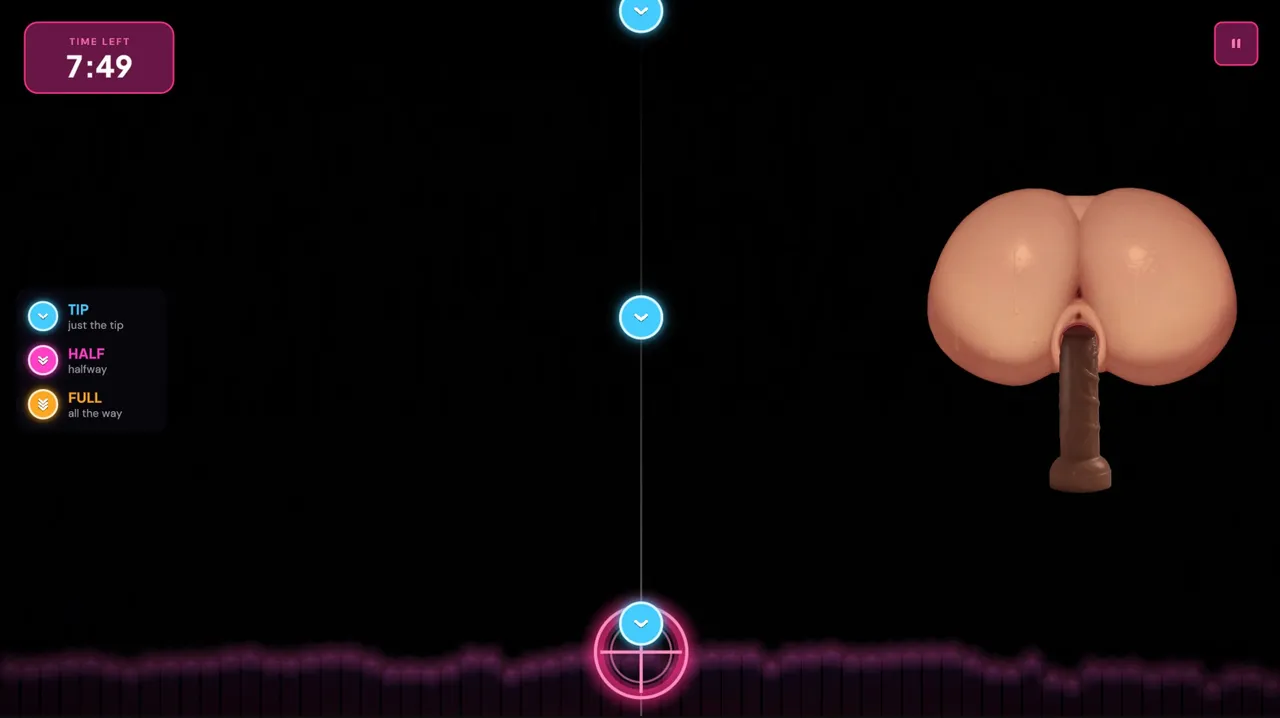
Notes travel down a lane to a target and tell you how deep to go: Tip, Half or Full. The on-screen dildo moves into the hole with them. Each session follows a natural arc of warm-up, build, climax and cool-down, scaled to the length of your video, with breathing guidance and optional rest breaks.
How to install?
- Windows:
- Extract the whole .zip to a normal folder (e.g. Desktop or D:Games). Don't run it from inside the .zip and avoid "Program Files".
- Run "Dildo Coach.exe".
- If you see "Windows protected your PC", click "More info" → "Run anyway". The game isn't code-signed, but it's safe and fully offline.
- Put your videos in the "Videos" folder next to the .exe, or pick any folder in Settings → Library → Browse, then press Rescan.
- Use H.264 .mp4 videos. HEVC/H.265 needs Microsoft's "HEVC Video Extensions", and AV1 isn't supported. Convert any video for free with HandBrake (preset "Fast 1080p30").
- Windows "N" editions: install Microsoft's free "Media Feature Pack" or videos won't play.
- Problems? Post your log from: %USERPROFILE%AppDataLocalLowGusDarkDildo CoachPlayer.log
- Mac:
- Double-click the .zip to extract "DildoCoach.app" and move it to Applications.
- First launch: right-click the app → Open → Open.
- On macOS 15 Sequoia or newer: open it once, close the warning, then go to System Settings → Privacy & Security and click "Open Anyway".
- If it says the app "is damaged", open Terminal and run:
- xattr -dr com.apple.quarantine /Applications/DildoCoach.app
- Add videos in Settings → Library → Browse (pick any folder), then press Rescan.
- Works on Apple Silicon and Intel Macs, macOS 11 Big Sur or newer.
- Problems? Post your log from: ~/Library/Logs/GusDark/Dildo Coach/Player.log
System Requirements:
- Dual Core Pentium or equivalent Processor.
- Intel HD 2000 or equivalent Graphics.
- 47.0 MB of free disk space (Recommended to have twice as much free disk space than this).
Dildo Coach - Ongoing - Version 2.0.1 (Free edition) Download Links
Confused about how the downloading works? Here is a handy guide
Mac OS Pixeldrain Gofile Buzzheavier Mega Mixdrop Datanodes
Report only if Mega link or all links except Mega are unavailable. More details about it
What's New in Dildo Coach Version - 2.0.1 (Free edition)?
v2.0.1
– Video sound no longer gets garbled when the picture can’t keep up.
– Videos in formats that won’t play (AV1, VP9, and HEVC on Windows) are flagged before the session starts.
v2.0
– Complete redesign of every screen.
– New body and dildo art; holes open to fit each dildo.
– Skin tones (White, Latin, Black) for bodies and dildos.
– New Fist dildo.
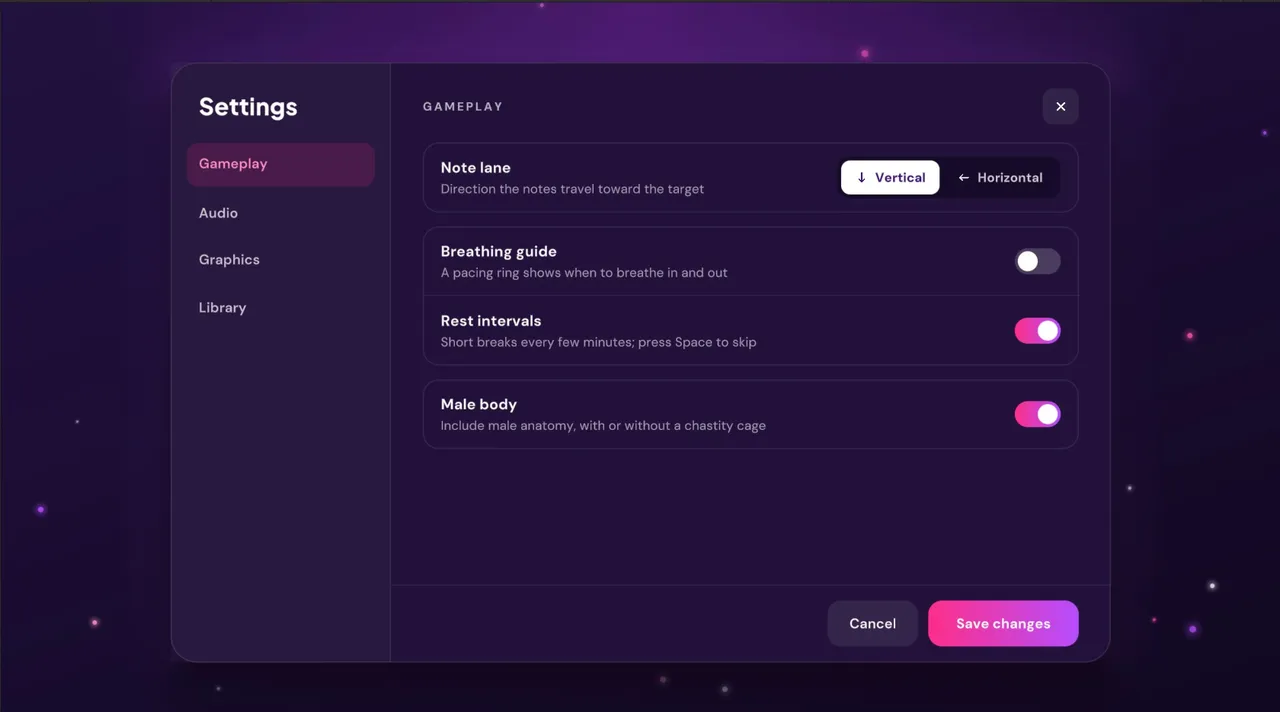
– Optional chastity cage for the Male body.
– First-launch content preferences: Male body is off until you turn it on.
– Vertical or horizontal note lane.
– Stats history of your last 20 sessions.
– Video library with thumbnails in Settings.
– Many fixes.
Porn Games of interest:





- Do not post same comment twice, your pending comment will be moderated, approved and replied by a stuff soon.
- Do Not ask for new updates/"when it will release" etc unless it is already released by developers. We do not develop games, use common sense.
- Use English Language only.
- You can click the bell icon before commenting to get mail whenever someone replies your comment. Great way to be notified if you are posting questions, be sure to provide correct email in that case.
- If you want to ask features of games like Bugfixing, save file support, new content ideas etc then please contact the game developer, GusDark .
- You can help us by reporting dead links, wrong informations, new available updates etc in the comment section.
If you have a problem, post in these links. Keep Comment section clean
New Update?
Request here
Install Problems?
Post your problems here
Broken Links?
Let us know here
Bugs in game?
Use this forum to report it