

SiNiSistar 2 [Finished] - Version: 1.3.1
Developer:
Nennai 5
Consider supporting the dev if you like the game and want them to do what they love. Click on dev's link for more info.
Release Date: 20 May, 2026
Game Size: 2.28 GB
Censorship: Censored
Game Engine: Unity
Current Game Version: 1.3.1 (Finished)
Total Views: 125.2K
Post your problem in our Discord server for faster response. Click here to join.
Game Informations
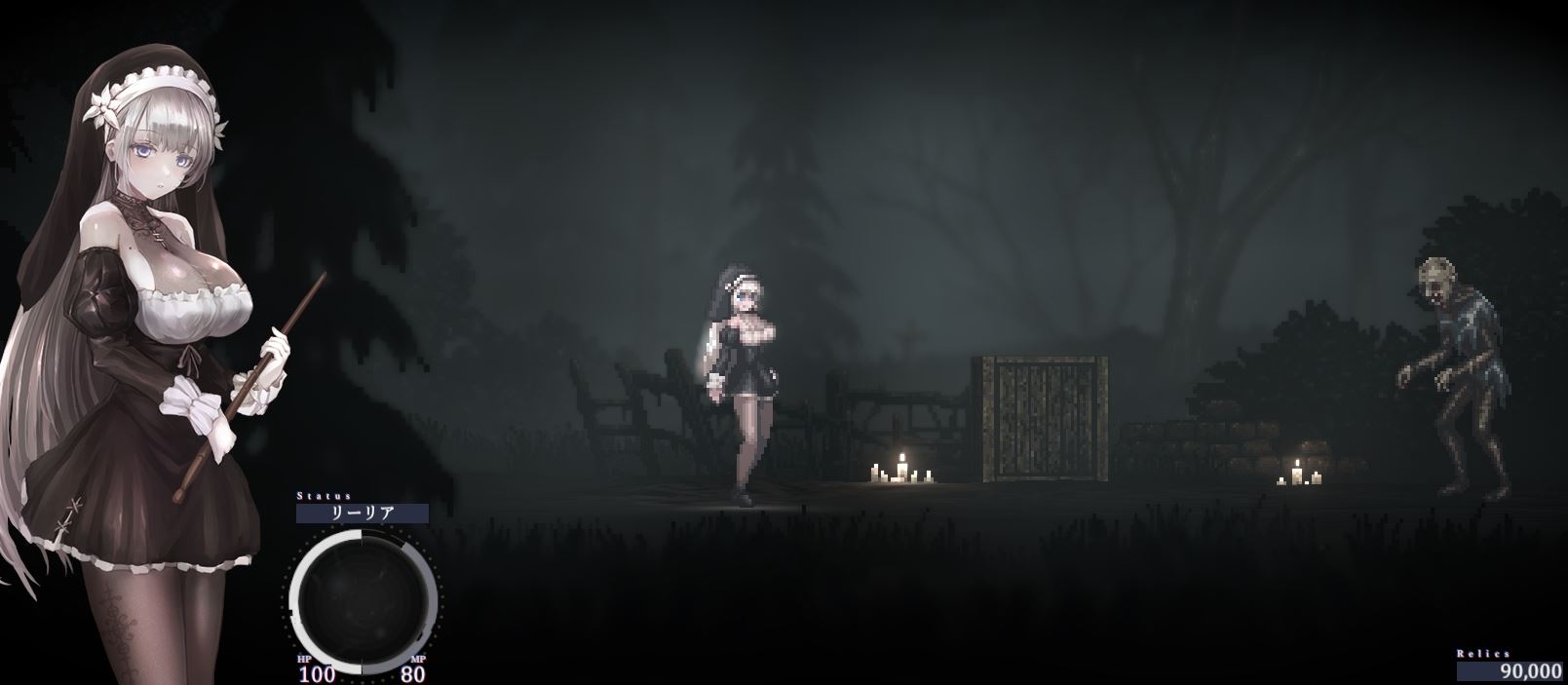
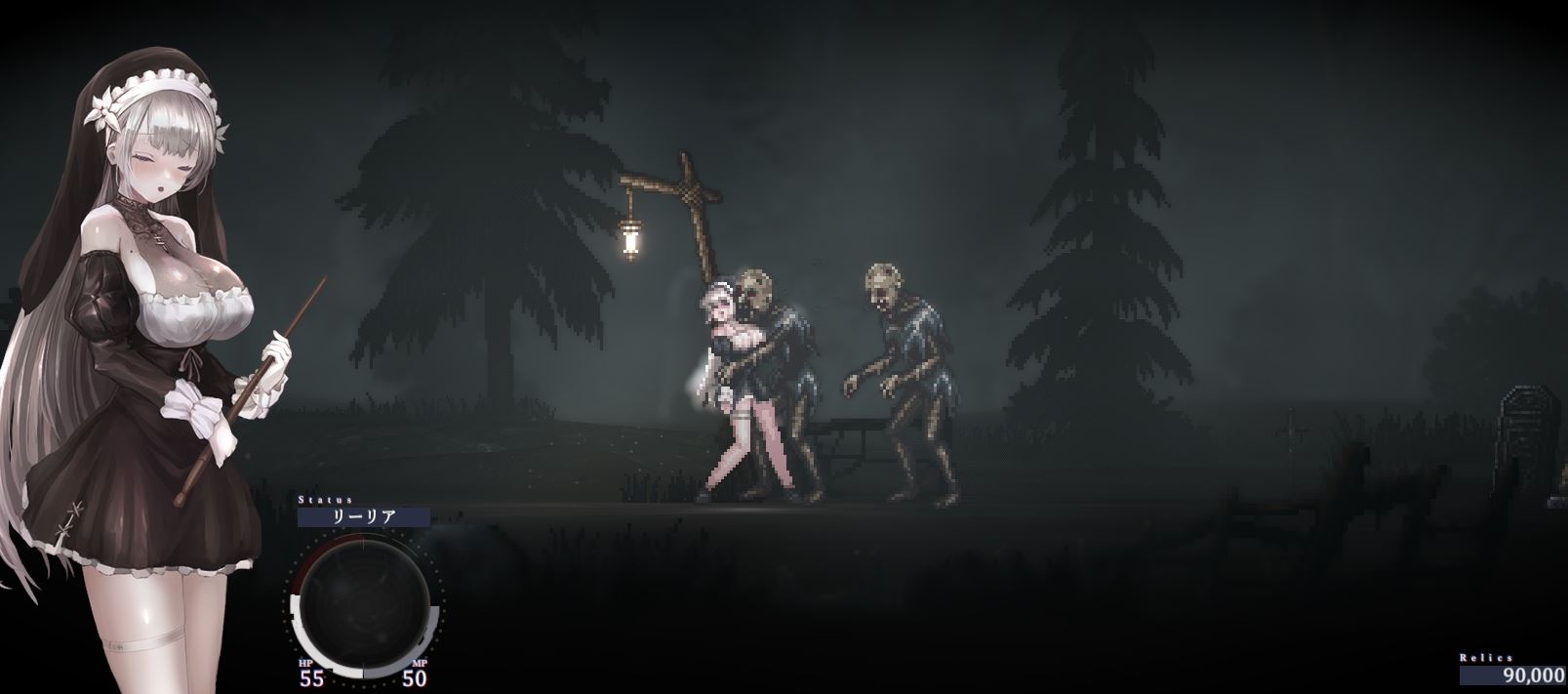
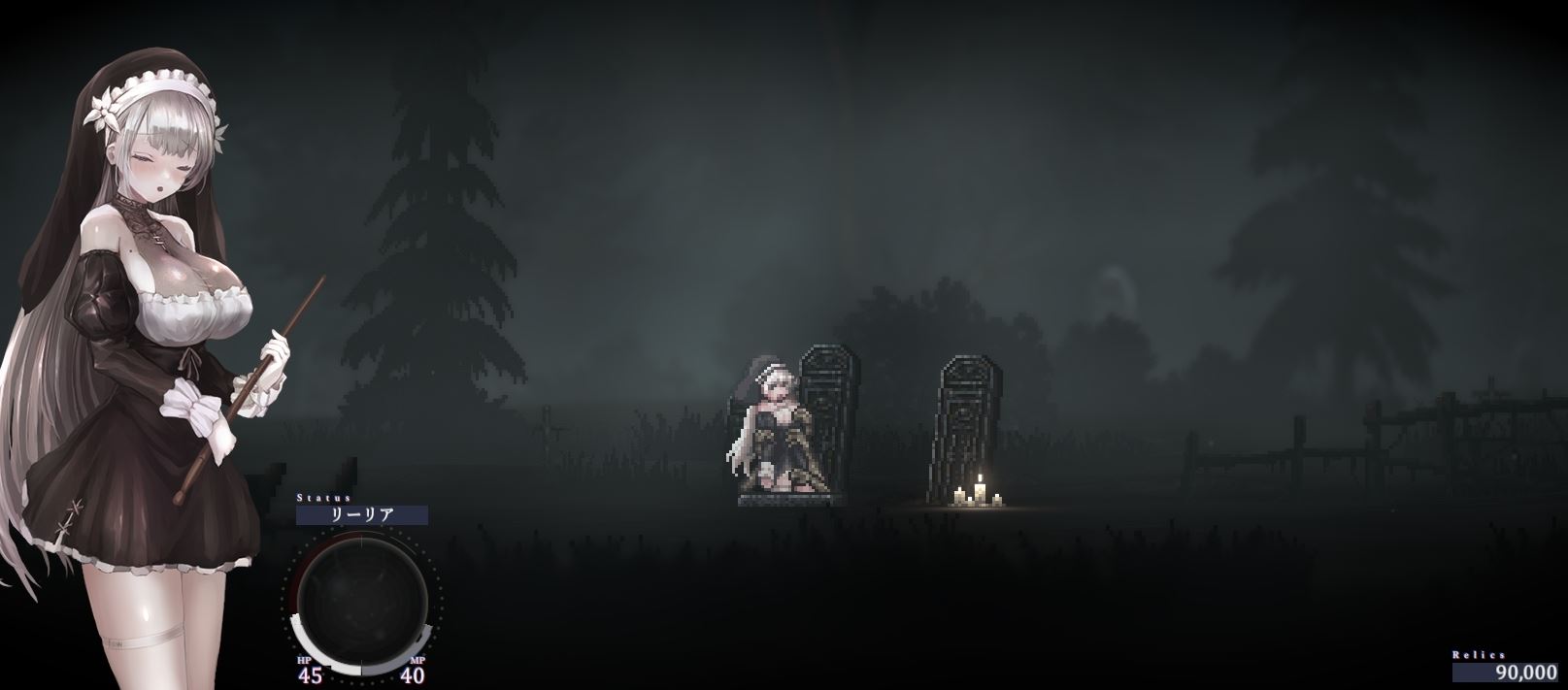
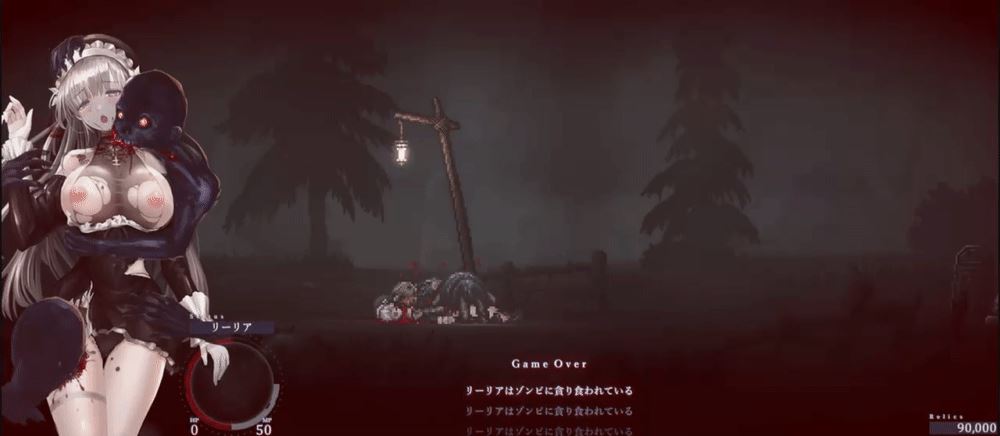
Set in the cursed town of Alcezon and its surroundings, the player controls an exorcist sister and fights against abominable creatures.
As the main quest, she will delve into dungeons in various places to investigate why monster numbers are on the rise, while handling sub quests which pop-up in town or otherwise. The timing in which you attempt to resolve these quests is mostly up to you.
Enemies that our not encountered in the main quest will appear in sub quests, and even more are planned to be added in future updates.
How to install?
- Extract and run.
System Requirements:
- Dual Core Pentium or equivalent Processor.
- Intel HD 2000 or equivalent Graphics.
- 2.28 GB of free disk space (Recommended to have twice as much free disk space than this).
SiNiSistar 2 - Finished - Version 1.3.1 Download Links
Confused about how the downloading works? Here is a handy guide
Mac OS Fileknot Transfaze
Mac OS Datanodes Mega Mixdrop Pixeldrain Vikingfile
Report only if Mega link or all links except Mega are unavailable. More details about it
Walkthrough and Guide
Performance Mod: FILEKNOT - PIXELDRAINPerformance Mod Installation:
1. Unpack these 3 files:
- boot.config
- RuntimeInitializeOnLoads.json
- ScriptingAssemblies.json
2. Copy and put them into the "SiNiSistar2_Data" folder.
3. Say "Yes" to replace existing files.
4. That's everything! Now you can play your game.
Note 1: It is highly recommended to create a game shortcut and add these 4 commands to it:
-single-instance -nolog -no-stereo-rendering -force-d3d11
Note 2: To ensure that every game you play honors the settings in the "boot.config" file, set it to "Read only":
Right-click "boot.config" --> Properties --> choose "Read only" --> click Apply --> and then OK.
Ending Notes:
- Mod is compatible with any version of SiNiSistar2, but you have to change manually key called "build-guid" in "boot.config" file which corresponds to the game version that comes up with every new update. After extracting new version of the game, just copy-paste new GUID from game's "boot.config" file to mod's "boot.config" file, then you can install mod.
- To change renderer that game uses, you have to manually add the command of that renderer to the game shortcut.
- You can use Unity Arguments in every Unity game that has "boot.config" file.
- You can use Unity Commands in every Unity game by adding them to the game shortcut.
Uncensor Mod (Works with the latest version 1.3.1): FILEKNOT - MIXDROP - MEGA
Uncensor Mod Installation:
Overwrite the original "Sample" folder (SiniSistar2\Mod\Player\Sample), but make a backup of the "Sample" folder first. Overwrite because only the images that needed to be uncensored were affected so its only 34mb. You can rename "Sample" folder after installing the way you want.
What's New in SiNiSistar 2 Version - 1.3.1?
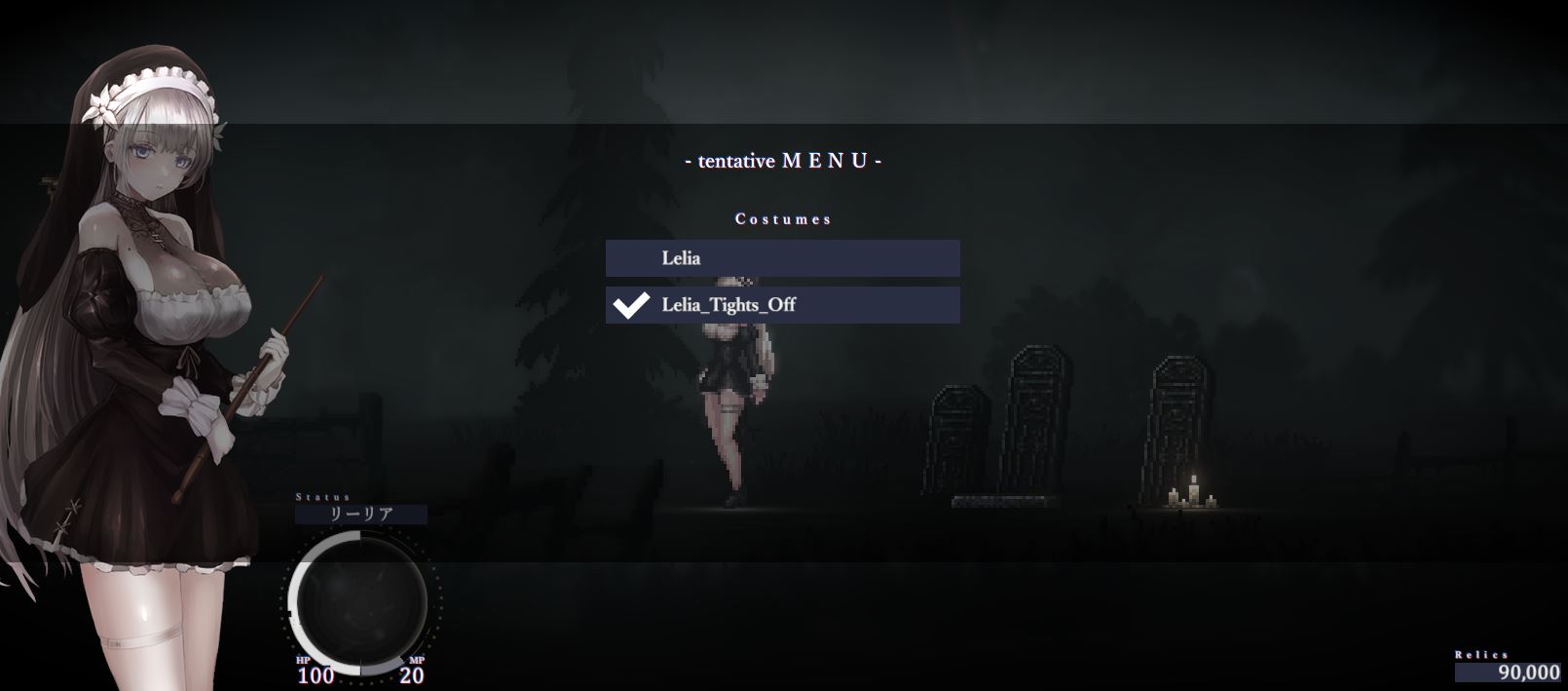
・Fixed a bug that caused the game to become unplayable under certain conditions when viewing the costume mod list
・Fixed a bug where some “Hard” settings were not being applied
Porn Games of interest:


- Do not post same comment twice, your pending comment will be moderated, approved and replied by a stuff soon.
- Do Not ask for new updates/"when it will release" etc unless it is already released by developers. We do not develop games, use common sense.
- Use English Language only.
- You can click the bell icon before commenting to get mail whenever someone replies your comment. Great way to be notified if you are posting questions, be sure to provide correct email in that case.
- If you want to ask features of games like Bugfixing, save file support, new content ideas etc then please contact the game developer, Nennai 5 .
- You can help us by reporting dead links, wrong informations, new available updates etc in the comment section.
If you have a problem, post in these links. Keep Comment section clean
New Update?
Request here
Install Problems?
Post your problems here
Broken Links?
Let us know here
Bugs in game?
Use this forum to report it