

Summer's Gone [Ongoing] - Version: S2 Ch.1-3 Final
Developer:
Regium
Consider supporting the dev if you like the game and want them to do what they love. Click on dev's link for more info.
Release Date: 31 March, 2026
Game Size: 19.30 GB
Censorship: Uncensored
Game Engine: Ren'Py
Current Game Version: S2 Ch.1-3 Final (Ongoing)
Total Views: 56K
Post your problem in our Discord server for faster response. Click here to join.
Game Informations
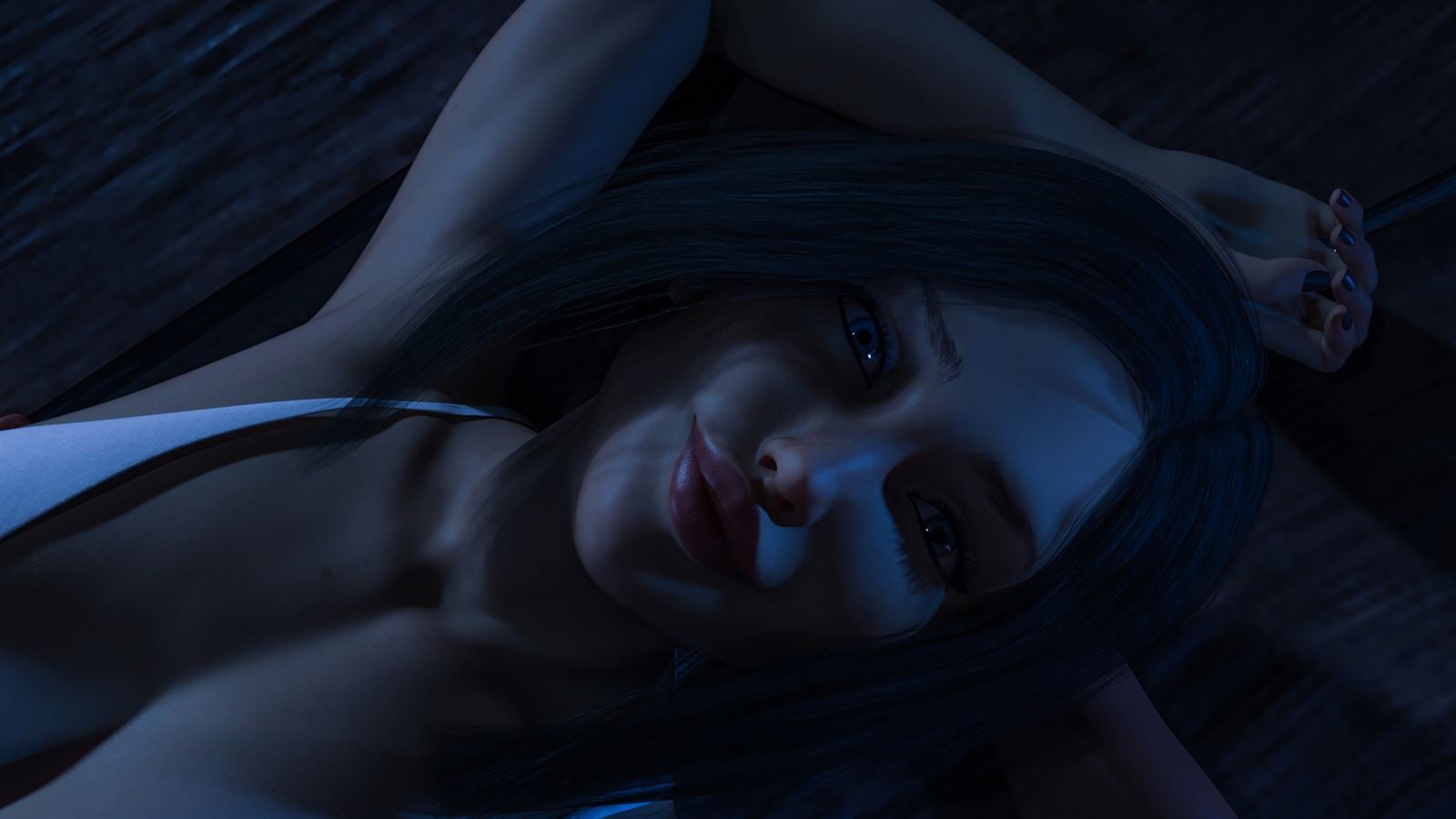
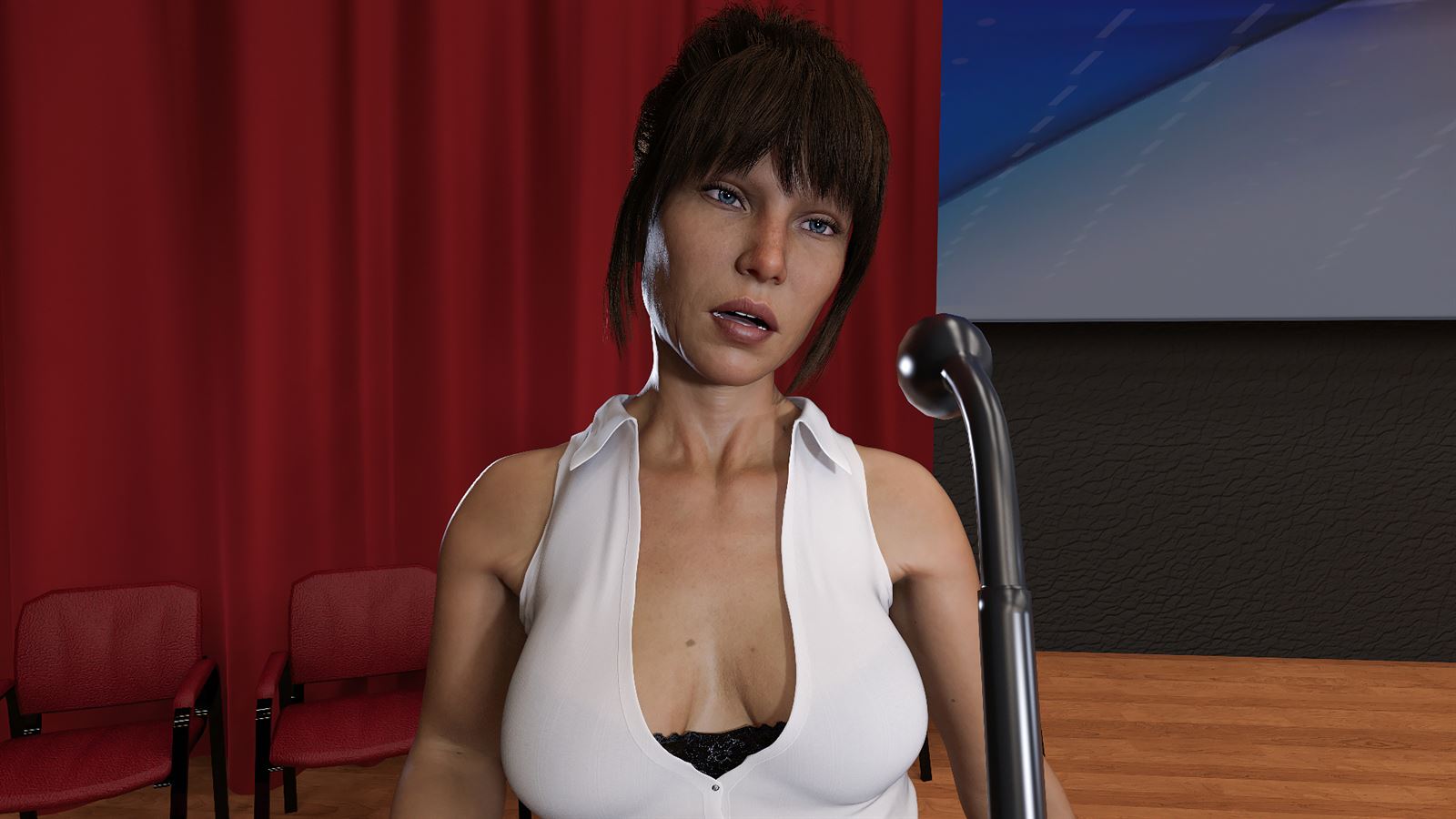
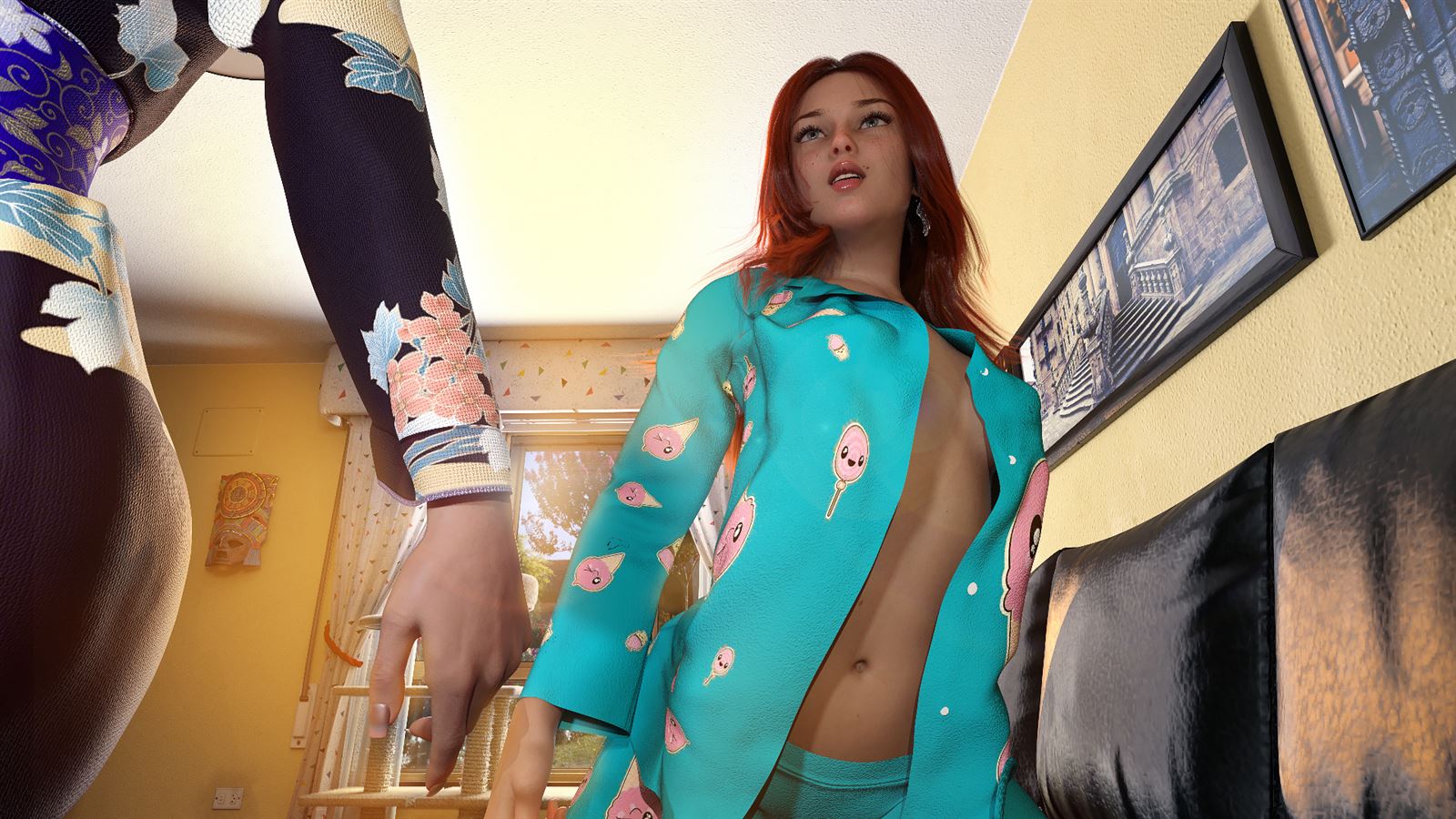
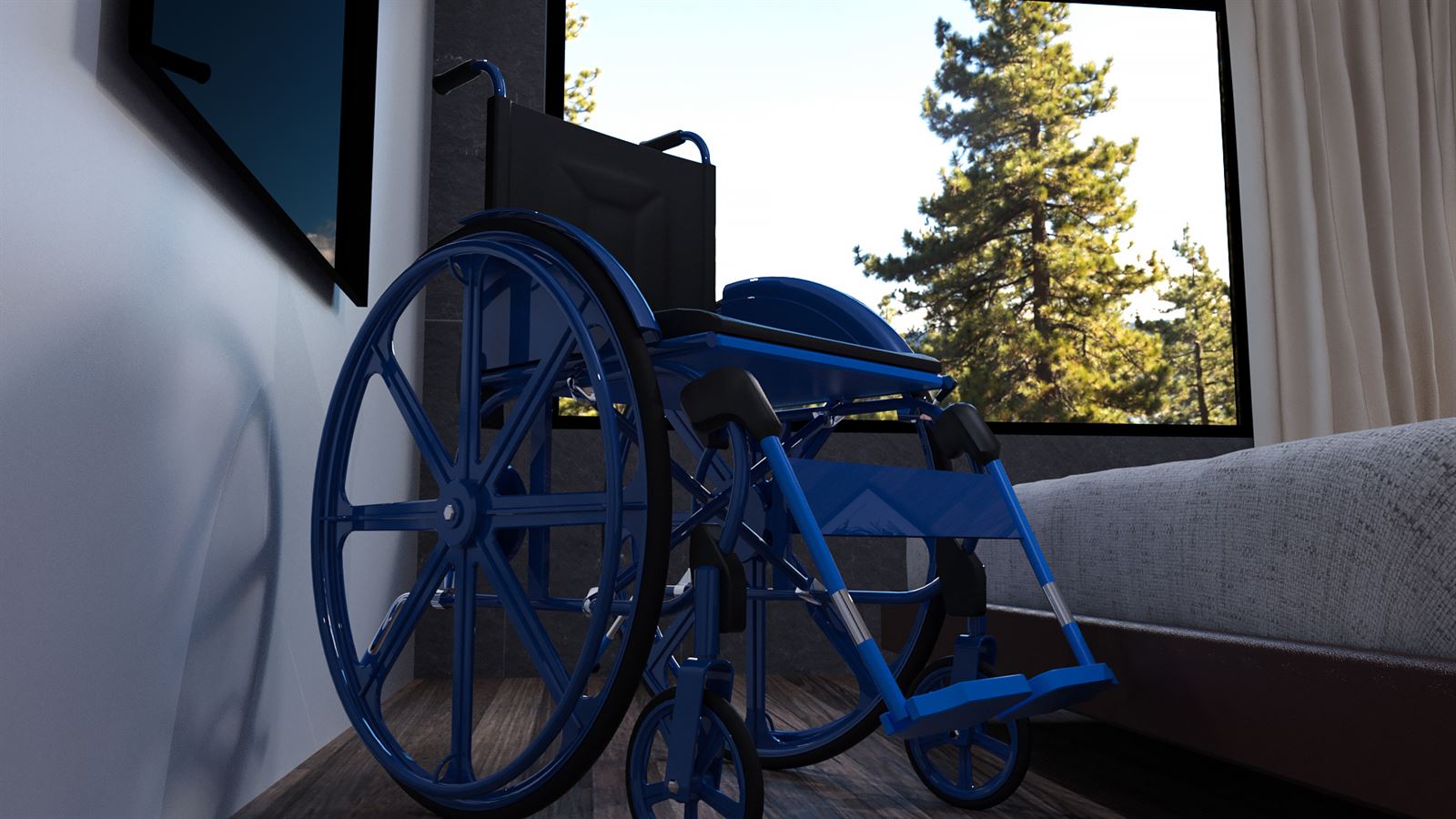
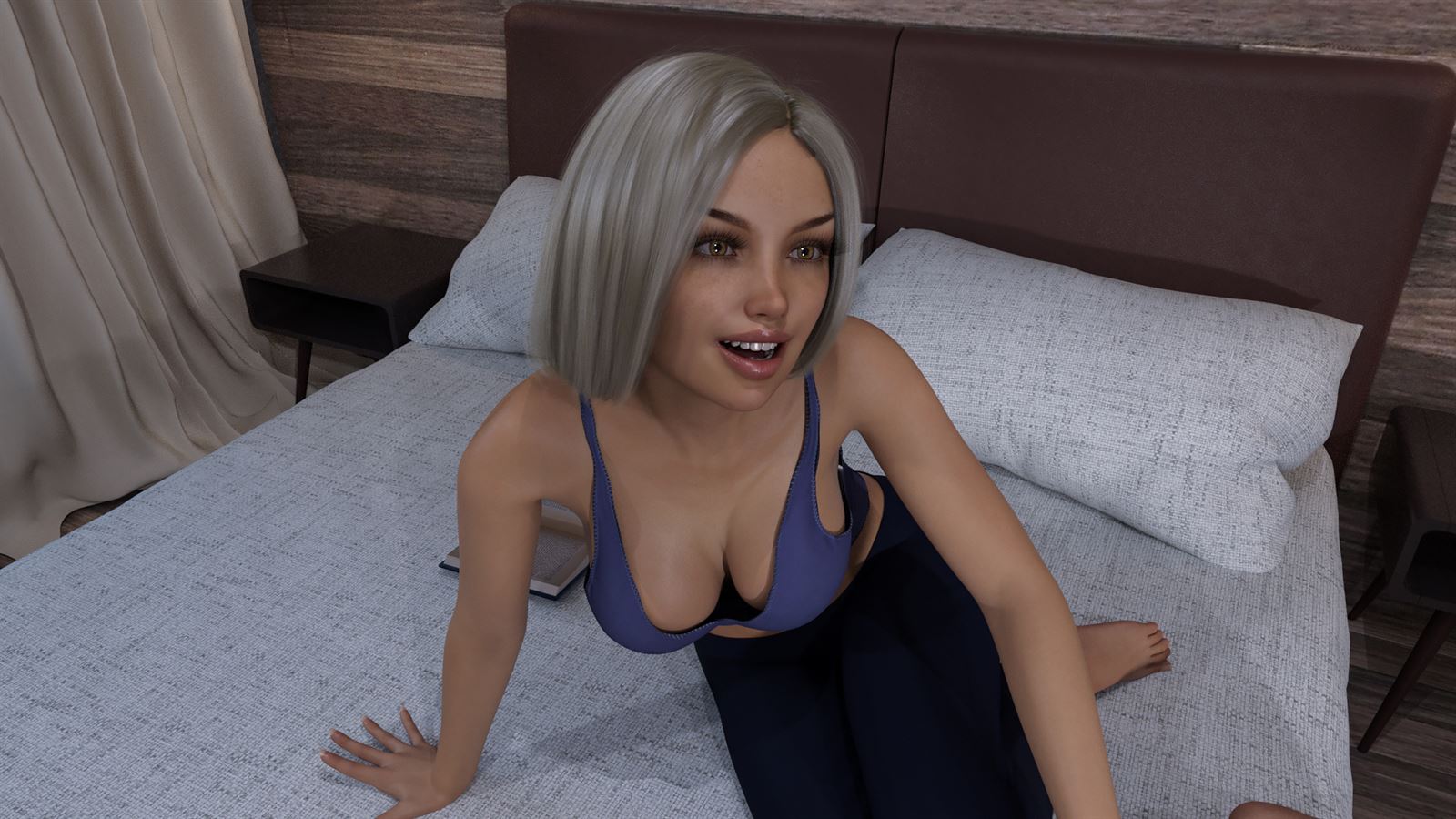
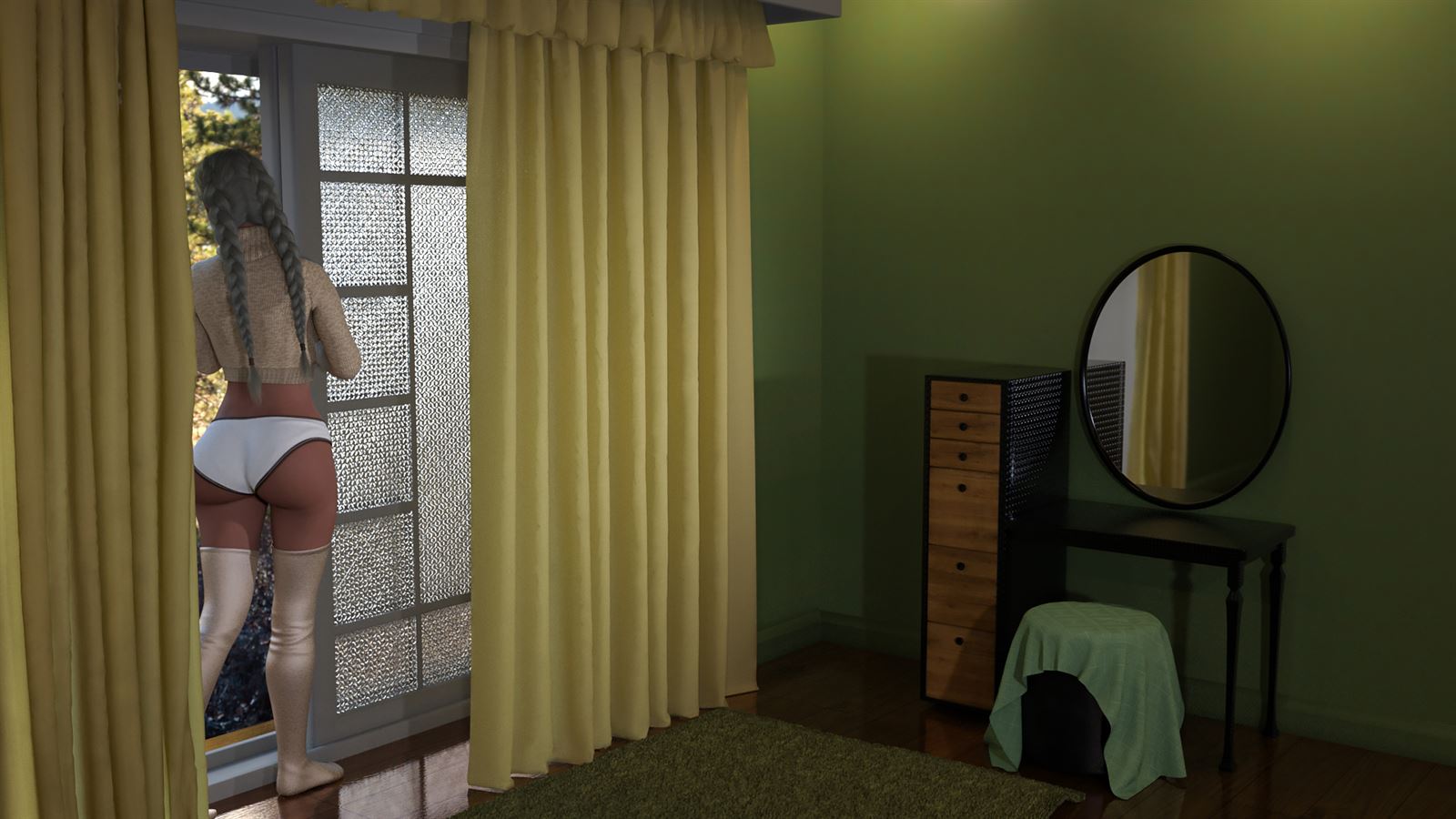
After a traumatic experience, a young spirit tries to find its way back into life. College is about to start and mysteries are about to unfold.


How to install?
- Extract and run the Summersgone.exe
- Uncensor Patch Installation:
On PC: Move the "patch.rpy" and "patch.rpyc" file into the game folder.
On MAC: Place the patch.rpy and "patch.rpyc"file in: /contents/resources/autorun/game
System Requirements:
- Dual Core Pentium or equivalent Processor.
- Intel HD 2000 or equivalent Graphics.
- 19.30 GB of free disk space (Recommended to have twice as much free disk space than this).
Summer's Gone - Ongoing - Version S2 Ch.1-3 Final Download Links
Confused about how the downloading works? Here is a handy guide
Android APK Fileknot (Chapter 4.5 Full) Transfaze (Chapter 4.5 Full)
Mac OS Fileknot Transfaze Fileknot (Split Part 1) Transfaze (Split Part 1) Fileknot (Split Part 2) Transfaze (Split Part 2) Fileknot (Split Part 3) Transfaze (Split Part 3) Fileknot (Split Part 4) Transfaze (Split Part 4) Fileknot (Split Part 5) Transfaze (Split Part 5) Fileknot (Season 1) Transfaze (Season 1) Fileknot (Season 1 Split Part 1) Transfaze (Season 1 Split Part 1) Fileknot (Season 1 Split Part 2) Transfaze (Season 1 Split Part 2) Fileknot (Season 1 Split Part 3) Transfaze (Season 1 Split Part 3) Fileknot (Season 1 Infamous Patch) Transfaze (Season 1 Infamous Patch) Fileknot (Chapter 5 Beta) Transfaze (Chapter 5 Beta) Fileknot (Chapter 5 Beta Uncensored Patch) Transfaze (Chapter 5 Beta Uncensored Patch)
Linux Fileknot Transfaze Fileknot (Split Part 1) Transfaze (Split Part 1) Fileknot (Split Part 2) Transfaze (Split Part 2) Fileknot (Split Part 3) Transfaze (Split Part 3) Fileknot (Split Part 4) Transfaze (Split Part 4) Fileknot (Split Part 5) Transfaze (Split Part 5) Fileknot (Season 1) Transfaze (Season 1) Fileknot (Season 1 Split Part 1) Transfaze (Season 1 Split Part 1) Fileknot (Season 1 Split Part 2) Transfaze (Season 1 Split Part 2) Fileknot (Season 1 Split Part 3) Transfaze (Season 1 Split Part 3) Fileknot (Season 1 Infamous Patch) Transfaze (Season 1 Infamous Patch) Fileknot (Chapter 5 Beta) Transfaze (Chapter 5 Beta) Fileknot (Chapter 5 Beta Uncensored Patch) Transfaze (Chapter 5 Beta Uncensored Patch)
Android APK Mega (Chapter 4.5 Full) Mixdrop (Chapter 4.5 Full) Pixeldrain (Chapter 4.5 Full)
Mac OS Buzzheavier Datanodes Uploadnow Vikingfile Buzzheavier (Split Part 1) Datanodes (Split Part 1) Gofile (Split Part 1) Mixdrop (Split Part 1) Vikingfile (Split Part 1) Buzzheavier (Split Part 2) Datanodes (Split Part 2) Gofile (Split Part 2) Mixdrop (Split Part 2) Vikingfile (Split Part 2) Buzzheavier (Split Part 3) Datanodes (Split Part 3) Gofile (Split Part 3) Mixdrop (Split Part 3) Vikingfile (Split Part 3) Buzzheavier (Split Part 4) Datanodes (Split Part 4) Gofile (Split Part 4) Mixdrop (Split Part 4) Vikingfile (Split Part 4) Buzzheavier (Split Part 5) Datanodes (Split Part 5) Gofile (Split Part 5) Mixdrop (Split Part 5) Vikingfile (Split Part 5) Datanodes (Season 1) Gofile (Season 1) Mega (Season 1) Pixeldrain (Season 1) Uploadhaven (Season 1) Mega (Season 1 Split Part 1) Mixdrop (Season 1 Split Part 1) Pixeldrain (Season 1 Split Part 1) Wdho (Season 1 Split Part 1) Mega (Season 1 Split Part 2) Mixdrop (Season 1 Split Part 2) Pixeldrain (Season 1 Split Part 2) Wdho (Season 1 Split Part 2) Mega (Season 1 Split Part 3) Mixdrop (Season 1 Split Part 3) Pixeldrain (Season 1 Split Part 3) Wdho (Season 1 Split Part 3) Mediafire (Chapter 5 Beta) Mixdrop (Chapter 5 Beta) Pixeldrain (Chapter 5 Beta) Mediafire (Chapter 5 Beta Uncensored Patch)
Linux Buzzheavier Datanodes Uploadnow Vikingfile Buzzheavier (Split Part 1) Datanodes (Split Part 1) Gofile (Split Part 1) Mixdrop (Split Part 1) Buzzheavier (Split Part 2) Datanodes (Split Part 2) Gofile (Split Part 2) Mixdrop (Split Part 2) Vikingfile (Split Part 2) Buzzheavier (Split Part 3) Datanodes (Split Part 3) Gofile (Split Part 3) Mixdrop (Split Part 3) Vikingfile (Split Part 3) Buzzheavier (Split Part 4) Datanodes (Split Part 4) Gofile (Split Part 4) Mixdrop (Split Part 4) Vikingfile (Split Part 4) Buzzheavier (Split Part 5) Datanodes (Split Part 5) Gofile (Split Part 5) Mixdrop (Split Part 5) Vikingfile (Split Part 5) Datanodes (Season 1) Gofile (Season 1) Mega (Season 1) Pixeldrain (Season 1) Uploadhaven (Season 1) Mega (Season 1 Split Part 1) Mixdrop (Season 1 Split Part 1) Pixeldrain (Season 1 Split Part 1) Wdho (Season 1 Split Part 1) Mega (Season 1 Split Part 2) Mixdrop (Season 1 Split Part 2) Pixeldrain (Season 1 Split Part 2) Wdho (Season 1 Split Part 2) Mega (Season 1 Split Part 3) Mixdrop (Season 1 Split Part 3) Pixeldrain (Season 1 Split Part 3) Wdho (Season 1 Split Part 3) Dropmefiles (Chapter 5 Beta) Gofile (Chapter 5 Beta) Mediafire (Chapter 5 Beta) Mixdrop (Chapter 5 Beta) Pixeldrain (Chapter 5 Beta) Transfer (Chapter 5 Beta) Uploadhaven (Chapter 5 Beta) Mediafire (Chapter 5 Beta Uncensored Patch)
Report only if Mega link or all links except Mega are unavailable. More details about it
Walkthrough and Guide
Walkthrough: FILEKNOTSave: FILEKNOT
LI list: FILEKNOT
Gallery Unlocker: FILEKNOT
Gallery Unlocker Installation:
Just place it in the game folder and everything should be unlocked.
Gallery Unlocker Features:
This script makes permanent changes to your persistent data.
Removing this script will not revert the changes that have been made.
Make a backup if you ever want to be able to revert back without completely removing your persistent data.
Walkthrough Mod Season 1: FILEKNOT
Walkthrough Mod Season 2: FILEKNOT
Walkthrough Mod Installation:
- Merge the folder "game" from the mod with the one is your Summer's Gone Folder
Walkthrough Mod Features:
- Highlighed/added hints to dialogue
- Cheat mod for editing points (will be expanded later)
- Can see all scenes where option to view one is given
Season 1 Music restoration Mod F95 version: FILEKNOT
Season 1 Music restoration Mod Steam version: FILEKNOT
Music restoration Mod Installation:
Unzip the mod and put the "game" folder in your Summer's Gone root directory (where the original game folder is). Overwrite files when asked.
Music restoration Mod Features:
- Add an option to the Preferences screen to switch to original sountrack.
- You can switch mode during the game. If a song has already started, it won't switch unless you rollback before it starts.
- The mod also restore a cutscene from Chapter 3 (probably removed to fit the soundtrack changes).
Season 1 Gallery Unlocker: FILEKNOT
Gallery Unlocker Installation:
Extract the Zip and move the files+subfolders into your "...\game\" folder
(on Android it's under "...\Documents\RenPy_Saves\com.koga3.summersgoneseason1\game\"
Info: don't forget to remove these files/folders on Android again with the next port update, otherwise it would interfere with that upcoming release.
If needed here also the replay/gallery unlocker + settings Mod for Season 1 for PC: FILEKNOT
If needed here also the replay/gallery unlocker + settings Mod for Season 1 for PC Installation:
Extract the files and folder "Benutzerdefiniert" into the .../game/ folder)
Uncut Mod v2.03 Uncut Edition: FILEKNOT
Uncut Mod v2.03 Uncut Taboo Edition: FILEKNOT
Uncut Mod Installation:
Unzip the file and move the content of the unzipped folder into the "game" subfolder of your Summer's Gone season 1 folder.
To uninstall the mod, remove the "uncut.rpy" and "uncut.rpyc" files as well as the "gui", "Benutzerdefiniert" and "images" folders.
Framerate Mod: FILEKNOT
Framerate Mod Installation:
1.Copy the "game" folder into the game’s root directory (the same folder where "game.exe" is located).
2.The modded files will now take priority over the original animations.
3.Launch the game and enjoy smoother, enhanced visuals!
MAC installation:
Click on game icon and follow this path: Show Pacakge Contents/Contents/Resources/Autorun
Grab and drag the game folder onto the autorun folder while holding the alt key, release on it when you will see the green plus button, then click merge on the pop up window that will appear.
Framerate Mod Features:
19 animations
19 new animations this update
All compatible animations have been converted to HFR, ensuring fluid and lifelike motion.
Beyond higher framerates, every animation has been re-encoded with optimized parameters to deliver subtle yet impactful visual improvements.
What's New in Summer's Gone Version - S2 Ch.1-3 Final?
Mila route now starts properly
Mila testing variable removed that would always put you on the venus route
Nami’s missing image fixed.
Non-Zara route fix
Fixes a bug with a small Bella & Ayua scene in the middle of the update. (If you weren’t on Vic’s route, it would skip this small scene. You only get it if you’re on the Bella love route)
Fixed reported typos
Fixed reported clipping in renders
Fixed coding issues
Added all the galleries and gave each girl a more customized gallery as well.
Added Akiho, Adriana & Miss Hill’s CG gallery.
Lewd gallery added
Added a way to install Treats. There is a new folder called “Install_Treats_Here”. Steam/GOG will automatically download the treats from DLCs into the right folder. If you get the Treats from SS you have to manually place them. They will then unlock in the game itself. (I will reupload Free treats like “Sundrift” free-stuff so that you can install them as well.)
Added ~20 seconds of Mila animations to her start. (I completely forgot to add them when I released…)
Added the ability to delete saves.
Naming saves can be toggled off.
Added an unlimited amount of dynamic save pages.
Defined the cinematics in a different way. (Some were accidentally skipping them.)
Porn Games of interest:

- Do not post same comment twice, your pending comment will be moderated, approved and replied by a stuff soon.
- Do Not ask for new updates/"when it will release" etc unless it is already released by developers. We do not develop games, use common sense.
- Use English Language only.
- You can click the bell icon before commenting to get mail whenever someone replies your comment. Great way to be notified if you are posting questions, be sure to provide correct email in that case.
- If you want to ask features of games like Bugfixing, save file support, new content ideas etc then please contact the game developer, Regium .
- You can help us by reporting dead links, wrong informations, new available updates etc in the comment section.
If you have a problem, post in these links. Keep Comment section clean
New Update?
Request here
Install Problems?
Post your problems here
Broken Links?
Let us know here
Bugs in game?
Use this forum to report it