

My New Island Life [Ongoing] - Version: 0.2.2
Developer:
Visq
Consider supporting the dev if you like the game and want them to do what they love. Click on dev's link for more info.
Release Date: 20 July, 2026
Game Size: 1.53 GB
Censorship: Uncensored
Game Engine: Ren'Py
Current Game Version: 0.2.2 (Ongoing)
Total Views: 2,988
Post your problem in our Discord server for faster response. Click here to join.
Game Informations
Hey there, Islander!
What can I expect?
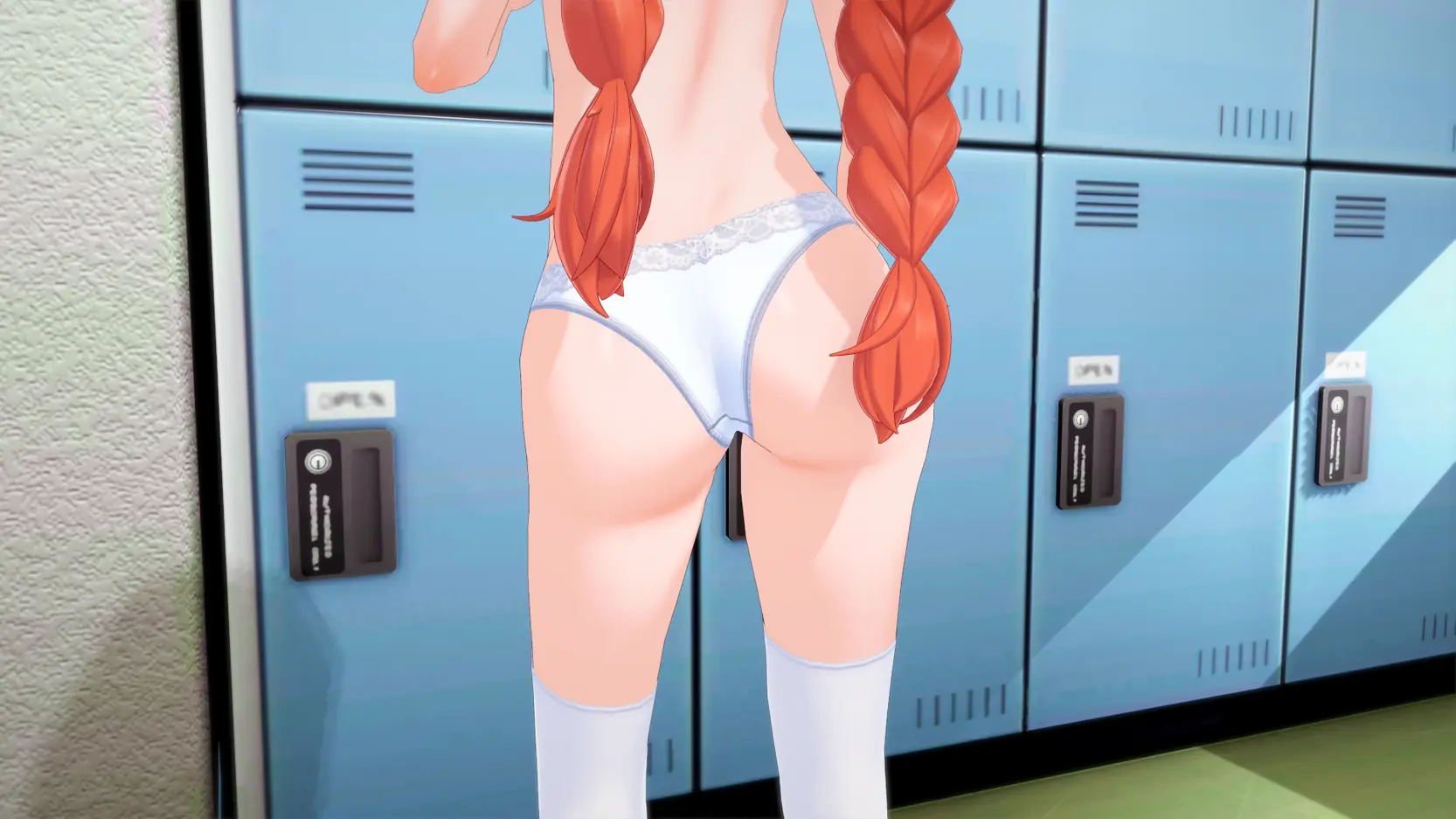
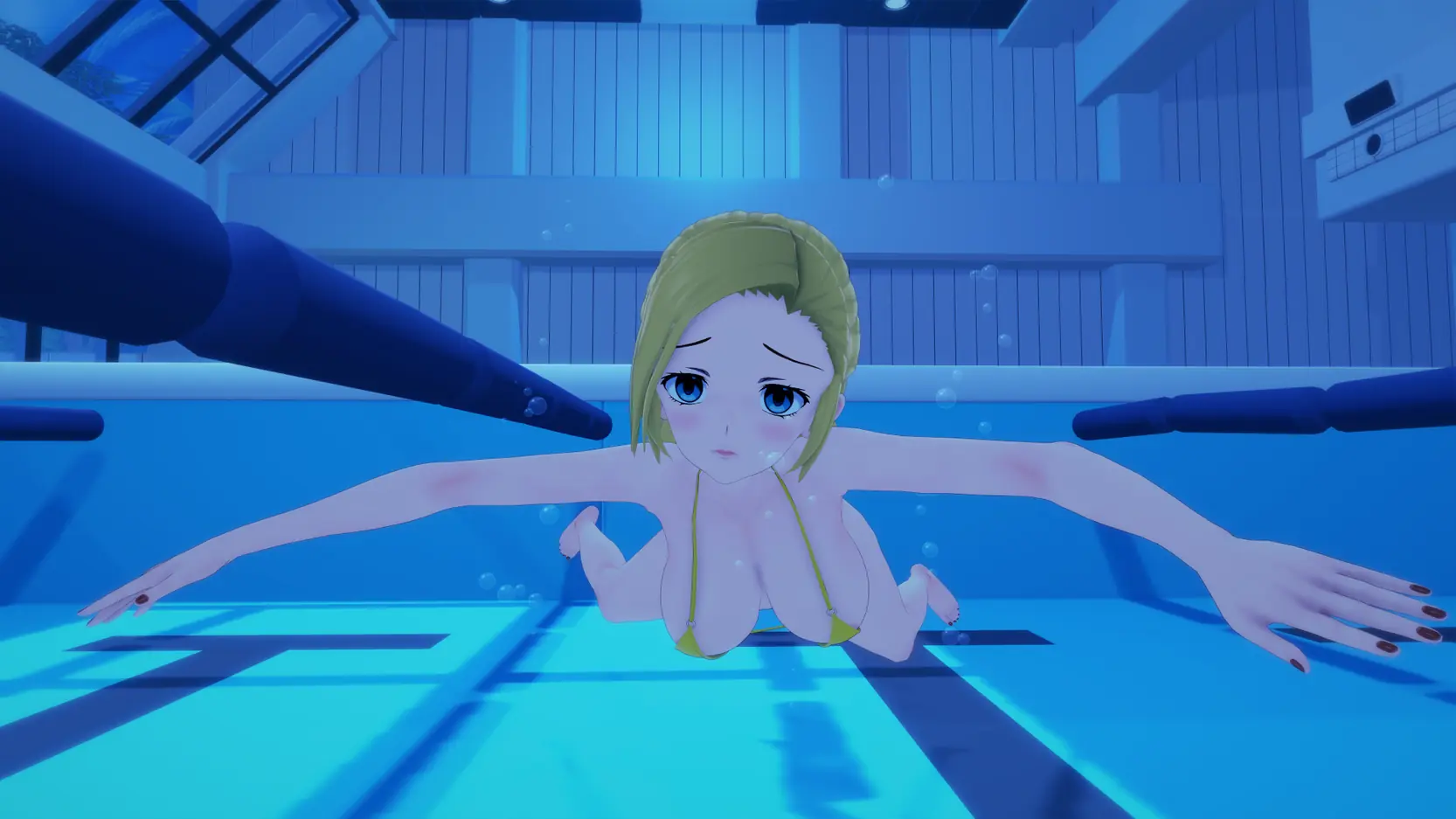
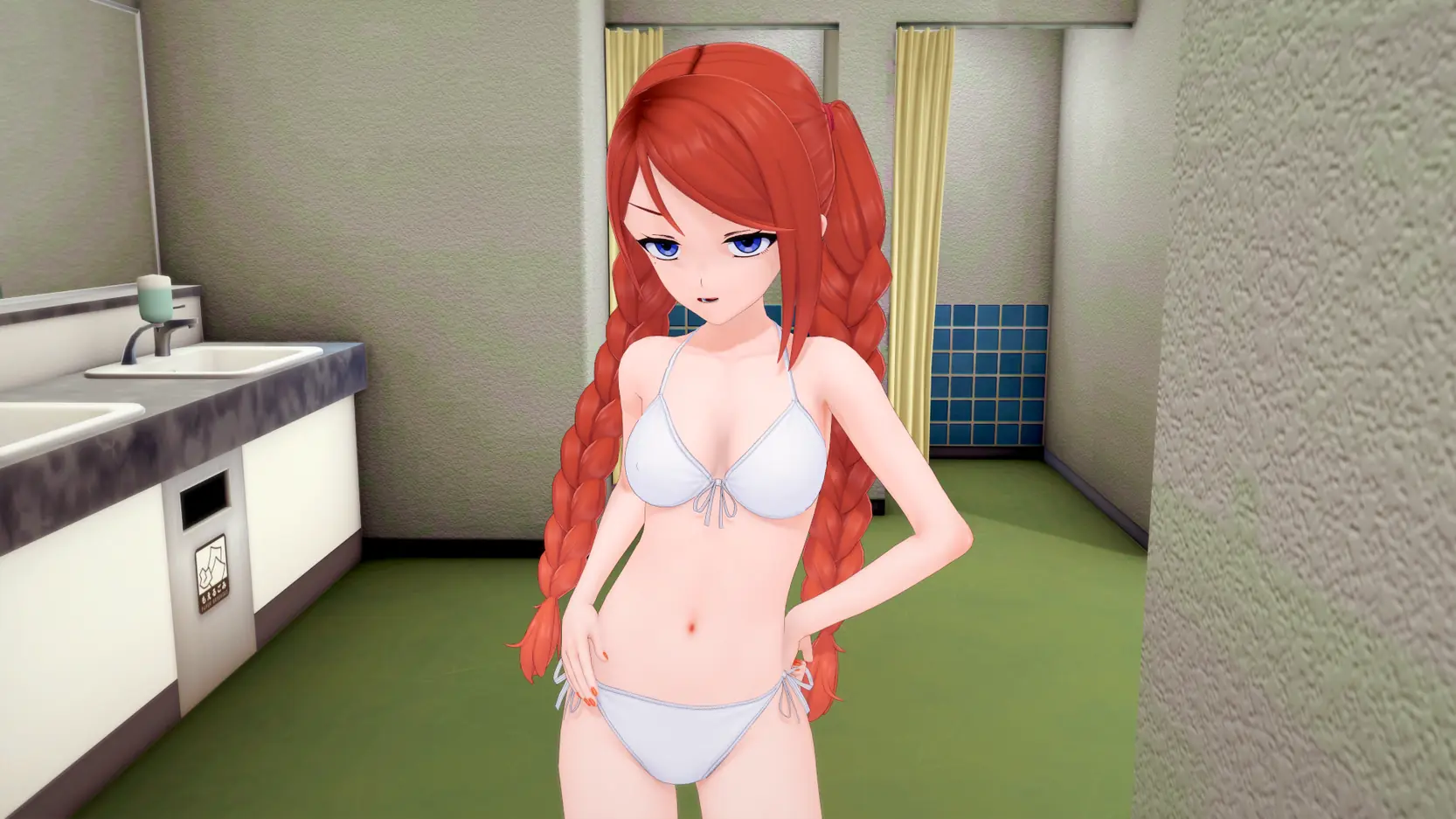
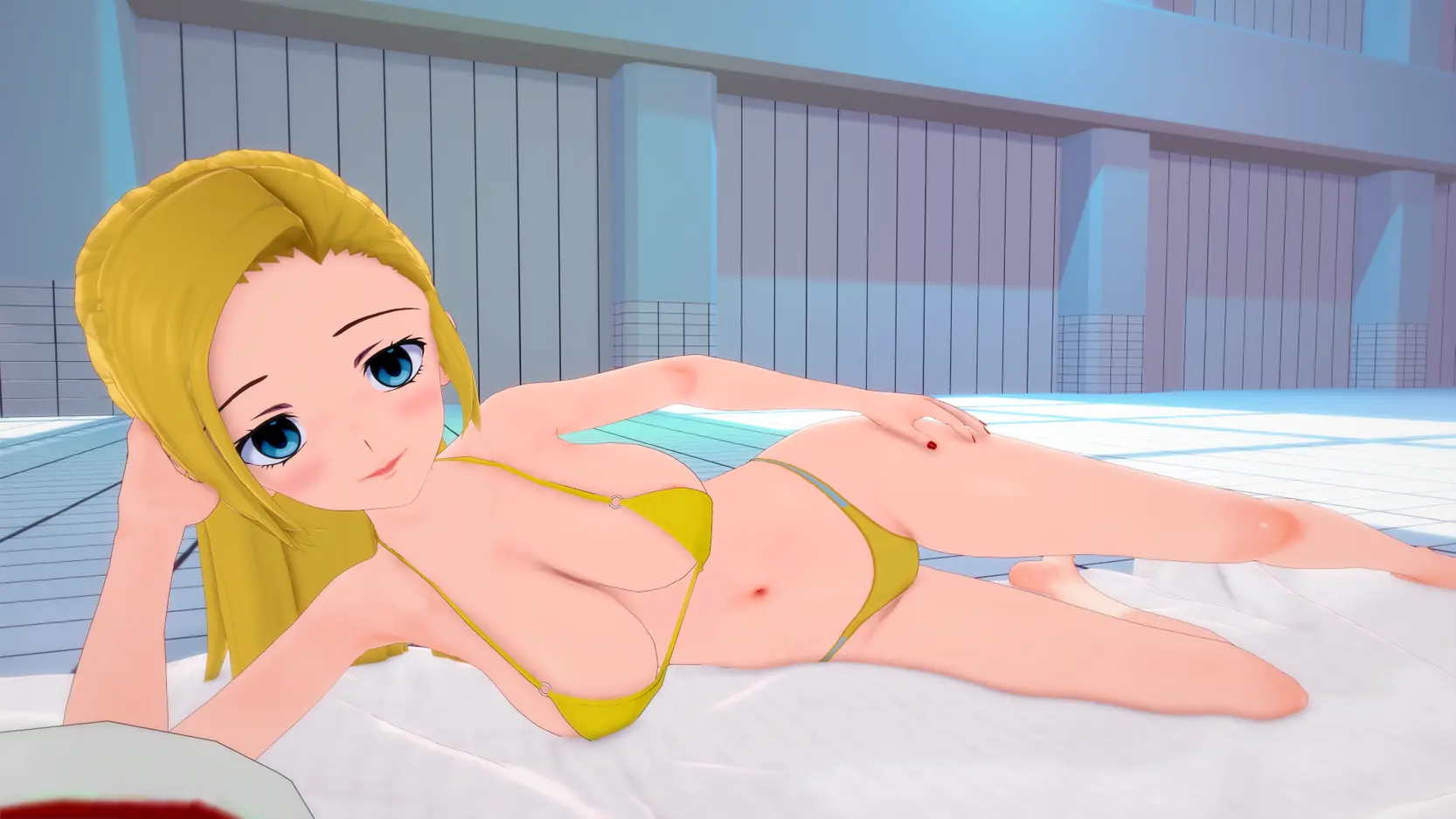
One phone call from your aunt changes everything: your grandpa’s health is supposedly declining. Despite your suspicions about this sudden news, you find yourself whisked away to a sun-drenched island to “care” for him. But what awaits you is far from what you were told…



How to install?
- Extract and run.
System Requirements:
- Dual Core Pentium or equivalent Processor.
- Intel HD 2000 or equivalent Graphics.
- 1.53 GB of free disk space (Recommended to have twice as much free disk space than this).
My New Island Life - Ongoing - Version 0.2.2 Download Links
Confused about how the downloading works? Here is a handy guide
Android APK Fileknot Transfaze
Mac OS Fileknot Transfaze
Linux Fileknot Transfaze
Android APK Bzzhr Datanodes Pixeldrain Vikingfile Mega
Mac OS Bzzhr Datanodes Pixeldrain Vikingfile Mega
Linux Bzzhr Datanodes Pixeldrain Vikingfile Mega
Report only if Mega link or all links except Mega are unavailable. More details about it
What's New in My New Island Life Version - 0.2.2?
- New Events: 4
- New Words: 29,000+
- New Images: 800+
New Events
Cloth Jury – Aya, Kutori & Sandra
Theatrical Entrance – Kiri
Locked Pants – Kiri
Negotiations – Yuko
Flowchart
I tweaked the UI to better match the island’s collective mental state.
Immersive Mode (Girl View)
The short version: it’s a new full-screen character hub with events, ‘About’ entries, and video portraits. It is currently an experimental feature, so it’s still held together entirely with duct tape and hope.
Game menu visuals
Requested Yes/No Option
Developer Logs
For the three of you who actually care about how the sausage is made, I added a Developer Logs toggle. Enable this, and from time to time, you’ll get a behind-the-scenes look at my development process.
Dual Video Player
For the discerning connoisseur who requires simultaneous visual stimuli. We shall not judge. You can split the screen vertically or horizontally, independently control each video, and instantly swap their positions. It even includes an ‘Adjust’ mode for not pixel-perfect positioning.
DJ your own cursed audio-visual experience.
Map Repaint
The island was overdue for a renovation. I’ve been staring at the old version for too long and realized it was causing actual eye strain.
New Locations
Clothing Store & Mall
Living Room
Chess
Writing dialogues was getting hard, so I procrastinated by building a highly competitive board game instead. You can play ranked and climb the leaderboards too. Don’t comment why, because I don’t know.
Sliding Puzzle
Slide tiles to reveal… images. It’s the digital equivalent of trying to fold a map.
Bingo
Compete against AI in a classic game of Bingo. Yes, Bingo. I like Bingo.
QoL
- Storage: Your room’s closet is now a closet. Groundbreaking.
- Inventory Sorting: Your inventory now magically auto-sorts, placing boosters and quest items first.
- New Love Booster: A pricey new item that doubles gift efficiency.
- New PC Utility: A ‘Fix Rollback & Saving’ button for when the game’s code has a seizure.
Preferences & Optimization
- Custom List Rendering: Rewrote list rendering from scratch with custom draw calls and virtualization. The achievements screen can now handle thousands of entries without breaking a sweat. Genuinely the hardest thing I’ve built for this game. I’m telling you because I need someone to know.
- Color Grading: Tweak the colors manually or use presets. Make the game as bleak or vibrant as your soul feels.
- UI Management: Hide UI elements you don’t care about to avoid Korean MMO screen clutter. Reclaim those precious pixels for what truly matters.
- Colorize Inventory: Gift slots now match the recipient’s favorite color.
- Text Appearance: Switch the dialogue effect from the classic typewriter to a gentler dissolve or lighten. Dissolve is the new default, because I like it the best.
- Save Details: Ever stare at your save files and think, ‘Which is which?’ I’ve been there. To help out, thumbnails are now clearly labeled with the in-game day (since v0.2.2), runtime, and version. For those who have a photographic memory or simply prefer a cleaner look, you can toggle this off in the settings.
- Save Incompatibilities: Implemented several functions to save your… saves? Saveception.
- Shader-Based Outlines: Added custom text outlines shader for better control and visuals. If your device starts making noises like it’s about to take off, you can disable it in the preferences by toggling the ‘Advanced’ button. It shouldn’t be a problem, though… I hope.
Other Additions
- Added higher resolution icons for monitors with resolutions above 1080p. They are chosen automatically so other machines aren’t burdened with the extra load.
- Sprinkled in some new achievements to give you that dopamine hit. Or is it just me who needs that?
- More character portraits now exist. One more line in changelog? Check.
- Shoved in some new PC and phone wallpapers to make this list look longer. Perception is reality.
Bug Fixes
- [Skipping Stones] Framerate Independence: Turns out tying the minigame speed to framerate means players with 240Hz monitors were playing a hyper-speed, borderline impossible version of the game. You’re welcome for the accidental Dark Souls mode. It now runs on actual time instead of frames.
- [Skipping Stones] Geometry Fix: Fixed a critical math bug where the target zone would shatter reality and auto-fail you if it crossed the 0/360-degree boundary. I deleted half the convoluted logic and replaced it with a single function that actually understands circles. Less math, fewer bugs. Who knew?
Q: Will my old save file work with this update?
A: You like gambling? Let’s call it a 50/50. Think of it as hitting hard pity in a gacha.
Porn Games of interest:




- Do not post same comment twice, your pending comment will be moderated, approved and replied by a stuff soon.
- Do Not ask for new updates/"when it will release" etc unless it is already released by developers. We do not develop games, use common sense.
- Use English Language only.
- You can click the bell icon before commenting to get mail whenever someone replies your comment. Great way to be notified if you are posting questions, be sure to provide correct email in that case.
- If you want to ask features of games like Bugfixing, save file support, new content ideas etc then please contact the game developer, Visq .
- You can help us by reporting dead links, wrong informations, new available updates etc in the comment section.
If you have a problem, post in these links. Keep Comment section clean
New Update?
Request here
Install Problems?
Post your problems here
Broken Links?
Let us know here
Bugs in game?
Use this forum to report it