

FarmD [Ongoing] - Version: 1.9.4
Developer:
Softscale
Consider supporting the dev if you like the game and want them to do what they love. Click on dev's link for more info.
Release Date: 16 August, 2025
Game Size: 1.06 GB
Censorship: Uncensored
Game Engine: Unity
Current Game Version: 1.9.4 (Ongoing)
Total Views: 103.2K
Post your problem in our Discord server for faster response. Click here to join.
Game Informations
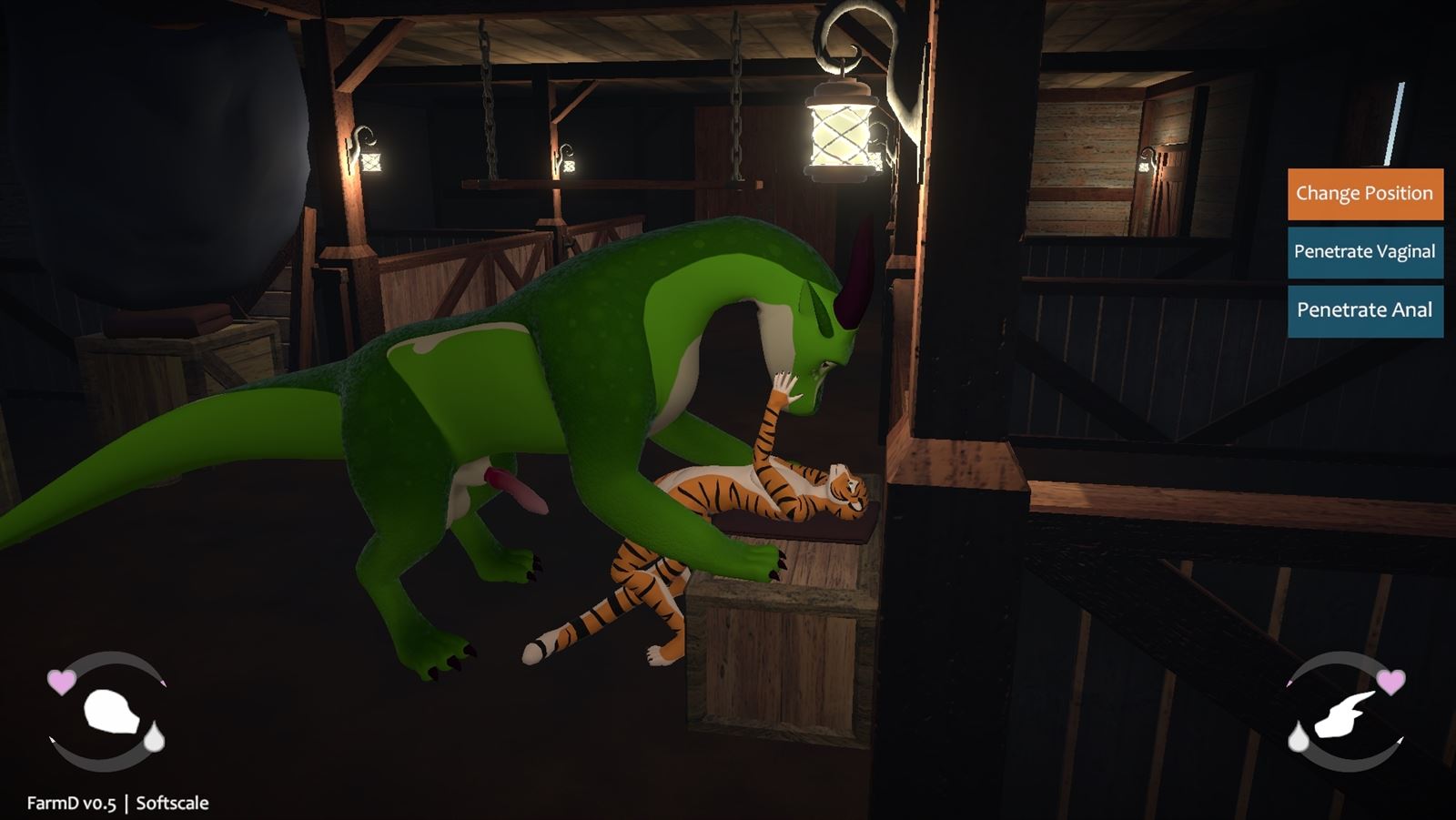
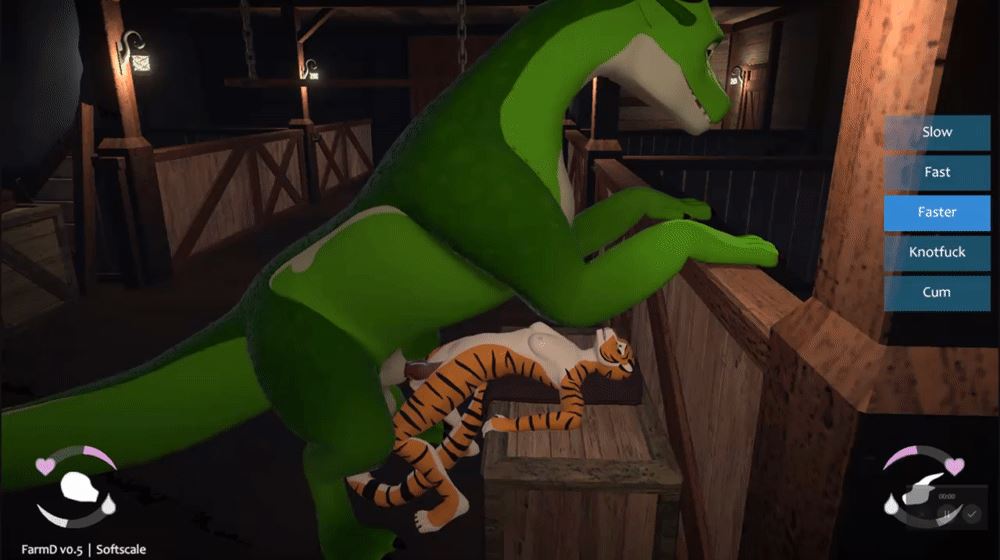
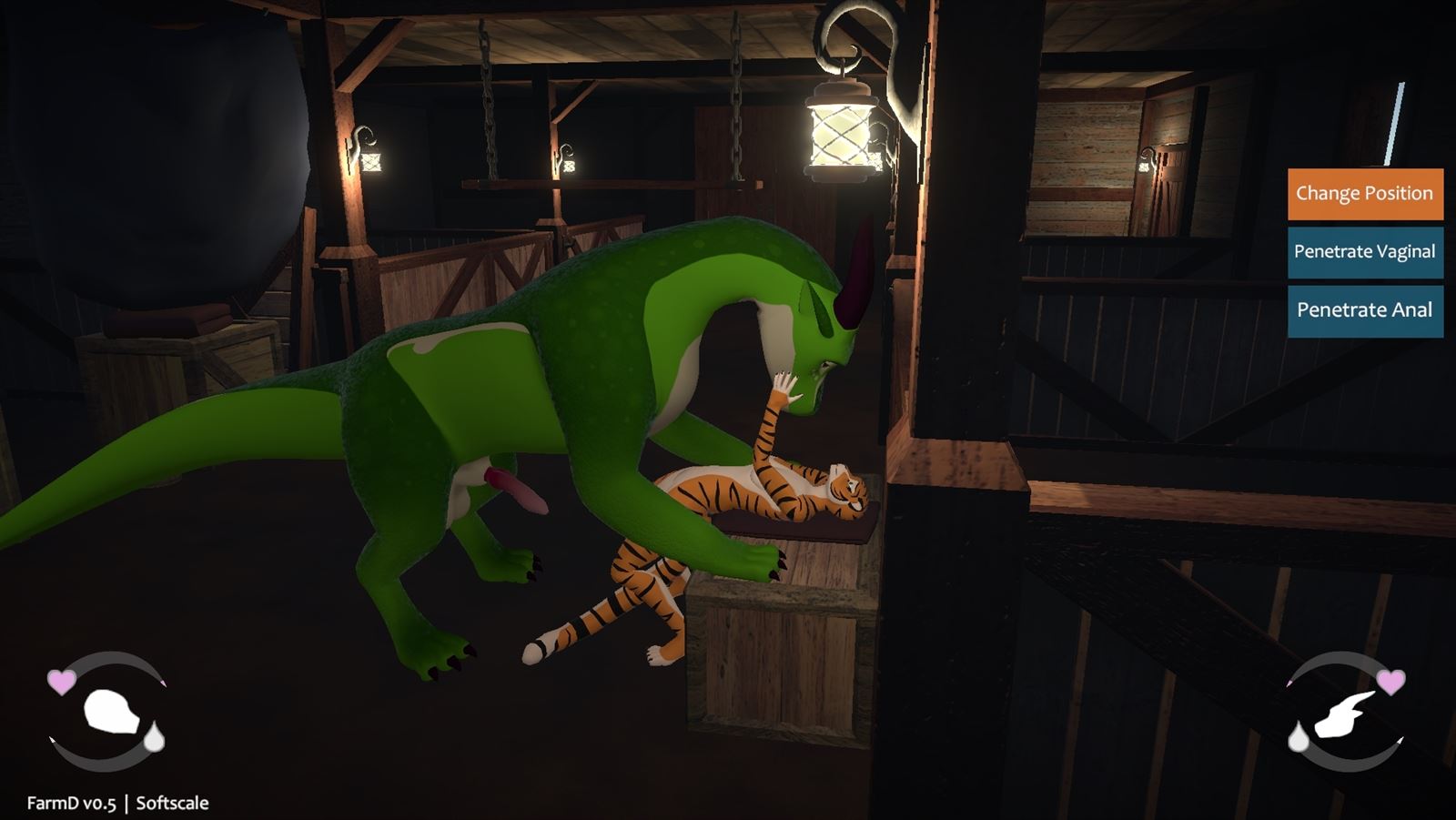
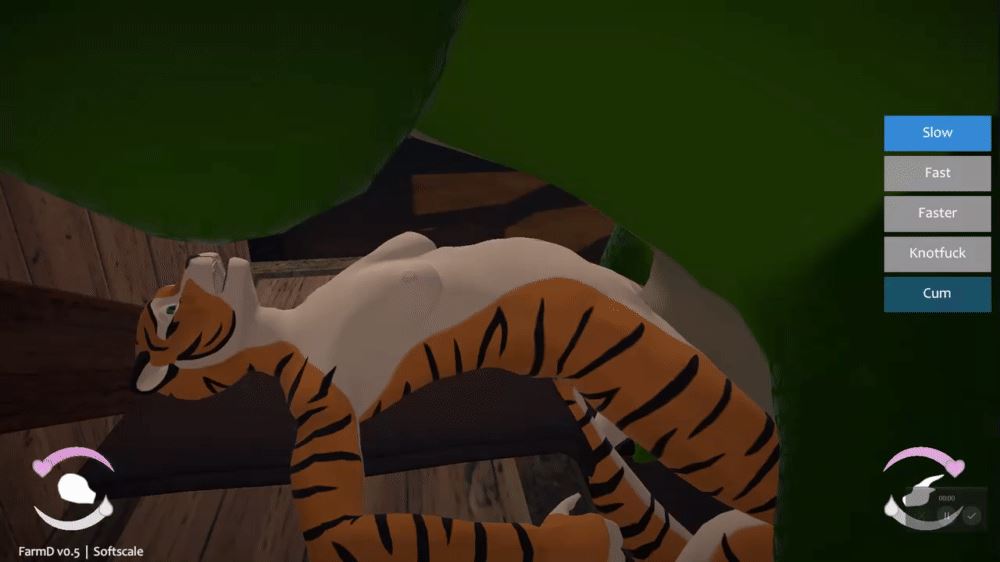
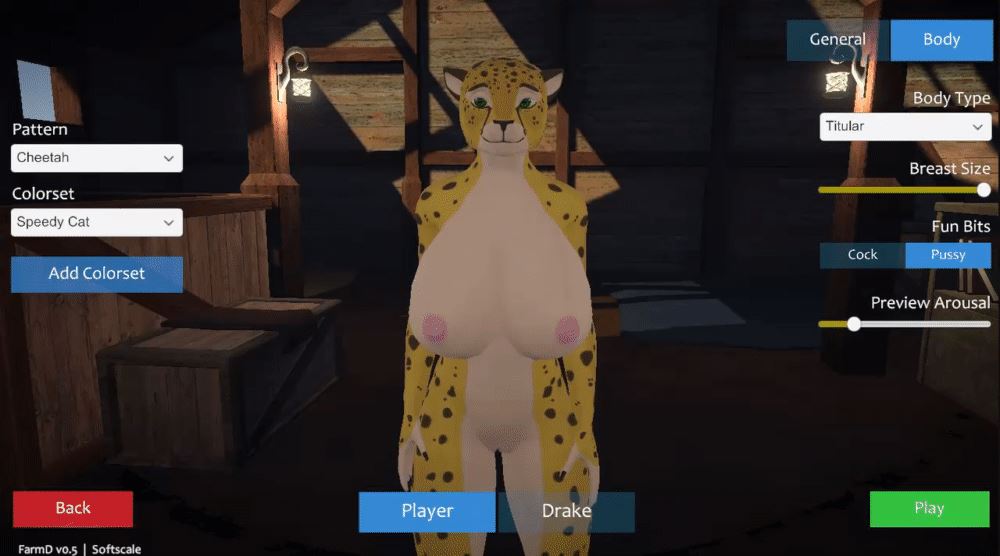
FarmD is a furry sex sandbox game, focused on engaging in lewd acts with your four-legged dragon friend.
The game is still early in development, and will be expanded to support additional species for the player and partner,
larger world environments, anthro partners, and more!
The game supports both VR and desktop (non-VR) play styles,
with VR being the focus but most content is accessible in either mode.
DISCLAIMER: Hi it’s me game dev. I am not the original poster of this thread (only took ownership later), nor is this thread an endorsement of piracy for my own game because that would be silly. Bug reports are appreciated.
How to install?
- Extract and run.
System Requirements:
- Dual Core Pentium or equivalent Processor.
- Intel HD 2000 or equivalent Graphics.
- 1.06 GB of free disk space (Recommended to have twice as much free disk space than this).
FarmD - Ongoing - Version 1.9.4 Download Links
Confused about how the downloading works? Here is a handy guide
Report only if Mega link or all links except Mega are unavailable. More details about it
Walkthrough and Guide
Character ImporterWhat's New in FarmD Version - 1.9.4?
Steam Workshop support for sharing user-created content.
[general]
ADDED
– Added a new Content Browser option in the Pause Menu, for downloading user-created content. This uses the Steam Workshop as its backend, so non-Steam players will need to own the Steam version of the game (it’s free) in order to use the browser.
– Added an option in Preferences to automatically connect to the Steam Workshop when launching the game.
– Added a Feral/Anthro Doggystyle position for smaller-scaled ferals, accessible from the Anthro On All Fours interaction.
– Added a Feral/Anthro Missionary position for smaller-scaled ferals, accessible from the Anthro Lie Down interaction.
– Added solo Feral and solo Anthro Relieve Self watersports interactions.
– Added a Feral/Anthro Golden Shower interaction in the farmhouse bathtub.
– Added an Anthro/Anthro Golden Shower interaction for the farmhouse bathtub.
– Added a Feral/Feral Golden Shower interaction for the farmhouse bathtub.
– Added a Feral Bend Over interaction for the Seat with Half Wall.
– Added a Feral Lie Down interaction for the farmhouse bathtub.
– Added a Feral Lie Down interaction for the L-shaped sofa.
– Added an Anthro Sleep interaction for the farmhouse bed.
– Added a Feral/Anthro Riding interaction for the High Bar.
– Added an Anthro/Anthro Facesitting interaction, accessible from the Anthro Lie Down interaction.
– Added an Anthro/Feral/Anthro Spitroast interaction, accessible from the Feral/Anthro Reverse Riding interaction.
– Added a Share button for uploading custom skins in the Character Menu.
– Added a Share button for uploading custom models in the Character Menu.
CHANGED
– Various interaction tweaks for built-in interactions, to better support character scale differences and set limits on relative scales.
– Character-based interaction triggers now appear outlined when in Interact mode, to make it easier to target them with the pointer.
– Tweaked some material and lightmap settings in the Farmhouse to make things look a bit nicer.
– Disabled mipmaps for custom character textures, to reduce memory usage and prevent visible UV seams.
FIXED
– Fixed some scenarios where interactable object highlights were showing on objects that didn’t have available interactions.
– Fixed alignment issues that could occur in interactions that changed the grip angle on a held dildo during penetration.
[interaction studio]
ADDED
– Added a Share button for uploading custom interactions when viewing them in the Interaction Library.
– Added a Preview Picture feature to the Animation Editor menu, to capture the preview picture used when uploading interactions.
FIXED
– Fixed an error that could occur after copying an interaction that uses the “Has Relative Scale” condition.
– Fixed an issue where the “Has Relative Scale” condition would incorrectly evaluate as true in some scenarios.
– Fixed a bug where the camera would not snap to the correct position when opening the studio or changing scenes.
– Fixed some scenarios where characters’ hands would not align correctly when viewing animations that occur after a change-alignment or change-item-grip event, or when using the Preview Other Layers function.
Porn Games of interest:

- Do not post same comment twice, your pending comment will be moderated, approved and replied by a stuff soon.
- Do Not ask for new updates/"when it will release" etc unless it is already released by developers. We do not develop games, use common sense.
- Use English Language only.
- You can click the bell icon before commenting to get mail whenever someone replies your comment. Great way to be notified if you are posting questions, be sure to provide correct email in that case.
- If you want to ask features of games like Bugfixing, save file support, new content ideas etc then please contact the game developer, Softscale .
- You can help us by reporting dead links, wrong informations, new available updates etc in the comment section.
If you have a problem, post in these links. Keep Comment section clean
New Update?
Request here
Install Problems?
Post your problems here
Broken Links?
Let us know here
Bugs in game?
Use this forum to report it