

Succubus Reborn [Ongoing] - Version: 20260903a
Developer:
Sda-lab
Consider supporting the dev if you like the game and want them to do what they love. Click on dev's link for more info.
Release Date: 3rd September, 2026
Game Size: 1.50 GB
Censorship: Censored
Game Engine: Unity
Current Game Version: 20260903a (Ongoing)
Total Views: 46.1K
Post your problem in our Discord server for faster response. Click here to join.
Game Informations
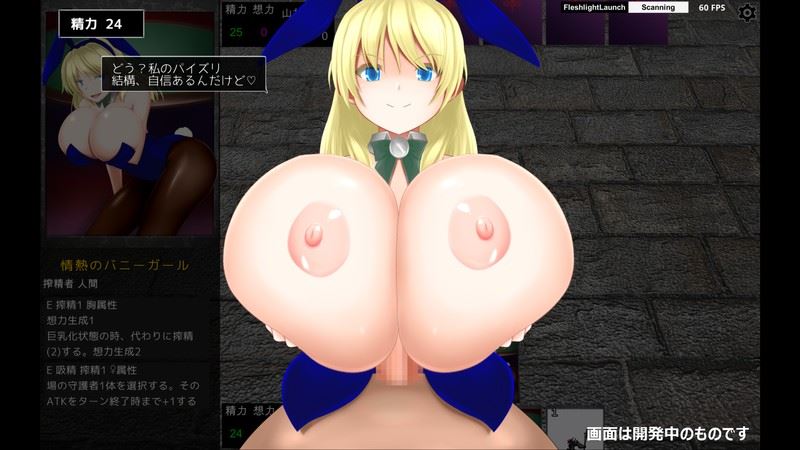
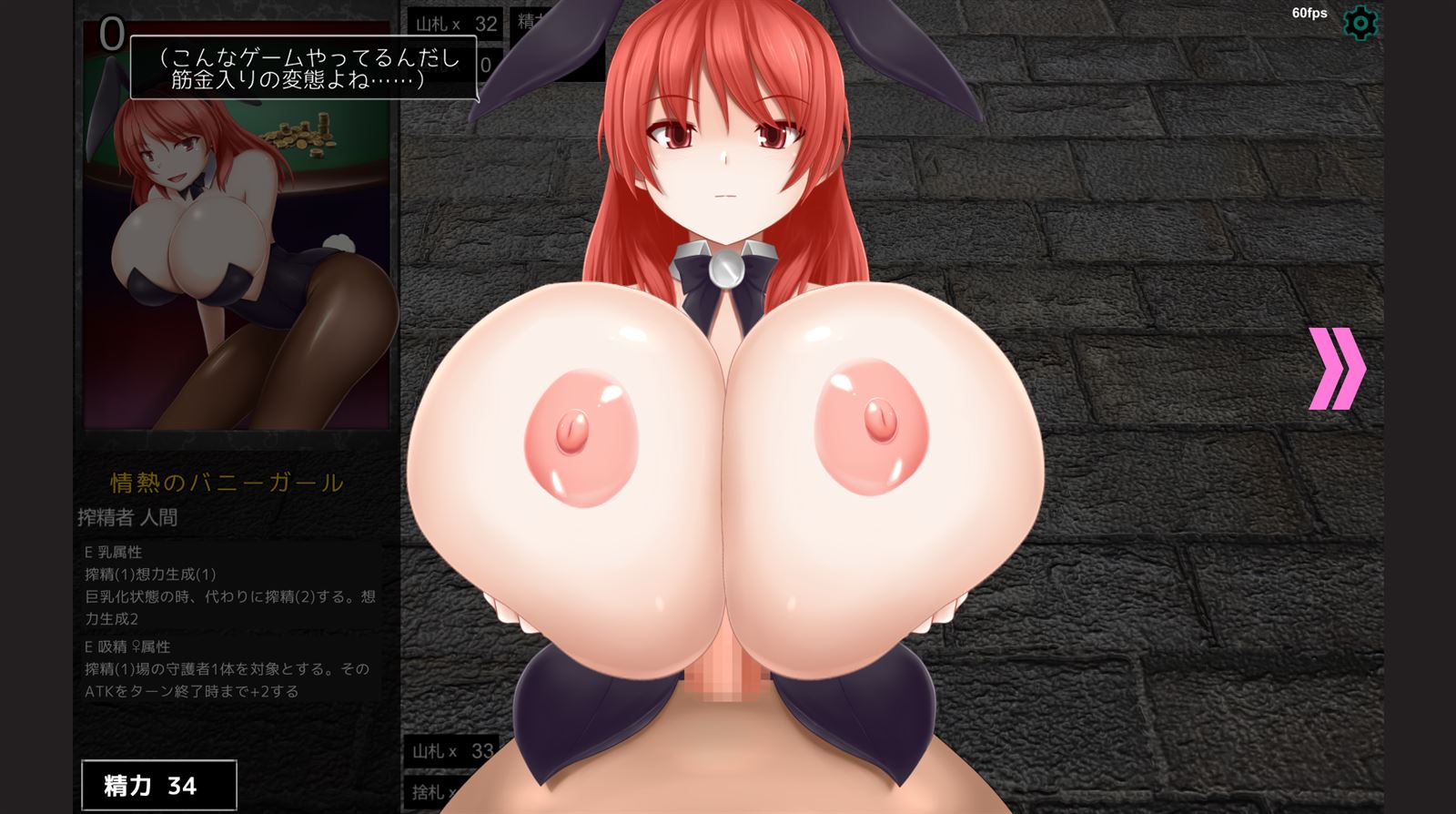
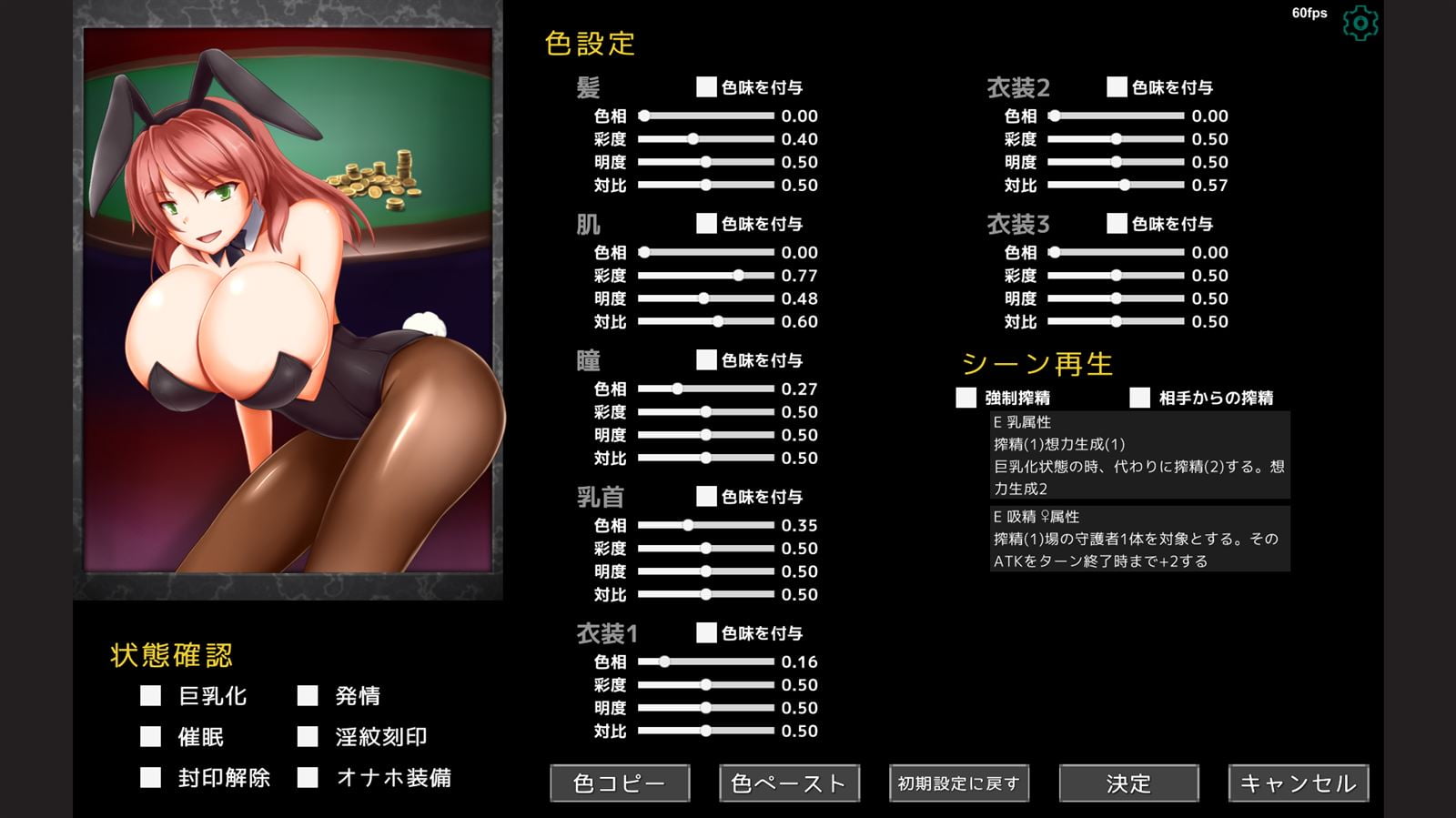
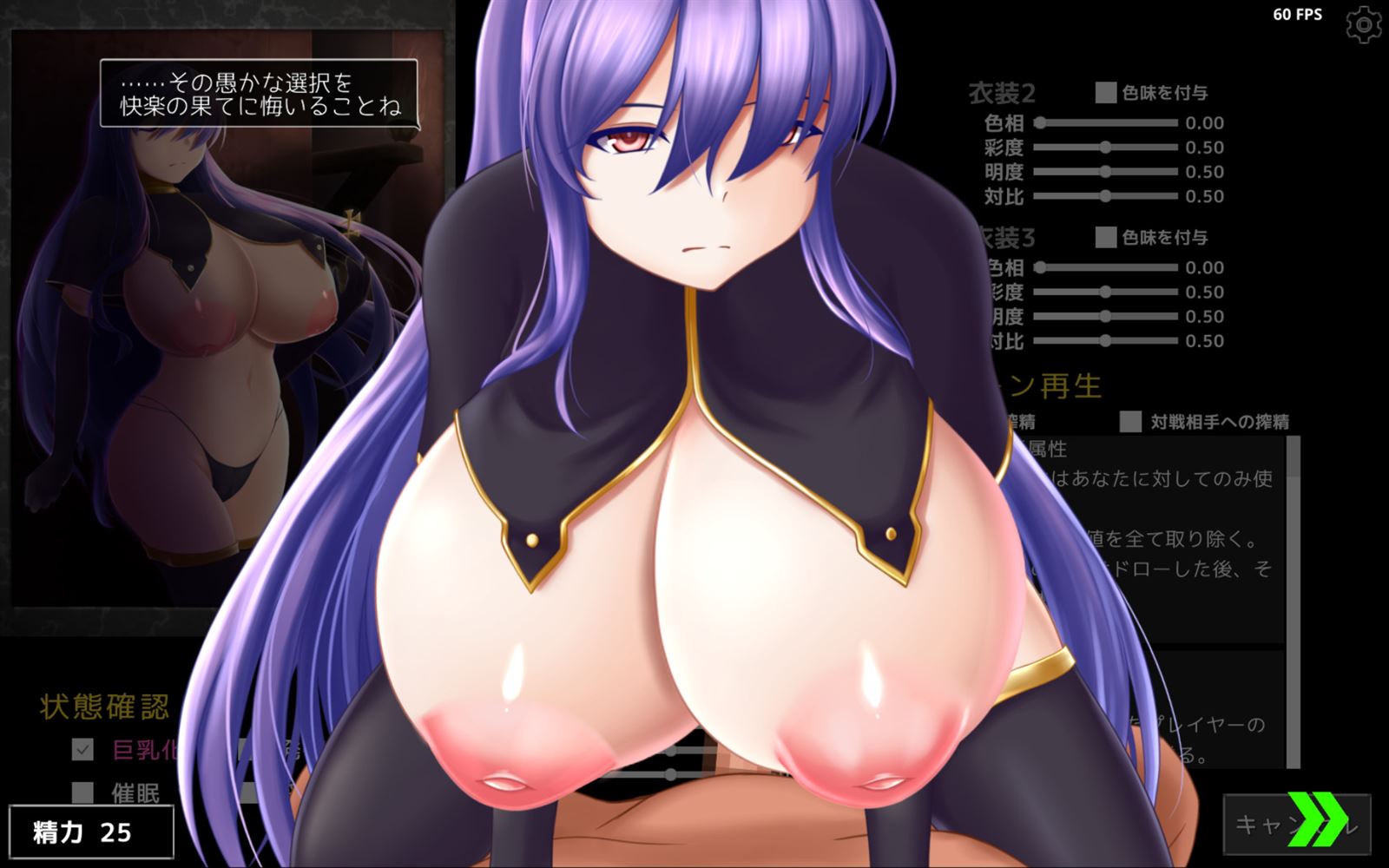
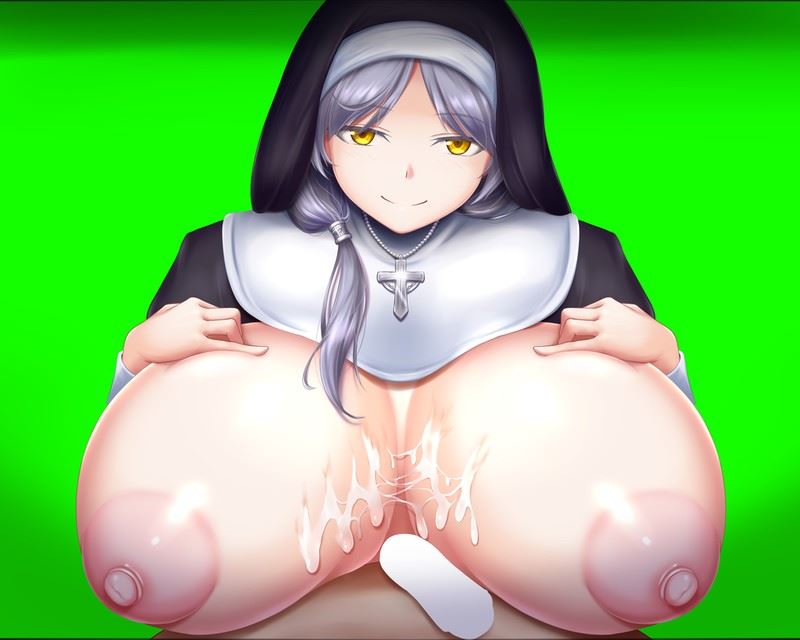
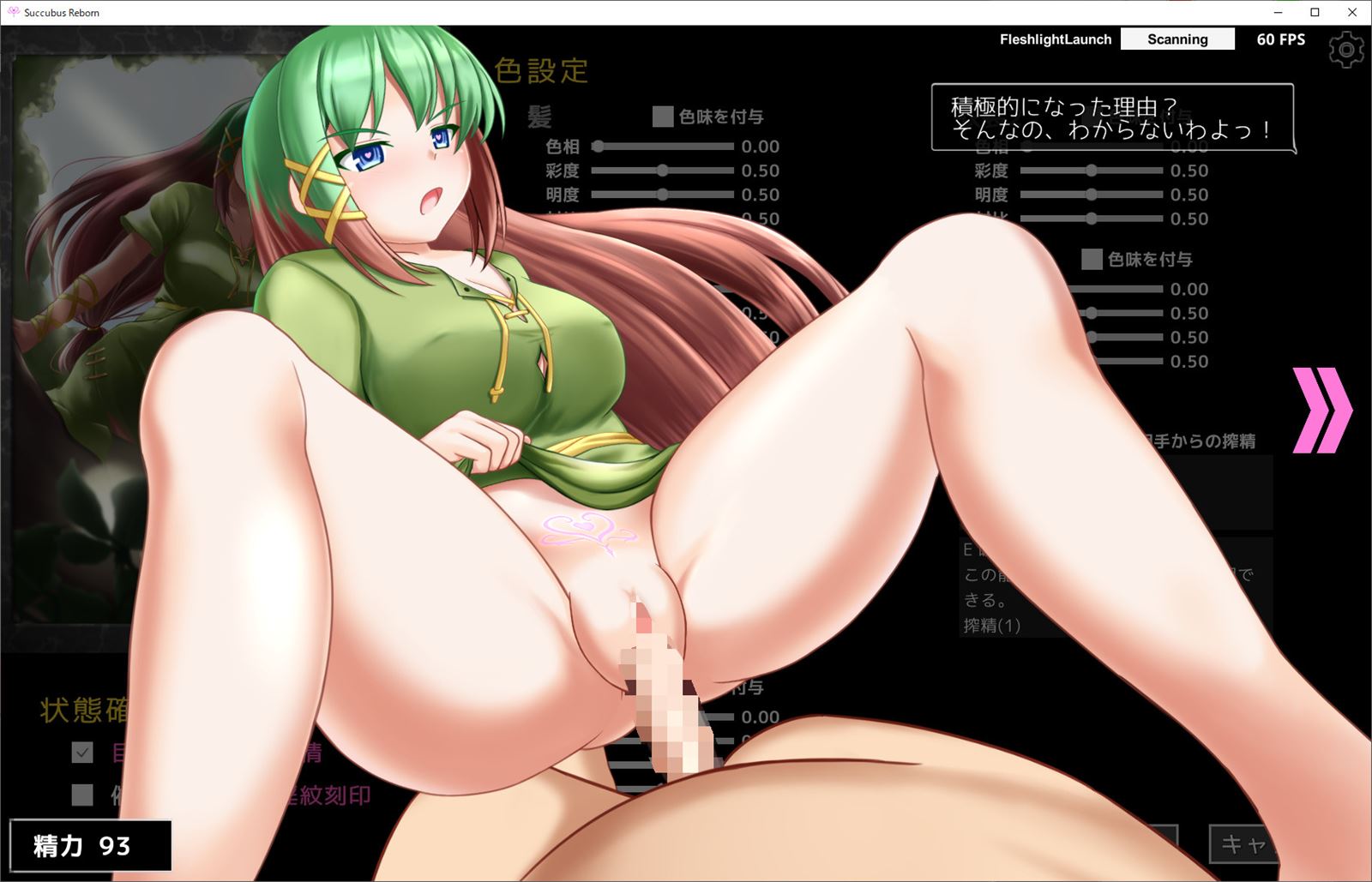
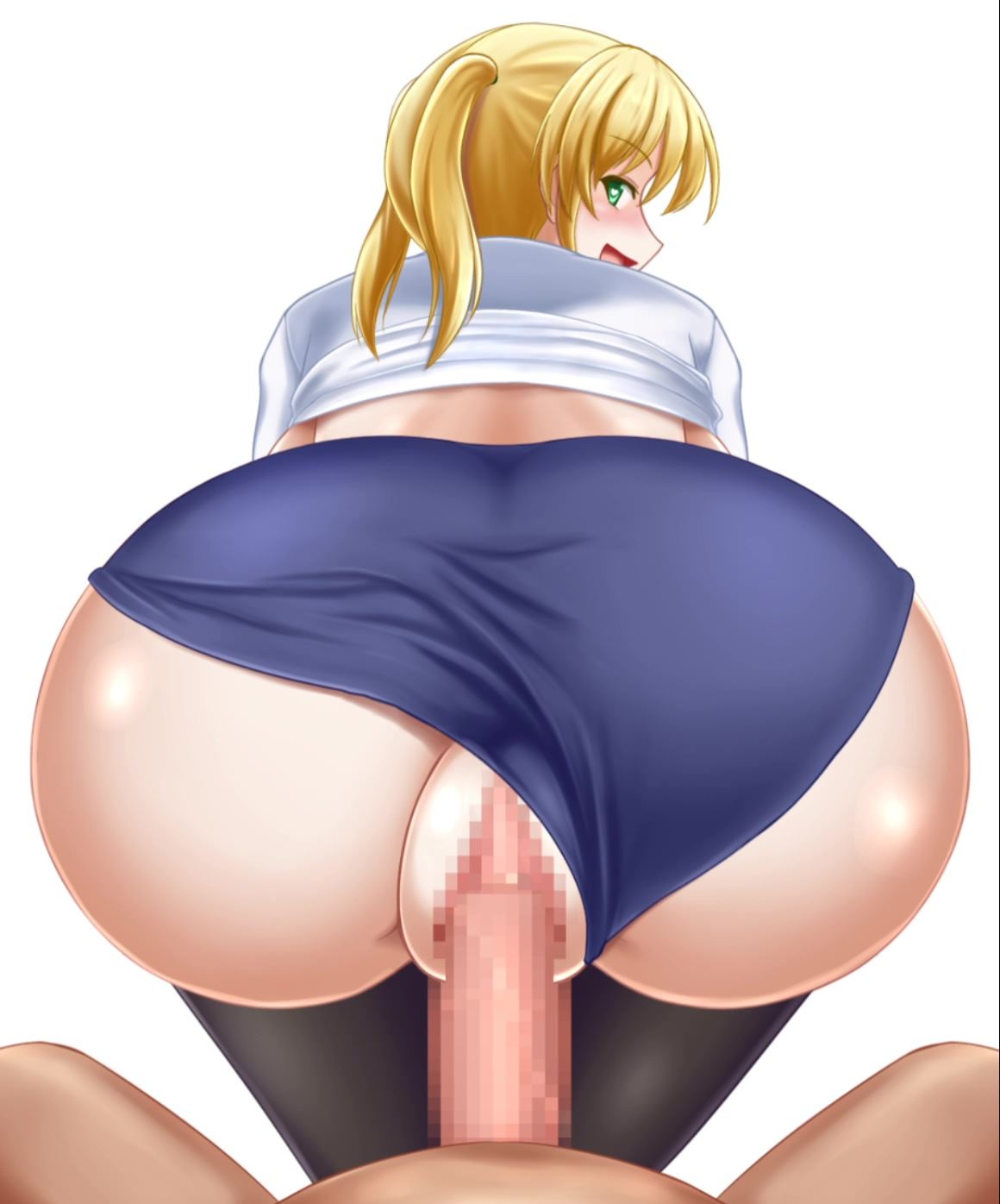
This is a single-player card game with the theme of “squeezing”.


How to install?
- Extract and run.
System Requirements:
- Dual Core Pentium or equivalent Processor.
- Intel HD 2000 or equivalent Graphics.
- 1.50 GB of free disk space (Recommended to have twice as much free disk space than this).
Succubus Reborn - Ongoing - Version 20260903a Download Links
Confused about how the downloading works? Here is a handy guide
Report only if Mega link or all links except Mega are unavailable. More details about it
Walkthrough and Guide
Community Modpack: FILEKNOT - GDRIVEFan Translation + Uncensor: FILEKNOT - MEGA
About Fan Translation + Uncensor:
These are the instructions. You have to look at them now. People who complain they don't know what to do WILL be subject to light mockery.
If you're new here, go to the Translation Storage Folder and download everything inside it.
Unzip the Autotranslator with WinRar (It's *free* if you keep closing its requests to buy it) and place both the exe and the Autotranslator folder in the game's main folder, next to the Succubus Reborn.exe.
Run the Setup.exe, allow it to finish, then press any key to close the console. It will create a new folder and a new .exe.
Run the game with the new .exe at least once, though I recommend the original one after that, it's faster. The game is now fully-translated and optionally has a full set of card skins.
If you want to uncensor the game, go to the Uncensor Pack Storage and download the folder inside. It'll have the name of the SPECIFIC BUILD it is designed for, if it doesn't match, don't use it.
Overwrite the game's files with the files within, drag-drop style. They're already formatted, don't worry.
If you want my Sprite Pack, go into the Sprite Pack folder and download the folder inside.
Drag-and-Drop in the game's main file. Overwriting recommended, of course.
If you want my Decklist, open it and CTRL+C a deck code inside, then press the 'Create new Deck from Code' button in the deck editing screen in-game.
Fan Translation + Uncensor Istallation:
The default English translation the game comes with is a pretty poorly made MTL. If you want a better translation + uncensored art, and nice looking playing-cards follow this guide:
1. Click on the "Fan Translation + Uncensor" link under Extras.
2. On Gadriel's Post, please read the instructions, then click on the Mega Link at the bottom of the message.
The Installation tutorials below all start inside this Mega-folder
INSTALLING THE TRANSLATION
1. Go to "Translation Storage" and download everything inside.
2. Unzip the Autotranslator with WinRar / 7zip and place both the exe and the Autotranslator folder in the game's main folder, next to the Succubus Reborn.exe.
3. Run the Setup.exe, allow it to finish, then press any key to close the console. It will create a new folder and a new .exe.
Run the game with the new .exe at least once, though I recommend the original one after that, it's faster.
--> The game is now fully-translated
INSTALLING THE UNCENSOR
1. Open the "Uncensor Patch Folder" and look if the folder is empty or not. If its empty that means the patch is not currently ready for the newest version of the game and will be added soon. If it's there, download it.
2. Once extracted, move the contents of the Uncensor into the root folder of the game and replace any files if prompted.
--> The Uncensor is now installed! Note that some older scenes are still censored because the Dev used a different censoring method in the beginnin
INSTALLING THE SPRITE PACK
Want your cards to have nice looking pictures instead of just a description? Then install the Sprite Pack!
1. Go back to the main MEGA Folder and download the Sprite Pack
2. Extract the Sprite Pack somewhere, then move the "UserCustomData" folder straight into the main game directory, and overwrite any files if prompted.
--> You are done
DECK LIST
Since this is a card game, you can build your own custom decks as well!
If you are too lazy or too incompetent to make your own, you can also download the "Deck List.txt".
To import these, do this:
1. Start the Game
2. Copy the whole line of the deck you want to import. Be careful not to accidentally also copy in the description that Gadriel has written above every deck!
3. In the game, click on "Build Deck"
4. On the bottom right, click on "New Deck from deck code (Clipboard)".
5. A window with all the selected cards will pop up. Just press on the "Submit" Button on the bottom right.
6. Repeat for the other decks you want to import
About updating to a new game version: You do not have to re-import all your decks and Settings manually every time the game updates.
To transfer your Settings + Decks, take the "UserCustomData" Folder and the "save" from your old Versions root directory and shove em into the root folder from the new Version.
What's New in Succubus Reborn Version - 20260903a?
Two new squeezers… they’re generics.
Greedy Lower-Class Succubus: Generic, 1 ‘Development’.
Ass Attribute, Squeeze X generate 1, ‘Development’ +1. ‘X’ is equal to this card’s ‘Development’ value.
This Squeezer can consume 2 mana to summon herself to the field as a minion with ATK/LIFE equal to her ‘Development’ value.
Nocturnal Lower-Class Succubus: Generic.
Hand Attribute, Squeeze 1 Generate 1, remove ‘Dissatisfied’ from this card.
When this card isn’t ‘Dissatisfied’, you may choose one card from your hand, discard it, then draw the top card from your opponent’s deck. If you do, this card becomes ‘Dissatisfied’. This ability is not a free action.
Corrections, etc.
- Bunny girl’s riding ability, nurse’s fellatio (medium) ability
We’ve made it possible to use this feature even when the target person is absent.
The timing for selecting the target will be after the semen extraction scene. - Added a setting to inflict a “burst of rage” state when the player’s stamina recovers.
- This changes the view control mode (middle mouse button) for the ejaculation scene.
I’ve made it possible to change the viewpoint by dragging.
The zoom in and out of the screen when using the mouse wheel has been made smoother. - We’ve made it so that the “Sperm Extractor” card is not included in the initial state when creating a new deck.
- Other improvements include internal processing improvements.
Porn Games of interest:



- Do not post same comment twice, your pending comment will be moderated, approved and replied by a stuff soon.
- Do Not ask for new updates/"when it will release" etc unless it is already released by developers. We do not develop games, use common sense.
- Use English Language only.
- You can click the bell icon before commenting to get mail whenever someone replies your comment. Great way to be notified if you are posting questions, be sure to provide correct email in that case.
- If you want to ask features of games like Bugfixing, save file support, new content ideas etc then please contact the game developer, Sda-lab .
- You can help us by reporting dead links, wrong informations, new available updates etc in the comment section.
If you have a problem, post in these links. Keep Comment section clean
New Update?
Request here
Install Problems?
Post your problems here
Broken Links?
Let us know here
Bugs in game?
Use this forum to report it