

Formamorph [Ongoing] - Version: 2.18.0
Developer:
FieryLion
Consider supporting the dev if you like the game and want them to do what they love. Click on dev's link for more info.
Release Date: 11 September, 2026
Game Size: 219.81 MB
Censorship: Uncensored
Game Engine: Others
Current Game Version: 2.18.0 (Ongoing)
Total Views: 7,914
Post your problem in our Discord server for faster response. Click here to join.
Game Informations
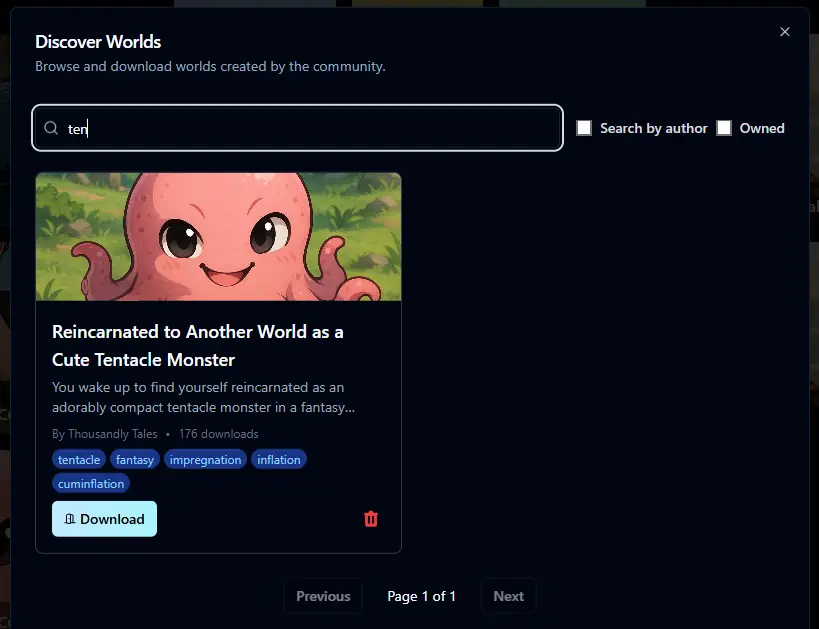
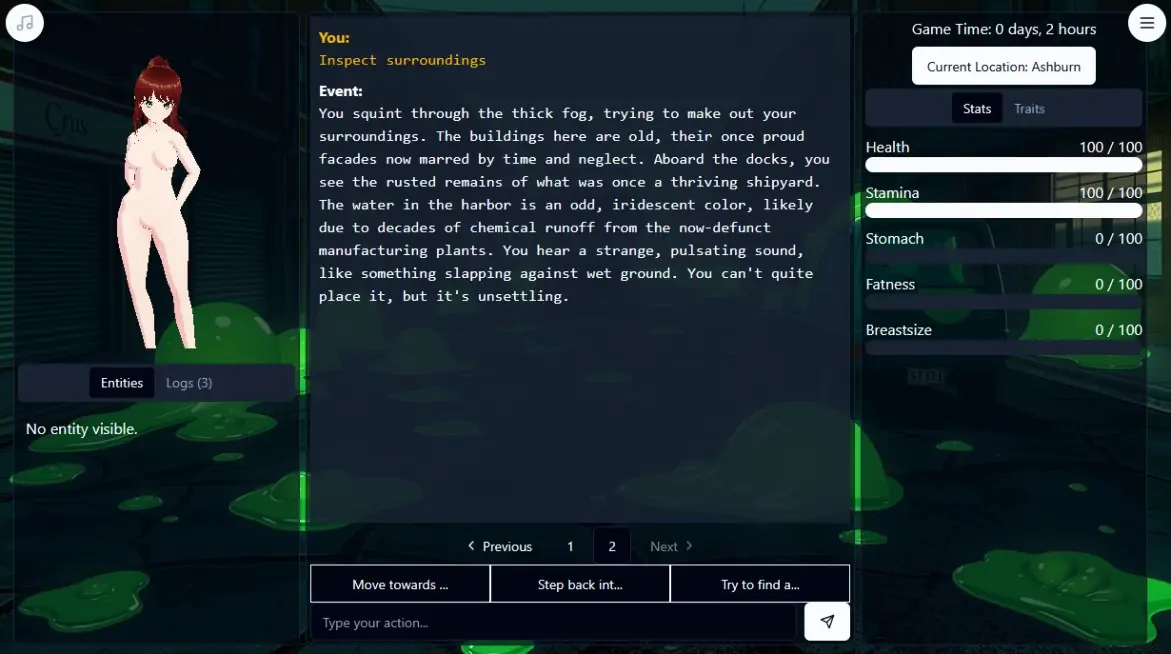
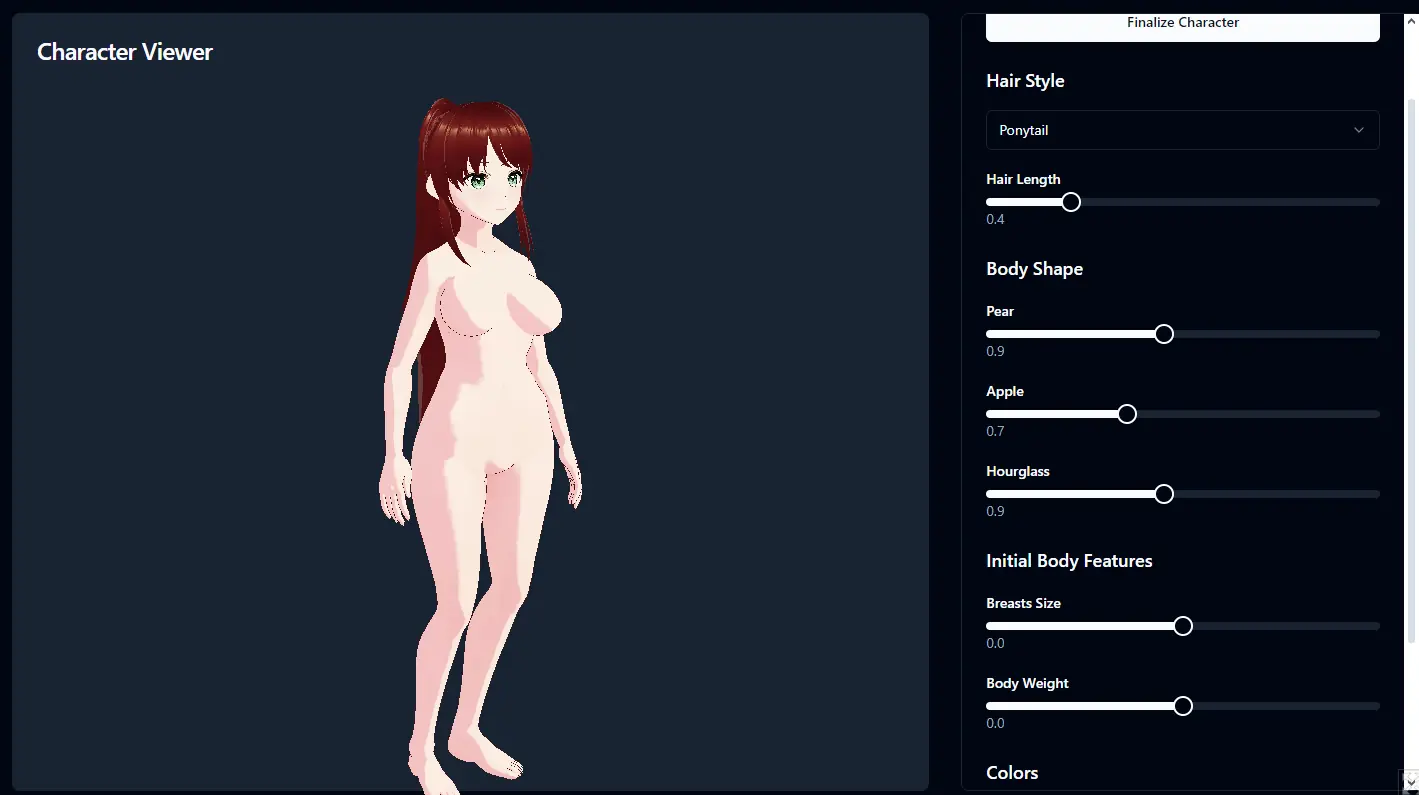
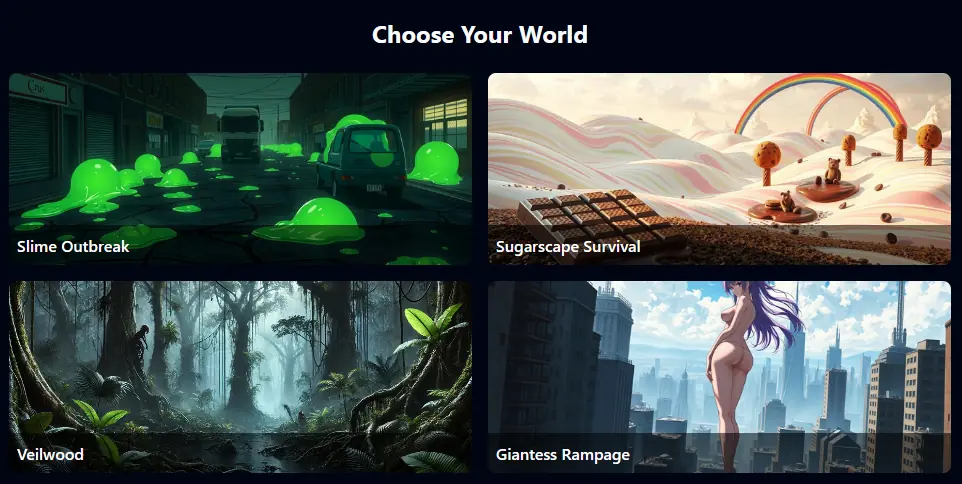
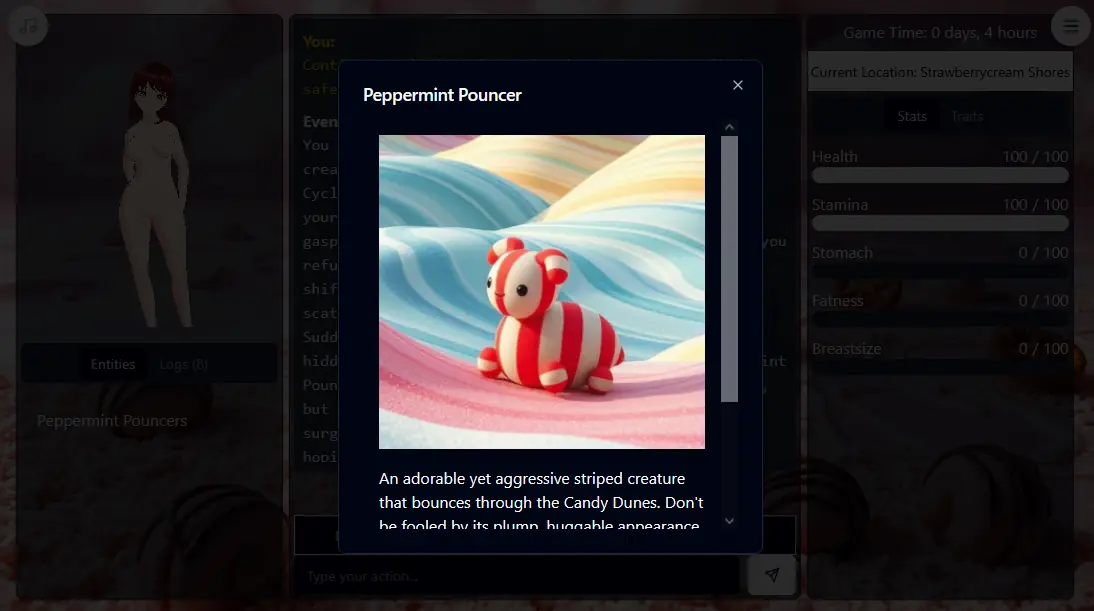
An advanced, AI-powered text RPG engine with extensive 3D character customization, you can create your ideal avatar and watch as your body changes and evolves throughout your adventures. From hairstyle and eye color to starting body shape (hourglass, pear, apple), the customization is in your hands.
The engine focuses on the bodily transformative aspects of adventure. You can experience changes such as the size of your belly/breasts or the overall fat distribution in your body. You can undergo virtual pregnancy, breast/belly inflation, weight gain, and more. With AI-powered storytelling, each playthrough is unique and tailored to your choices.
How to install?
- Extract and run.
System Requirements:
- Dual Core Pentium or equivalent Processor.
- Intel HD 2000 or equivalent Graphics.
- 219.81 MB of free disk space (Recommended to have twice as much free disk space than this).
Formamorph - Ongoing - Version 2.18.0 Download Links
Confused about how the downloading works? Here is a handy guide
Android APK Fileknot Transfaze
Mac OS Fileknot Transfaze
Linux Fileknot Transfaze
Android APK Bzzhr Datanodes Mega Pixeldrain Vikingfile
Mac OS Bzzhr Datanodes Mega Pixeldrain Vikingfile
Linux Bzzhr Datanodes Mega Pixeldrain Vikingfile
Report only if Mega link or all links except Mega are unavailable. More details about it
What's New in Formamorph Version - 2.18.0?
Added
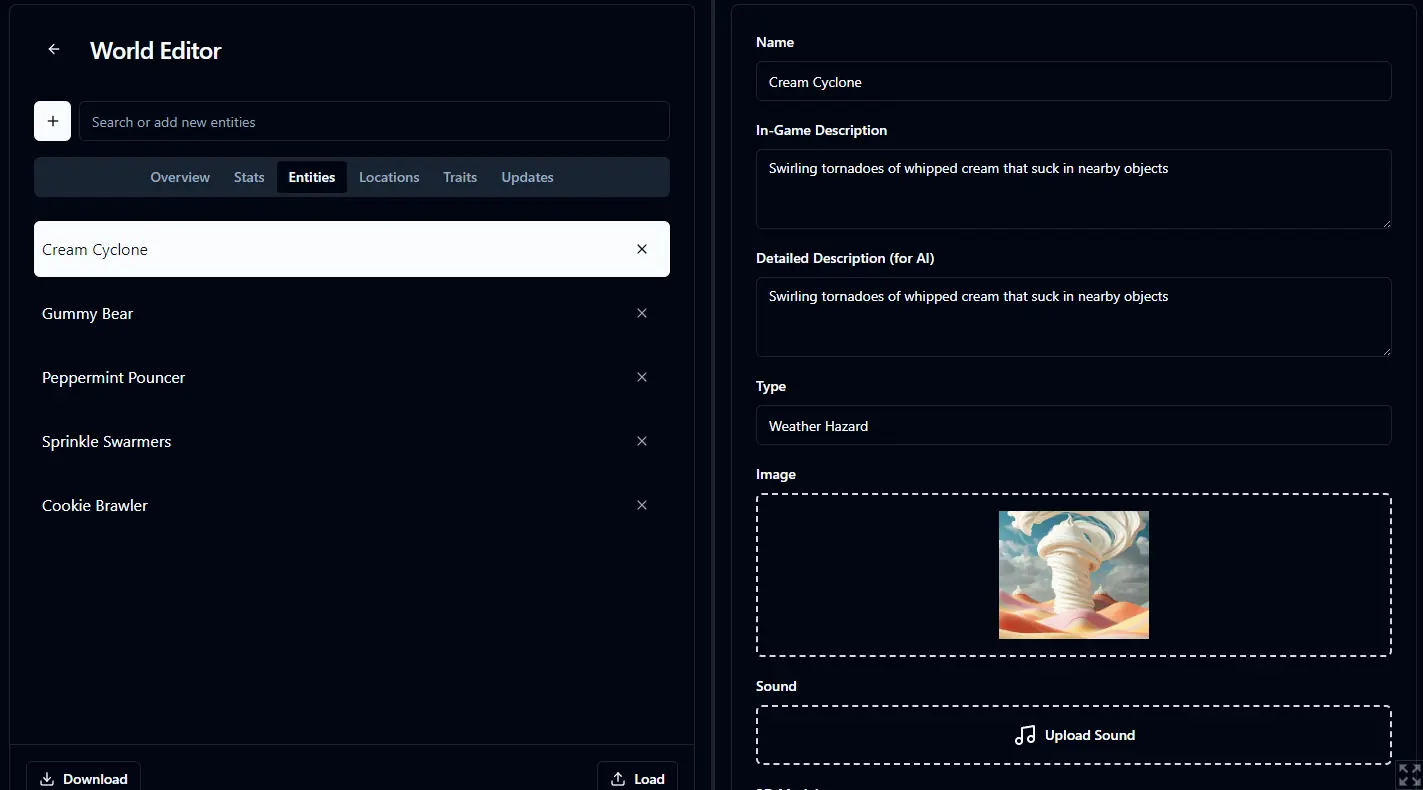
- World Editor
- The World Editor’s entity panel now splits its fields across Profile, Descriptions, and Placeholders tabs
- The World Editor’s stat panel now splits its fields across Details, Descriptors, and Code tabs
- The World Editor’s location panel now splits its fields across Details, Presence, Media, and Pins tabs
- The World Editor’s trait panel now splits its fields across Details, Stats, and Pins tabs
- The dictionary entry panel splits its fields across Details and Matching tabs in the World Editor and the Library
- The World Editor’s field labels and help lines now read the same way on every panel
- The World Editor’s Overview tab orders its fields and labels them the same way as the other panels
- The help lines on the stat, entity, and location panels read as short plain sentences
- Community Creations
- You can publish a Player Avatar to Community Creations and browse published ones under Avatars
- A Player Avatar’s details show whether it can be shared to Community Creations
- Community Creations picks its section with a sidebar rail on wide windows and a dropdown on narrow ones
- The website Community page lists the most-liked creations first
- A Library tile’s menu lists three Groups directly and opens a searchable picker for the rest
- Every website page shares one header with a Community link and an account menu
- The Locations Canvas menu groups Grid and Connection Style rows under titles and gives every action row an icon
- You move entities and dictionaries between a world and the Library without an export file
- The World Doctor shows a Publish Size bar that measures the world against the publish limit
Fixed
- AI stat updates send plain names and accept formatted replies for values and maximums
- Text to Speech reads formatted text without speaking highlight colors, superscript markers, task checkboxes, or table layout syntax
- Enter World keeps traits, the starting location, and Library Additions in one workspace and remembers additions for each local world
- An entity’s Type field now sits with its Name and Aliases, above the descriptions
- Every image, sound, and 3D model dropzone brightens its border when you hover it
- A trait group’s Player-Facing Description supports markdown
- The website’s Like control highlights on hover and fills the heart when liked
Porn Games of interest:


- Do not post same comment twice, your pending comment will be moderated, approved and replied by a stuff soon.
- Do Not ask for new updates/"when it will release" etc unless it is already released by developers. We do not develop games, use common sense.
- Use English Language only.
- You can click the bell icon before commenting to get mail whenever someone replies your comment. Great way to be notified if you are posting questions, be sure to provide correct email in that case.
- If you want to ask features of games like Bugfixing, save file support, new content ideas etc then please contact the game developer, FieryLion .
- You can help us by reporting dead links, wrong informations, new available updates etc in the comment section.
If you have a problem, post in these links. Keep Comment section clean
New Update?
Request here
Install Problems?
Post your problems here
Broken Links?
Let us know here
Bugs in game?
Use this forum to report it