

Cosy Cafe [Ongoing] - Version: 0.14.2
Developer:
Cosy Creator
Consider supporting the dev if you like the game and want them to do what they love. Click on dev's link for more info.
Release Date: 12 June, 2026
Game Size: 10.65 GB
Censorship: Uncensored
Game Engine: Ren'py
Current Game Version: 0.14.2 (Ongoing)
Total Views: 30.3K
Post your problem in our Discord server for faster response. Click here to join.
Game Informations
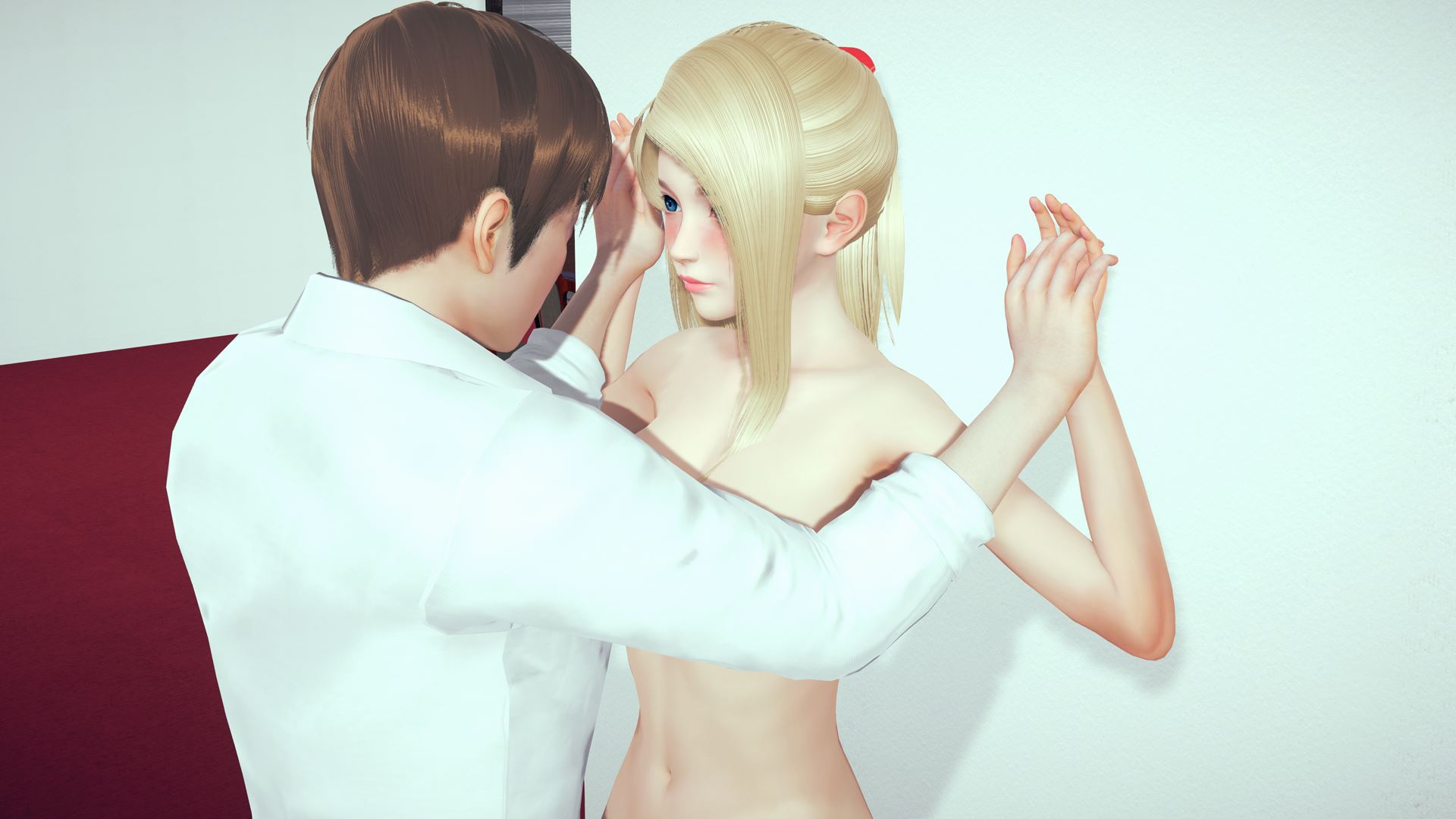
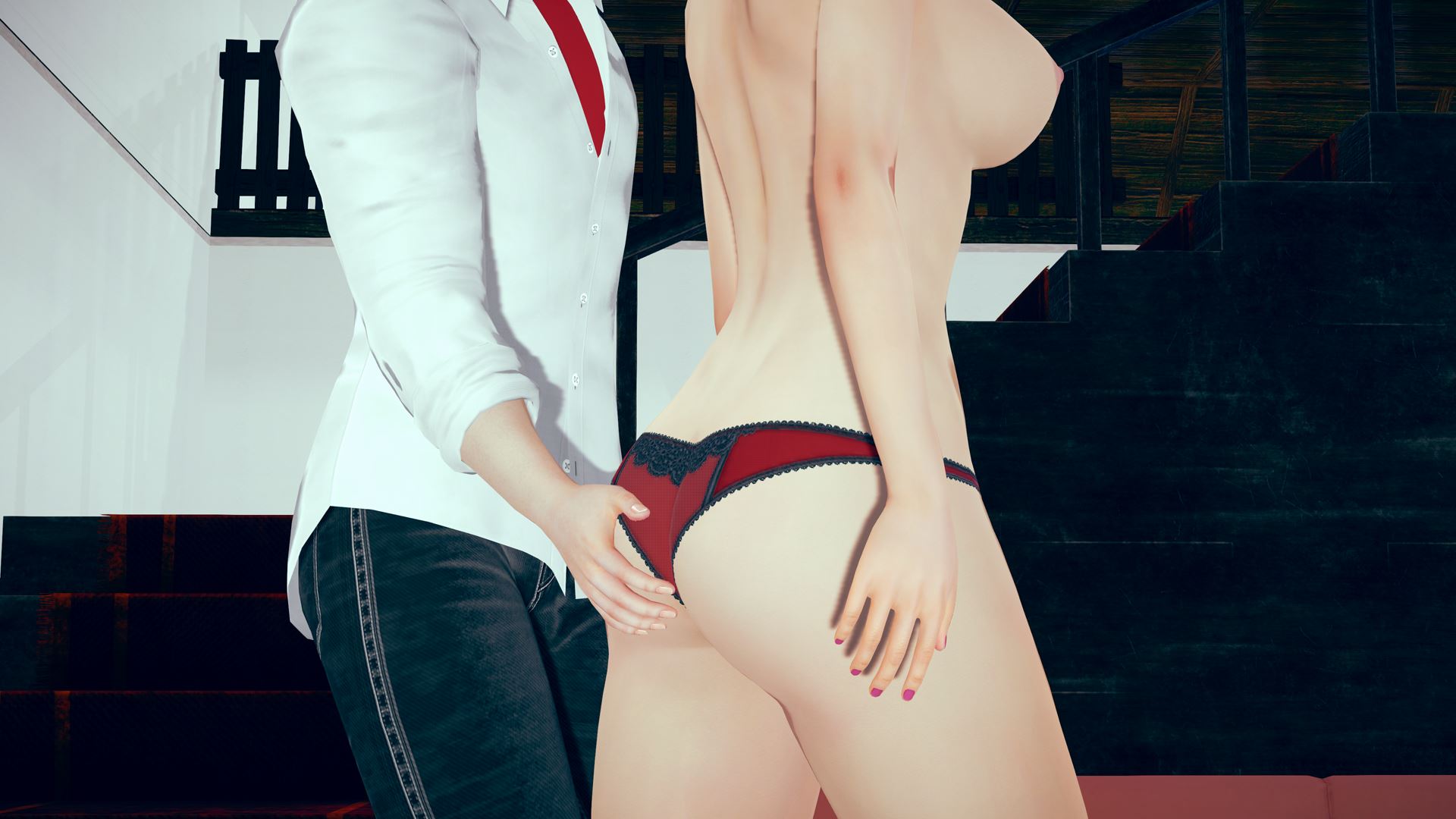
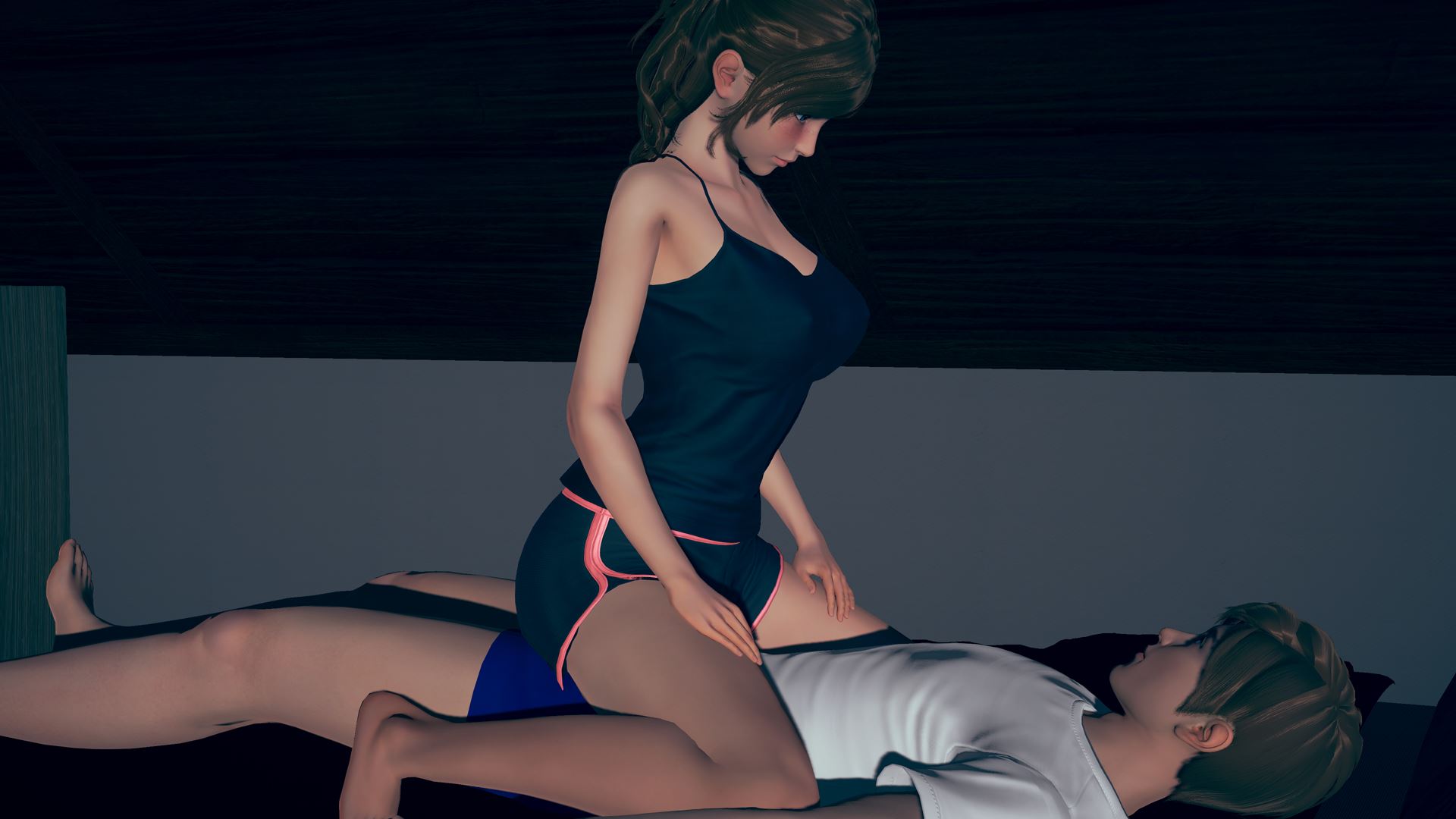
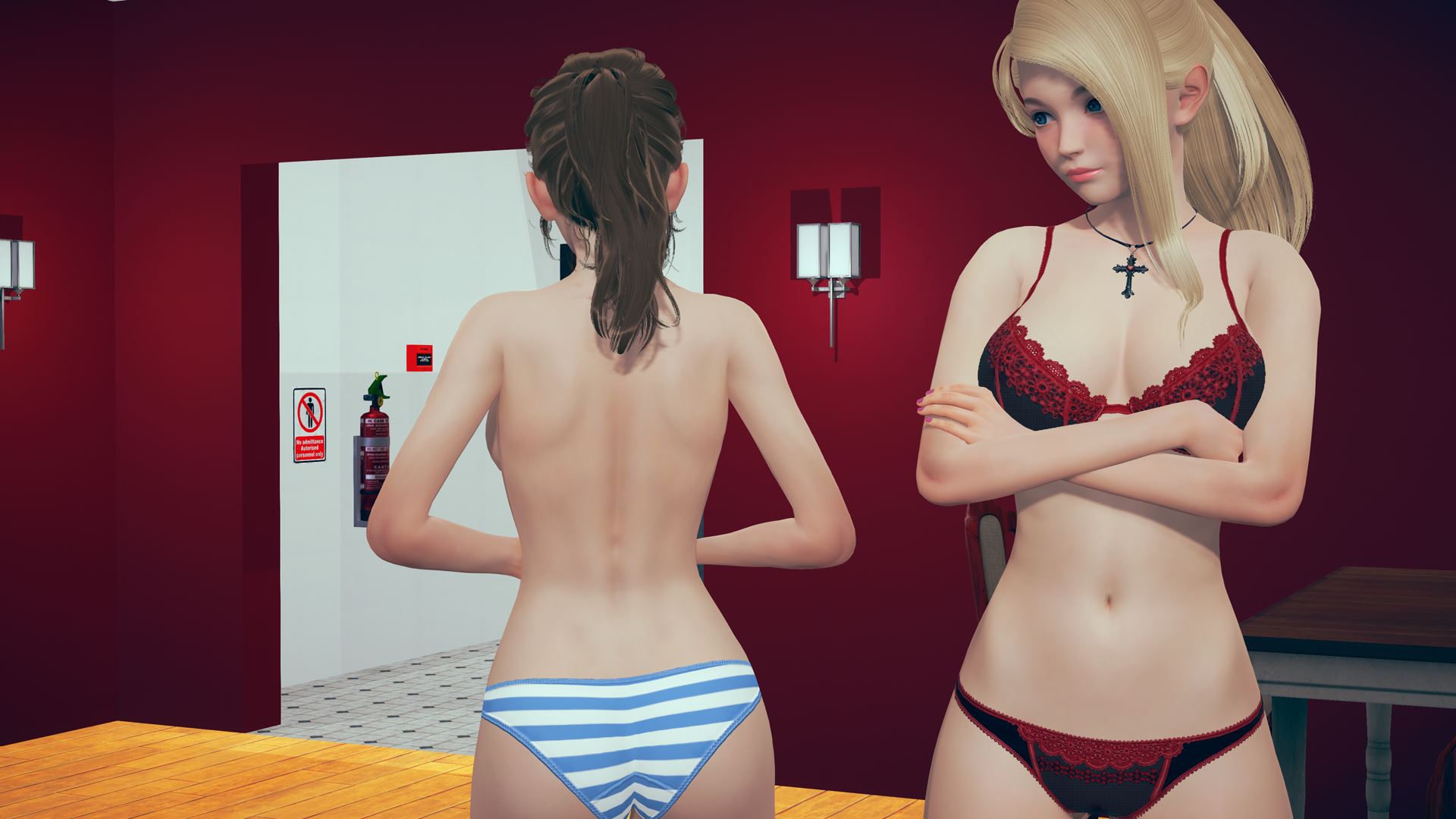
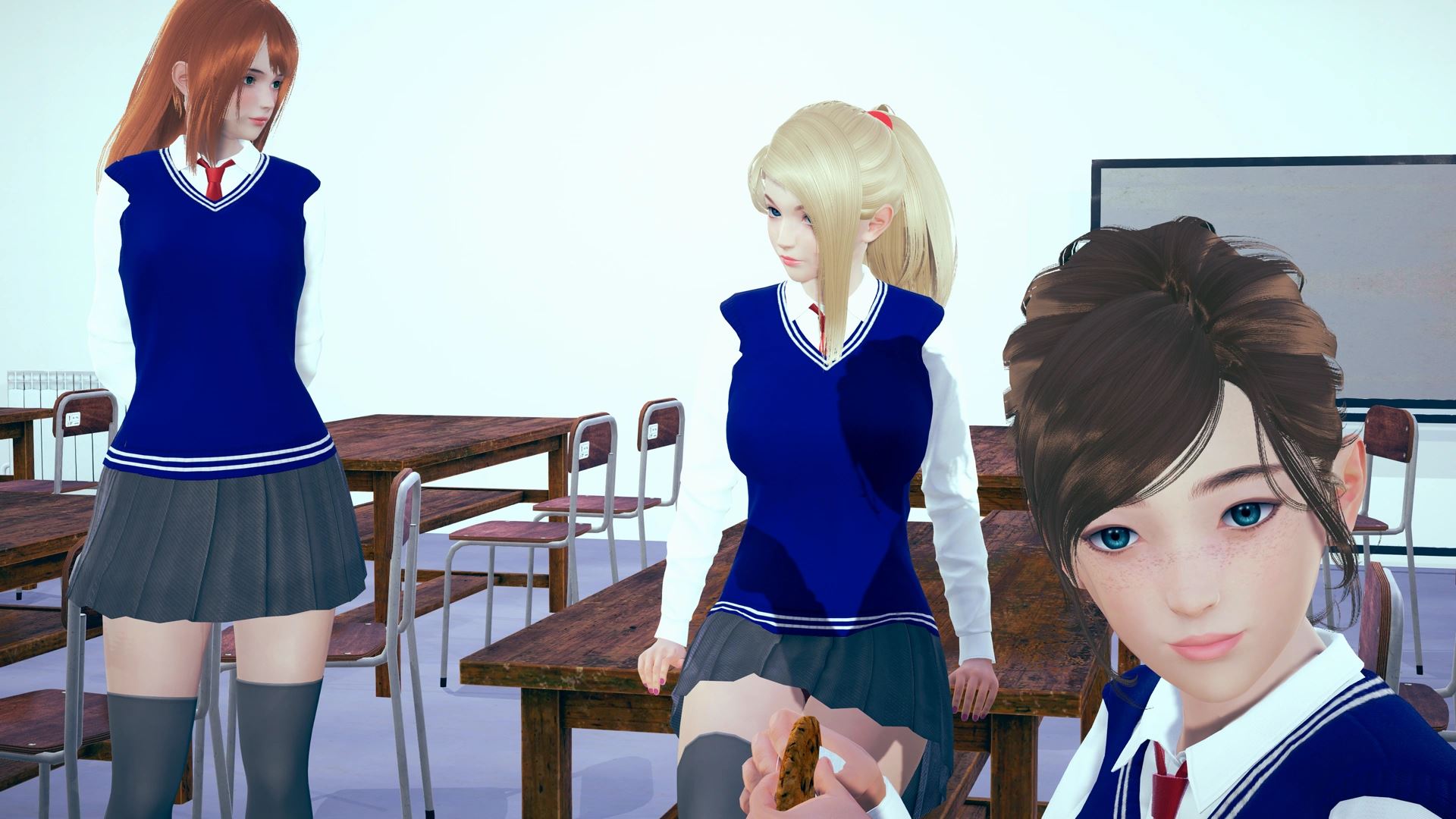
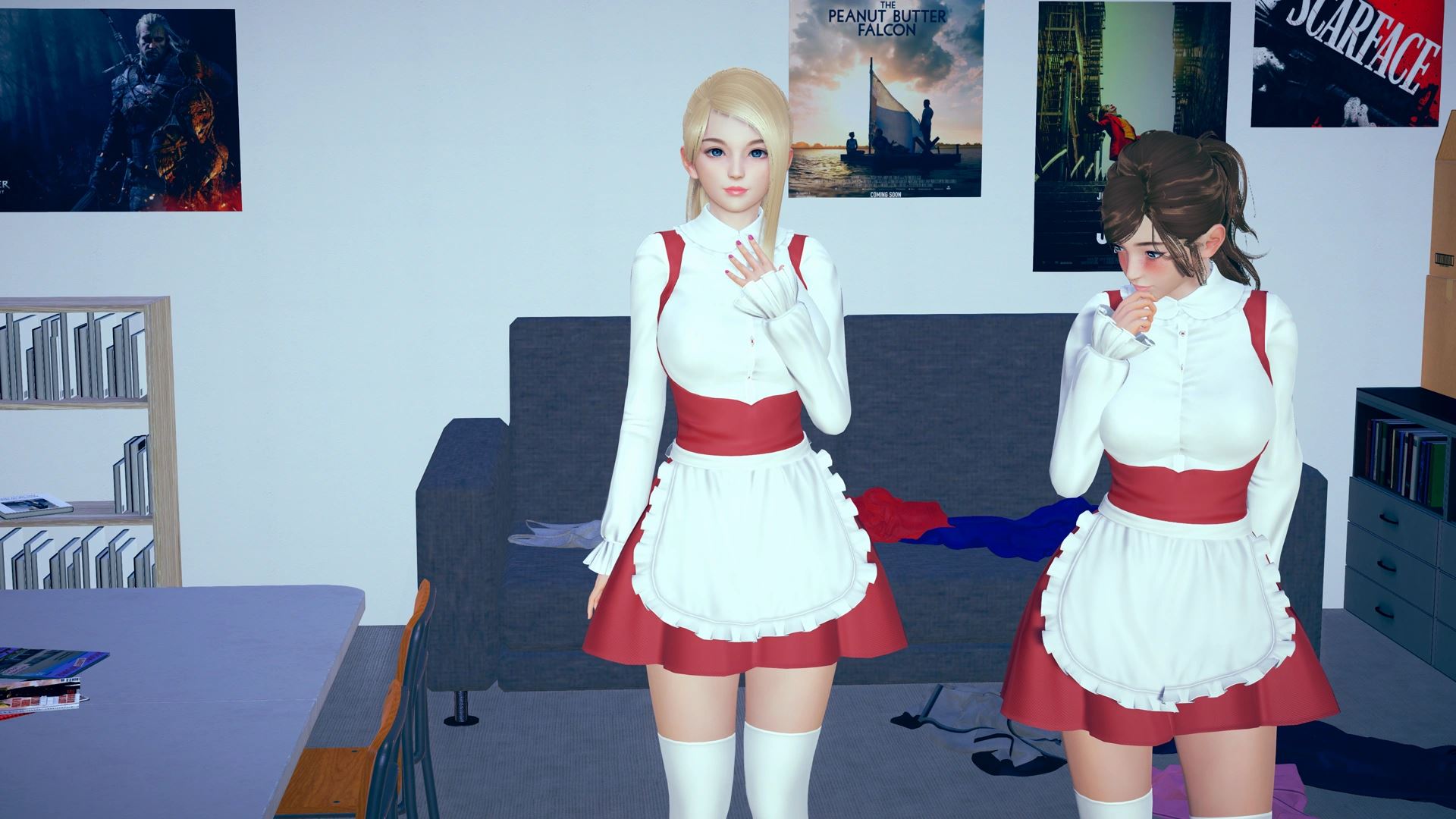
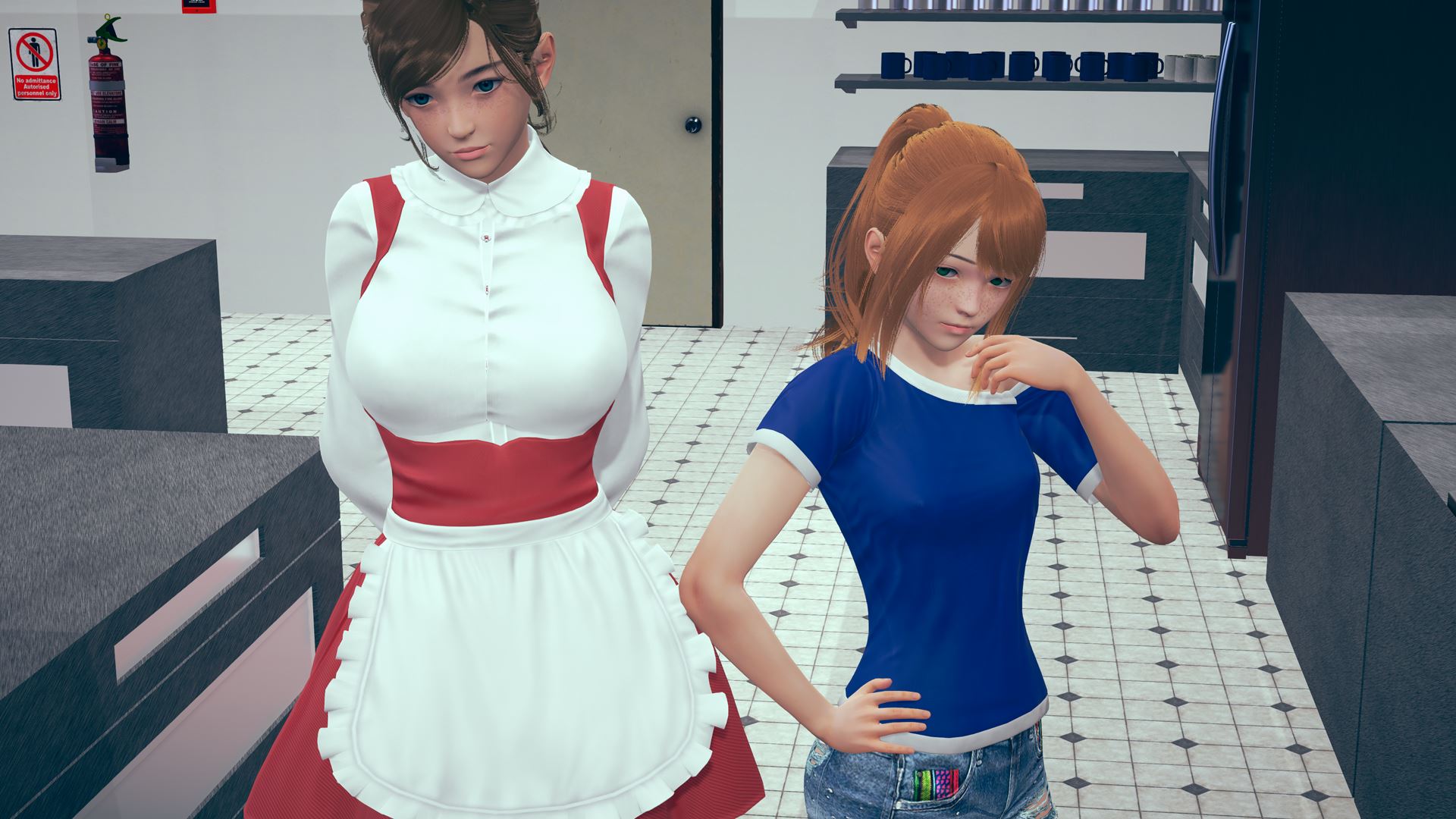
Your rough childhood is over, and you stand on the precipice of adulthood with a singular goal in mind: To become an exceptional restaurateur like your grandfather. But for now, you’ll settle for building a modest cafe. Money is tight, and challenges abound balancing your dream with your final year of school, but with hard work and determination you know that you can build a life for yourself and the girls you meet along the way.
In Cosy Cafe you will develop romantic and increasingly sexual relationships with a number of girls, culminating in a harem that eventually becomes a family. There will be a particular focus on wholesome maledom, and of course, there will be a lot of loving and kinky sex!
WARNING: Saves from 0.11 are probably broken again. The problem should now be fixed, so hopefully this is the last you hear of it!
How to install?
- Extract and run.
System Requirements:
- Dual Core Pentium or equivalent Processor.
- Intel HD 2000 or equivalent Graphics.
- 10.65 GB of free disk space (Recommended to have twice as much free disk space than this).
Cosy Cafe - Ongoing - Version 0.14.2 Download Links
Confused about how the downloading works? Here is a handy guide
Android APK Fileknot (Part 3 - v0.14.2) Transfaze (Part 3 - v0.14.2) Fileknot (Part 2) Transfaze (Part 2) Fileknot (Part 1) Transfaze (Part 1)
Mac OS Fileknot Transfaze Fileknot (Split Part 1) Transfaze (Split Part 1) Fileknot (Split Part 2) Transfaze (Split Part 2) Fileknot (Split Part 3) Transfaze (Split Part 3)
Linux Fileknot Transfaze Fileknot (Split Part 1) Transfaze (Split Part 1) Fileknot (Split Part 2) Transfaze (Split Part 2) Fileknot (Split Part 3) Transfaze (Split Part 3)
Android APK Bzzhr (Part 3 - v0.14.2) Datanodes (Part 3 - v0.14.2) Mega (Part 3 - v0.14.2) Pixeldrain (Part 3 - v0.14.2) Vikingfile (Part 3 - v0.14.2) Datanodes (Part 2) Gofile (Part 2) Mega (Part 2) Pixeldrain (Part 2) Vikingfile (Part 2) Datanodes (Part 1) Gofile (Part 1) Mega (Part 1) Pixeldrain (Part 1) Vikingfile (Part 1)
Mac OS Akirabox Bzzhr Datanodes Mega Uploadhaven Vikingfile Datanodes (Split Part 1) Mega (Split Part 1) Mixdrop (Split Part 1) Pixeldrain (Split Part 1) Vikingfile (Split Part 1) Datanodes (Split Part 2) Mega (Split Part 2) Mixdrop (Split Part 2) Pixeldrain (Split Part 2) Vikingfile (Split Part 2) Datanodes (Split Part 3) Mega (Split Part 3) Mixdrop (Split Part 3) Pixeldrain (Split Part 3) Vikingfile (Split Part 3)
Linux Akirabox Bzzhr Datanodes Mega Uploadhaven Vikingfile Datanodes (Split Part 1) Mega (Split Part 1) Mixdrop (Split Part 1) Pixeldrain (Split Part 1) Vikingfile (Split Part 1) Datanodes (Split Part 2) Mega (Split Part 2) Mixdrop (Split Part 2) Pixeldrain (Split Part 2) Vikingfile (Split Part 2) Datanodes (Split Part 3) Mega (Split Part 3) Mixdrop (Split Part 3) Pixeldrain (Split Part 3) Vikingfile (Split Part 3)
Report only if Mega link or all links except Mega are unavailable. More details about it
Walkthrough and Guide
High FrameRate Mod: FILEKNOTHigh FrameRate Mod Installation:
1.Copy the "game" folder into the game’s root directory (the same folder where "game.exe" is located).
2.The modded files will now take priority over the original animations.
3.Launch the game and enjoy smoother, enhanced visuals!
MAC installation
Click on game icon and follow this path: Show Pacakge Contents/Contents/Resources/Autorun
Grab and drag the game folder onto the autorun folder while holding the alt key, release on it when you will see the green plus button, then click merge on the pop up window that will appear.
High FrameRate Mod Features:
312 animations
All compatible animations have been converted to HFR, ensuring fluid and lifelike motion.
Beyond higher framerates, every animation has been re-encoded with optimized parameters to deliver subtle yet impactful visual improvements.
Gallery Unlocker: FILEKNOT
Installation:
Put the file in the
/game folder.
Features:
Unlocks the Scenes and Photos screens.
What's New in Cosy Cafe Version - 0.14.2?
Fixed bug where socials menu would open on top of options menu
Fixed multiple typos in 0.14
Added new day select screen to start of game
Added audio mute button to quick menu at bottom of game screen
Added known surnames that were missing in 14 character bios
Added additional 0.14 bio entries to the Head Functionary and Gloria
Porn Games of interest:






- Do not post same comment twice, your pending comment will be moderated, approved and replied by a stuff soon.
- Do Not ask for new updates/"when it will release" etc unless it is already released by developers. We do not develop games, use common sense.
- Use English Language only.
- You can click the bell icon before commenting to get mail whenever someone replies your comment. Great way to be notified if you are posting questions, be sure to provide correct email in that case.
- If you want to ask features of games like Bugfixing, save file support, new content ideas etc then please contact the game developer, Cosy Creator .
- You can help us by reporting dead links, wrong informations, new available updates etc in the comment section.
If you have a problem, post in these links. Keep Comment section clean
New Update?
Request here
Install Problems?
Post your problems here
Broken Links?
Let us know here
Bugs in game?
Use this forum to report it