

Bunny Black [Finished] - Version: Final
Developer: SofthouseChara
Consider supporting the dev if you like the game and want them to do what they love. Click on dev's link for more info.
Release Date: 1st April, 2015
Game Size: 1.30 GB
Censorship: Censored
Game Engine: Others
Current Game Version: Final (Finished)
Total Views: 8,266
Please co-operate with us by reporting dead links, bugs, wrong info, new games updates and any idea in comment section.
Post your problem in our Discord server for faster response. Click here to join.
Post your problem in our Discord server for faster response. Click here to join.
2DCGAdventureAnal SexBig AssBig TitsCensoredFantasyFootjobGropingGroup SexHaremHumorIncestJapanese GameLesbianMale ProtagonistManagementMonster GirlOral SexPregnancyRapeRomanceRPGSleep SexStrategyTentaclesTitfuckTurn Based CombatVaginal SexVirginVisual NovelVoiced
Game Informations
Dierks is a perverted adventurer entered a labyrinth known as the Maou’s forest and was defeated by the maou himself. But taking pity on him, the maou kindly recruited him as part of this demon army. Given a second chance, Dierks has two goals: to rise in the ranks of the demon army, and to defeat and have sex with those girls who come to attack the maou.
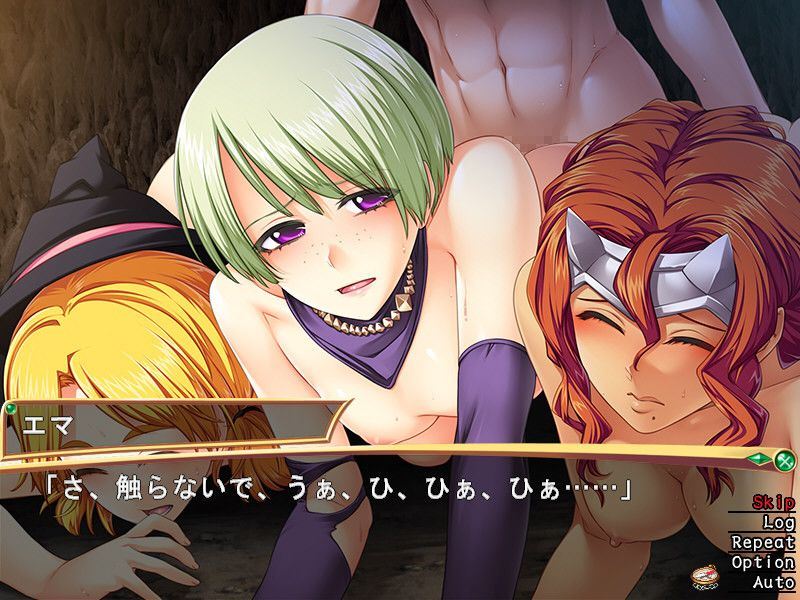
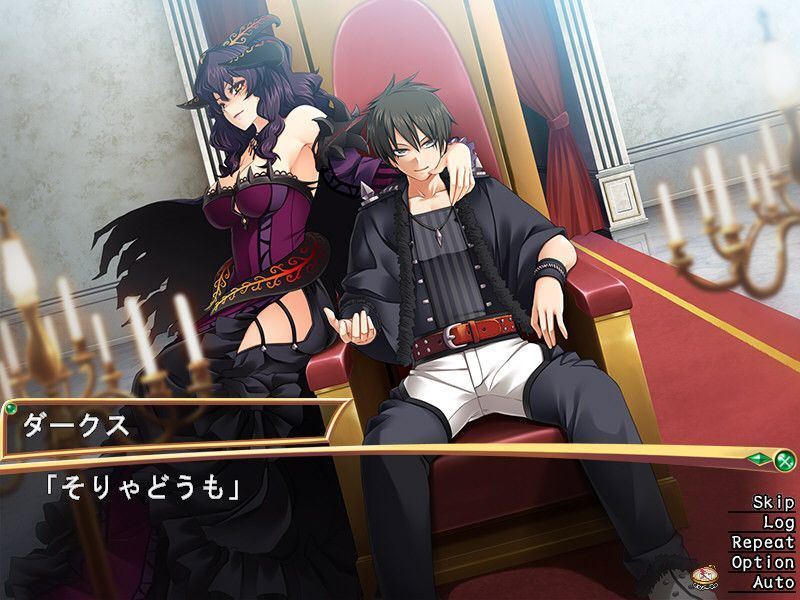
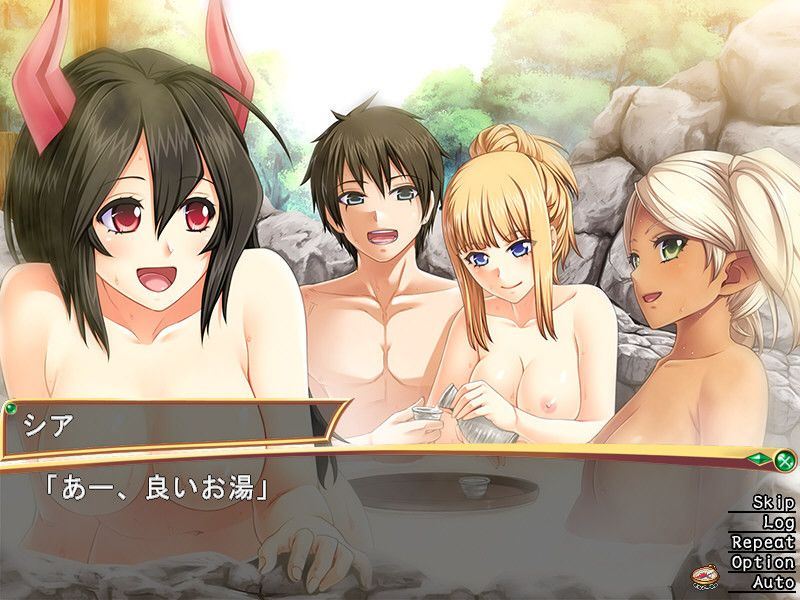
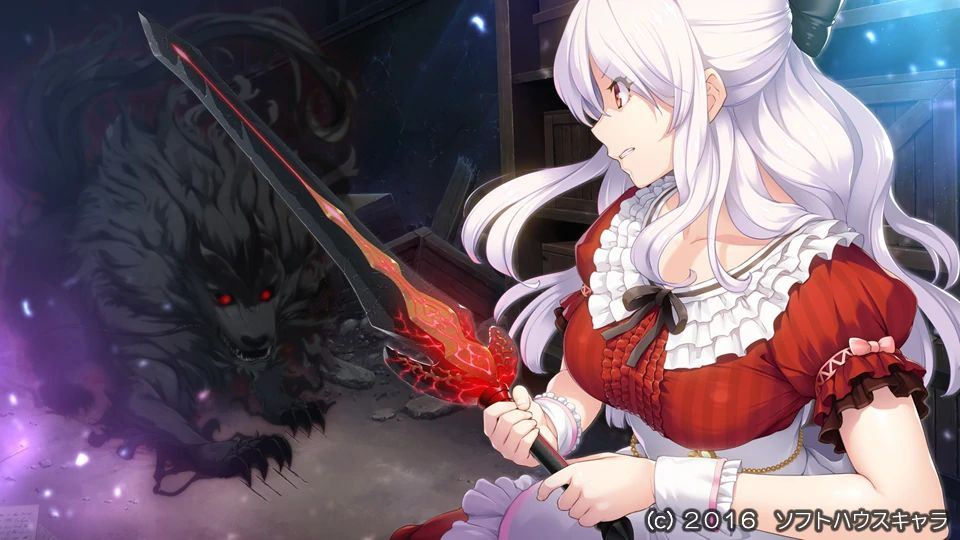
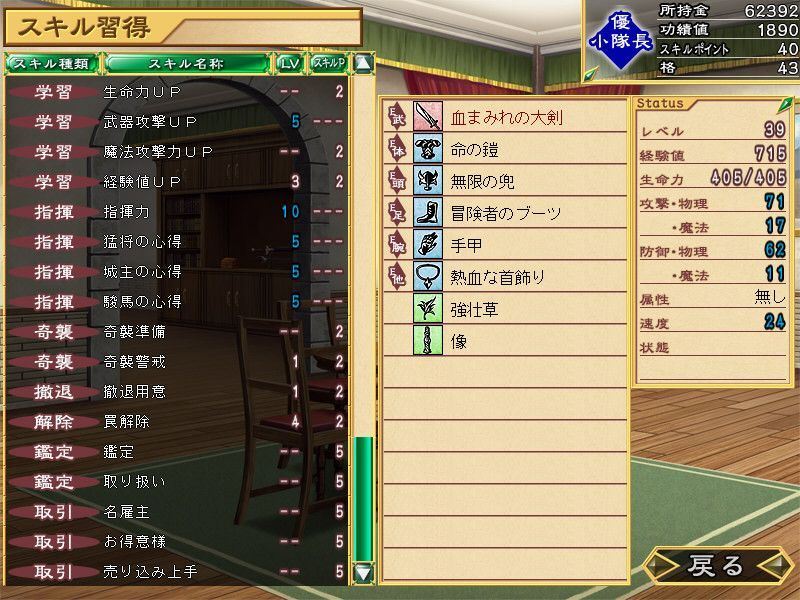
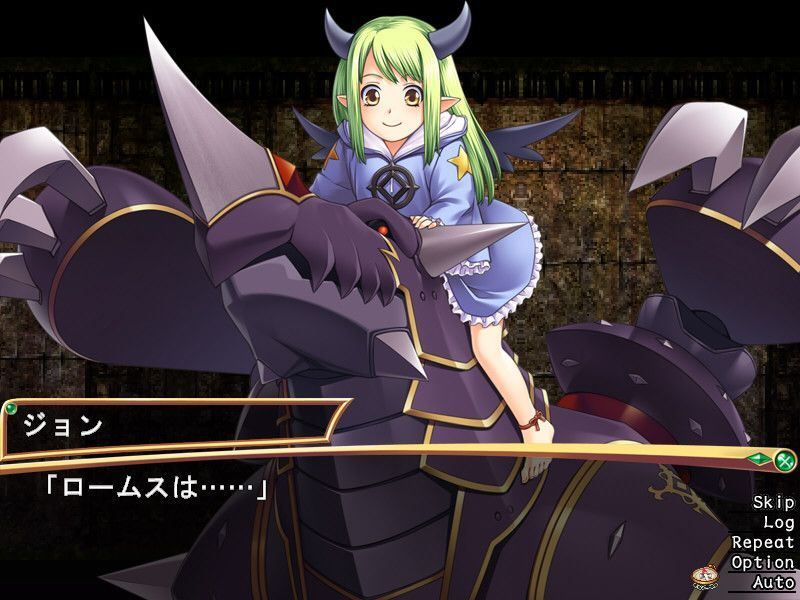
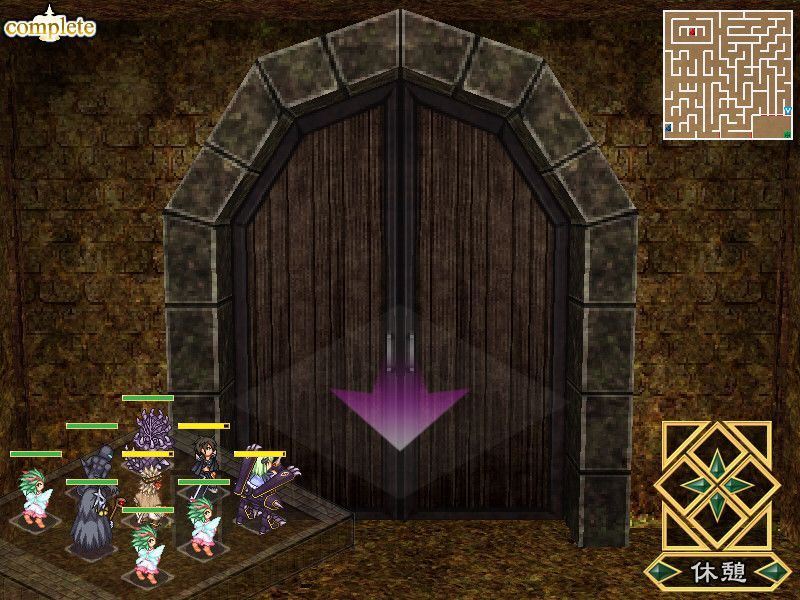

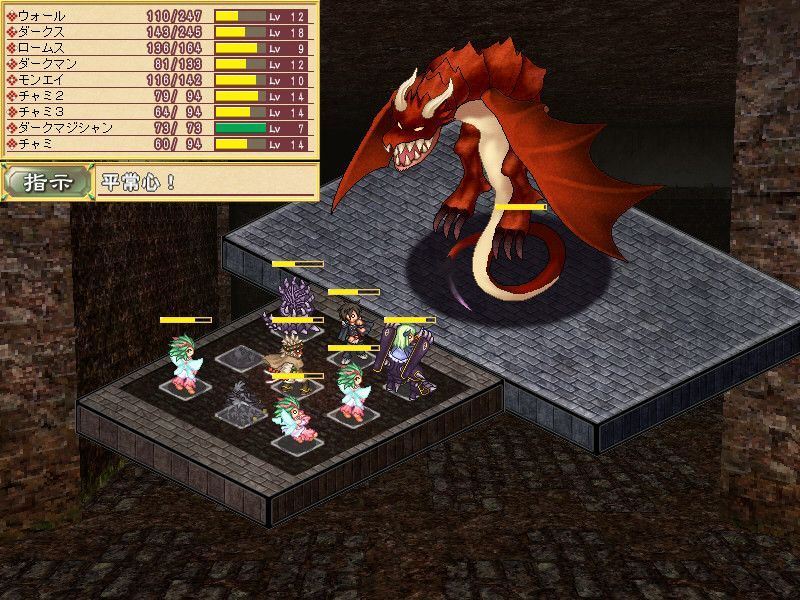
Our site does not work properly with Adblock. The image gallery of Bunny Black above should work without adblock. We keep ads and pop ups minimum so please whitelist us (Learn how).
How to install?
- Extract to desired location.
Mount BUNNYBLACK.mdf using favorite program [eg. PowerISO]
Click install.EXE and install
Paste in your installed directory "Bunny Black English Patch v1.00.exe" in installed directory.
Run "Bunny Black English Patch v1.00.exe" in your installed directory
SKIP NO6. UNLESS SO ONE CAN FIGURE OUT WHY IT WONT PATCH
SKIP IT ""Bunny Black English Patch v1.20.exe" in your installed directory
Finally Copy all contents v1.21 into install directory
Click on Bunny.EXE to start playing. - Patch deletes the game exe
The patch isn't deleting the exe, your virus checker is flagging it as a virus and then removing it. Create an exception or use a less twitchy virus checker. - Game won't run (error messages in Japanese about creating saves)
The default install location is Program Files/bunny which depending on your OS, may or may not have administration issues. Run as admin or move the game folder to some other directory. - Windows 10:
1- Extract to desired location.
2- Mount BUNNYBLACK.mdf using favorite program [eg. PowerISO]
2.1- Extract all the files using PowerISO to wherever you please and go find those files.
2.2- Go into the install.exe properties and change to Win 7 compatibility mode before installing.
3- Click install.EXE and install
4- Paste in your installed directory "Bunny Black English Patch v1.00.exe" in installed directory.
4.1- Go into the patch exe and change to Win 7 compatibility mode.
5- Run "Bunny Black English Patch v1.00.exe" in your installed directory
SKIP NO6. UNLESS SO ONE CAN FIGURE OUT WHY IT WONT PATCH
6- SKIP IT ""Bunny Black English Patch v1.20.exe" in your installed directory
7- Finally Copy all contents v1.21 into install directory
7.1- Go into the Bunny.exe and change to Win 7 compatibility mode.
8- Click on Bunny.EXE to start playing. - More information:
The game does work on Win 10, but you need extra steps if I remember right. The issue is that when you try to install from mounting, it won't function properly and you'll have to delete/uninstall everything and start over. I think these are the extra steps:
1- Extract to desired location.
2- Mount BUNNYBLACK.mdf using favorite program [eg. PowerISO]
2.1- Extract all the files using PowerISO to wherever you please and go find those files.
2.2- Go into the install.exe properties and change to Win 7 compatibility mode before installing.
3- Click install.EXE and install
4- Paste in your installed directory "Bunny Black English Patch v1.00.exe" in installed directory.
4.1- Go into the patch exe and change to Win 7 compatibility mode.
5- Run "Bunny Black English Patch v1.00.exe" in your installed directory
SKIP NO6. UNLESS SO ONE CAN FIGURE OUT WHY IT WONT PATCH
6- SKIP IT ""Bunny Black English Patch v1.20.exe" in your installed directory
7- Finally Copy all contents v1.21 into install directory
7.1- Go into the Bunny.exe and change to Win 7 compatibility mode.
8- Click on Bunny.EXE to start playing.
Basically win 7 compatibility mode at every step and make sure you extract the game files before installing. I'm pretty sure the initial game install needs win 7 compatability, I'm not sure if the patch or game.exe do, but I did it to be on the safe side and never had any issues, so might as well.
You also need to do this same shit for Bunny Black 2 if you're going to head off to the sequel afterwards.
This game fucking sucks to install, but it's one of those things where once you know what to do, it only takes a few minutes and it's worth it. Just make sure you completely uninstall the game (It's probably in your program files) before retrying all this shit. The game won't properly uninstall from the launcher - Unofficial Version:
1: Extract
2: (optional and only matters for BB2) Right-click > Run with powershell on install.ps1
3: Start the game with Bunny.exe
System Requirements:
- Dual Core Pentium or equivalent Processor.
- Intel HD 2000 or equivalent Graphics.
- 1.30 GB of free disk space (Recommended to have twice as much free disk space than this).
Bunny Black - Finished - Version Final Download Links
Confused about how the downloading works? Here is a handy guide
Windows Fileknot Transfaze
Fileknot (Unofficial Version) Transfaze (Unofficial Version)
Fileknot (Patch v1.20) Transfaze (Patch v1.20)
Fileknot (Patch v1.21 Hotfix) Transfaze (Patch v1.21 Hotfix)
Windows Mediafire Workupload
Mega (Unofficial Version)
Mediafire (Patch v1.20) Up2sha (Patch v1.20) Workupload (Patch v1.20)
Mediafire (Patch v1.21 Hotfix) Up2sha (Patch v1.21 Hotfix) Workupload (Patch v1.21 Hotfix)
Report Broken Links
Report only if Mega link or all links except Mega are unavailable. More details about it
Report only if Mega link or all links except Mega are unavailable. More details about it
Copyright and Terms: Lewdzone is a crawling site. We post games like Bunny Black from trusted sources like Patreon official release, creator's official site and F95. We only share links of files provided by those sources. We do not include/exclude anything to/from the packages. We do not host those files and those files are hosted in public file sharing server and by the ToS of those servers, it is legal to share any public files. For example, sharing files publicly in mega.co.nz allows us to crawl the files. If you are the creator of Bunny Black then please claim copyright to those file sharing service's official DMCA form. And if you are a visitor and worrying about malwares, do not worry, we do not inject anything. Have fun.
Walkthrough and Guide
WALKTHROUGHPorn Games of interest:




Comment Rules:
- Do not post same comment twice, your pending comment will be moderated, approved and replied by a stuff soon.
- Do Not ask for new updates/"when it will release" etc unless it is already released by developers. We do not develop games, use common sense.
- Use English Language only.
- You can click the bell icon before commenting to get mail whenever someone replies your comment. Great way to be notified if you are posting questions, be sure to provide correct email in that case.
- If you want to ask features of games like Bugfixing, save file support, new content ideas etc then please contact the game developer, SofthouseChara.
- You can help us by reporting dead links, wrong informations, new available updates etc in the comment section.
Subscribe
3 Comments
If you have a problem, post in these links. Keep Comment section clean
New Update?
Request here
Install Problems?
Post your problems here
Broken Links?
Let us know here
Bugs in game?
Use this forum to report it