

Girl Life [Ongoing] - Version: 0.9.9
Developer:
community project
Consider supporting the dev if you like the game and want them to do what they love. Click on dev's link for more info.
Release Date: 25 July, 2026
Game Size: 86.57 MB
Censorship: Uncensored
Game Engine: QSP
Current Game Version: 0.9.9 (Ongoing)
Total Views: 130K
Post your problem in our Discord server for faster response. Click here to join.
Game Informations
Based on the Russian game ЭТО by DeGross.
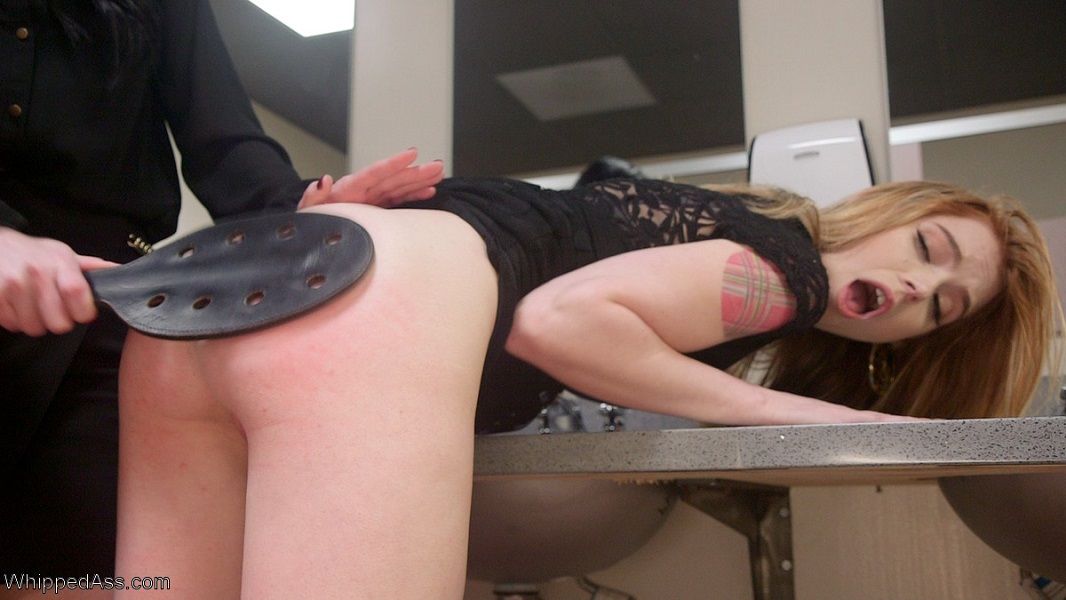
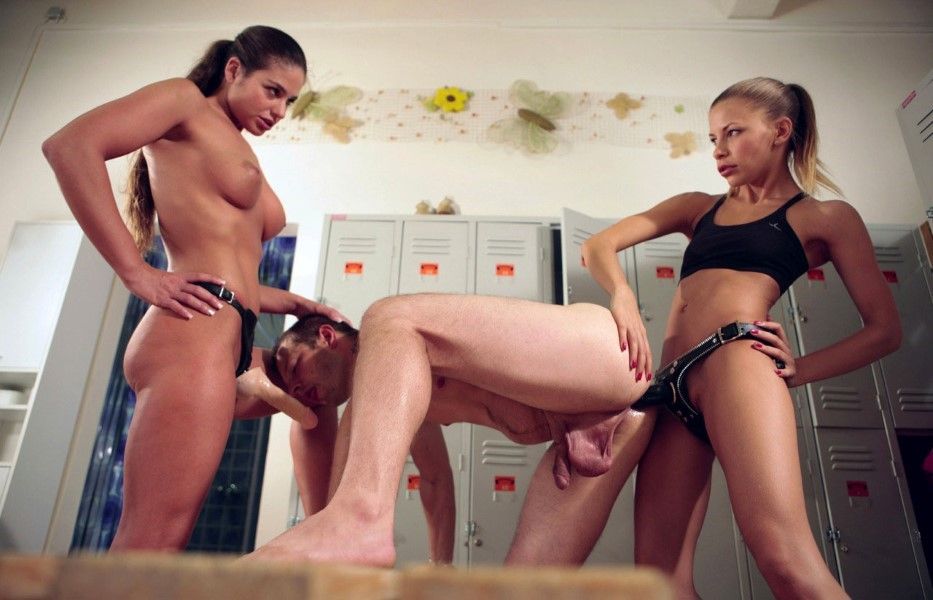
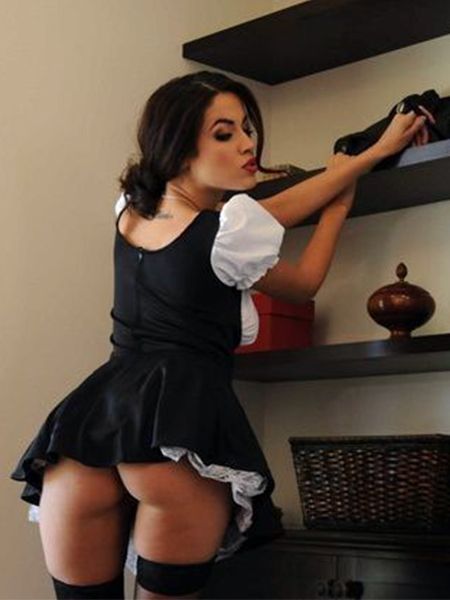
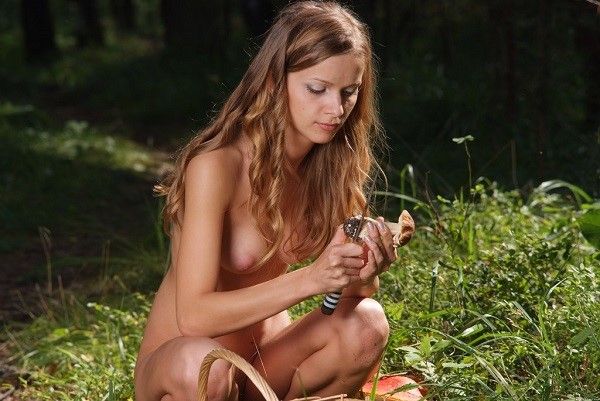
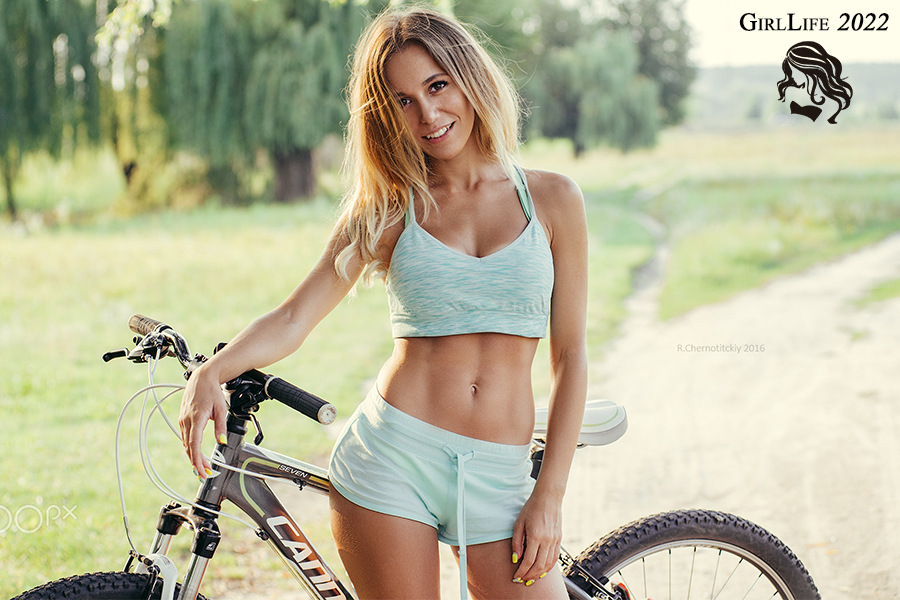
This game is about the simulated life of a woman containing elements of RPG, strategy, porn and magical combat. You may choose what kind of life the character will live according to your play style, conscience or even personal beliefs. There are many choices to make in this game, will you be a saint or a sinner?
If your first night results in instant death and game over you are using the wrong QSPplayer.
Note: Due to the clothing overhaul some outfits from previous versions will be broken.
You may need to purchase new clothing.
How to install?
- First Guide
1) Ensure you have 7zip installed to decompress the image archives.
2) What you need is on mega.nz, but your browser might need the MEGA app to download everything.
3) On tfgames.site, the synopsis page lists various QSP players; you will need to install at least one of these games.
Extract your interpreter program files into a dedicated folder; this is your "game folder".
4) On tfgames.site, click on the mega link for the game itself in the downloads section. Typically you will want the most recent version. Save it to your game folder.
5) On tfgames.site, in the synopsis page, find the line that says "All image packs and the sound pack are here : Mega.nz" The last bit of that line is hyperlinked; click that link to get the images and sound packs. As of this writing, all the packs are stored in an "images" folder. Save this to a temporary folder on your computer.
6) In this "images folder", do a batch "extract here" with 7zip. This will make new images and sounds folder, with everything extracted. Move these new folders to your game folder; merge as needed.
7a) '''FIRST TIME:''' Right-click the game file (typically "Girl Life x.y.z.qsp" or somesuch) and look for a "open with" selection; if you can't find one, then go with "open". A dialogue will pop up to select which program to open it with. Select "qspgui.exe" in your game folder. Note: if you open qspgui.exe then load Girl Life, it may not understand where the the sounds and images are stored; assigning qsp files to open with qsp player solves this.
7b) '''OTHER TIMES:''' double click the game file to start;
8) Enjoy - Second Guide:
Windows Instructions:
This is written up for Windows computers See below for other systems.
Install the QSP player (''Qqsp-1.9.0 is recommended'') anywhere on your PC. It is not required to be in the same folder as the game files. Link to Qqsp-1.9.0 can be found here
1.Make a folder, put your glife.qsp file in that folder. For the sake of example, let's say you called the folder GirlLife.
2.Unzip the image packs you downloaded using an application say WinRar or 7zip. This should give you a folder called "images" with a lot of other folders inside of it.
3Place those folders into your GirlLife folder in order. So first the 0.9.0 pack, then any 0.9.1 update packs, and so on and so forth. As you put in the later folders it will ask to confirm an overwrite. Let it overwrite. In the end, the image folder should look like https://imgur.com/BRTdUaZ
4.That folder you created in no.1 should now only contain three things: glife.qsp, an "images" folder, and a "sound" folder.
5.Run glife.qsp with the QSP player. Everything should work.
Android Instructions:
This guide is for Android users. If you want to play QSP on iPhone, try AeroQSP
Step One: Finding out your version of android
Step Two: Choosing the correct version
If your Android is below 4.4.4 (including 4.4.4), use Quest player 1.0.2 or 1.3
2017/7: New version! 1.4+ by '''MrBoboFace''', require Android 4.4.4+ ''Still in development, only English version for now.''
If your Android is 5.x or 6.x, get modified 1.3 version by BOOM.vrn.
Step Three: Downloading the required programs
Get Quest player for Android;
You can download the translated apk, or translate the program on your own.
Questopia
Step Four: Installing the game
Install Game by creating a folder in your SD card.
sdcard1/QSP/games/ETO
put game files as this:
sdcard1/QSP/games/ETO/glife.qsp
sdcard1/QSP/games/ETO/avatar.jpg
Images and Sound goes in these two folders:
sdcard1/QSP/games/ETO/sound/
sdcard1/QSP/games/ETO/images/
For QSP player 1.3 by BOOM, it can fit image width to screen (set in menu).
For 1.1 on google play, you must adjust image size manually before copy them into sdcard. The width of screen is 1920.
Step Five: Playing the game
Play game:
Launch QSP player
Select "ETO" (same as folder name as you set in II.)
A messagebox with 2 russian button will pop out. one is play, another is cancel.
Once in game, press MENU key of your phone to do the setting and save/load.
Quest player of Android does not support in-game save, you must save through system menu on your own.
1.3 version by BOOM.vrn support autosave
System Requirements:
- Dual Core Pentium or equivalent Processor.
- Intel HD 2000 or equivalent Graphics.
- 86.57 MB of free disk space (Recommended to have twice as much free disk space than this).
Girl Life - Ongoing - Version 0.9.9 Download Links
Confused about how the downloading works? Here is a handy guide
CG Rip (Media Collection) Fileknot (Assets Pack) Transfaze (Assets Pack)
CG Rip (Media Collection) Mega (Assets Pack) Gofile (Assets Pack)
Report only if Mega link or all links except Mega are unavailable. More details about it
What's New in Girl Life Version - 0.9.9?
- Various changes to layout and icons. – <i>Eva Nessa</i>, <i>anjuna</i>
- New archetypes system. – <i>Eva Nessa</i>
- Five archetypes: Bimbo, Goth, Preppy, Prude, Punk
- Adhering to a consistent style will grant you points towards that archetype; not doing so loses points.
- Bonuses and penalties if you have sufficient points towards an archetype
- New log/history page showing what caused your archetype and trait point changes, with popup alerts. – <i>Eva Nessa</i>
- Loads of new traits. – <i>Eva Nessa</i> & <i>anjuna</i>
- Traits can now also influence XP gain (instead of just granting levels). – <i>anjuna</i>
- More events added to calendar. – <i>Eva Nessa</i>
- Menstrual cycle predictions now shown as all-day calendar events, with descriptive symptoms. – <i>Eva Nessa</i>, <i>hornguy6</i>
- Fight night and band practice events, with a new recurrence pattern (every Xth day of the Yth week of a month). – <i>Eva Nessa</i>
- Intro updates. – <i>Eva Nessa</i>
- Intro overview. – <i>Eva Nessa</i>
- ew quick start option. – <i>Eva Nessa</i> & <i>anjuna</i>
- Clothing strength/wear reworked to function by time and not per day. – <i>anjuna</i>
- Clothing, underwear, shoes, and coats have strength/wear.
- Stat window improved. – <i>Eva Nessa</i>
- Shop/Wardrobe filters improved. – <i>anjuna</i> and <i>Kevin Smarts</i>
- New clothing filters for Goth and Punk clothes. – <i>Kevin Smarts</i>
- Merged “”show only”” and “”don’t show”” filters into a single rotating filter. – <i>anjuna</i>
- Orgies and prostitution now explicitly tracked and shown in the stats. – <i>anjuna</i> and <i>hornguy6</i>
- Added more stats to track and display. – <i>hornguy6</i>
- Difficulty settings expanded: abduction chance can now be adjusted or disabled, and robbery/rape/purse-snatching cooldowns now scale with difficulty. – <i>Eva Nessa</i>
- New daily routine system (WIP): handles morning routine, makeup, and wardrobe choices from a central menu. – <i>Eva Nessa</i>
- Themes previewer added, along with new inclusive color options for headers and buttons. – <i>Eva Nessa</i>, <i>anjuna</i>
- New in-game “”what’s new”” feature popup, shown after updates. – <i>Eva Nessa</i>
- Next nerd night DnD adventure. – nutluck, blauz
- Getting trained by Ivan to box. – nutluck, Darkstorm
- Changes to Ivan school and disco chats, they should work better now. Also expanded his school “bored” sex scene and adding a disco version as well. – nutluck
- Sonia post fall chats in her bedroom/post fall content in her home. – nutluck
- Sonia home expansion mostly post fall but some pre fall and during fall. – nutluck
- Sonia strapon sex updated with Penis Envy version. – nutluck
- Sonia first happy slut sex scene in her bedroom. – nutluck
- Sonia happyslut aka replacement main chat in her bedroom. – nutluck
- More Nat events (inc. one with Sonia). – Written by <i>BBZ01</i>, coded by <i>Eva Nessa</i>
- New casting scene. – <i>Vengeance_11</i>
- Expanded sex scenes for Ermias and Viktor. – <i>Vengeance_11</i>
- Katja’s first orgy. – <i>bgkjdgbizgblzdgbr</i>
- D&D game night content. – Written by <i>nutluck</i>, implemented by <i>Awesome</i>
- Improvements and new scenes to the sex_ev system. – <i>hornguy6</i>
- New Natasha/Sonia and Natasha university events. – Written by <i>BBZ01</i>, implemented by <i>Eva Nessa</i>
- New Ivan content. – Written by <i>nutluck</i>, implemented by <i>Eva Nessa</i>
- Backend / system improvements. – <i>Eva Nessa</i>, <i>anjuna</i>
- Refactoring of numerous variables in several systems.
- Introduction of various new functions to simplify and consolidate code.
- Significant improvements to the shop and wardrobe logic for improved performance.
- Text edits. – <i>Vengeance_11</i>, <i>Kommhat</i>
- Bug fixes. – <i>Eva Nessa</i>, <i>anjuna</i>, <i>hornguy6</i>, <i>Awesome</i>, <i>bgkjdgbizgblzdgbr</i>, <i>Myles Croft</i>, <i>Vengeance_11</i>, and <i>Kevin Smarts</i>
- Quality control. – <i>Skylah</i>, <i>Kilrah</i>, <i>Dibutello</i>, <i>BBZ01</i>, <i>Chimrod</i>, <i>Sepis</i>
- Testers. – <i>xPandaku</i>, <i>Sapper</i>, <i>Blauz.</i>, <i>Alex_0010</i>, <i>MXX</i>
- Image pack. – <i>Awesome</i>
Porn Games of interest:


- Do not post same comment twice, your pending comment will be moderated, approved and replied by a stuff soon.
- Do Not ask for new updates/"when it will release" etc unless it is already released by developers. We do not develop games, use common sense.
- Use English Language only.
- You can click the bell icon before commenting to get mail whenever someone replies your comment. Great way to be notified if you are posting questions, be sure to provide correct email in that case.
- If you want to ask features of games like Bugfixing, save file support, new content ideas etc then please contact the game developer, community project .
- You can help us by reporting dead links, wrong informations, new available updates etc in the comment section.
If you have a problem, post in these links. Keep Comment section clean
New Update?
Request here
Install Problems?
Post your problems here
Broken Links?
Let us know here
Bugs in game?
Use this forum to report it