
Sweet Affection [Ongoing] - Version: 0.12.5
Developer:
Naughty Attic Gaming
Consider supporting the dev if you like the game and want them to do what they love. Click on dev's link for more info.
Release Date: 14 August, 2026
Game Size: 52.1 GB
Censorship: Uncensored
Game Engine: Ren'py
Current Game Version: 0.12.5 (Ongoing)
Total Views: 65.2K
Post your problem in our Discord server for faster response. Click here to join.
Game Informations
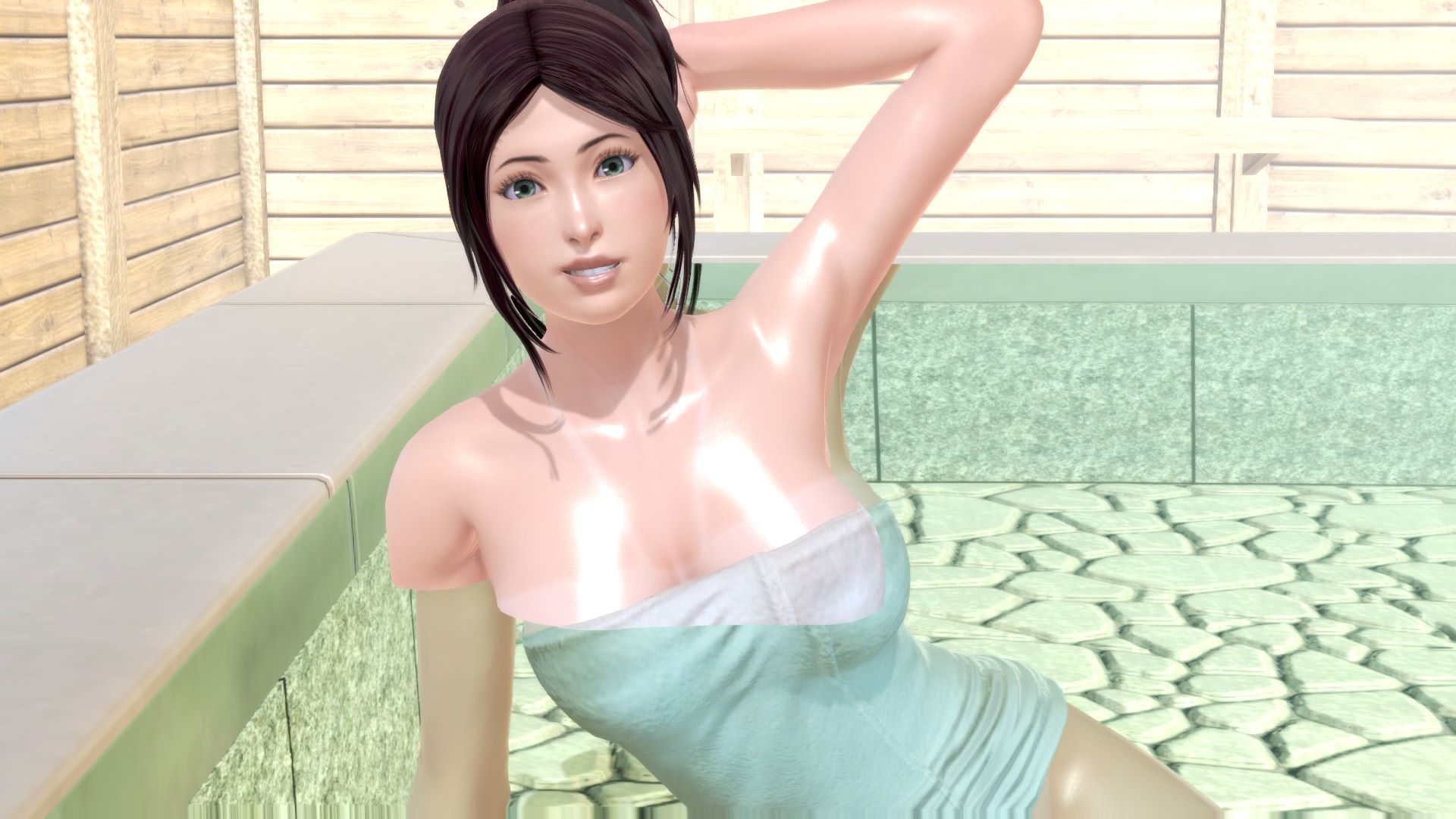
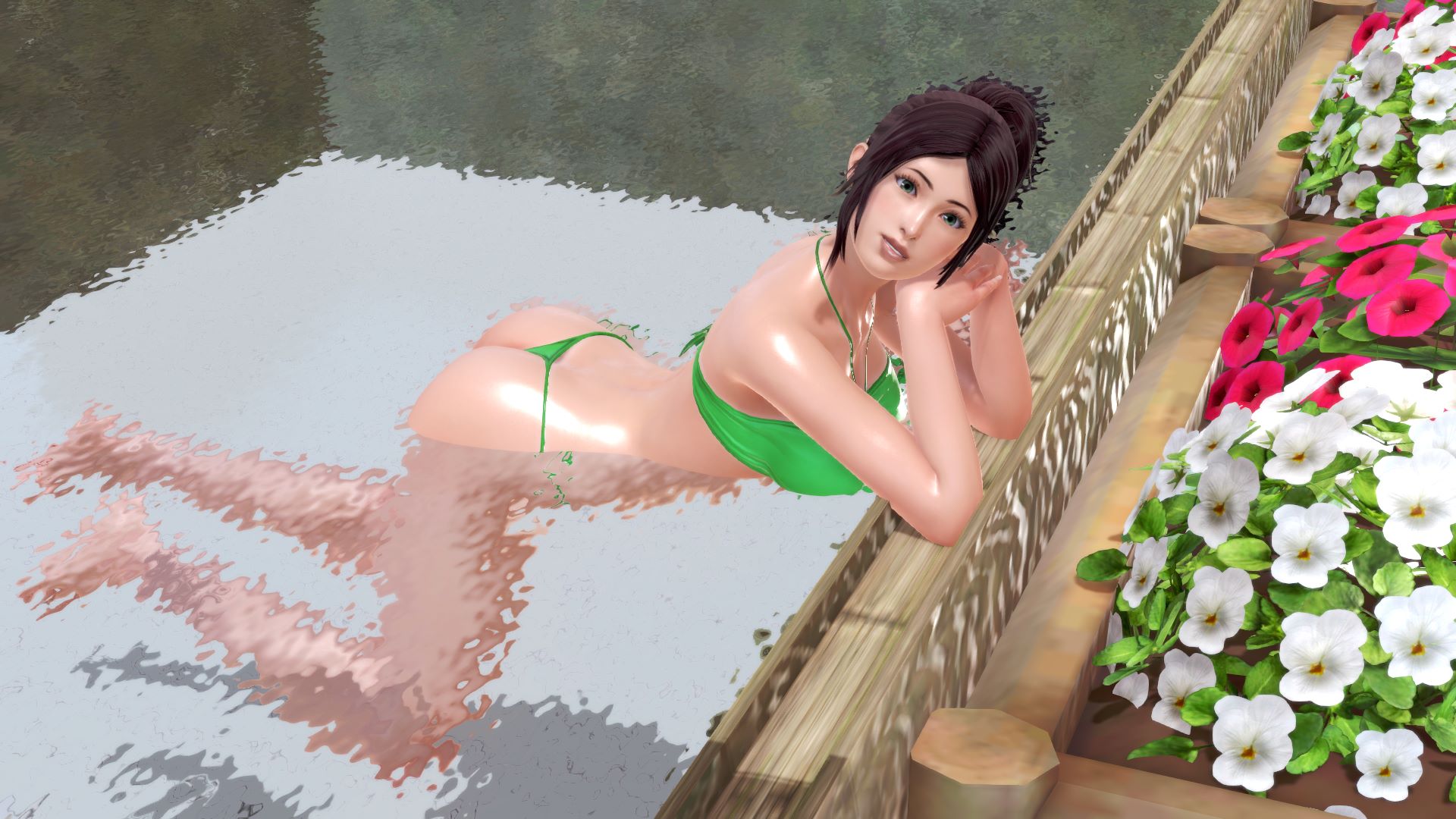
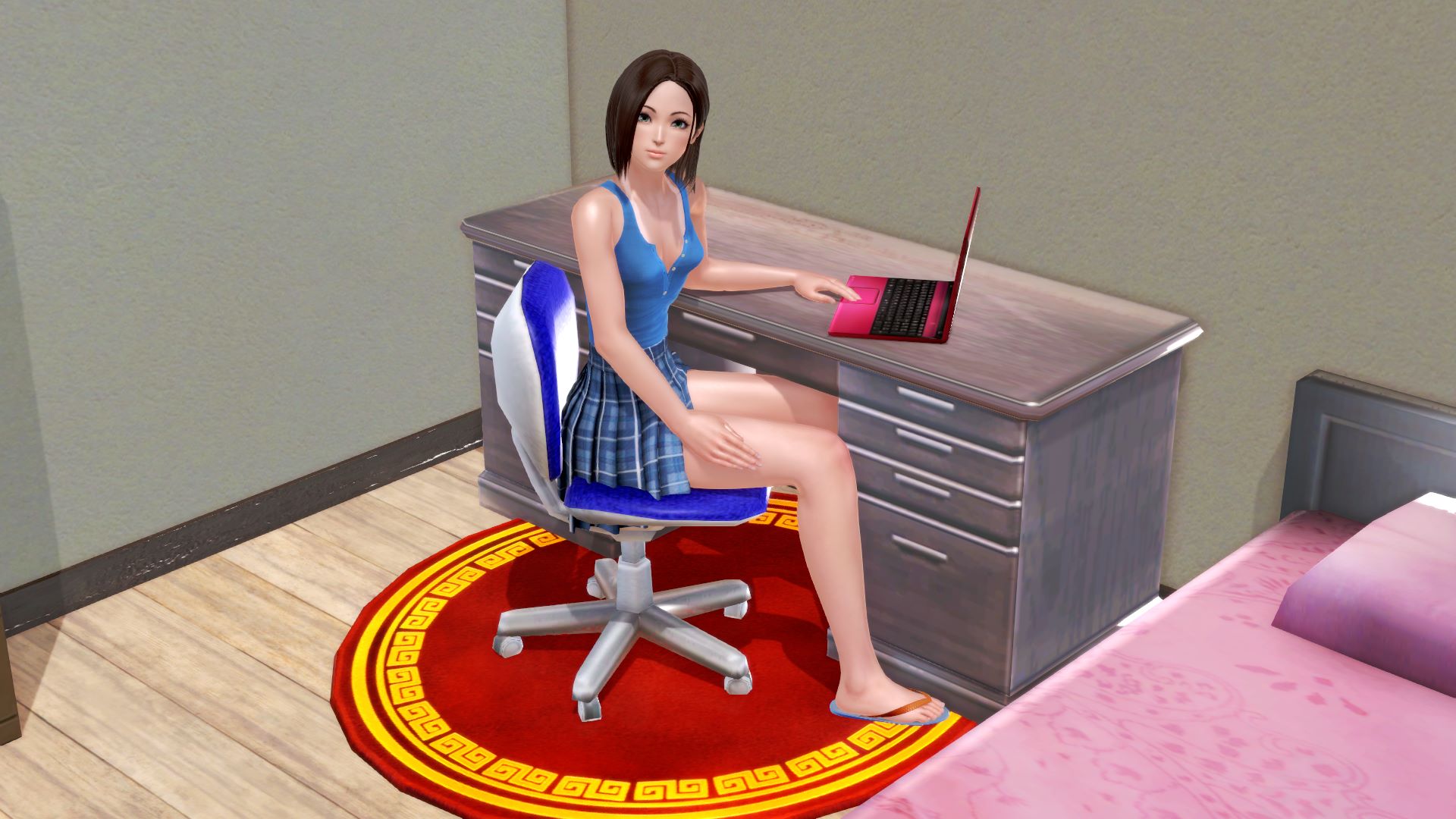
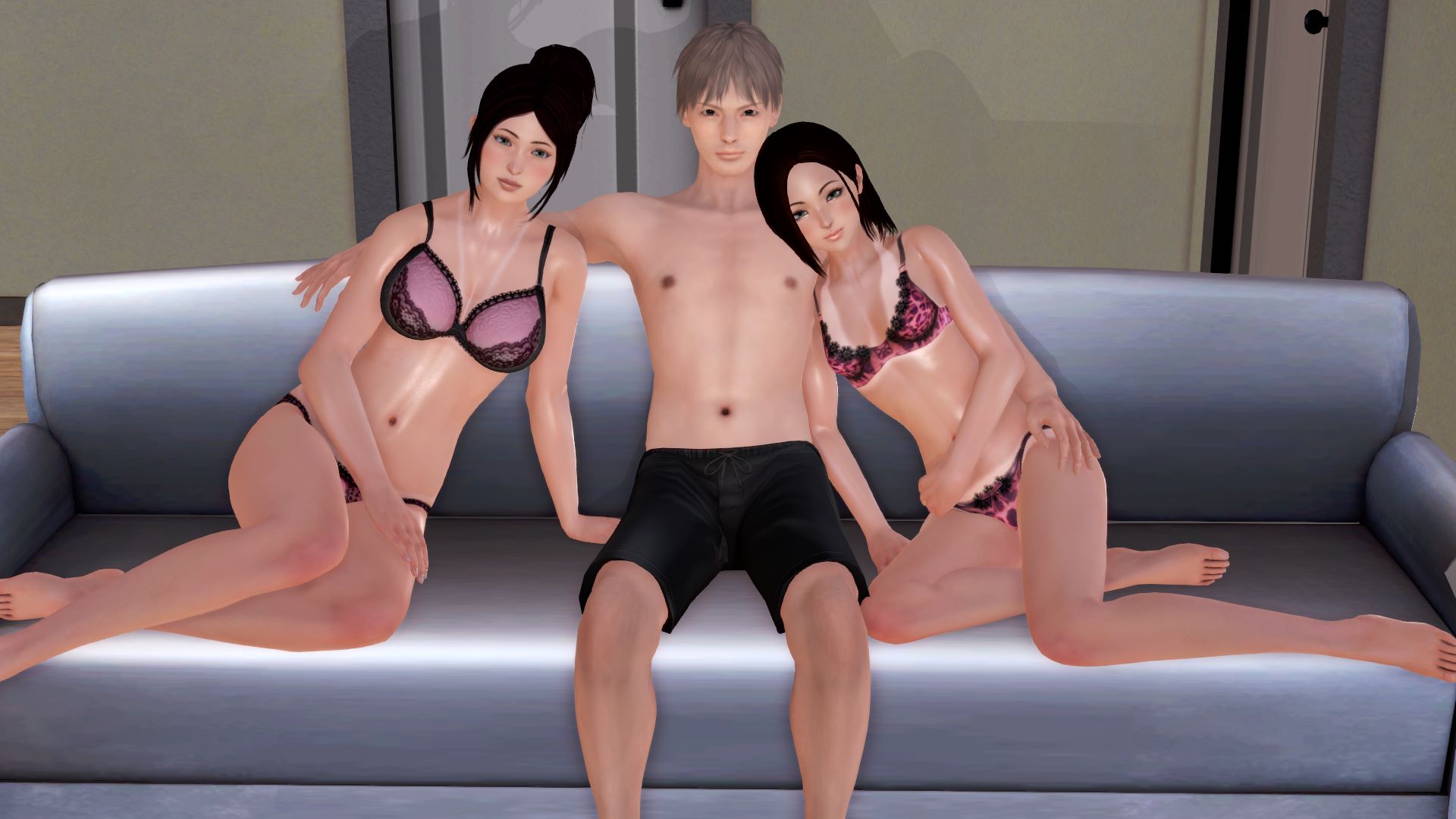
You just finished college and are trying to figure out what to do with your life at this stage. Are you going to follow your dreams of making it big as a game developer, or are you going to try and find romance and love with one of the many ladies in town? Or are you finally ready to listen to your heart and find love with those who are already closest to you?
Join him on his romantic journey.




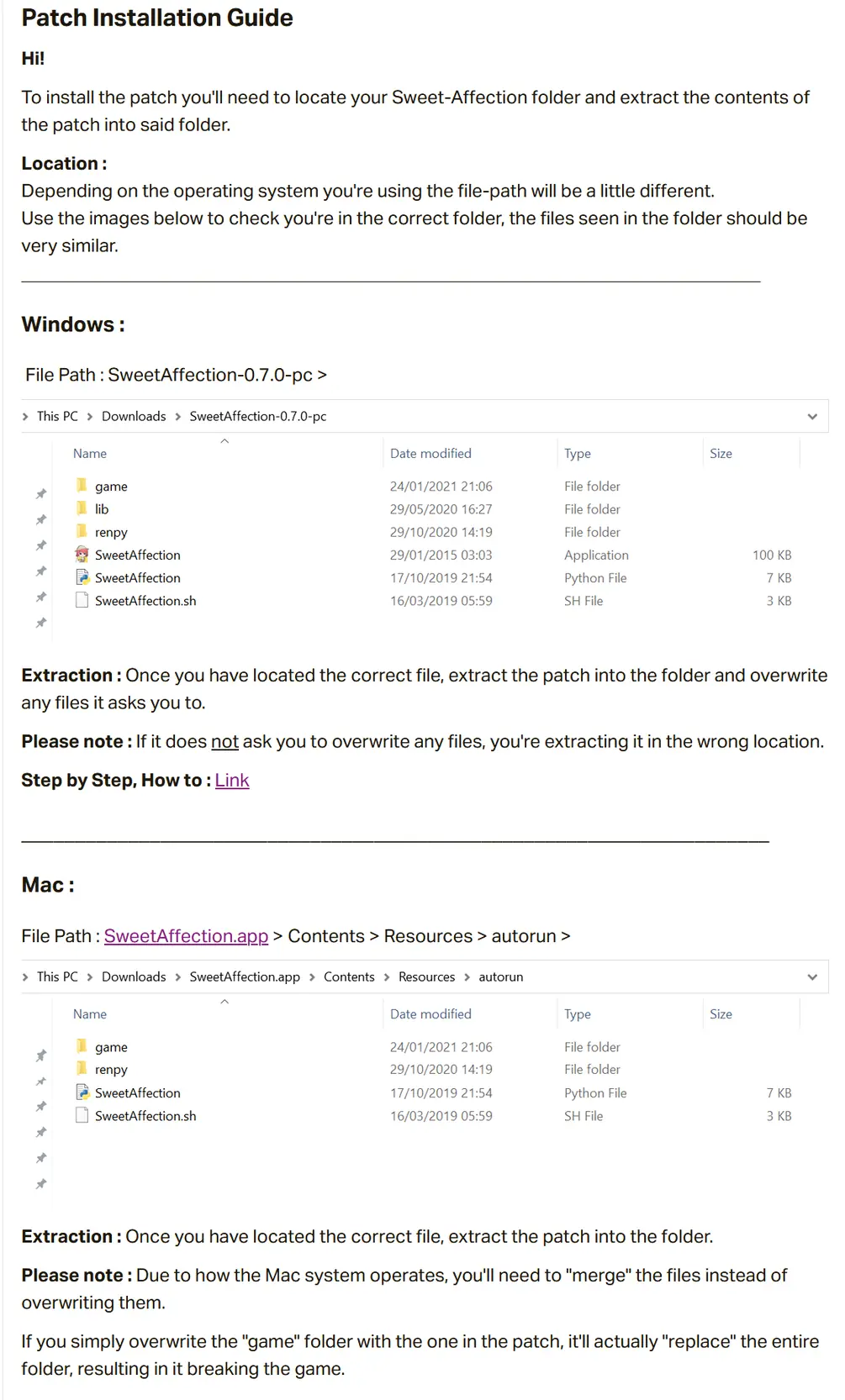
How to install?
- Extract to desired location.
- Click on "game.exe" to start playing.
- Patches :
Extract the patch into the game folder to update the previous game version to the current level of development.
Overwrite all files when prompted. "If you do not get a prompt, you're extracting to the wrong location.
Click on "game.exe" to stat playing. - How to install patches:

System Requirements:
- Dual Core Pentium or equivalent Processor.
- Intel HD 2000 or equivalent Graphics.
- 52.1 GB of free disk space (Recommended to have twice as much free disk space than this).
Sweet Affection - Ongoing - Version 0.12.5 Download Links
Confused about how the downloading works? Here is a handy guide
Mac OS Fileknot (High Quality) Transfaze (High Quality) Fileknot (Split-HQ Part 1) Transfaze (Split-HQ Part 1) Fileknot (Split-HQ Part 2) Transfaze (Split-HQ Part 2) Fileknot (Split-HQ Part 3) Transfaze (Split-HQ Part 3) Fileknot (Split-HQ Part 4) Transfaze (Split-HQ Part 4) Fileknot (Split-HQ Part 5) Transfaze (Split-HQ Part 5) Fileknot (Split-HQ Part 6) Transfaze (Split-HQ Part 6) Fileknot (Split-HQ Part 7) Transfaze (Split-HQ Part 7) Fileknot (Split-HQ Part 8) Transfaze (Split-HQ Part 8) Fileknot (Split-HQ Part 9) Transfaze (Split-HQ Part 9) Fileknot (Split-HQ Part 10) Transfaze (Split-HQ Part 10) Fileknot (Split-HQ Part 11) Transfaze (Split-HQ Part 11) Fileknot (Low Quality) Transfaze (Low Quality) Fileknot (Split-LQ Part 1) Transfaze (Split-LQ Part 1) Fileknot (Split-LQ Part 2) Transfaze (Split-LQ Part 2) Fileknot (Split-LQ Part 3) Transfaze (Split-LQ Part 3)
Linux Fileknot (High Quality) Transfaze (High Quality) Fileknot (Split-HQ Part 1) Transfaze (Split-HQ Part 1) Fileknot (Split-HQ Part 2) Transfaze (Split-HQ Part 2) Fileknot (Split-HQ Part 3) Transfaze (Split-HQ Part 3) Fileknot (Split-HQ Part 4) Transfaze (Split-HQ Part 4) Fileknot (Split-HQ Part 5) Transfaze (Split-HQ Part 5) Fileknot (Split-HQ Part 6) Transfaze (Split-HQ Part 6) Fileknot (Split-HQ Part 7) Transfaze (Split-HQ Part 7) Fileknot (Split-HQ Part 8) Transfaze (Split-HQ Part 8) Fileknot (Split-HQ Part 9) Transfaze (Split-HQ Part 9) Fileknot (Split-HQ Part 10) Transfaze (Split-HQ Part 10) Fileknot (Split-HQ Part 11) Transfaze (Split-HQ Part 11) Fileknot (Low Quality) Transfaze (Low Quality) Fileknot (Split-LQ Part 1) Transfaze (Split-LQ Part 1) Fileknot (Split-LQ Part 2) Transfaze (Split-LQ Part 2) Fileknot (Split-LQ Part 3) Transfaze (Split-LQ Part 3) Fileknot (Update Only v0.12.4 to v0.12.5 Update Patch HQ) Transfaze (Update Only v0.12.4 to v0.12.5 Update Patch HQ) Fileknot (Update Only v0.12.4 to v0.12.5 Update Patch LQ) Transfaze (Update Only v0.12.4 to v0.12.5 Update Patch LQ)
Mac OS Datanodes (High Quality) Mega (High Quality) Google (High Quality) Gofile (High Quality) Pixeldrain (High Quality) Bzzhr (Split-HQ Part 1) Datanodes (Split-HQ Part 1) Mega (Split-HQ Part 1) Pixeldrain (Split-HQ Part 1) Vikingfile (Split-HQ Part 1) Bzzhr (Split-HQ Part 2) Datanodes (Split-HQ Part 2) Mega (Split-HQ Part 2) Pixeldrain (Split-HQ Part 2) Vikingfile (Split-HQ Part 2) Bzzhr (Split-HQ Part 3) Datanodes (Split-HQ Part 3) Mega (Split-HQ Part 3) Pixeldrain (Split-HQ Part 3) Vikingfile (Split-HQ Part 3) Bzzhr (Split-HQ Part 4) Datanodes (Split-HQ Part 4) Mega (Split-HQ Part 4) Pixeldrain (Split-HQ Part 4) Vikingfile (Split-HQ Part 4) Bzzhr (Split-HQ Part 5) Datanodes (Split-HQ Part 5) Mega (Split-HQ Part 5) Pixeldrain (Split-HQ Part 5) Vikingfile (Split-HQ Part 5) Bzzhr (Split-HQ Part 6) Datanodes (Split-HQ Part 6) Mega (Split-HQ Part 6) Pixeldrain (Split-HQ Part 6) Vikingfile (Split-HQ Part 6) Bzzhr (Split-HQ Part 7) Datanodes (Split-HQ Part 7) Mega (Split-HQ Part 7) Pixeldrain (Split-HQ Part 7) Vikingfile (Split-HQ Part 7) Bzzhr (Split-HQ Part 8) Datanodes (Split-HQ Part 8) Mega (Split-HQ Part 8) Pixeldrain (Split-HQ Part 8) Vikingfile (Split-HQ Part 8) Vikingfile (Split-HQ Part 9) Bzzhr (Split-HQ Part 9) Datanodes (Split-HQ Part 9) Mega (Split-HQ Part 9) Pixeldrain (Split-HQ Part 9) Vikingfile (Split-HQ Part 9) Bzzhr (Split-HQ Part 10) Datanodes (Split-HQ Part 10) Mega (Split-HQ Part 10) Pixeldrain (Split-HQ Part 10) Vikingfile (Split-HQ Part 10) Bzzhr (Split-HQ Part 11) Datanodes (Split-HQ Part 11) Mega (Split-HQ Part 11) Pixeldrain (Split-HQ Part 11) Vikingfile (Split-HQ Part 11) Datanodes (Low Quality) Pixeldrain (Low Quality) Mega (Low Quality) Google (Low Quality) Gofile (Low Quality) Bzzhr (Split-LQ Part 1) Datanodes (Split-LQ Part 1) Mega (Split-LQ Part 1) Pixeldrain (Split-LQ Part 1) Vikingfile (Split-LQ Part 1) Bzzhr (Split-LQ Part 2) Datanodes (Split-LQ Part 2) Mega (Split-LQ Part 2) Pixeldrain (Split-LQ Part 2) Vikingfile (Split-LQ Part 2) Bzzhr (Split-LQ Part 3) Datanodes (Split-LQ Part 3) Mega (Split-LQ Part 3) Pixeldrain (Split-LQ Part 3) Vikingfile (Split-LQ Part 3)
Linux Datanodes (High Quality) Mega (High Quality) Google (High Quality) Gofile (High Quality) Pixeldrain (High Quality) Bzzhr (Split-HQ Part 1) Datanodes (Split-HQ Part 1) Mega (Split-HQ Part 1) Pixeldrain (Split-HQ Part 1) Vikingfile (Split-HQ Part 1) Bzzhr (Split-HQ Part 2) Datanodes (Split-HQ Part 2) Mega (Split-HQ Part 2) Pixeldrain (Split-HQ Part 2) Vikingfile (Split-HQ Part 2) Bzzhr (Split-HQ Part 3) Datanodes (Split-HQ Part 3) Mega (Split-HQ Part 3) Pixeldrain (Split-HQ Part 3) Vikingfile (Split-HQ Part 3) Bzzhr (Split-HQ Part 4) Datanodes (Split-HQ Part 4) Mega (Split-HQ Part 4) Pixeldrain (Split-HQ Part 4) Vikingfile (Split-HQ Part 4) Bzzhr (Split-HQ Part 5) Datanodes (Split-HQ Part 5) Mega (Split-HQ Part 5) Pixeldrain (Split-HQ Part 5) Vikingfile (Split-HQ Part 5) Bzzhr (Split-HQ Part 6) Datanodes (Split-HQ Part 6) Mega (Split-HQ Part 6) Pixeldrain (Split-HQ Part 6) Vikingfile (Split-HQ Part 6) Bzzhr (Split-HQ Part 7) Datanodes (Split-HQ Part 7) Mega (Split-HQ Part 7) Pixeldrain (Split-HQ Part 7) Vikingfile (Split-HQ Part 7) Bzzhr (Split-HQ Part 8) Datanodes (Split-HQ Part 8) Mega (Split-HQ Part 8) Pixeldrain (Split-HQ Part 8) Vikingfile (Split-HQ Part 8) Bzzhr (Split-HQ Part 9) Datanodes (Split-HQ Part 9) Mega (Split-HQ Part 9) Pixeldrain (Split-HQ Part 9) Vikingfile (Split-HQ Part 9) Bzzhr (Split-HQ Part 10) Datanodes (Split-HQ Part 10) Mega (Split-HQ Part 10) Pixeldrain (Split-HQ Part 10) Vikingfile (Split-HQ Part 10) Bzzhr (Split-HQ Part 11) Datanodes (Split-HQ Part 11) Mega (Split-HQ Part 11) Pixeldrain (Split-HQ Part 11) Vikingfile (Split-HQ Part 11) Datanodes (Low Quality) Pixeldrain (Low Quality) Mega (Low Quality) Google (Low Quality) Gofile (Low Quality) Bzzhr (Split-LQ Part 1) Datanodes (Split-LQ Part 1) Mega (Split-LQ Part 1) Pixeldrain (Split-LQ Part 1) Vikingfile (Split-LQ Part 1) Bzzhr (Split-LQ Part 2) Datanodes (Split-LQ Part 2) Mega (Split-LQ Part 2) Pixeldrain (Split-LQ Part 2) Vikingfile (Split-LQ Part 2) Bzzhr (Split-LQ Part 3) Datanodes (Split-LQ Part 3) Mega (Split-LQ Part 3) Pixeldrain (Split-LQ Part 3) Vikingfile (Split-LQ Part 3) Datanodes (Update Only v0.12.4 to v0.12.5 Update Patch HQ) Pixeldrain (Update Only v0.12.4 to v0.12.5 Update Patch HQ) Google (Update Only v0.12.4 to v0.12.5 Update Patch HQ) Mega (Update Only v0.12.4 to v0.12.5 Update Patch HQ) Gofile (Update Only v0.12.4 to v0.12.5 Update Patch HQ) Datanodes (Update Only v0.12.4 to v0.12.5 Update Patch LQ) Pixeldrain (Update Only v0.12.4 to v0.12.5 Update Patch LQ) Google (Update Only v0.12.4 to v0.12.5 Update Patch LQ) Mega (Update Only v0.12.4 to v0.12.5 Update Patch LQ) Gofile (Update Only v0.12.4 to v0.12.5 Update Patch LQ)
Report only if Mega link or all links except Mega are unavailable. More details about it
Walkthrough and Guide
Cheats: The Cheat Menu has been moved to the in-game menu "Right Click : Menu"High Framerate Mod: FILEKNOT
High Framerate Mod Installation:
1.Copy the "game" folder into the game’s root directory (the same folder where "game.exe" is located).
2.The modded files will now take priority over the original animations.
3.Launch the game and enjoy smoother, enhanced visuals!
MAC installation
Click on game icon and follow this path: Show Pacakge Contents/Contents/Resources/Autorun
Grab and drag the game folder onto the autorun folder while holding the alt key, release on it when you will see the green plus button, then click merge on the pop up window that will appear.
High Framerate Mod Features:
690 animations (14+ Hours)
All compatible animations have been converted to HFR, ensuring fluid and lifelike motion.
Beyond higher framerates, every animation has been re-encoded with optimized parameters to deliver subtle yet impactful visual improvements.
What's New in Sweet Affection Version - 0.12.5?
Sarah & Shannon Content :
Home Level E2 Weekend 10:00 : 150 Images – 03 Animations – 4.167 Words
Home Level E2 Weekend 11:00 : 183 Images – 02 Animations – 4.895 Words
Home Level E2 Weekend 12:00 : 231 Images – 06 Animations – 6.273 Words
Diary Pages Level 10 Sarah & Shannon : 010 Images – 00 Animations – 3.337 Words
Jane Content :
– Jane : Level Up 5 —> 6 : 281 Images – 03 Animations – 6.867 Words
– Jane : Level 6 : 820 Images – 08 Animations – 21.923 Words
(Apartment) : (09:00, 18:00, 19:00, 20:00, 21:00, 22:00, 23:00, 24:00)
(Office) 10:00, 12:00, 13:00, 15:00)
Total : 1765 Images – 22 Animations – 47.462 Words
Porn Games of interest:





- Do not post same comment twice, your pending comment will be moderated, approved and replied by a stuff soon.
- Do Not ask for new updates/"when it will release" etc unless it is already released by developers. We do not develop games, use common sense.
- Use English Language only.
- You can click the bell icon before commenting to get mail whenever someone replies your comment. Great way to be notified if you are posting questions, be sure to provide correct email in that case.
- If you want to ask features of games like Bugfixing, save file support, new content ideas etc then please contact the game developer, Naughty Attic Gaming .
- You can help us by reporting dead links, wrong informations, new available updates etc in the comment section.
If you have a problem, post in these links. Keep Comment section clean
New Update?
Request here
Install Problems?
Post your problems here
Broken Links?
Let us know here
Bugs in game?
Use this forum to report it